Elevate Your Unity Game with Post Processing
In the realm of game development, captivating visuals are key to immersing players in your virtual world. Post-processing effects offer a potent arsenal for enhancing visual quality, with bloom and color grading standing out as primary tools. In this article, we’ll delve into these two pivotal effects while acknowledging the broader spectrum of post-processing possibilities available in Unity.
Post-processing effects are techniques applied to rendered images to enrich their quality or introduce stylistic elements. These effects emulate real-world phenomena, encompassing lighting, depth of field, motion blur, and more. By integrating post-processing into your Unity project, you can craft scenes that dazzle the eye and deepen immersion.
Bloom, a standout post-processing effect, mimics the dispersion of light through a camera lens, resulting in a soft, luminous glow around bright objects. This effect imbues scenes with vibrancy and depth, replicating the natural play of light. Implementing bloom within Unity is straightforward, thanks to the built-in Post-Processing Stack.
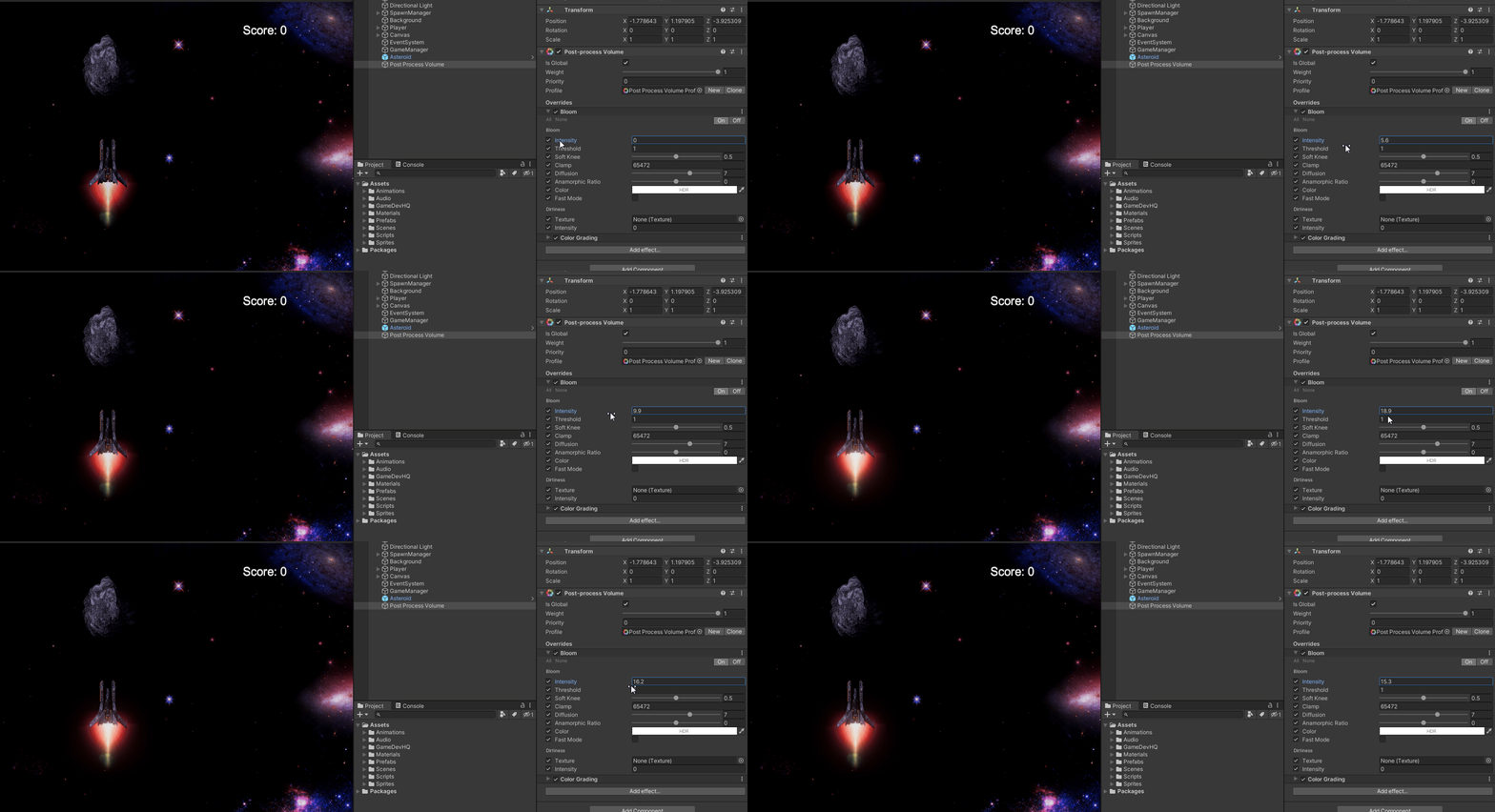
By applying bloom judiciously, you can amplify the brilliance of light sources, from flickering torches to dazzling sunbeams. The result? Environments that feel alive and dynamic, drawing players deeper into the game world.
Color grading is another potent tool for transforming visuals, allowing for precise adjustments to color, contrast, saturation, and tone. This effect enables developers to evoke specific emotions and set distinct atmospheres. Unity’s Post-Processing Stack offers an array of options for implementing nuanced color grading effects effortlessly.
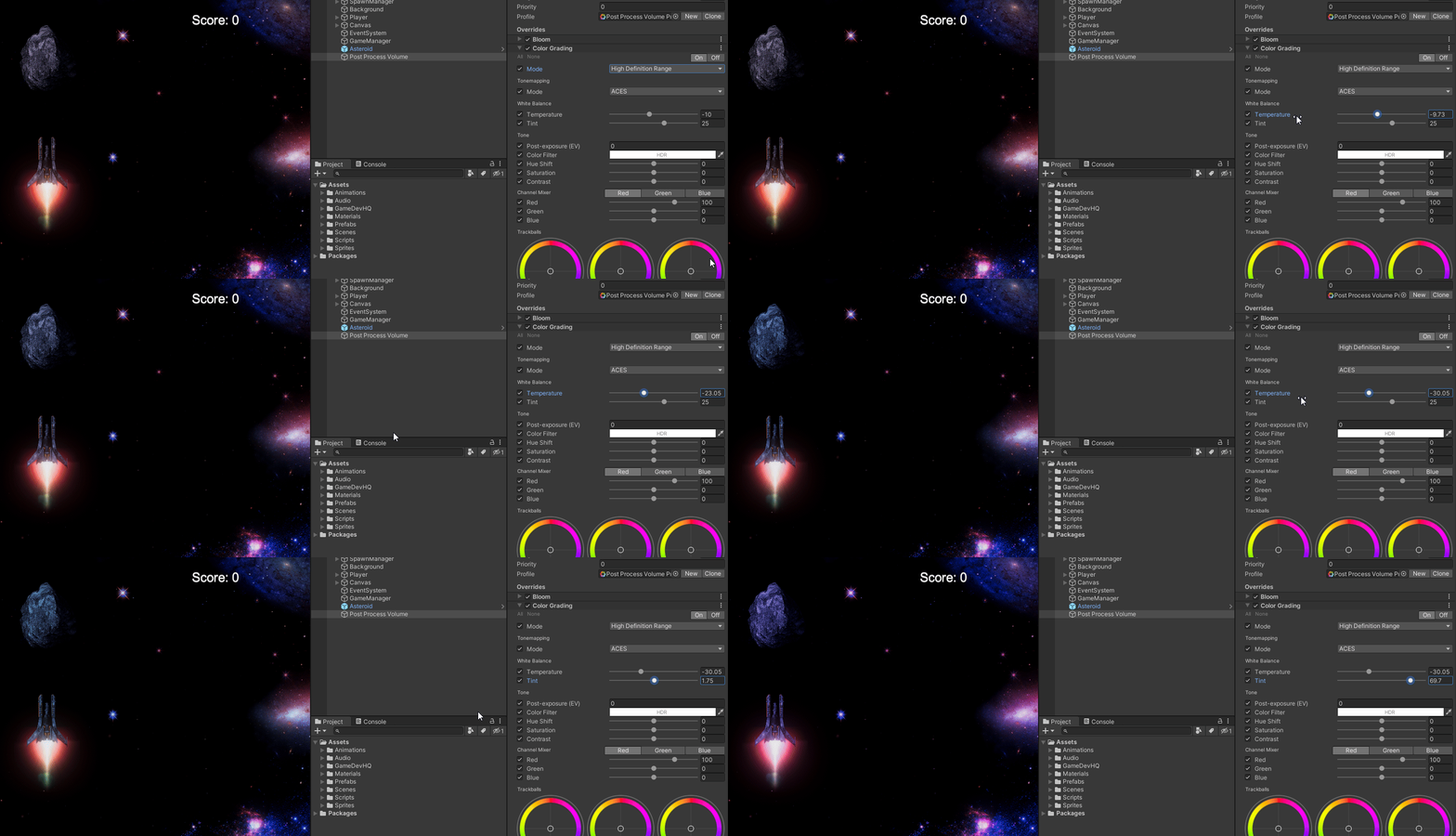
With color grading, you can tailor the aesthetic of your game to perfection. Whether striving for gritty realism or whimsical fantasy, the right color palette can amplify narrative impact and evoke powerful emotional responses from players.
While bloom and color grading take center stage, Unity boasts a diverse array of additional post-processing effects:
Depth of field mimics the focus effects of a camera, directing attention and enhancing realism.
Motion blur adds cinematic fluidity to fast-paced action sequences, enhancing immersion.
Ambient occlusion enhances realism by simulating the soft shadows that occur in crevices and corners.
Vignetting draws focus to the center of the screen while adding a subtle cinematic touch to visuals.
By leveraging the power of bloom and color grading, you can elevate the visual quality of your Unity game to new heights. These effects, alongside a host of others, offer a wealth of creative possibilities for developers looking to craft immersive, visually stunning experiences. So don’t hesitate to explore the potential of post-processing effects in your own projects and unlock the full potential of your game visuals!