
Earning your first Cryptocurrency and setting up your own Coinbase account
In this tutorial I will talk you through setting up your own Coinbase account and how to earn your first cryptocurrencies for free by simply learning.
Step 1:
Go to https://www.coinbase.com/join/smith_fgp and click “Signup” at the top right-hand corner of the page.
Please carefully review the terms of the User Agreement and Privacy Policy.
Once you’ve reviewed all the terms:
1. Fill in your personal details
2. Check the “I agree to the User Agreement and Privacy Policy”,
3. Click “Create Account”
4. You will be directed to a confirmation page upon submission.
Step 2:
A verification link is sent via email.
Navigate to the email address specified in the initial step and click “Verify Email Address”.
Note: Check your junk folder if you do not receive any emails from Coinbase.
Step 3:
Set up your account.
Begin by selecting your account type. For the purpose of this tutorial select “Individual”.
Step 4:
Enter local phone number.
This is required for:
· Logins (2-Step Verification)
· Transactions
Step 5:
Select payment method.
Connect your bank account, debit card, or credit card to purchase and sell digital currency with local currency.
Personal identification is required before any payment method can be selected.
Coinbase will redirect you to this page, where three modes of identity verification are allowed:
· Passport
· Driver’s License
· Photo ID
Select the preferred method of uploading identification documents.
You may now enter the details of your preferred payment method.
Two charges will be made to the bank account under “Pending Transactions”.
You are required to determine the last two digits of these charges.
These charges can be found from online bank statements .
Enter the last 2 digits of each charge, and click “Verify Charge Numbers”.
And you’re done!
You are now able to buy and sell BTC or ETH from Coinbase!
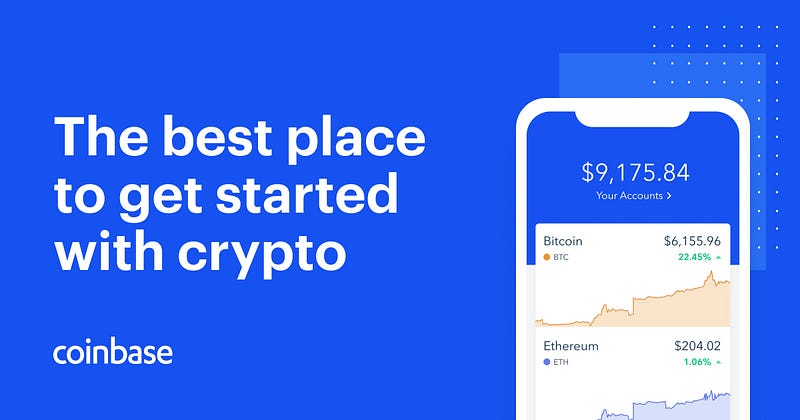
Once your account is setup you can follow the the links below to start earning your first cryptocurrencies for free by simply learning about EOS and XLM.