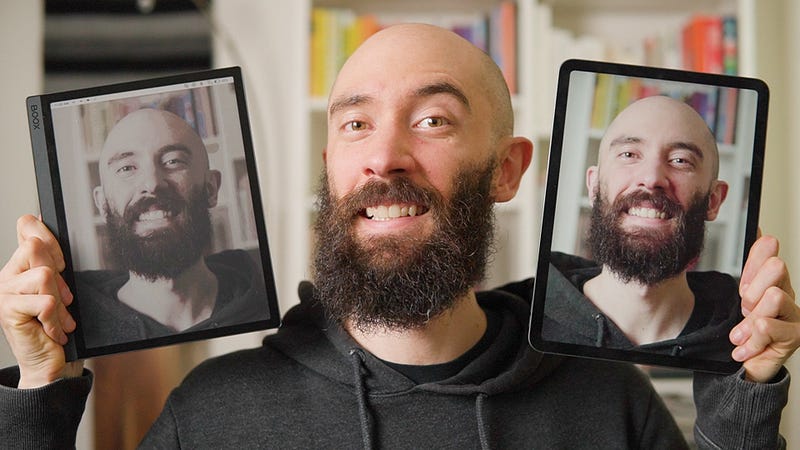
E Ink Monitor: Am I More Productive Living Without My iPad?
August 8, 2023 — Color e ink is more relaxing, but is it good enough to replace my iPad for productivity?
Hello, my name’s Andrew, and I’ve been using a color e ink tablet called the Boox Tab Ultra C for the past two weeks.
I feel more relaxed and productive, but my iPad does a lot of things the Tab Ultra can’t and I don’t know if I can live without it, so by the end of this video I’m going to make a decision…
One of these tablets is staying on my desk, and the other is going on eBay.
Problem
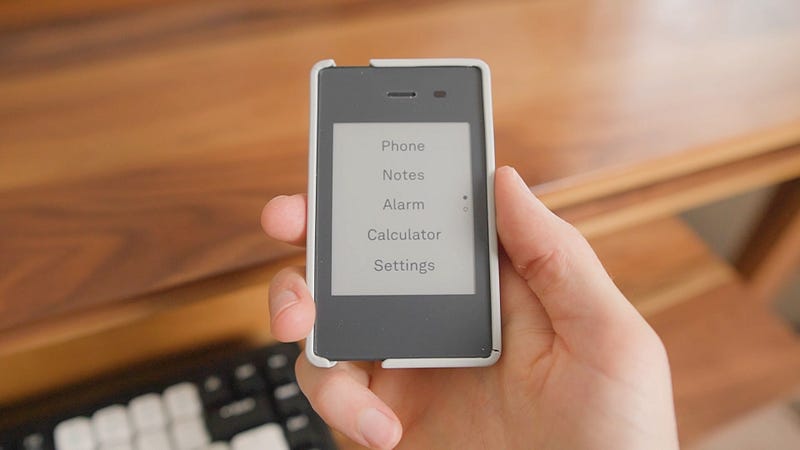
Two years ago I ditched my iPhone for a minimalist phone called he Light Phone 2, and it worked so well that I ended up replacing my iMac with an e ink display called the Boox Mira Pro…
…and while it was a bit awkward at first, the limitations of e ink were a small price to pay for the ten years of eyestrain, headaches, burnout, and social media addiction that literally vanished within two weeks of switching.
Re:Addiction
However, I still needed my iPad for color-related things, like illustrating comics, shopping for barefoot shoes, or keeping up with friends on Instagram, and, predictably, LED just started creeping back into my life.
Discipline
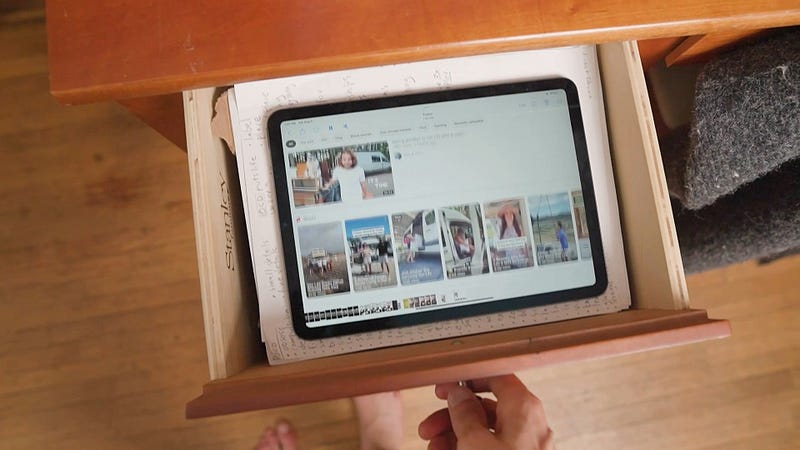
So I retaliated with a hardcore routine of screen time limits, deleting apps, and even putting my iPad in a locked safe.
But whenever I logged back in it was like modern apps load so much content so quickly that I would be tapping and scrolling on things before the decision-making part of my brain even kicked in, and the LED screen was so bright and vibrant that it made real life feel dull and depressing.
Basically I was a gambling addict living with a portable slot machine, and despite all the progress I had made with my Light Phone and e ink monitor…
My iPad was always there to drag me back down.
Solution
For the past three months I’ve been working on a project called “Van Plan,” but I was struggling so much with distraction that it came to a point where I realized that unless I got rid of my iPad I was never going to finish the video.
(Let alone accomplish my dream of getting into van life.)
So like I did with my iPhone and iMac I gave my iPad to a friend and paid $600 for a color e ink tablet called the Boox Tab Ultra C.
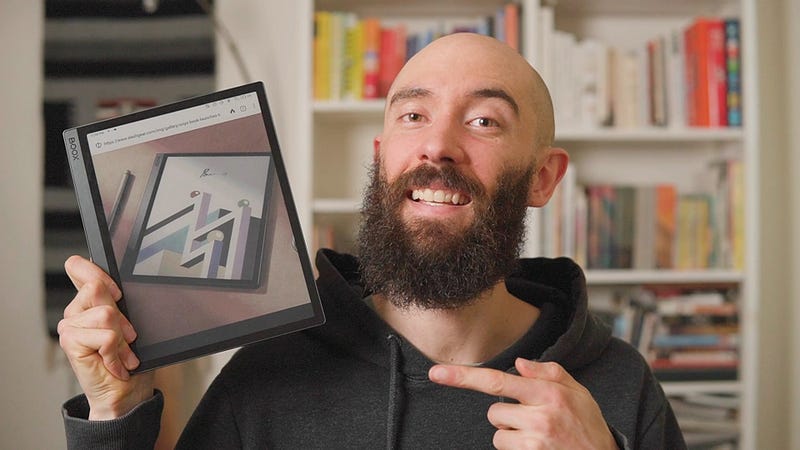
Unboxing
When I powered it on my first impression was kind of “worse than I hoped, but better than I expected.”
Because although the RGB layer made the screen darker and more muted than my grayscale e ink display, there was just this sense of “magic” seeing color on an e ink device, like those moving paintings from Harry Potter.
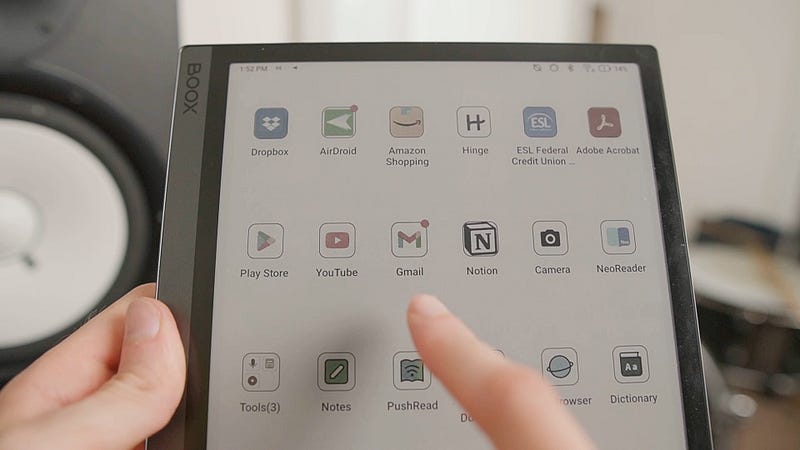
Setup
Right out of the box I was able to log in to Google Play and download apps like YouTube, Gmail, and Notion, and other than turning the speed to Ultrafast and adding a custom “full refresh” gesture the Boox Tab Ultra C didn’t need any special setup.
Features
Like all e ink devices you could see a little ghosting, but it wasn’t really noticeable most of the time, and scrolling seemed smooth, although it got more choppy in HD mode.
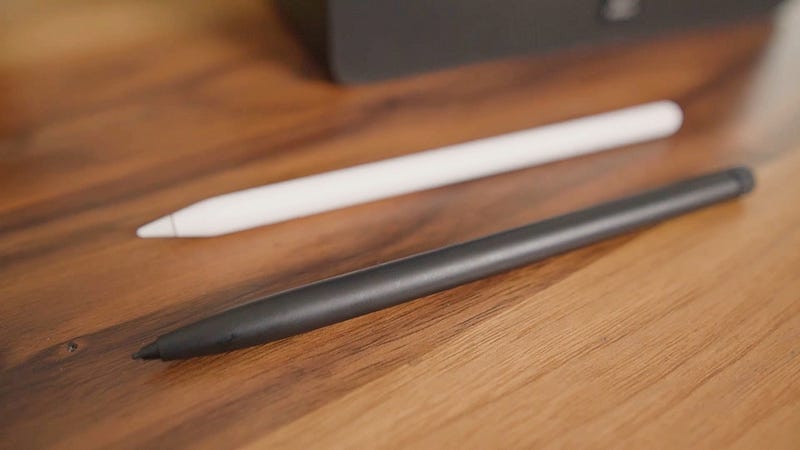
Also, the stylus felt very Apple Pencil-like, and overall I was optimistic about replacing my iPad with the Tab Ultra C.
That is until I started trying to actually, you know…use it.
Casual
Scrolling websites the choppiness of the Tab Ultra became more apparent, but it was also kind of nice, because it gave me space to stop and think about what I was doing, unlike the frictionless experience of my iPad.
Social
After years of social media addiction it felt amazing to just be able to browse a few posts without getting distracted, and seeing everything in muted colors made the glamorous lives of influencers a lot less interesting.
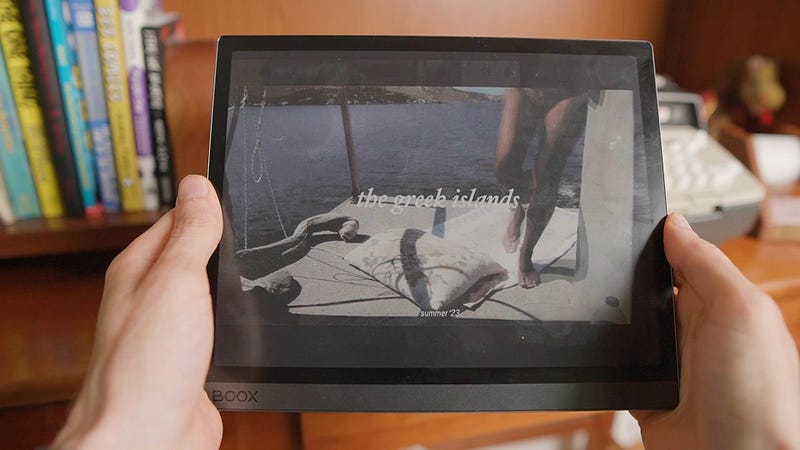
Browsing
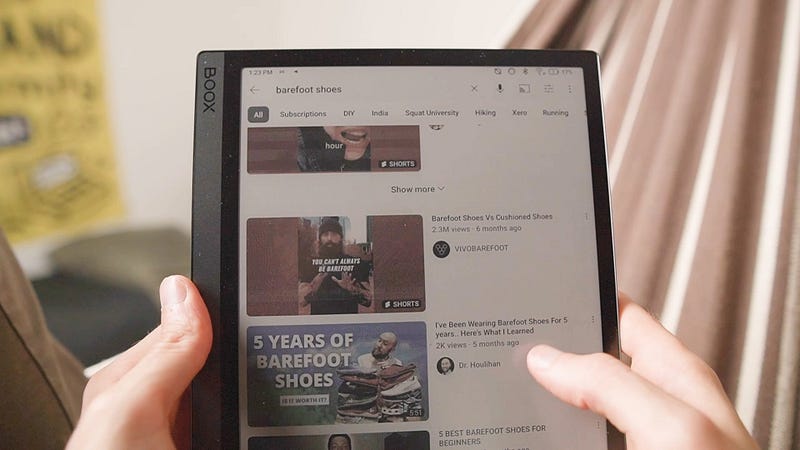
Also, the Tab Ultra C worked well for doing basic research, and the color e ink even made it possible to shop for clothes and barefoot shoes, although I had to doublecheck things on my MacBook before purchasing.
Reading
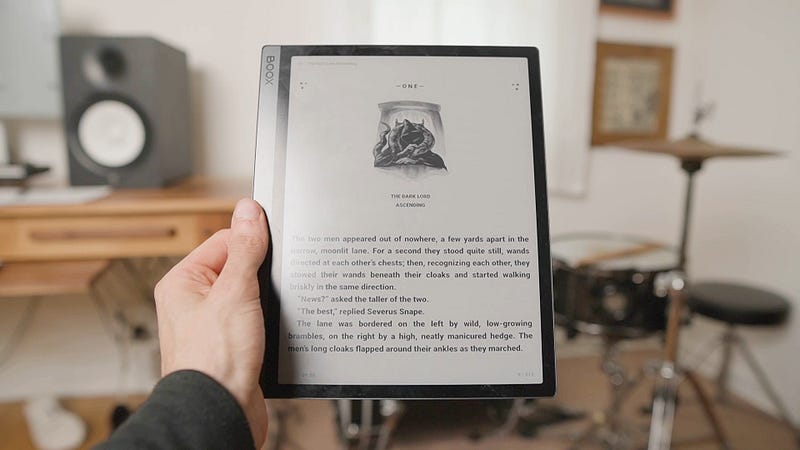
Obviously, the Tab Ultra was nice for reading, but I preferred the smaller size and higher contrast of my grayscale Kindle Paperwhite, and while simple comics like Calvin and Hobbes were great, the muted screen took away somewhat from color-rich graphic novels like Tokyo Ghost.
Video
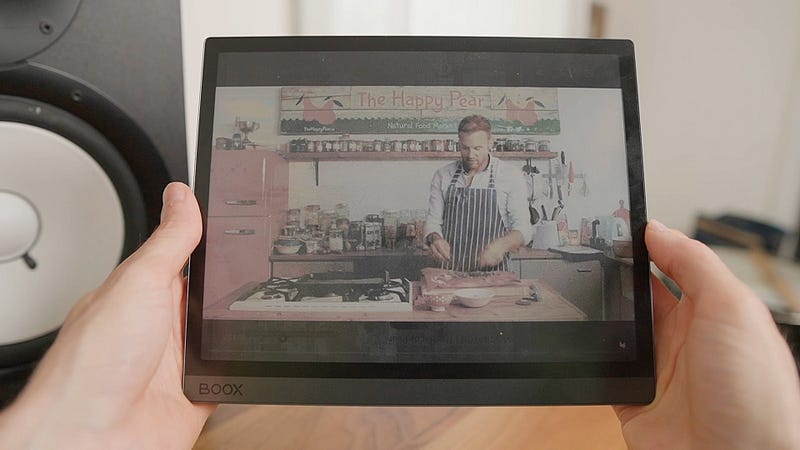
Watching videos on YouTube was the same story, because the quality was decent enough to look up a recipe, but, let’s be real, it’s not like anyone wants to sit through Lord of the Rings at eight frames per second.
Generally, though, the Boox Tab Ultra C was super relaxing for casual use, and with my old MacBook as a backup I proceeded to answer the more difficult question:
Would a color e ink tablet actually work…for work?
Working
Being a content creator I use my iPad for literally everything, so managing my productivity with the Tab Ultra C felt a bit like trying to replace a rocket ship with a hang glider.
Writing
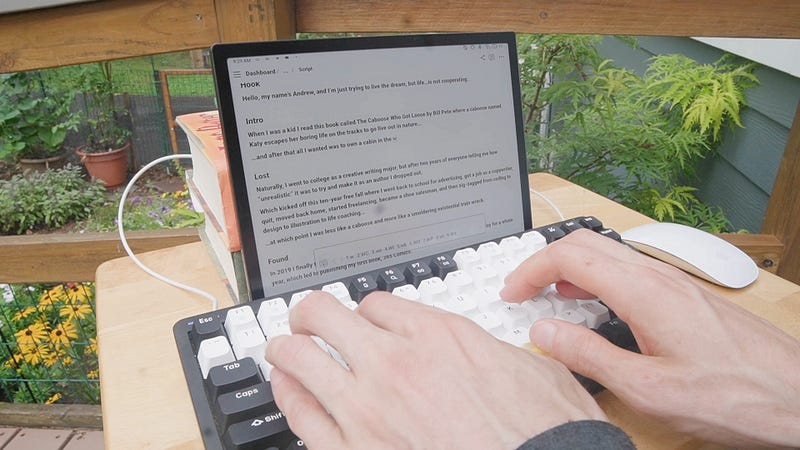
For simple tasks like organizing my daily routine in Notion, the stylus and pastel colors made for a perfect minimalist workflow, and I was even able to convert it into a DIY laptop by pairing a mouse and keyboard.
Which created a kind of lofi typewriter setup that I could use outdoors where the e ink screen looked fantastic compared to to the glare on my iPad.
Drawing
When it came to sketching the Boox Notes app had virtually zero lag and the matte screen felt a lot more natural than my glossy iPad.
That said the app did get a bit glitchy drawing over images, and brush and colors were limited, so for illustrating I ended up using an app called Sketchbook, which was more advanced.
Although I did have to draw slower to compensate for a bit of lag and use my shortcut occasionally to clear the ghosting.
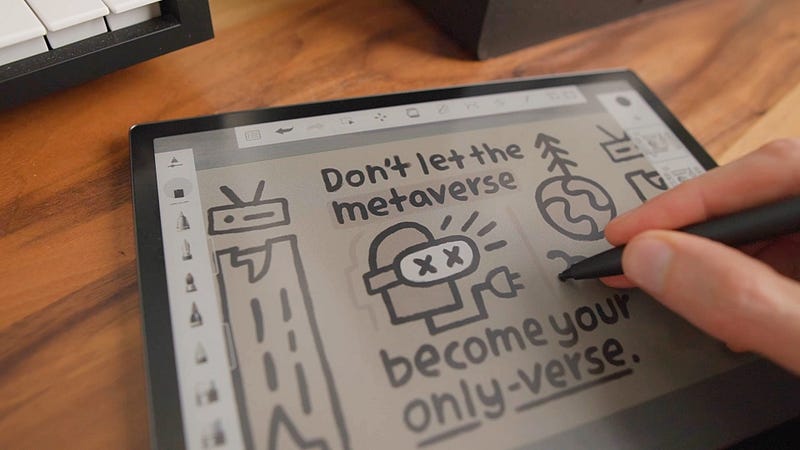
“So check this out. Here’s a comic I illustrated in Procreate on my iPad and here’s the same comic redrawn in Sketchbook on the Tab Ultra C. Not bad, right? But also I came up with this new cardboard illustration style, while I was detoxing from my iPad, and that’s the cool thing about e ink…it’s almost anti-addictive, ya know? Always pushing you back into the real world.”

Video
For short video chats the Tab Ultra was a nice break from LED, but unfortunately it just felt too choppy to use on longer video calls, and despite my dreams of video editing on e ink the colors just weren’t accurate enough.
Productivity
Still, the e ink screen worked fine for general productivity tasks like reading emails, setting calendar events, and checking my bank account, apart from the occasional bug or performance issue.
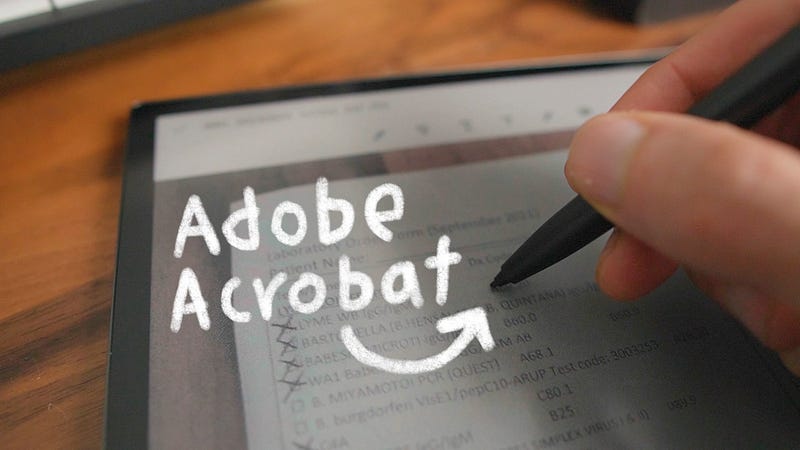
Also, while the camera was mediocre, it worked fine for capturing documents, which I could edit with the Boox Reader app using a ton of cool features, like highlighting, annotating, screenshotting, text-to-speech, and more.
Conclusion
Overall I never expected a minimalist tablet like the Boox Tab Ultra C to do everything my iPad could, but I feel so much more calm, creative, and focused working on e ink that it’s worth some inconvenience.
Pros/Cons
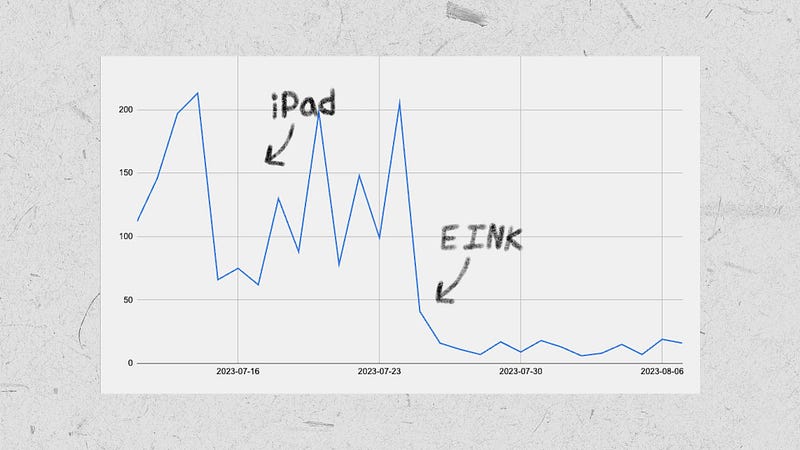
For starters my social media time is down from two hours to ten minutes and without blue light my sleep improved from 6.7 to 8.2.
But I was also able to illustrate all the animations for this video with zero eyestrain, and in general it’s so nice to be able to slow down and appreciate one thing at a time.
However, the Tab Ultra’s slow refresh rate makes it less useful for video, the measly 4 gb’s of RAM can cause some apps to lag, and the color e ink screen isn’t accurate or clear enough to give up LED completely.
Alternatives
In terms of other e ink devices…
- Boox Palma: 6.13” grayscale e ink screen and is small enough to use as a full-featured alternative to the Light Phone.
- Kindle Paperwhite: 6.8” grayscale e ink screen and is super convenient for downloading and reading ebooks.
- Boox Mira Pro: 25.3” grayscale e ink screen and works perfectly as a main or secondary monitor for productivity.
Resources
If you’d like to support the channel, you can shop with the referral links above/below, or check out my reviews for the Light Phone 2 and Boox Mira Pro, and if you have questions about the Tab Ultra C, or about e ink in general, let me know in the comments.
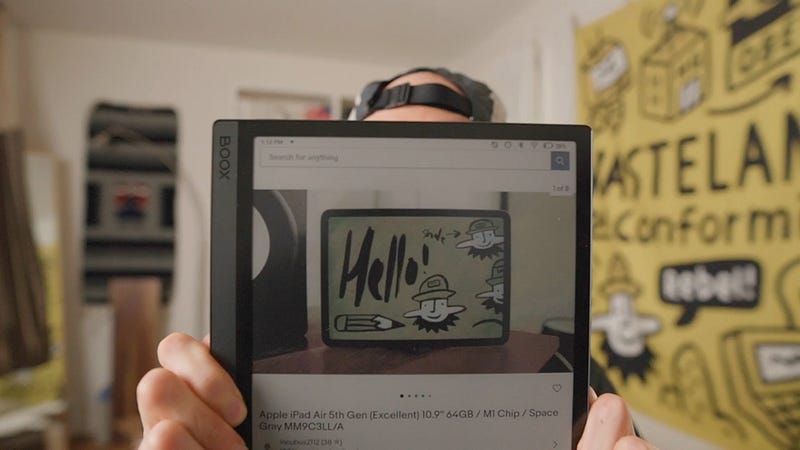
Finally, at the time of posting this article, you can literally buy MY iPad Air on eBay, but I’d suggest you get an e ink tablet instead.
Thanks for reading. Catch ya next time. Peace!

p.s. If you liked this story, you can find more comics and video guides on Instagram @fthelines and on YouTube, or subscribe to get new articles in your inbox whenever I publish. Thanks for reading! — Andrew (: