Doccano — A Tool To Annotate Text Data To Train Custom NLP Models
Garbage in, garbage out: good-quality data is the fuel to robust ML engines

I recently had to build an NLP model for a very specific task in a very technical domain.
This was challenging since I didn’t know anything about the subject matter and no training data was available.
As a data scientist, I first tried researching open-source datasets, pre-trained models, and scientific articles but I finally came to the conclusion that nothing really matched what I was aiming for and that the only way to solve my problem was to build a training dataset from the ground up.
→ Manual labeling had to be done 🤷♂
To this end, I reviewed multiple text labeling tools and the one I finally picked was Doccano.
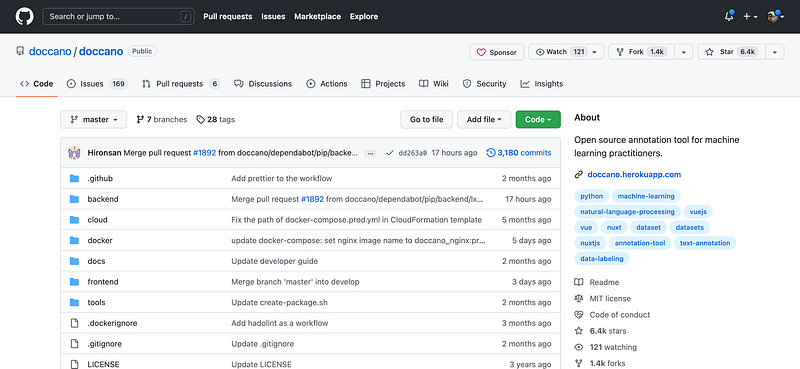
In this post, I’ll tell you more about this tool: I’ll first go over its multiple features and show you how to install it and set it up for your teams. Then, I’ll present a concrete example in which Doccano helps with annotating data for a named entity recognition (NER) task.
This post is a personal review. I am not endorsed by Doccano or any of its core developers in writing it.
Without much further ado, let’s have a look 🔍
Sometimes you need to invest time in building a labeled dataset ⏳
With the rise of very powerful models powered by massive transformers, we tend to think that a lot of today’s NLP tasks are solved.
→ If you have access to labeled data, fine-tuning a pretrained transformer on your downstream task (classification, translation, NER) will probably get you good or even state-of-the-art (SOTA) results → If you don’t have labeled data, you can load a transformer that’s been pretrained on a similar task and apply it as-is → If you don’t have access to training data or a pretrained model, you can sometimes perform zero-shot learning. You load a transformer, indicate your class labels, and perform predictions against them.
Although they seem like pure magic, pretrained models (and transformers) are not the solution to every single NLP problem.
In fact, without the right domain knowledge that’s incorporated into the data, pretrained models can only have a broad view, especially if they’re trained on general-purpose corpora (👋 Wikipedia)
That’s why annotating data and building training datasets can be a reasonable solution when you’re faced with a problem that requires a lot of domain expertise.
It sure seems painful at first but it’s valuable in the long run.
Introducing Doccano
After reviewing 3 or 4 text annotation tools (both open-source and proprietary), I finally decided to invest time in doccano.
As described in the official documentation, Doccano is
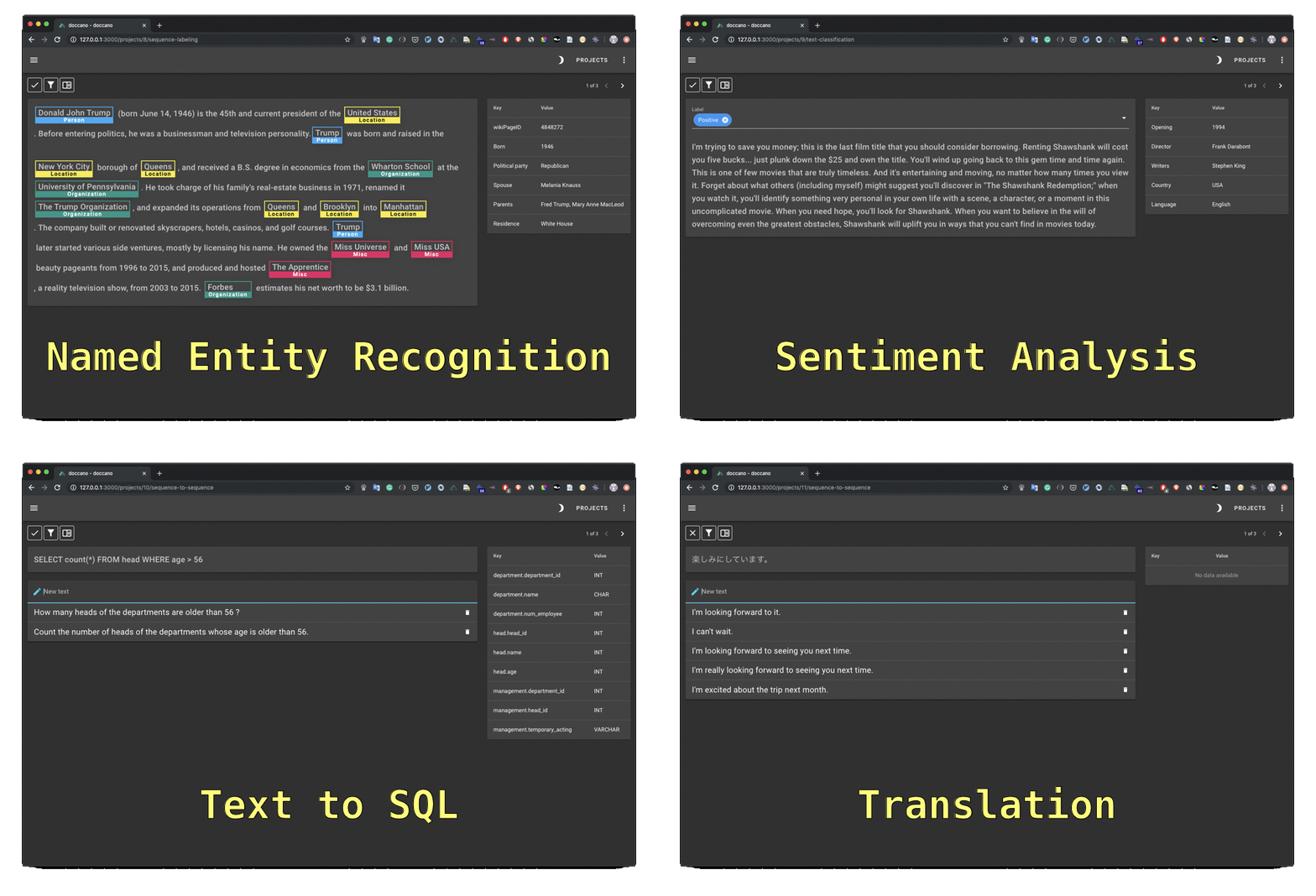
“an open source text annotation tool for humans. It provides annotation features for text classification, sequence labeling and sequence to sequence tasks. (..), you can create labeled data for sentiment analysis, named entity recognition, text summarization and so on. Just create a project, upload data and start annotating. You can build a dataset in hours.”
To be able to use doccano locally, you have two options:
1 — Install locally with pip
You can spin it up in a few seconds on your computer.
Simply run this command to install it.
pip install doccanoSince doccano natively uses SQLite as a database, you can also install it with PostgreSQL. In that case, you’ll need to run the following command:
pip install 'doccano[postgresql]'and set DATABASE_URL as an environment variable.
DATABASE_URL="postgres://${POSTGRES_USER}:${POSTGRES_PASSWORD}@${POSTGRES_HOST}:${POSTGRES_PORT}/${POSTGRES_DB}?sslmode=disable"Once doccano is installed, run the following commands in order to:
- Initialize the database:
doccano init- Create a super user
doccano createuser --username admin --password pass- Start a web server
doccano webserver --port 8000This runs a local server listing at port 8000.
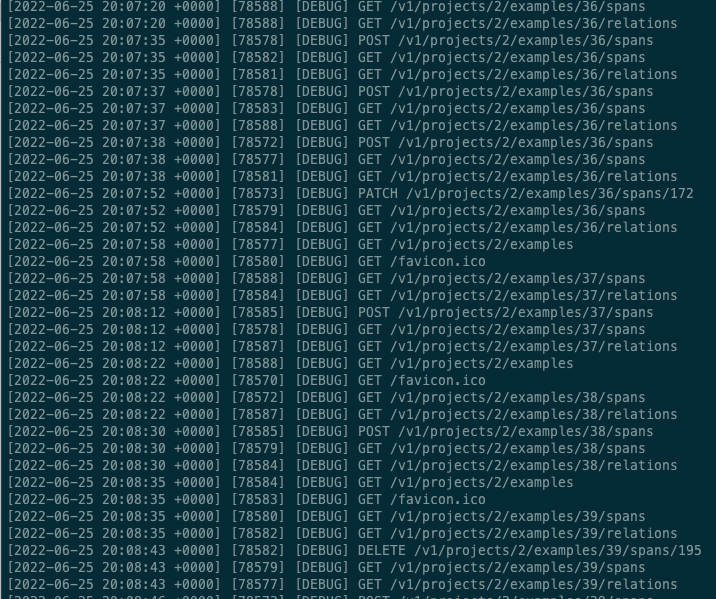
Now, in another terminal, you need to start a queue to handle file upload and download.
doccano task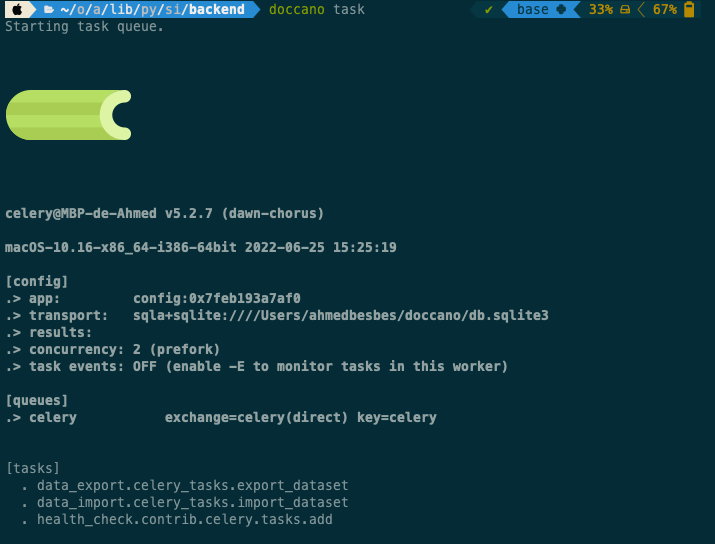
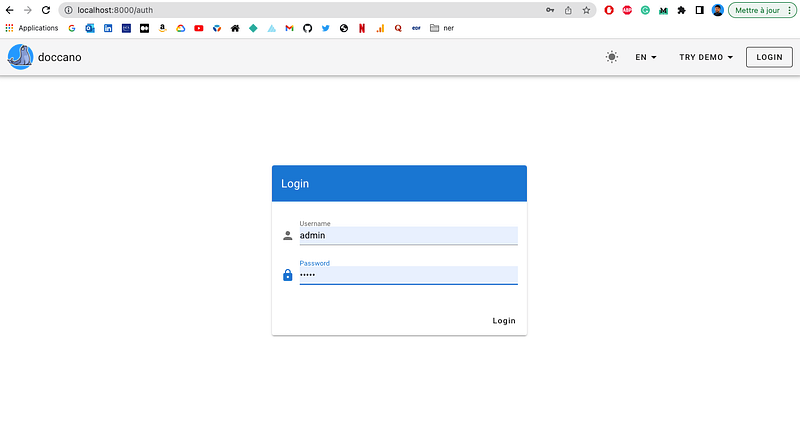
→ by visiting http://127.0.0.1:8000 you can now access the tool locally.
Just enter the username and the password you defined previously and you’re good to go.
2 — Docker or Docker Compose
You can also start doccano using Docker, which is a good alternative if you want to deploy it on the cloud.
Docker allows you to reduce the different steps you previously executed manually into a few commands that pull the doccano image from Dockerhub, create and start a container after setting up the credentials, the database, and the networking.
docker pull doccano/doccano
docker container create --name doccano \
  -e "ADMIN_USERNAME=admin" \
  -e "[email protected]" \
  -e "ADMIN_PASSWORD=password" \
  -v doccano-db:/data \
  -p 8000:8000 doccano/doccano
docker container start doccanoYou can also execute doccano as a multi-container stack using docker-compose.
docker-compose -f docker/docker-compose.prod.yml \
               --env-file .env up
You can check the docker-compose.prod.yml here.
Features and functionalities
Doccano makes labeling an easy process. Instead of enumerating its features, let’s create an annotation project and start labeling. We’ll see the interesting stuff along the way.
→ Separate/independent projects for each of your tasks
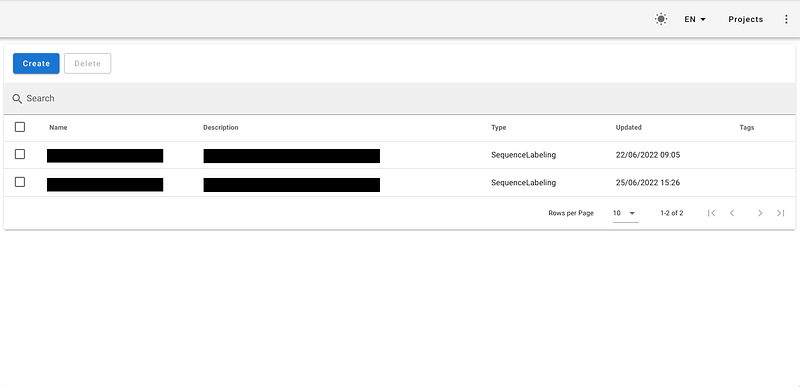
After starting Doccano, head over to the sign-in page and enter your credentials. Once logged in, you’ll be presented with a list of the different annotation projects you launched in the past.
→ Multiple types of annotation
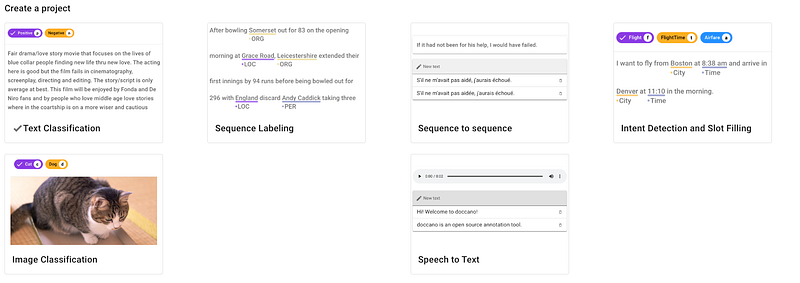
Hit the Create button to launch a new project and select the appropriate task (text classification, sequence labeling, sequence to sequence, etc.)
Let’s select the sequence labeling task for example. This is suitable for tasks such as named entity recognition.
→ Easy project setup
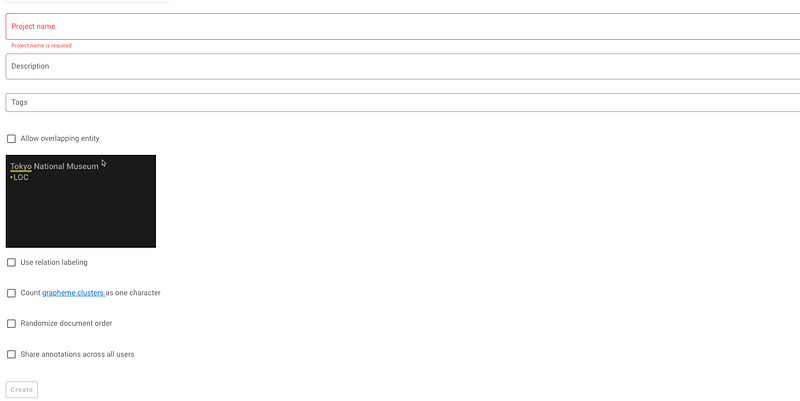
Once you select a task, Doccano will ask you to define a project name, a description, some tags, whether or not to have overlapping entities, relation labeling, or shared annotations between users.
→ Configure the project
Before starting the annotation process, some configurations should be set first.
- Define the labels: for example, the entities you’re interested in detecting. You can also attribute a color code to each one of them.
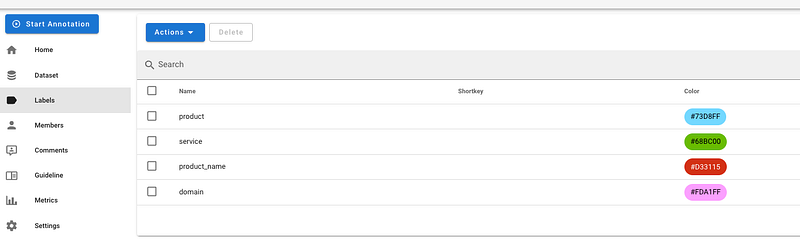
- Create the users: Doccano is a collaborative tool in which multiple users can work on the same project.
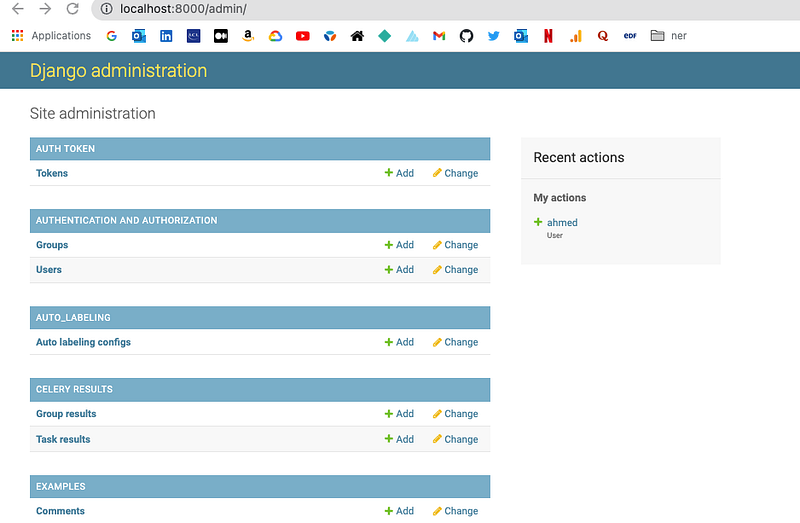
To manage the users, you first need to go to the Django administration page http://localhost:8000/admin/
Under “Users”, you can add or remove users.
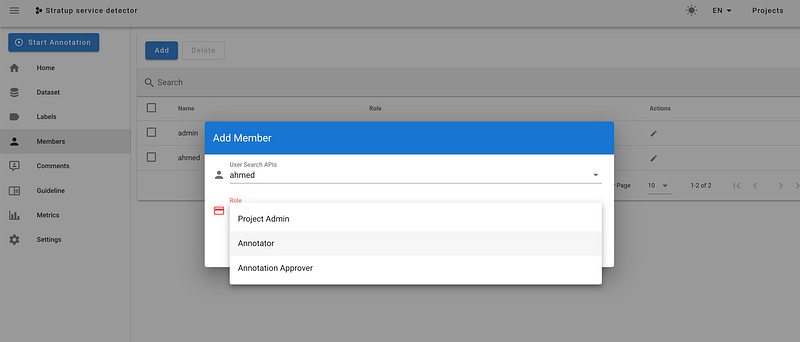
Assuming I created a user “ahmed”, I can add it to the project and specify its role: Project Admin, Annotator, Annotation Approver.
- Add annotation guidelines for the annotators
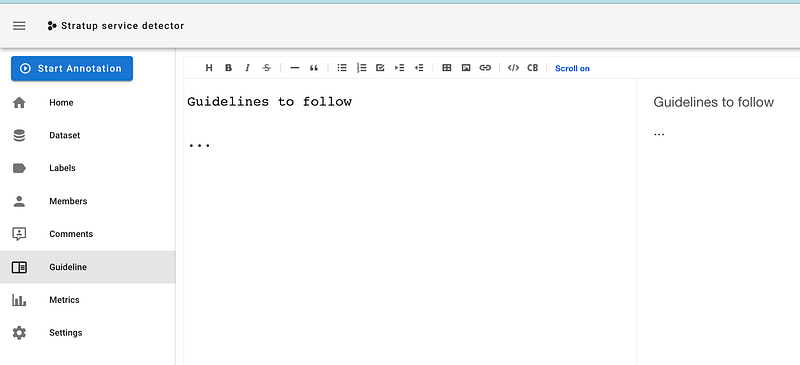
→ Import the dataset
Doccano support multiple formats as input.
- TextFile: Multiple TXT files where each one corresponds to a document

- TextLine: A single TXT file where documents are line-separated

- JSONL: in which the positions of the entities are mentioned

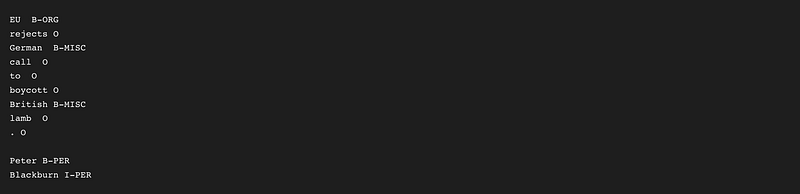
- CONLL format
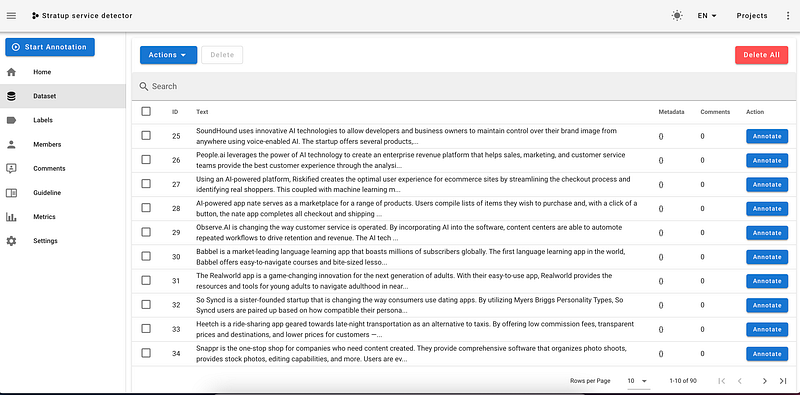
Once the data is uploaded, you can view it on a table and start annotating it.
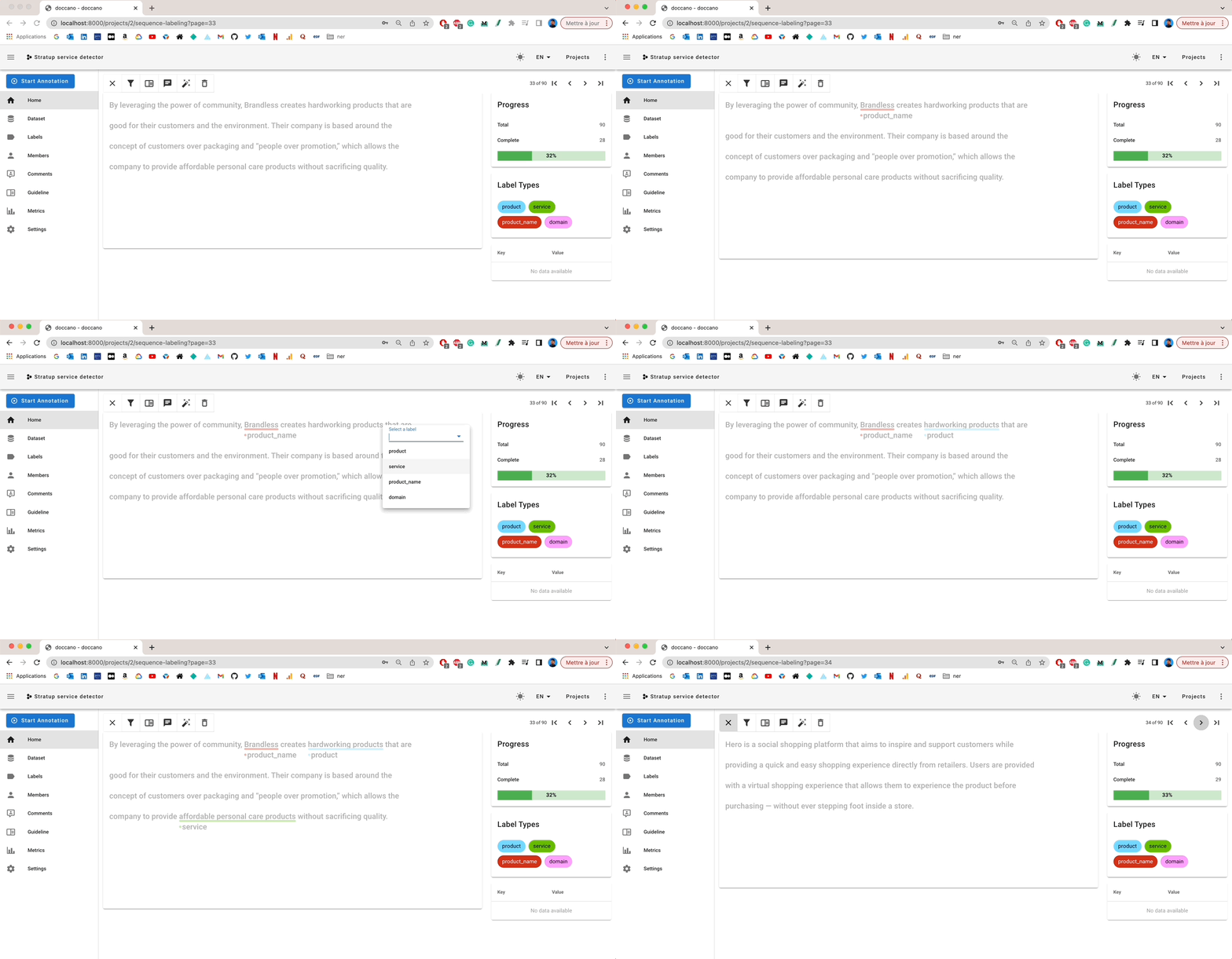
→ Start the annotation process
I like Doccano’s annotation interface: it’s user-friendly, simple, and gives you access to everything you need:
- Interactive labeling from the interface
- Completion rate
- Comments and metadata to enrich the annotation
→ Export annotated data
When you’re done, you can export the annotations into JSONL format.

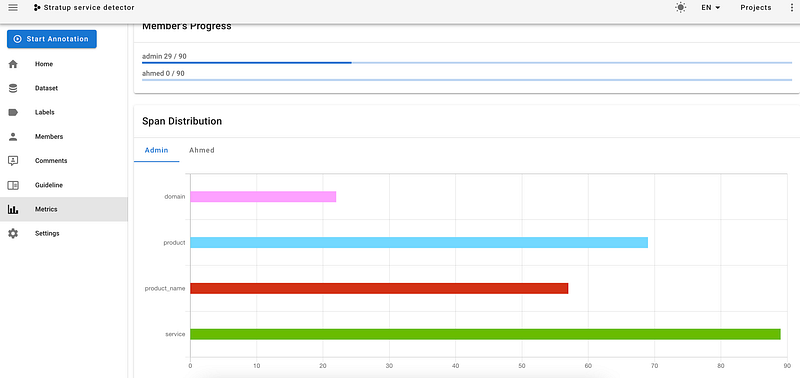
→ Metrics
Doccano provides some statistics about the entities you annotated. This may be useful to spot class imbalance
Wrap up
Doccano is a great tool to collaborate on annotation tasks. If you need to create a machine learning dataset and you have no experience in this area, you should definitely give it a shot.
As an ongoing open-source project, Doccano doesn’t include all the shiny features that we see on enterprise (and costly) solutions like Labelbox. For example, it doesn’t provide specialized annotation tools for computer vision, SSO, or API integration.
Nevertheless, you can still do a lot of things, in no time without investing too much.
New to Medium? You can subscribe for $5 per month and unlock unlimited articles on various topics (tech, design, entrepreneurship…) You can support me by clicking on my referral link