
DETECT NAME AND LAST NAME USING OPENAI and GPT-3 LIBRARY.
Classifying names and last names using Python is a task that has proven to be quite difficult. There are many factors that need to be taken into account such as different cultures and languages, variations in spelling and even nicknames.This complexity makes it a challenging task but also an interesting one for data scientists and machine learning practitioners.
However, The ChatGPT-3 library, which is based on the GPT-3 model, can assist in solving the task of classifying names and last names using Python by providing advanced natural language processing capabilities.
Specifically, the model is trained on a large dataset of text and can understand the context and meaning of words, which can help with tasks such as name recognition and spelling correction.
Additionally, GPT-3 has the ability to generate human-like text, which can be useful for generating variations of names that might not have been seen in the training data.
However, keep in mind that GPT-3 is a language model, not a classifier, it would require pre-processing and fine-tuning on a specific dataset to classify names.
Lets create a bot that will take as an input a text and detect first name and last name in the text if any.
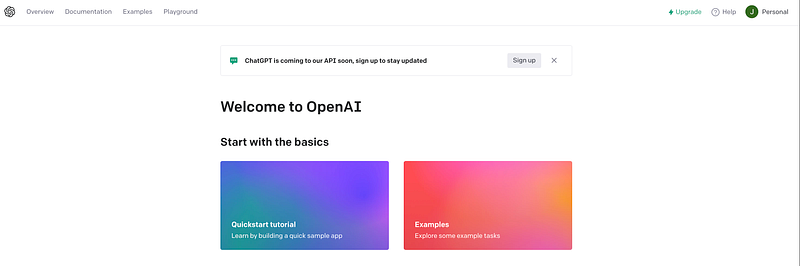
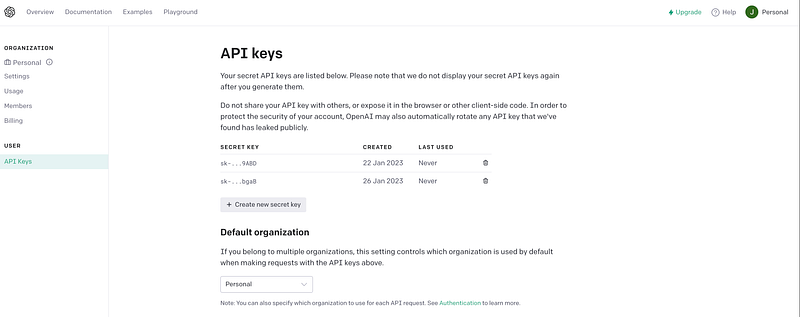
first lets create an accoupt to openAI in order to get our API credentials.
Generate your API
then lets get to work :)
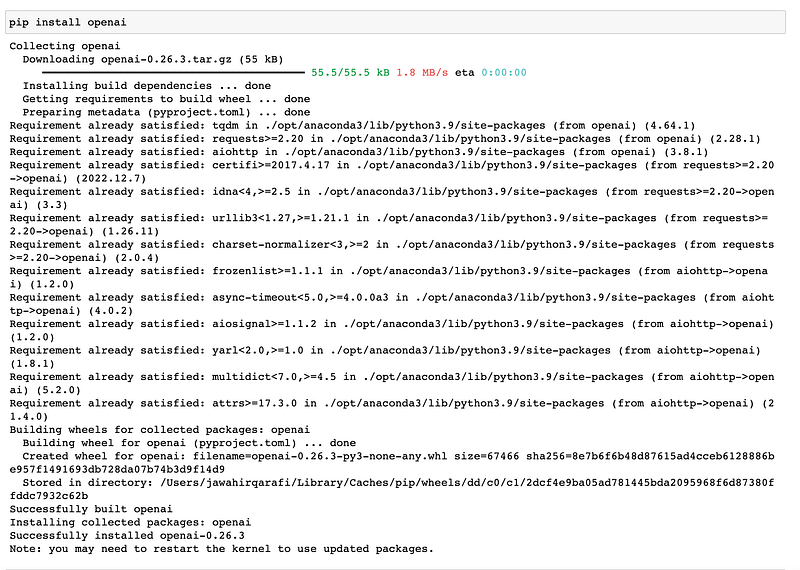
first you need to install openai on your jupyter notebook :
pip install openai
perfect ,
- now we have installed the package and requested the APIs, lets connect
#Download Necessary Libraries
import openai
# Use the GPT-3 API key
openai.api_key = "sk-eePGixkq1A2KoQUb5WeqT3wU6FBsH2nrM9IvzfJ"- Prepare your dataset for input to GPT-3. In this example, let’s assume it is a list of strings called
data.
data = [
    "My name is John Smith and I am a software engineer.",
    "My boss, Jane Williams, is the manager of the IT department.",
    "I work with Bob Jones, who is also a software engineer.",
    "Mary Johnson is a designer on our team.",
    "Mike Brown is the senior developer on our project.",
    "John Smith is a student at the local university.",
    "Jane Williams is a teacher at the elementary school.",
    "Bob Jones is a doctor at the local hospital.",
    "Mary Johnson is a lawyer at a big law firm.",
    "Mike Brown is a musician and plays in a band."
]- Use the OpenAI API to perform named entity recognition on our dataset .
we will loop through the data list and use the openai.Completion.create() method to perform named entity recognition on each item in the list.
we can set the engine parameter to "text-davinci-002" which is a GPT-3 based model that can perform named entity recognition.
Lets first see if our small program can find the first names :
for text in data:
    response = openai.Completion.create(
    engine="text-davinci-002",
    prompt=(f"Find all the first names in the following text: {text}"))
    names = response["choices"][0]["text"]
    print(names)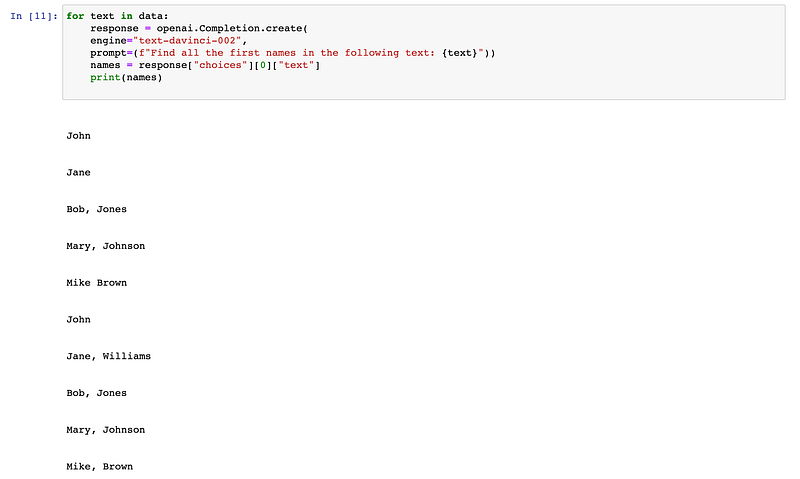
lets see if we can detect last names also :
for text in data:
    response = openai.Completion.create(
    engine="text-davinci-002",
    prompt=(f"Find all the last names in the following text: {text}"))
    names = response["choices"][0]["text"]
    print(names)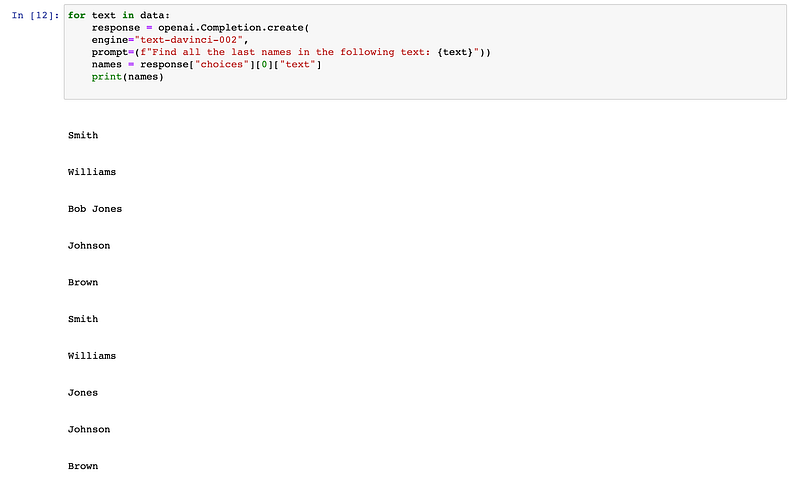
This is a simple way to make sure that the OpenAi Library can help us solve this classification issue. i’ll test it further more in more complicated situation and share with you guys :)


