
Designing For Accessibility: Best Practices And Common Pitfalls
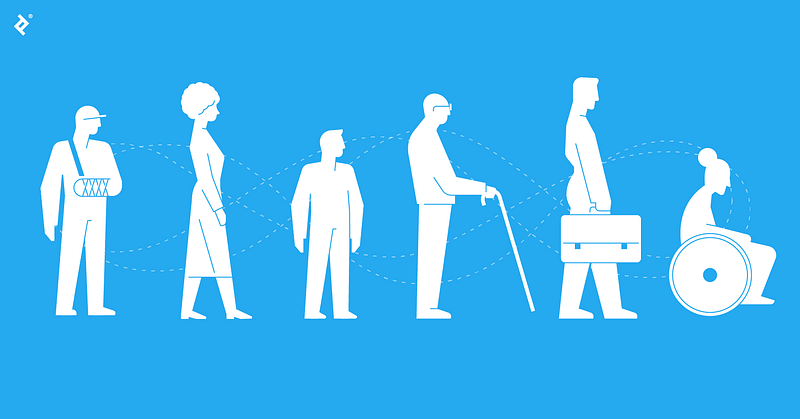
Designing for accessibility is an important aspect of creating a seamless user experience for all users, including those with disabilities. It involves ensuring that your website or application can be used by people with a wide range of abilities and disabilities. In this blog post, we will explore some best practices and common pitfalls in designing for accessibility.
One of the most important best practices in designing for accessibility is to ensure that your website or application is perceivable, operable, understandable, and robust. These four principles, also known as POUR, are the foundation of accessibility design and are essential for ensuring that your website or application can be used by people with a wide range of abilities and disabilities.
Perceivable means that the content of your website or application can be perceived by all users, regardless of their abilities or disabilities. This includes providing alternatives for non-text content, such as descriptive text for images, and ensuring that the design of your website or application is usable by people with a wide range of abilities and disabilities.
Operable means that the interface of your website or application is operable by all users, regardless of their abilities or disabilities. This includes ensuring that your website or application can be used with a keyboard and that users can navigate and interact with the interface using a keyboard.
Understandable means that the content of your website or application is understandable by all users, regardless of their abilities or disabilities. This includes ensuring that the content is written in clear, simple language and that the design of your website or application is consistent and predictable.
Robust means that the content of your website or application is robust enough to be interpreted by a wide range of user agents, including assistive technologies. This includes ensuring that your website or application is built using web standards and that it can be accessed by a wide range of user agents, including assistive technologies.
Another best practice in designing for accessibility is to use clear and simple language. This means using language that is easy to understand and avoiding jargon or technical terms. It also means using a clear and consistent structure for your content, with clear headings and a clear hierarchy of information.
Another best practice in designing for accessibility is to ensure that your website or application is usable by people with a wide range of abilities and disabilities. This includes ensuring that your website or application is usable by people with visual, auditory, motor, and cognitive disabilities.
A common pitfall in designing for accessibility is not considering accessibility early in the design process. This can lead to design decisions that make it difficult or impossible to make your website or application accessible later on. It’s essential to include accessibility considerations in the design process from the beginning, as it can be much more difficult and time-consuming to make changes to an already-designed site or application.
Another common pitfall in designing for accessibility is not testing your website or application with users with disabilities. This can lead to design decisions that make it difficult or impossible for users with disabilities to use your website or application. It’s essential to test your website or application with users with disabilities to ensure that it is usable by all users.
Finally, another pitfall is not keeping up-to-date with the latest accessibility guidelines and standards. This can lead to design decisions that don’t meet the latest accessibility guidelines and standards and may lead to issues for users with disabilities. It’s essential to keep up-to-date with the latest accessibility guidelines and standards to ensure that your website or application is accessible to all users.
In conclusion, designing for accessibility is an important aspect of creating a seamless user experience for all users, including those with disabilities. By following best practices such as POUR, using clear and simple language, considering accessibility early in the design process, testing with users