
Design an Analytics or Event Tracking Manager in iOS Swift App
Implement analytics wrapper to support multiple SDK’s and track events across the app
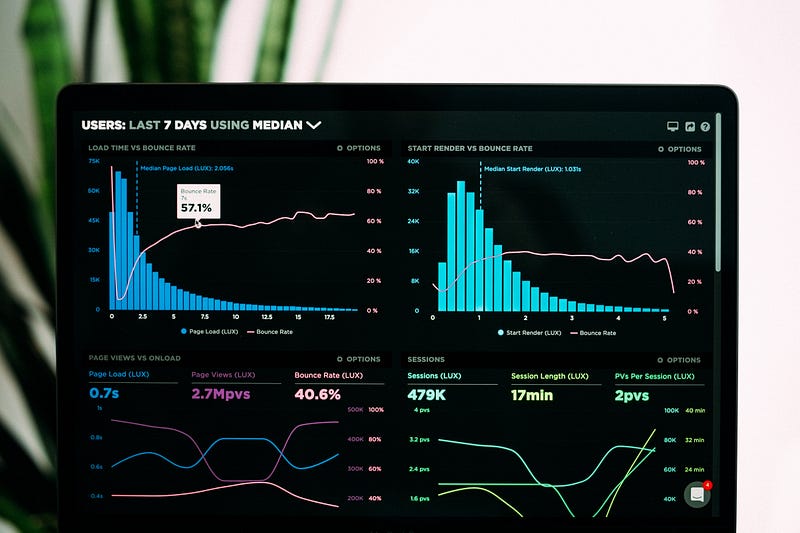
“Information is the oil of the 21st century, and analytics is the combustion engine” — Peter Sondergaard
Why Do You Need Analytics?
- To measure and track your work across time.
- To understand your visitors, leads, prospects.
- To understand, track, and improve the mechanisms used to convert your first visitor into valuable customers.
- The main objective is to drive awareness, engagement, and loyalty.
Features
As a developer, you may have to consider many points while designing a flexible analytics engine. Some of these include:
- Support for multiple analytics SDKs
- Flexibility to add, update, and remove analytics SDKs
- Flexible events to add, update, and remove and their properties
- Grouping events for better readability
- A testable and mockable module
- Flexibility to use it anywhere in-app to track events.
I am sure there are many points that still need to be added, but these are some ideal things that need to considered by developers while designing an analytics layer without violating best practices.
Event
We will start with a very basic EventProtocol that will state ideally which properties we need to send in an Event:
protocol EventProtocol {
  var name: String { get set }
  var params: [String: Any] { get set }
}
Then we will create the Event struct that implements our EventProtocol. We will also make use of propertyWrapper for building events.
I have also added some helper functions in the Event extension for this example:
Mock Events
In this example, we will send two kinds of events: Screen Visit and Click Events.
For convenience’s sake, we have created two enums in which we will add all our events and parameters:
Now, this is the interesting part. When we’re working on a huge app, we have to send events from different parts of our app. There are many approaches to docking all these events, like a single-enum, struct, or class approach where we add all events. But it loses readability when this single enum, struct, or class grows to 500+ events.
Imagine your manager or lead asks you for event information for any feature. It would be so difficult to find it and listing it all in a single enum, struct, or class would also make your code look sloppy.
The solution is to group our events feature-wise with the help of propertyWrapper. You can see how easy it is for us to create events and our code is much more readable and easily understandable to anyone.
Let’s Implement Loggers
We will first create AnalyticsEventsLoggerProtocol, which will state the basic requirements for any analytics engine (SDK) like:
- Initialization and setup
- Event tracking
protocol AnalyticsEventsLoggerProtocol {
  func setUserProperties(user: UserProfileModel)
  func trackEvent(event: EventProtocol)
}
Now it is simple for us to initialize any analytics SDKs. Below is an example for the Firebase SDK:
// Firebase
class FirebaseEventLogger: AnalyticsEventsLoggerProtocol {
   func setUserProperties(user: UserProfileModel) {
     // init SDK and set user properties
   }
func trackEvent(event: EventProtocol) {
// add implementation of tracking events
}
}Let’s Implement an Analytics Manager
Now let’s come to our BOSS that will route the events into the analytics SDK’s engine and send events.
We will start by creating AnalyticsManagerProtocol, where we will state the basic requirement for it to send events and the setup:
protocol AnalyticsManagerProtocol {
   func setUp()
   func trackEvent(_ event: EventProtocol, params: [String: Any])
}
Then we will implement this protocol to the AnalyticsManager class.
This is a singleton class that will hold an array reference of all the analytics engines and it will be the one responsible to send events with trackEvent protocol method. You can check the implementation of this function where it is calling it’s logger trackEventmethod to send events for tracking user actions:
Wrap-Up
Now just call a single line to send events in any part of our app and send events:
// Without Params
AnalyticsManager.shared.trackEvent(FeatureOneEvents.screen)
// With Params
AnalyticsManager.shared.trackEvent(FeatureOneEvents.screen,
params:["source": "Tabs"])Thank You
I hope this article helps you design your own analytics layer. Do share your feedback in the comments section.


