Summary
This content provides a solution to fix not found errors when deploying Single Page Applications (SPA) with react-router to Vercel by creating a vercel.json file and adding redirect rules.
Abstract
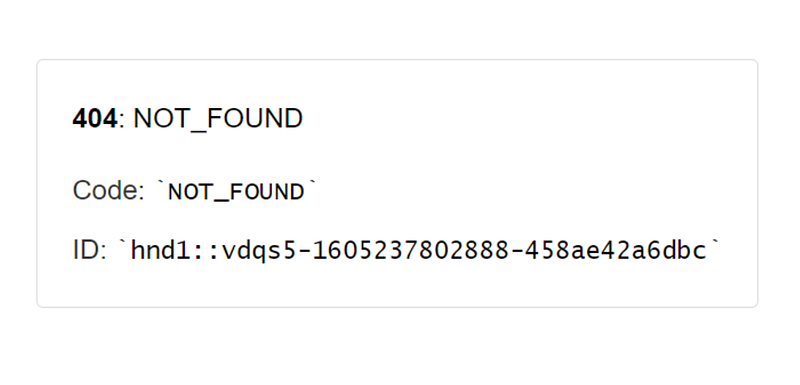
The content discusses an issue encountered when deploying SPA with react-router to Vercel. The issue is that servers do not know how to handle sub-pages (URLs) like yourdomain.com/my-page, resulting in not found errors. The solution to this problem is to create a vercel.json file in the root directory and add redirect rules as shown in the provided example. This allows the servers to handle the sub-pages correctly.
Bullet points
- Deploying SPA with react-router to Vercel may result in not found errors for sub-pages.
- These errors occur because servers don't know how to handle sub-pages (URLs) like yourdomain.com/my-page.
- The solution is to create a vercel.json file in the root directory.
- In the vercel.json file, add redirect rules like the following example:
{
  "routes": [
    { "src": "/[^.]+", "dest": "/", "status": 200 }
  ]
}
- This solution allows the servers to handle the sub-pages correctly.
- The content also includes references to a Stack Overflow discussion and Vercel's documentation on configuration.
- The article ends with a recommendation for an AI service that offers the same performance and functions as ChatGPT Plus(GPT-4) at a more cost-effective price.