
Deep Dive: Make your Midjourney prompts move with Motion effects
Add dynamic action to your Midjourney AI Art with these Dynamic Motion Effects!
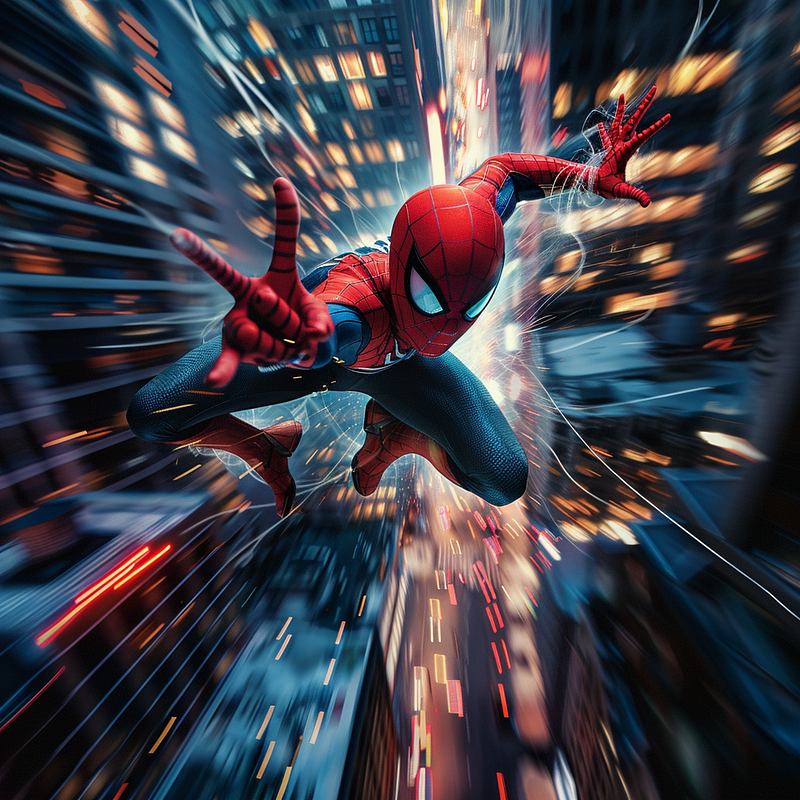
There are multiple ways to add movement to an image. Today, I’m going to delve into the awesome realm of motion effects and the multiple ways to integrate them into your creations. The following prompts will allow you to create dynamic, action images.
One of the most important things I have learned when creating AI Art with prompts is that sometimes you need to be redundant to get the effect you want. This is especially true with effects, as we will see in the examples below.
In addition, take into account this: Movement needs space to manifest. This effect works way better in extremely horizontal and vertical formats.
Here are the motion effects we are going to explore:
- Motion
- Zoom Burst
- Panning Effect
- Long Exposure Trails
- Motion as a subject
- Experimentation with additional effects
Let’s dive in.
1. Motion
Alternate words you can use too: Motion Blur, Blur, Speed, Velocity
This effect injects a sense of dynamic movement, ideal for capturing the essence of speed or swift transitions. Remember that Midjourney automatically adds blur if your prompt implies speed and/or motion even if you don’t mention the keyword blur.
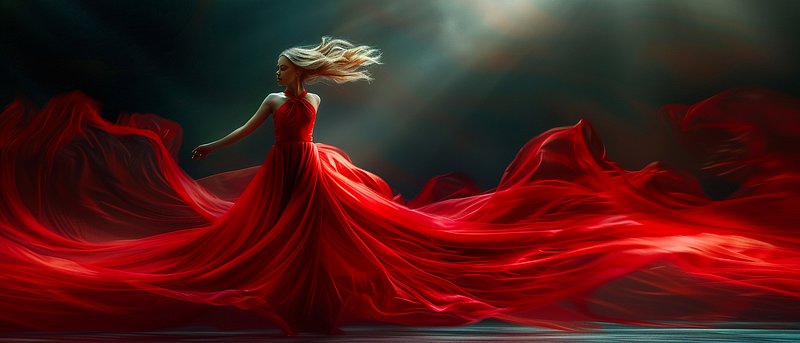
Prompt: Dynamic motion photography of a female dancer, a long flowing red dress, in the style of motion blur, long exposure effect, dark background, bokeh — ar 7:3 — stylize 250 — v 6.0
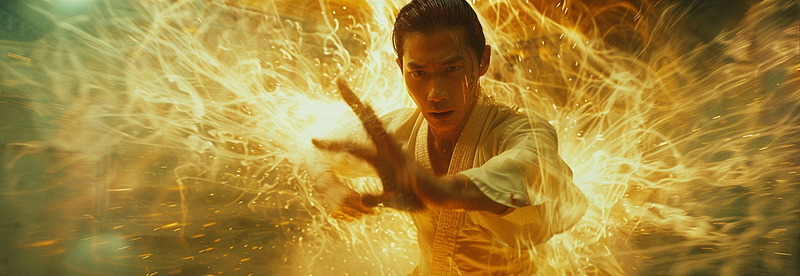
Prompt: Slashing action, impactful composition, precise movements, martial arts world, Wong Kar-Wai, dynamic, blurred — stylize 250 — v 6.0 — ar 7:3
2. Zoom
Alternate words you can use too: Zoom Burst, Zooming
This effect simulates rapid camera zooming, adding energy to your compositions by creating a blur directed to your subject. This is a tricky effect to pull out since Midjourney usually doesn’t recognize the effect by name.
However, take a look at this image:
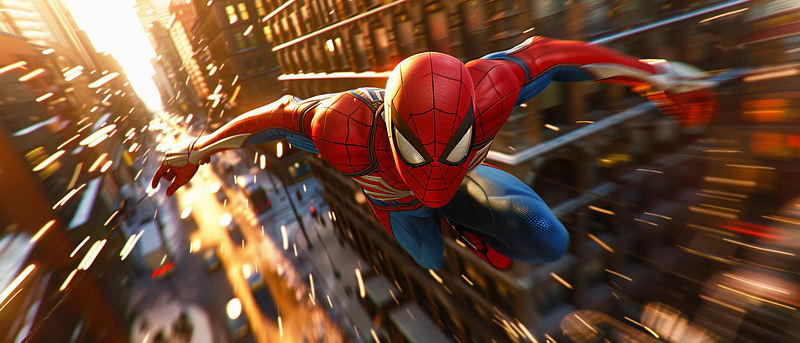
Prompt: Fish eye dynamic view, close-up of Spiderman jumping through the city, in the style of long exposure effect and motion blur, cinematic lightning, hyper-detailed — v 6.0 — ar 7:3
The effect can be achieved by using Fish eye to help direct the blur effect to our subject. And the close-up keywords reinforce its importance.
3. Panning
Alternate words you can use too: Blur, long exposure
The effect creates a sense of speed around a moving object, keeping your subject in focus while blurring the background. This is an easy effect: just make sure to describe the blur in the background, Midjourney does the rest.
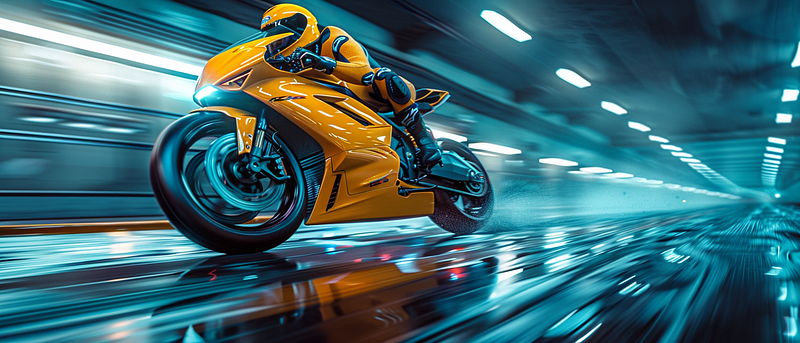
Prompt: Photograph of a man racing in a yellow futuristic speedbike over an azure blurry background of an underground garage, dynamic panning effect, strong reflection, side view, high contrast, saturated tones, modern photography style, diagonal composition — ar 7:3 — stylize 500 — v 6.0
4. Long Exposure Trails
Alternate words you can use too: Blurred lights, long exposure, light trails
This effect simulates light trails created by long-exposure photography, conveying a sense of continuity and fluidity in your artwork.
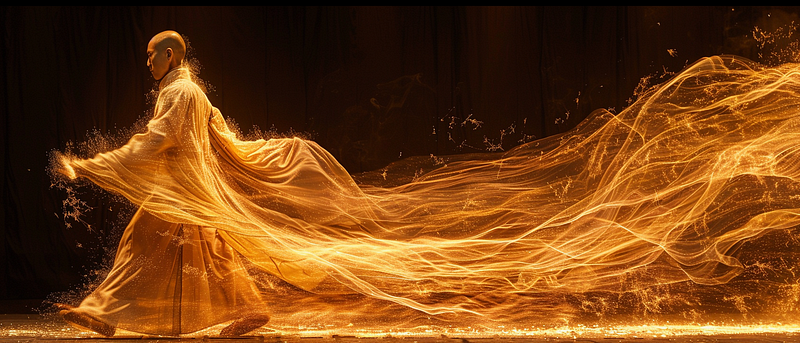
Prompt: Long-exposure trail photography of a Shaolin monk in movement, kinetic art, light tracing, strong visual flow — ar 7:3 — s 500 — v 6.0
5. Motion as the subject
Alternate words you can use too: Speed, velocity, dynamic motion effect, fast speed
Movement is an amazing element on its own. You don’t need to specify a subject to get awesome images. Light and the movement will do the rest.
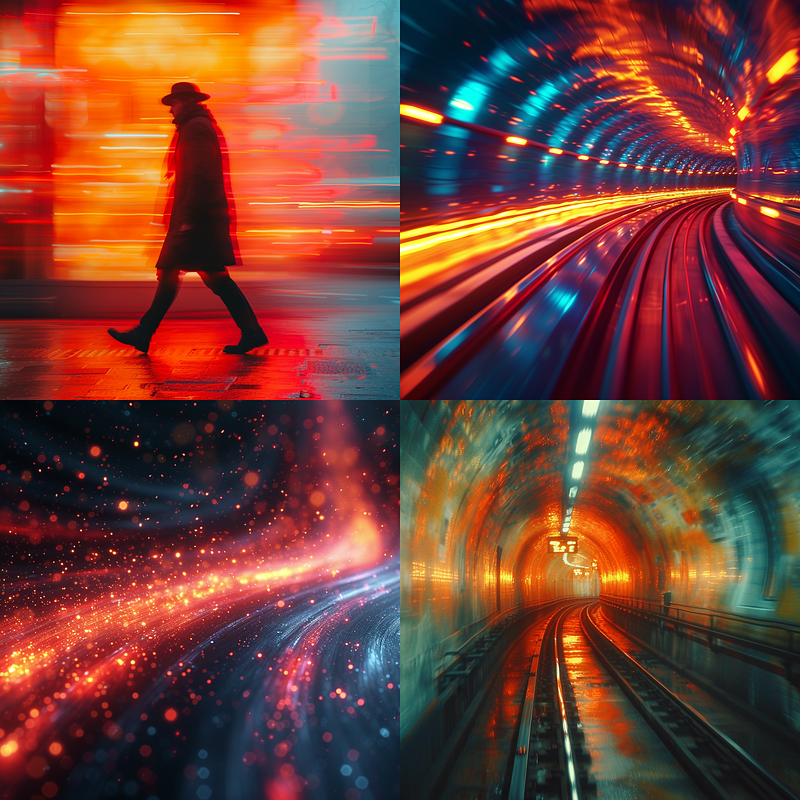
Prompt: Minimalist shot, dynamic motion effect, fast speed, cinematic poster — stylize 500 — v 6.0
6. Experimentation with additional effects
Of course, you can add other effects to the movement, to get better results. The sky is the limit. For more ideas of more effects, check out this guide.
Let’s see some examples:
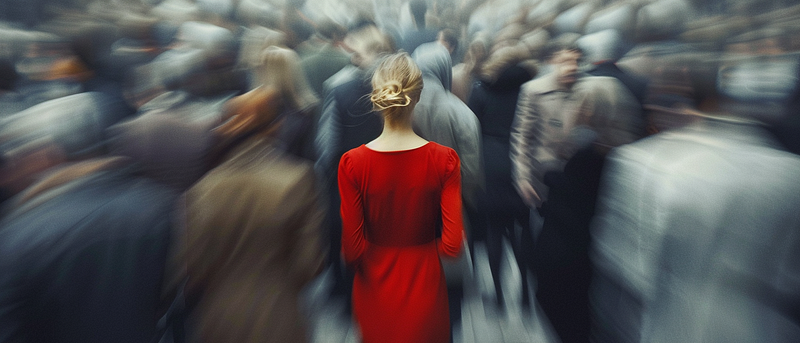
Using both color and stillness to focus the attention on your subject:
Prompt: A blurry photograph of a moving grey crowd of people, in the middle a beautiful blonde looking at the camera in a red dress, stands still and is in focus — v 6.0 — ar 7:3
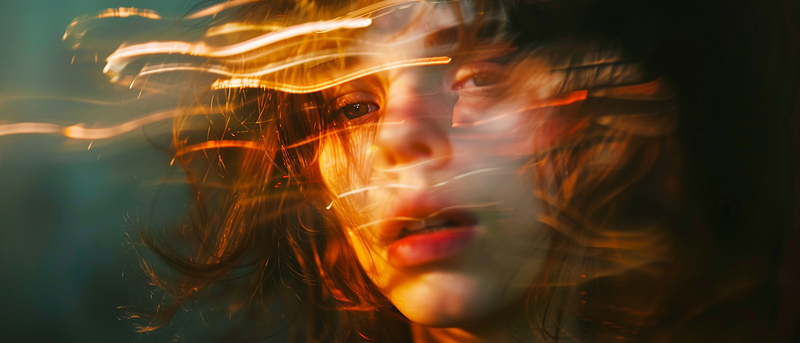
Using simple prompts:
Prompt: blurry face — ar 7:3 — v 6.0
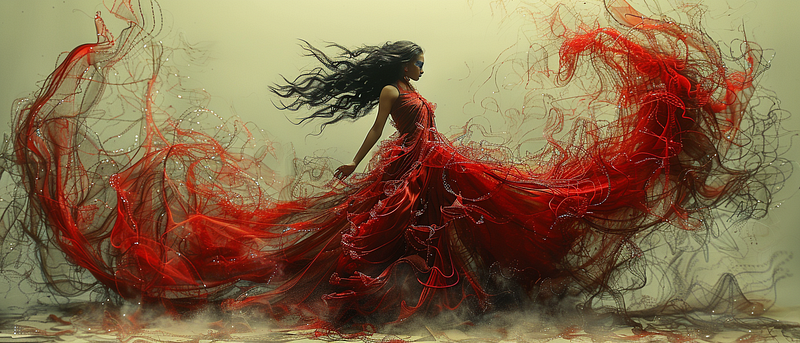
Using abstract keywords like fractal dance of movement:
Prompt: Fractal Masterpiece, a full body of a beautiful young spanish flamenco dancer dazing on the air, fractal dance of movement, light paper with bright red threads, like fragmented portraits — ar 7:3 — stylize 750 — v 6.0
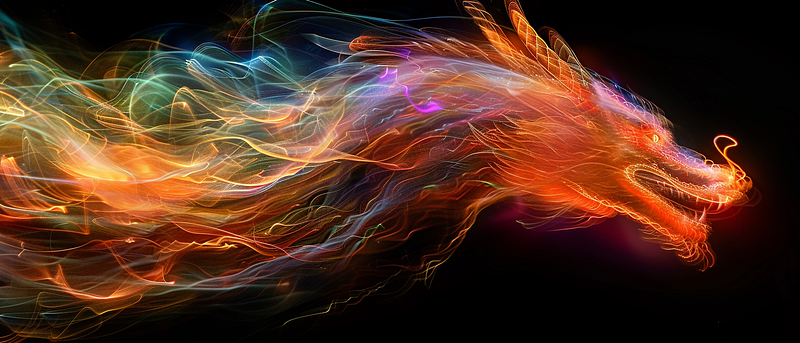
Use the keywords light painting:
Prompt: Rampaging dragon in the style of light painting photography, streaks of multicolored light, shadows, highlights — ar 7:3 — stylize 250 — v 6.0
Midjourney has no limits. You can add movement to your images in many different ways. The key is to be constantly experimenting and learning new ways to prompt.
Thanks for reading!
Hi👋 I’m Erik, a product designer by day, and AI educator by night. I‘m exploring this new world of AI tools for creative work. I will be sharing my learnings here, it would be amazing if you could join me on this journey.


