
Data Replay: The most useful functionality on backtrader
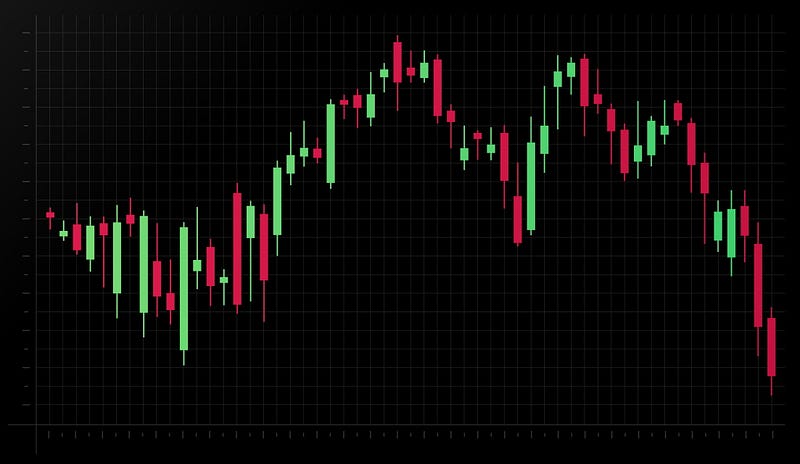
Data replay is a powerful feature in backtrader, a popular open-source Python library for backtesting and trading. It allows traders to “replay” historical data as if it were live data, making it easy to test and fine-tune trading strategies. This is particularly useful for developing and testing new strategies, as it allows traders to see how their strategies would have performed under different market conditions.
In this article, we will delve into the data replay functionality in backtrader and how to use it to test and optimize your trading strategies.
How Data Replay Works in backtrader:
In backtrader, data replay works by allowing you to feed historical data to a backtest or live trade as if it were live data. The backtest or live trade will then process the data in real-time, as it would with live data. This allows you to see how your strategy would have performed under different market conditions and make any necessary adjustments.
To use data replay in backtrader, you will first need to create a Backtest or LiveTrade instance and pass it your data. You can then use the run method to start the backtest or live trade and process the data.
Here is an example of using data replay in a backtest:
from backtrader import Backtest

# Create a backtest with historical data
backtest = Backtest(data, strategy)

# Start the backtest and process the data in real-time
backtest.run()
You can also use the rununtil method to specify an end date for the data replay, after which the backtest will stop. For example:
# Run the backtest until the end of 2020
backtest.rununtil(datetime(2020, 12, 31))
Customizing the Data Replay Speed:
One of the benefits of data replay is the ability to adjust the speed at which the data is processed. This can be useful for testing different scenarios and seeing how your strategy responds to different market conditions.
To adjust the data replay speed in backtrader, you can use the coc (clock) parameter when creating your Backtest or LiveTrade instance. The coc parameter specifies the number of seconds to wait between each data point. For example, a value of 1.0 will process the data at a rate of one data point per second, while a value of 0.5 will process the data at a rate of two data points per second.
Here is an example of using the coc parameter to adjust the data replay speed:
# Create a backtest with a replay speed of one data point per second
backtest = Backtest(data, strategy, coc=1.0)

# Start the backtest and process the data in real-time
backtest.run()
Using Data Replay with Multiple Data Feeds:
In some cases, you may want to use data replay with multiple data feeds, such as data from different exchanges or asset classes. Backtrader makes it easy to do this by allowing you to pass a list of data feeds to the Backtest or LiveTrade instance.
Here is an example of using data replay with multiple data feeds:
from backtrader import Backtest

# Create a list of data feeds
data = [data1, data2, data3]

# Create a backtest with multiple data feeds
backtest = Backtest(data, strategy)

# Start the backtest and process the data in real-time
backtest.run()
In this example, the backtest will process data from all three data feeds in real-time, as if it were live data. You can also use the coc parameter to adjust the replay speed for each data feed individually.
Using Data Replay for Optimization:
Data replay can also be useful for optimization, as it allows you to test different parameter values and see how they affect the performance of your strategy.
To use data replay for optimization in backtrader, you can use the optimize method of the Backtest class. This method takes a list of parameter names and values to test, as well as a callback function that will be called for each combination of parameter values. The callback function should return a value that represents the performance of the strategy, such as the net profit or Sharpe ratio.
Here is an example of using data replay for optimization:
from backtrader import Backtest

# Define the parameters to optimize
params = [
    ('param1', [1, 2, 3]),
    ('param2', [10, 20, 30]),
]

# Define the callback function
def optimization_callback(param1, param2):
    # Set the strategy parameters
    strategy.param1 = param1
    strategy.param2 = param2

    # Run the backtest and return the net profit
    backtest = Backtest(data, strategy)
    backtest.run()
    return backtest.broker.getvalue()

# Run the optimization
result = Backtest.optimize(params, optimization_callback)

# Print the results
print(result)
In this example, the optimization will test all combinations of param1 and param2 and return the results as a list of tuples, with the parameter values and the corresponding performance value.
Conclusion:
Data replay is a powerful feature in backtrader that allows traders to test and fine-tune their strategies using historical data. It allows traders to see how their strategies would have performed under different market conditions and make any necessary adjustments. With the ability to customize the replay speed and use data replay for optimization, backtrader provides a powerful tool for developing and testing trading strategies.


