
How to add Dark Mode to a React App
Let’s Make Day/Night Toggles in React
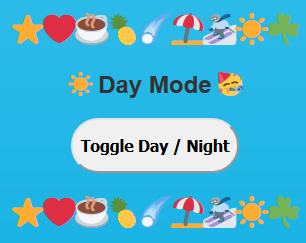
In this article I will show how to add Dark Mode to your React website or app with 2 lines of JavaScript code. Try out my live demo below:
Why not just program Dark Mode from scratch?
Have you ever wanted to create a dark mode effect on your website or app? For me, I always think dark mode is the coolest, slickest functionality.
And usually this is a programming project where you can really show off your chops, swapping this and messing with that as you flex some skills.
In fact, my friend Maxime Heckel has a great article “Switching Off The Lights” where he uses React Hooks & Context to create a dark mode.
The solution in just 2 lines of code: use-dark-mode
Before React Hooks, a dark mode app was possible but required several event listeners. As shown by Maxime Heckel above, Hooks & Context make that even easier, but it still takes almost 100 lines of code to implement.
In 2019, the best way to add Dark Mode any website or app created in React is with use-dark-mode! Why? It’s only 2 lines of code!!! Check it out:
Wow, now that is a speedy implementation of great functionality! 🥳
You can learn more about use-dark-mode from its source repositories: NPMjs: https://www.npmjs.com/package/use-dark-mode GitHub: https://github.com/donavon/use-dark-mode
How to get the animated sunset effect using CSS?
The animated sunset effect is borrowed from a great day-night toggle example by Jack-Edward Oliver. He created a day & night effect that pops!
In the CSS, it works with one giant gradient that’s effectively being pushed from day to night with height: 1000vh and then &::before {top: -900vh;}.

And here is the JavaScript source code from the live demo of my React app:
Like the article? More content is coming soon!
My plan is to write several more articles in this series, adding or changing functionality at each step, until we have a superb dark mode toggle!
Next up will be making the Toggle itself look cooler and more animated, possibly by implementing the sun & moon toggle from the above example:
Dr. Derek Austin is the author of Career Programming: How You Can Become a Successful 6-Figure Programmer in 6 Months, now available on Amazon.


