
CVE-2024–28442 | Yealink IP Phone | WebView Escape Leads to Sensitive File Disclosure via Directory Traversal
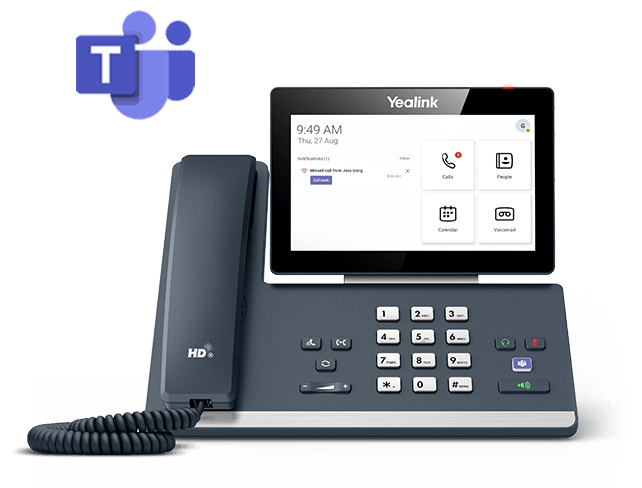
During a private assessment of Yealink IP Phone MP58/VP59, a security vulnerability was discovered. This vulnerability allows for the retrieval of sensitive files containing usernames and encrypted passwords
Affected Device : Yealink MP58/VP59 Teams Edition
Tested on Firmware Version: 122.15.0.33/ 91.15.0.118
Affected Firmware Version: All versions Before 122.15.0.142
Steps to Reproduce:
- Power on the Yealink IP Phone.
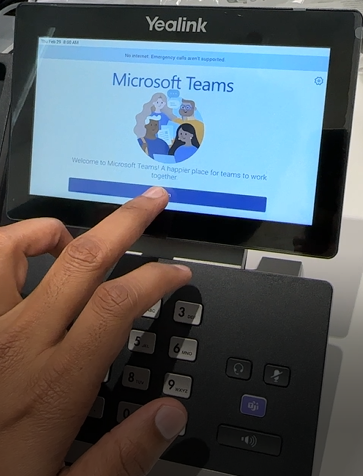
- On the home screen of Microsoft Teams, click on “Sign In”
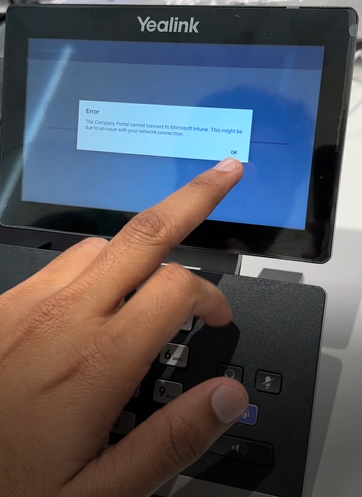
3. Upon encountering an error page, proceed by selecting the “Ok” button to dismiss the error prompt.
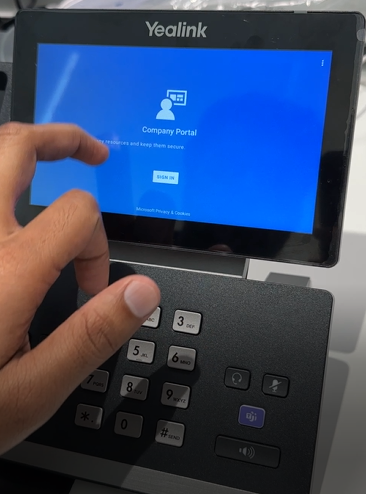
4. Access the settings menu by tapping on the three dots positioned at the top-right corner of the “Company Portal” Sign In screen.
5. Choose the option labeled “Send Feedback” from the settings menu.
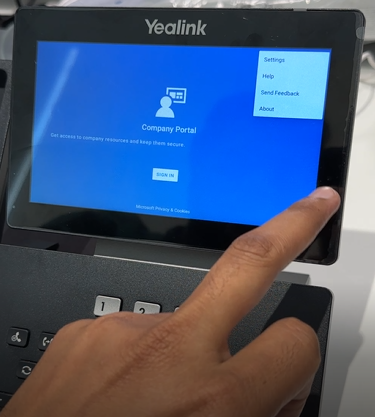
6. Upon reaching the feedback screen, you will be prompted to select a reaction; any reaction will suffice for this step.
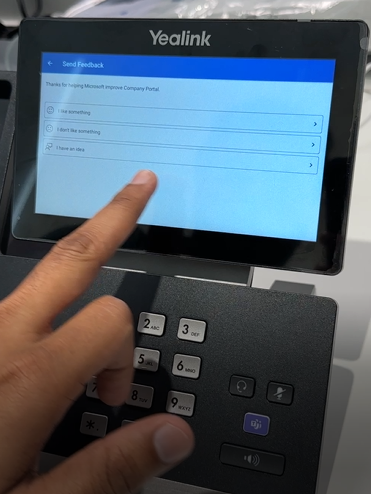
7. Locate and select the statement “Your privacy is important to us” to initiate the WebView Browser.
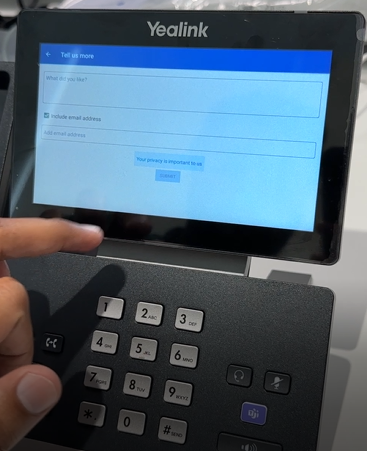
8. Once the WebView Browser is launched, clear the contents of the URL bar and type either “file:///etc/passwd” or “file:///etc/shadow” into the URL bar.
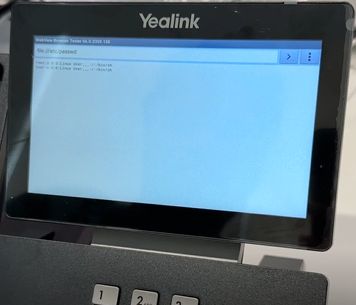
9. Upon completion, you will be able to view the contents of the sensitive files, thus demonstrating the exploit.
This critical vulnerability underscores the importance of promptly updating affected devices to the fixed firmware version to mitigate potential risks associated with sensitive data exposure.
Fixed Firmware version : 122.15.0.142


