
Ctrl + a + F9 = you give me the whoops
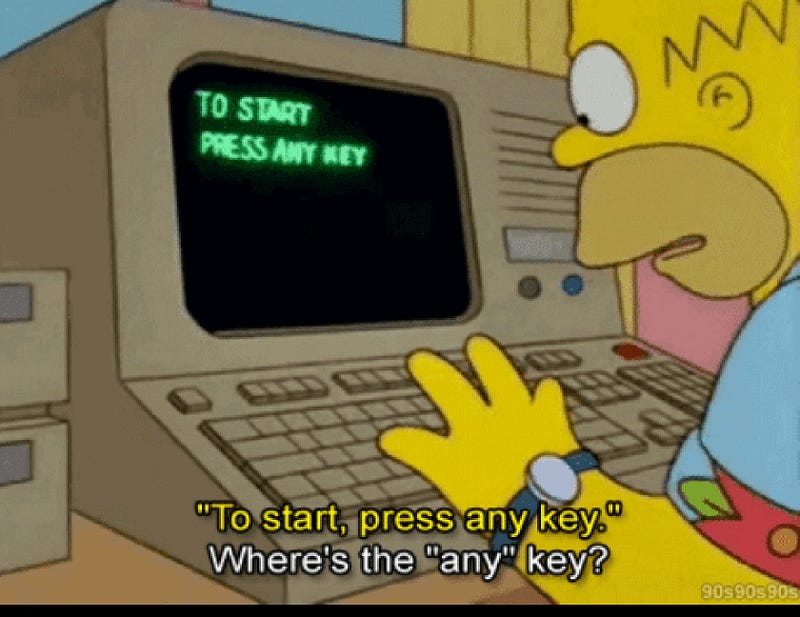
So at work this week I was emailed an important Microsoft Word document and to my surprise, I saw that the one page Table of Contents had instead of page numbers, some weird and annoying letters, being:
ctr-a, F9
Luckily even though I am of revered (or ancient) age, I love software and learning and knew that my keyboard had function keys including F9.
I tried pressing all 3 keys at once — the Ctrl key and at the same time the letter a (easy to do as these 2 keys were close together) and at the same time, I used my other hand to press the F9 key.
Nothing happened.
So I googled the issue to find that the command Ctrl + a, F9 is a wonderful function to update a Table of Contents (TOC). You know, maybe you want to add or minus something from your document, thus changing the page numbers?
Only thing is that this document was one that is not to be amended by the user/recipient, but was not locked from editing, and had Ctrl +a, F9 instead of page numbers in the TOC.
At some point, I managed to get the page numbers showing but all the text in the entire document was highlighted or shadowed in gray (because the Ctrl + a selects all text, that much I know).
When I tried to get rid of the shadowing, which I don’t like, the entire content of my document scarily disappeared. I was not impressed. Don’t know what I was doing wrong but I closed the document and began again.
Among one of my tries, after finding on Google that I should go to File / Options / Display & tick “Update fields before printing” it still didn’t work!
By now, steam was virtually coming out of my ears. First up it took me ages to find the word Options on Word (there it was at the very bottom as the last option on the list on the left of the Files area, but my eyes weren’t looking down that far, and I wish it was at the very top, not the very bottom).
The next day I showed my work colleague that I had accidentally discovered that one presses Ctrl plus a together, waits a second and then presses F9.
Now the document was better behaved as when I clicked out of the TOC, the gray shadowing disappeared.
Phew! Made it, but it left me thinking what the hell happened to the good old days of ease, when page numbers were page numbers and actually appeared in the Table of Contents plus printed out without taking 2 days to do so, and causing a ruckus?
Technology can be great, but is it always needed?


