
Creating an Android game bot with OpenCV and UiAutomator2 for AliExpress Merge Boss
Are you tired to keep swiping in order to merge items in the AliExpress Merge Boss? Then it’s time to automate the process with a bot created with the OpenCV, Python, ADB and UiAutomator2 libraries.
Update: The new version doesn’t require UiAutomator2, and can be configured directly on the phone using Termux GUI interface.
You can find the bot script at the bottom of the article, including the file that explains how you can run it on both PC and Termux Android.
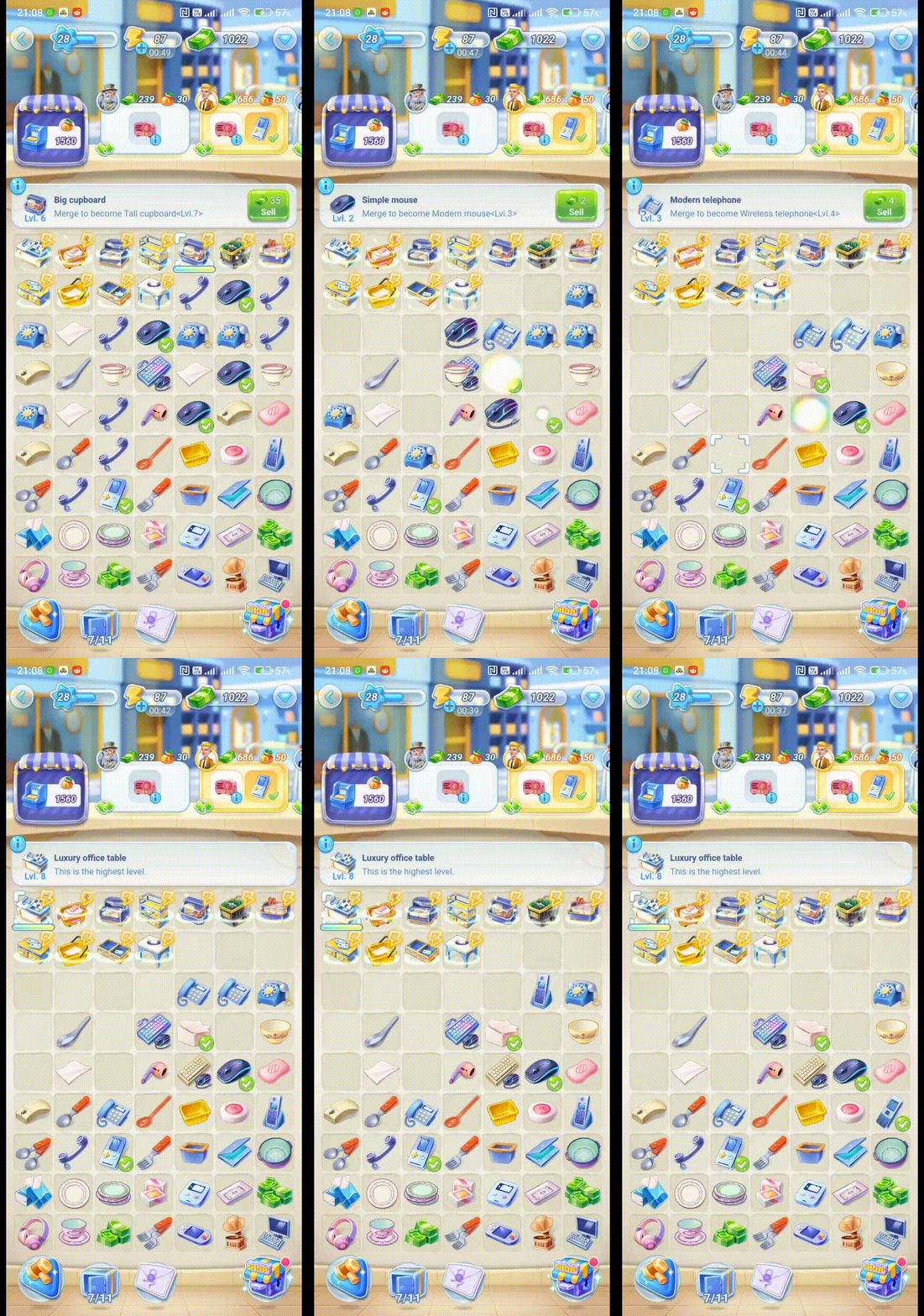

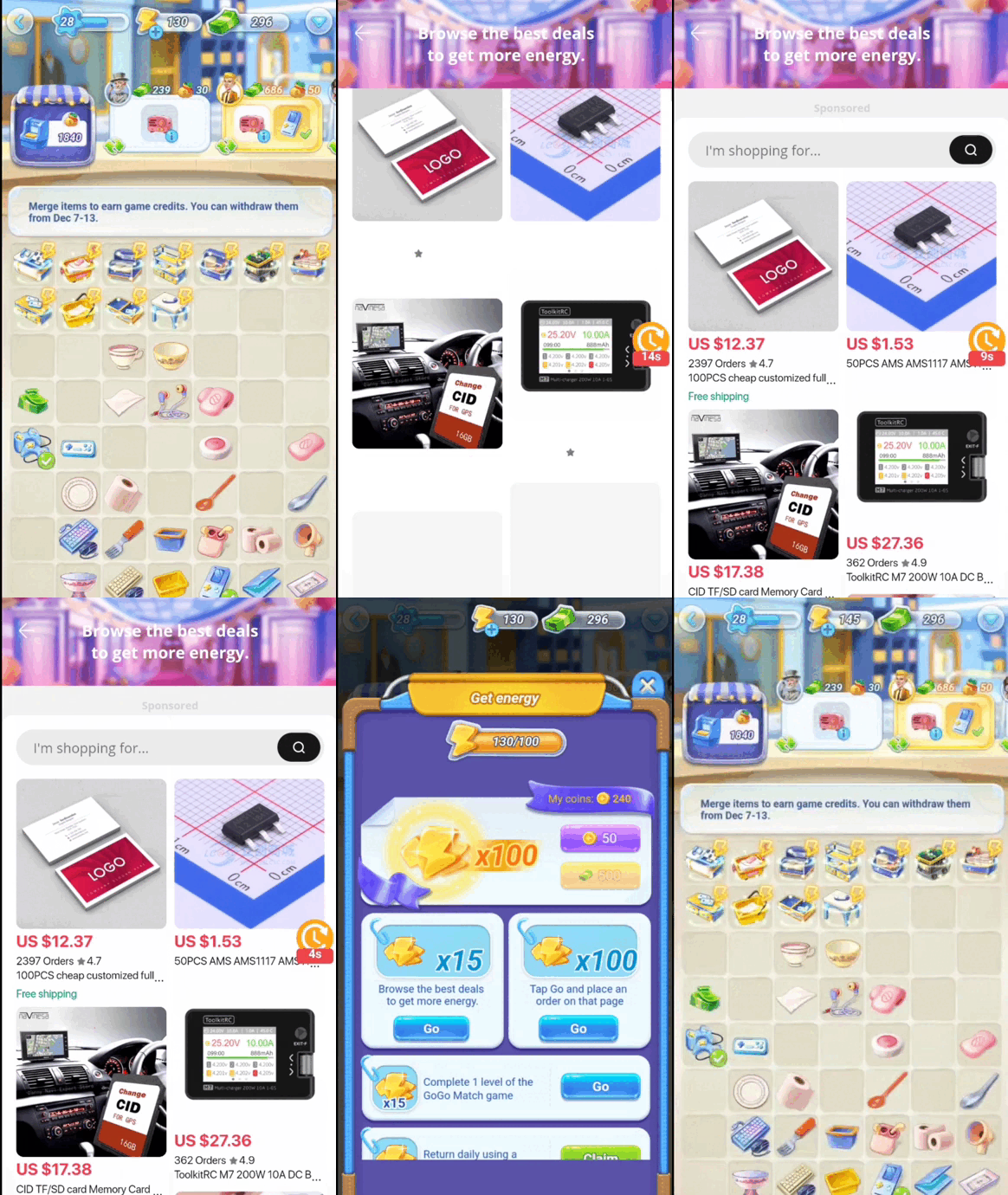
New version
You can find the link to the GitHub Git at the bottom of the article.
The updated version is easy to set up, so it would take you only a few minutes to make it work on your device and have some new features, like automatic deliver requirements.
I still let this article and older Gist, because it contains the OpenCV read image through web streaming from Android, multiple types of edge extraction and integration with UiAutomator2, which is relevant for some types of applications.
Purpose
The bot should be capable to match the identical items in order to create a new merge action, next when there’s no match found anymore, generate new items. When energy left is insufficient, start an action to farm energy by doing the 15-second products view from tasks. Now that’s clear what the bot should do, it’s time to implement the functions.
Implementation
Image processing
First, let’s identify a way to match the items that are alike. I’ve tried multiple ways, and the winning combination start by extracting the edges of the object. While there are some others methods, like feature extraction or histogram comparison, they are quite heavy in computing and doesn’t really provide an advantage in this case.
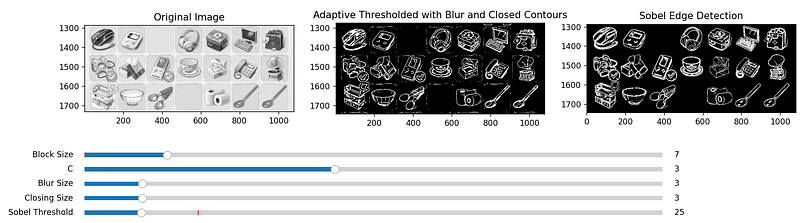
You can find this script here if you want to compare the difference between the Adaptive Threshold and Sobel by yourself.
Experimenting with multiple parameters values, I’ve concluded that the Sobel Edge detector with and threshold value of 35 provide what’s necessary for this to work.
Next, cut the pieces of the extracted Sobel Edges binary image by the grid squares and apply morphological dilation to each of the extracted image.
The ROI is marked with a yellow square mark and is used to drag and extract the items images inside the squares.
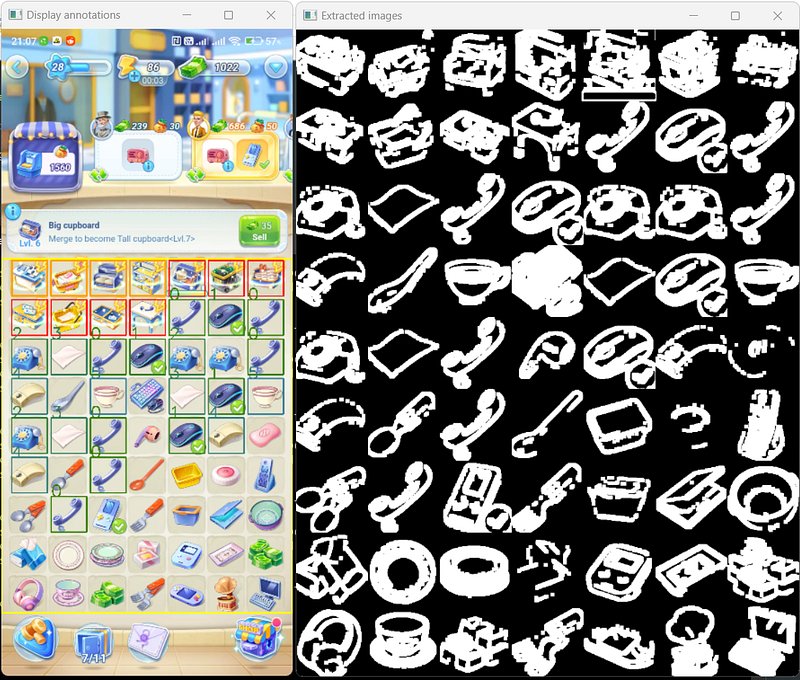
This way, we can compare the images by doing binary XOR and finding matched by how many pixels left reported to the square resolution, this way similarity is calculated in 0–1 range.
You can see that with a similarity score of 0.85 the matches are quite spot on most of the time in the image above.
The energy level is also a parameter in what we have interest, so this is extracted by applying an OTSU threshold combined with a flood fill operation, because the text is black stroked and this influence the threshold, and by doing flood fill it will extract only the white part of the numbers.

Doing actions
Now that we have successfully processed and identified the items through image processing, let’s delve into the implementation of the bot’s actions.
To implement these, UiAutomator2 library is used, because it is capable to control the phone actions with ADB or standalone using network.
The primary action is merging identical items, and that is done knowing the item groups and using the swipe gesture on each another.
Subsequently, the bot assesses the energy level under two conditions: when no matching groups remain or when the number of remaining groups is below a user-defined threshold. If there is sufficient energy, the bot initiates the merging process by clicking on the generators.
In the event of depleted energy, the bot executes the energy farming procedure. This involves accessing the task menu, clicking the “Go” button for the 15-second catalog view task, returning, and repeating this sequence as specified by the user. Once the farming procedure end, the bot resumes the item merging process. This procedure runs only one time, so next time the energy is depleted, the script stops and exit.
Running
Script can run on both PC or Termux. You can find the setup and run instructions here, on the README.md.
ATX app is installed automatically after the first time you run the script using ADB. If you don’t want to run it with PC, you can then install ATX app manually from here, both APKs. Make sure both AtxAgent and UIAutomator are running inside the ATX app.
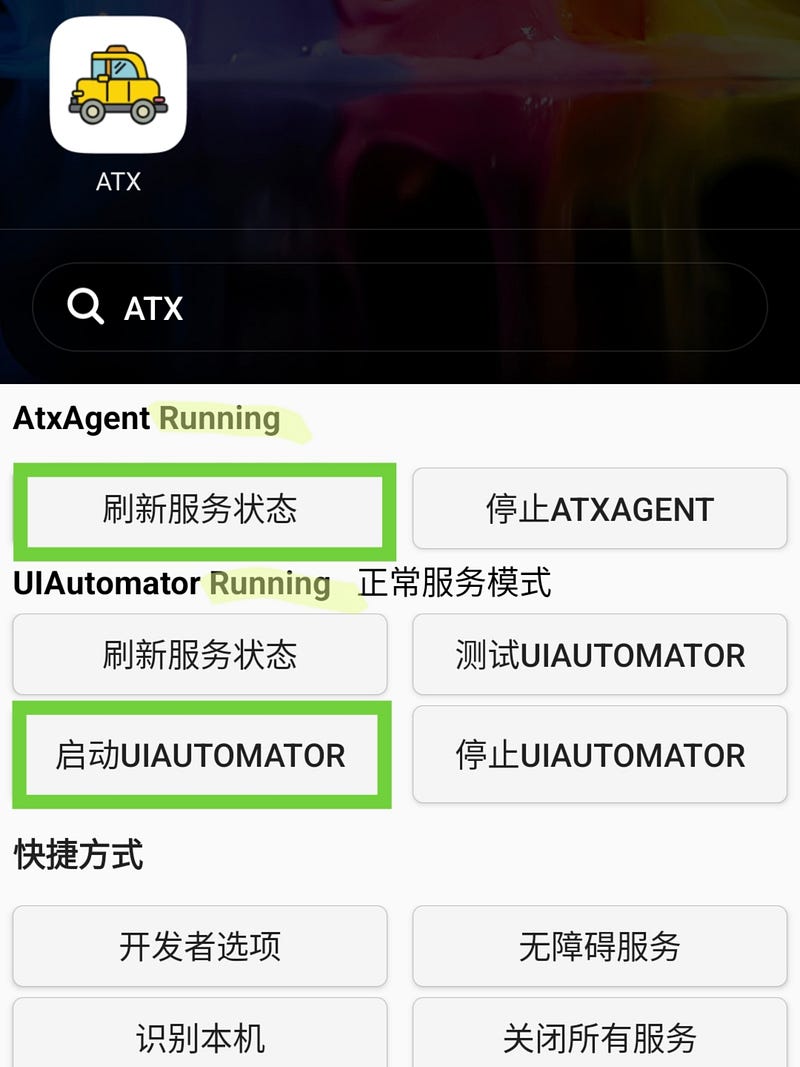
Now you can run the script 😄 with python mergeboss_bot.py.
Make sure you read the README.md and change the variables according to your game conditions, especially the GENERATOR_POSITIONS and IGNORED_MATCH_POSITIONS.
Where can I get the script
You can get the script here, on this GitHub Gist. Make sure you read the README.md before, to know how to set it up.
Recommended: the updated version you can get from this GitHub Git. Read the Setup on Termux and watch this video to see how to set it up.
Hope this might help you to test your app or create an awesome bot in the future 🥳.


