
Create a chatbot in Telegram using OpenAI GPT-3.
Chatting with GPT-3 can be a great way to increase productivity. GPT-3 is an advanced artificial intelligence system that can generate natural language responses to questions and requests. By using GPT-3, you can quickly get answers to complex questions and tasks without having to spend time researching or thinking about the best solution. GPT-3 can also provide helpful advice and insights into how to best approach a given task or problem. Additionally, GPT-3 can help automate mundane tasks, freeing up time for more meaningful work. By leveraging GPT-3’s capabilities, you can become more productive and efficient in no time.
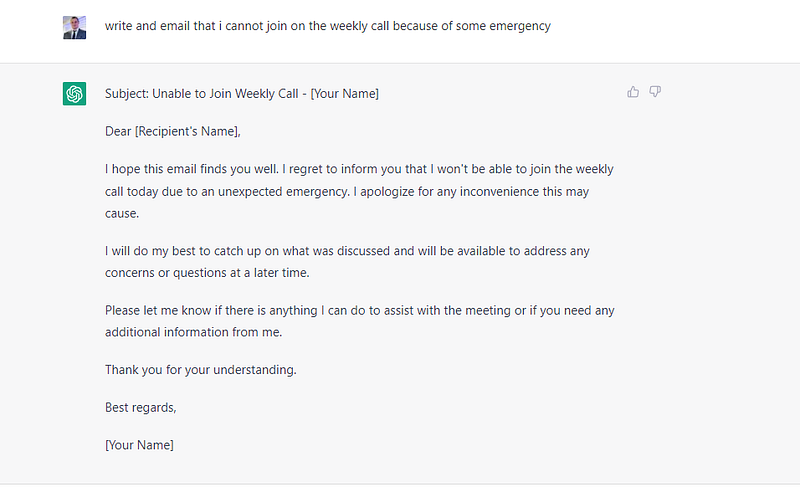
If you’re looking to create your own Telegram bot, you’ve come to the right place! On this page, you’ll find a comprehensive tutorial on how to create a Telegram bot from scratch and connect it to Open AI Chat GPT-3. We’ll walk you through the steps of setting up your bot, writing code for it, and running it. With a help, you’ll be able to create a fully-functional bot in no time!
Telegram bot setup
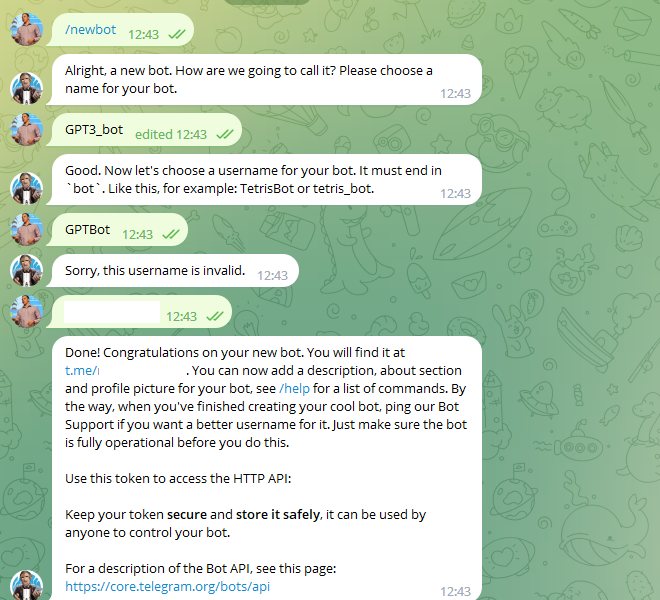
- Find BotFather on Telegram — type @BotFather in the search bar

2. Then, type /newbot and give your bot a name and username.
3. You will then receive a token to access the HTTP API.
OPEN AI — getting access ke
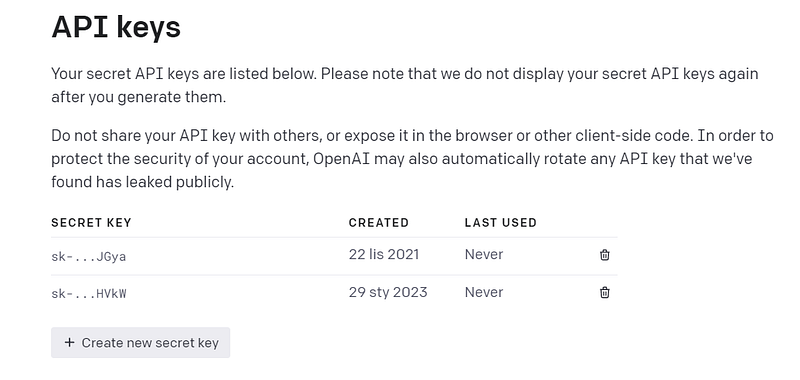
Next, go to https://beta.openai.com/account/api-keys and create a new secret key.
PYTHON CODE
You can find my implementation on my GitHub.
import openai
from telegram import Update
from telegram.ext import ApplicationBuilder, CommandHandler, ContextTypes

# OpenAI API credentials
openai.api_key="HERE-YOUR-OPEN-API-TOKEN"
# Telegram Bot API credentials
token = "HERE-YOUR-TELEGRAM-API-KEY"

async def hello(update: Update, context: ContextTypes.DEFAULT_TYPE) -> None:
    await update.message.reply_text(f'Hello {update.effective_user.first_name}')

async def ask(update, context):
    # Get the user's message
    message = update.message.text.split(" ", 1)[1]
    print(message)
    # Use OpenAI to generate a response
    response = openai.Completion.create(
        model="text-davinci-003",
        prompt=f"{message}",
        max_tokens=2048,
        n=1,
        stop=None,
        temperature=0.5,
    ).choices[0].text

    await update.message.reply_text(f'Response {response}')

app = ApplicationBuilder().token(token).build()
app.add_handler(CommandHandler("hello", hello))
app.add_handler(CommandHandler("ask", ask))
app.run_polling()
Finally, use the code above, insert your API keys in the designated places and save file as server.py. Now you can run your code
python3 server.py
TRY CHATTING WITH GPT3
/hello
/ask write a tweet about why is important to have work-life-balanceThat’s it — it’s easy, right? Please let me know your feedback.
Matt Kozlowski https://twitter.com/matikozlowski


