
Cool optical illusions with Midjourney
Recently you might have seen a slew of intriguing images created with AI of optical illusions. Like this image of a group of girls that also form a ‘hidden’ word.
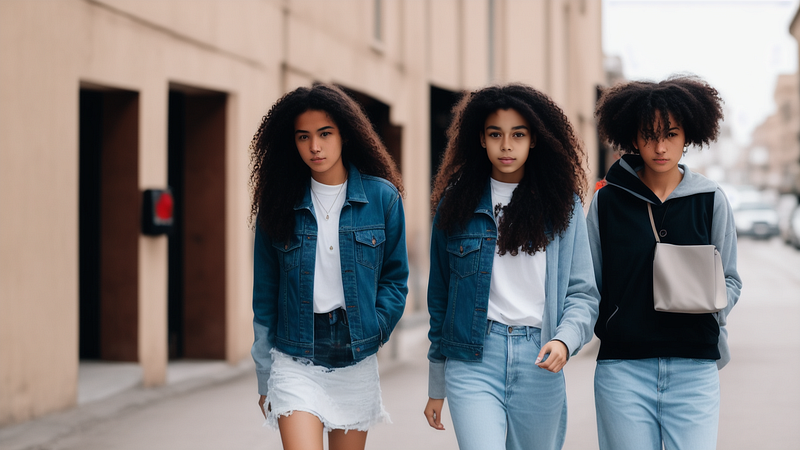
Thing is these images are all made using the model Stable Diffusion. And that has left the users of Midjourney without a way to do something similar with their favorite tool.
Here however is a simple way to create optical Illusions with Midjourney. It’s not the exact same effect but the results are fascinating none the less.
The basic workflow
The basic workflow is like this: We generate a base image and then we use it to create a variation of this image with a completely different prompt.
First up we need to decide what we’d like our base image to be. It should ideally be an image of something iconic and easily recognisable, like the Mona Lisa or a famous movie character.
Creating the base image
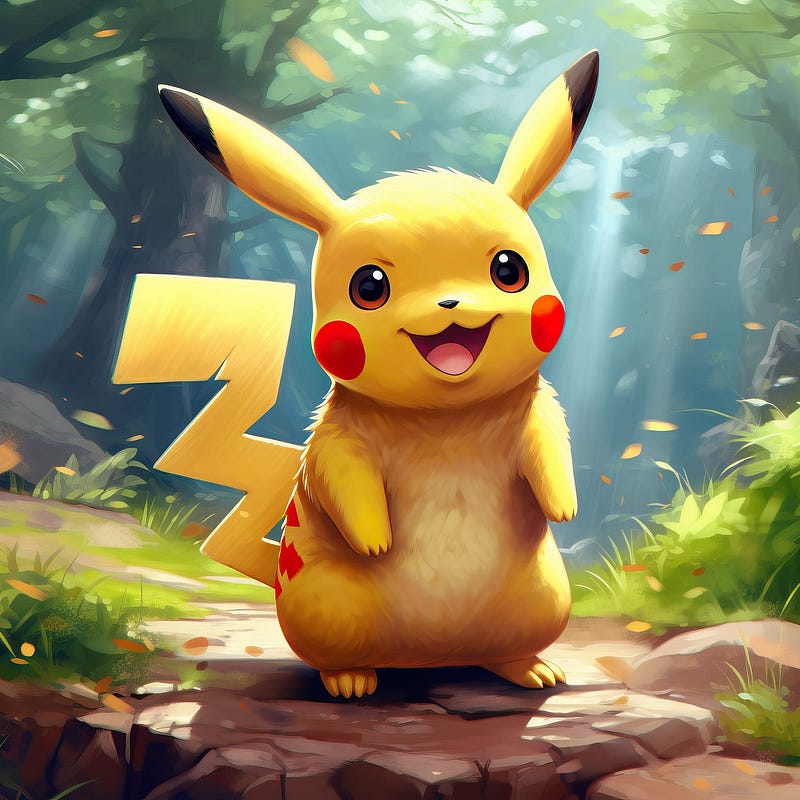
We start out by creating our base image. Just prompt Midjourney as usual. Let’s go for an image of Pikachu
/imagine A drawing of Pikachu
which results in this image. We choose to upscale this image.
Setting remix mode
In order to make Midjourney work the way we want to we need to turn on remix mode. Type
/settings
and we should see rows of buttons. Select remix mode and we’re ready to proceed.
Choosing the motif for the optical illusion
Now we should find out what the image should transform into. It’s best to select something with a lot of texture and many details like ‘a jungle clearing with many flowers’, ‘a city of many small houses’, ‘a crowd of people’. Let’s make a city of yellow houses as I imagine that goes well with the yellow Pikachu.
Creating the optical illusion
Press the ‘Vary (subtle)’ button and enter
“A detailed illustration of a city in a forest with many yellow brick houses”

The final result
Here’s what we get:
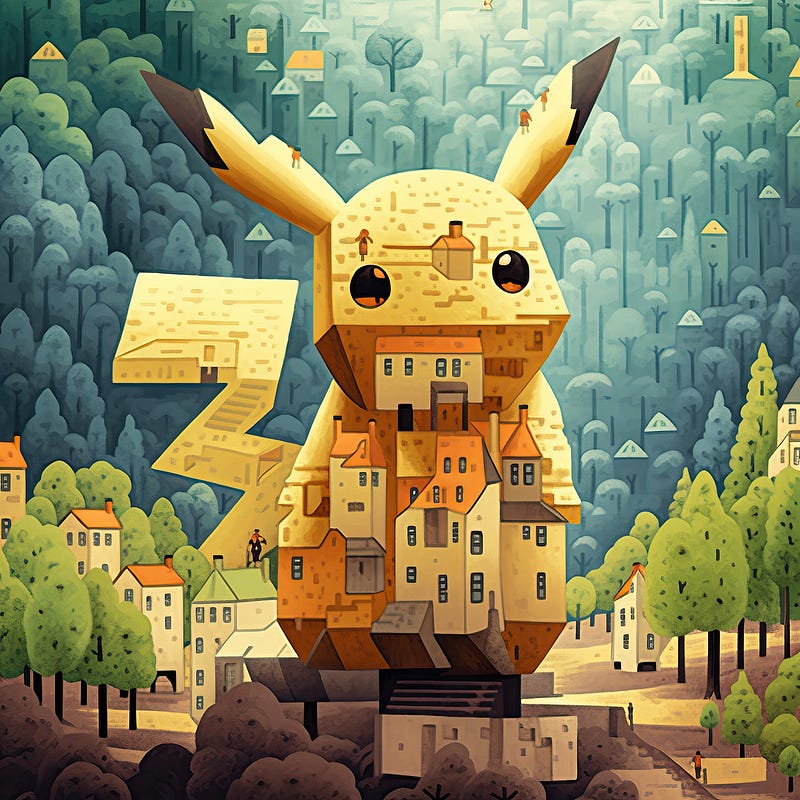
Easily recognisable yet completely different.
Follow me to discover new AI art tools, techniques, and experiments that go beyond the mainstream

This story is published on Generative AI. Connect with us on LinkedIn to get the latest AI stories and insights right in your feed. Let’s shape the future of AI together!


