
Connecting Claude 3 to VSCode as a Copilot: A Quick and Easy Tutorial

In this tutorial, I’ll explain the various ways you can connect to Visual Studio Code as a Copilot using the new and advanced Claude 3 model from Anthropic.
First, you need to have the CodeGPT extension installed in VSCode. You can download it from this link:
You can also search for the extension directly in the VSCode marketplace and install it.
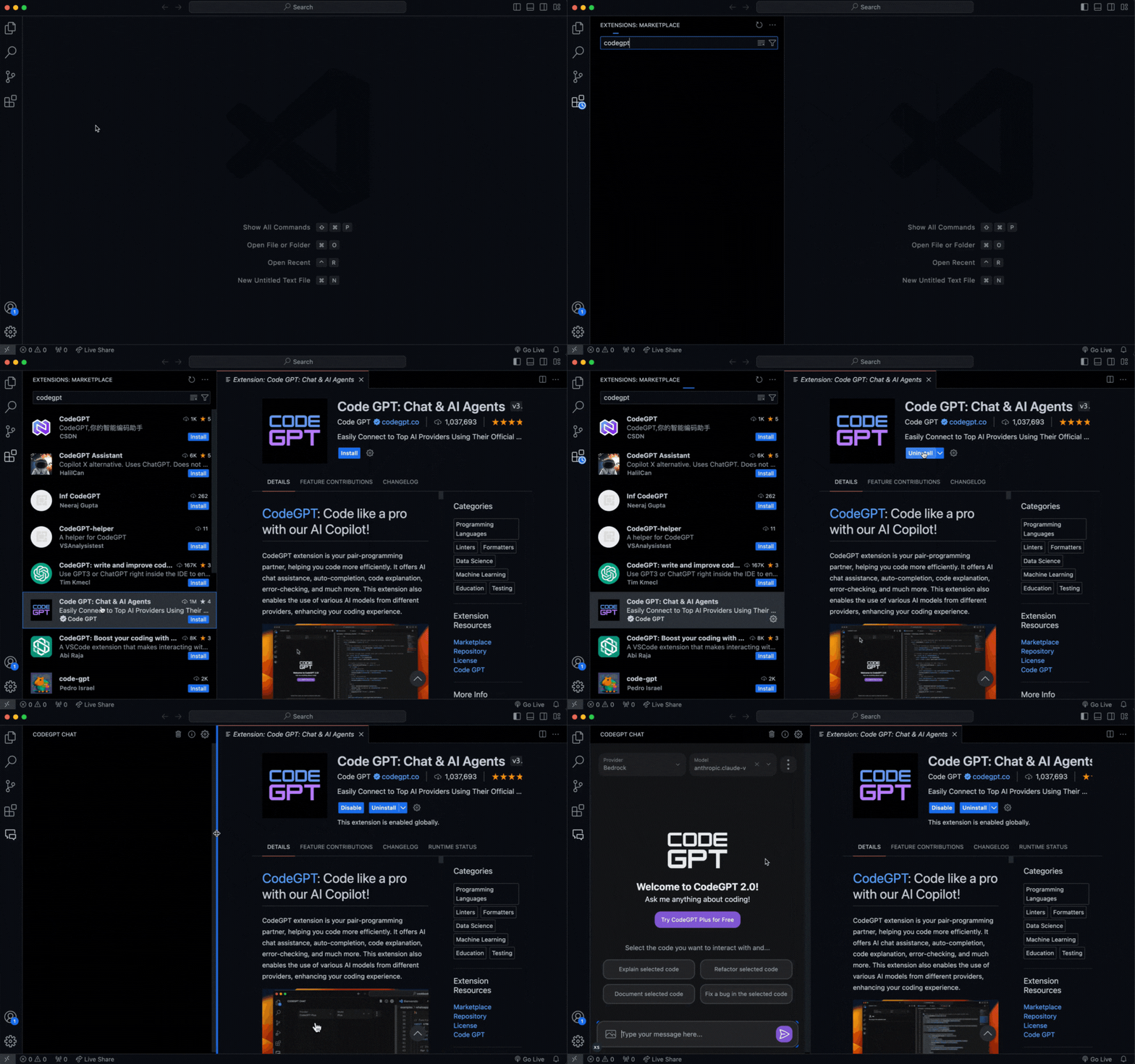
Once installed, you can now choose one of these 3 options to use Claude 3 through CodeGPT.
#1 — Anthropic API Key
Create an account on Anthropic using the following link: https://console.anthropic.com/
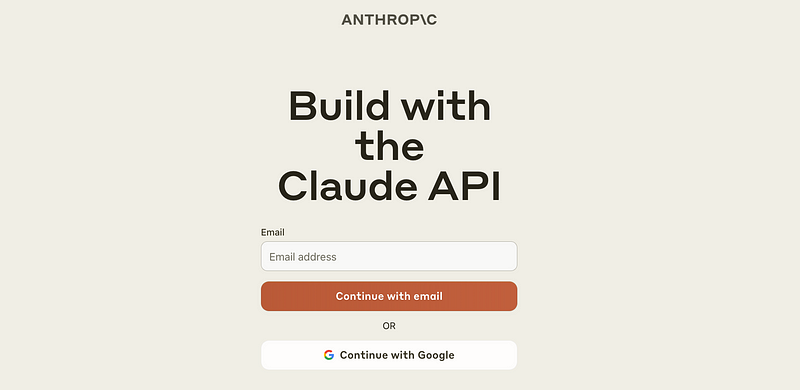
Then go to the “Get API Keys” menu.

Select “Create Key”.

Next, in VSCode, open CodeGPT and select Anthropic as the provider.
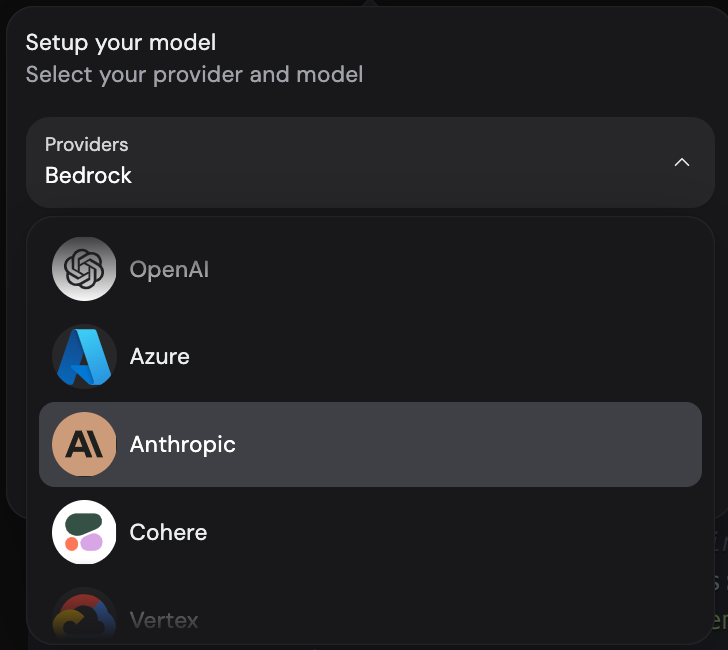
When selecting the model, the extension will prompt you to add your API Key. Paste it and click on “Connect”.
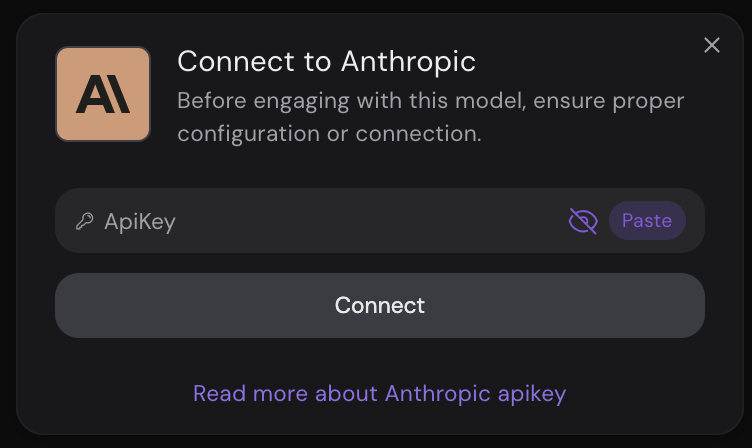
Next, select one of the Claude 3 models available through the Anthropic service.

Enjoy Claude 3 directly from the API provided by the service creator.
#2 — Amazon Bedrock
You need to have an AWS account to connect Claude 3 using Amazon Bedrock. To create an account, please visit the following link: https://aws.amazon.com/
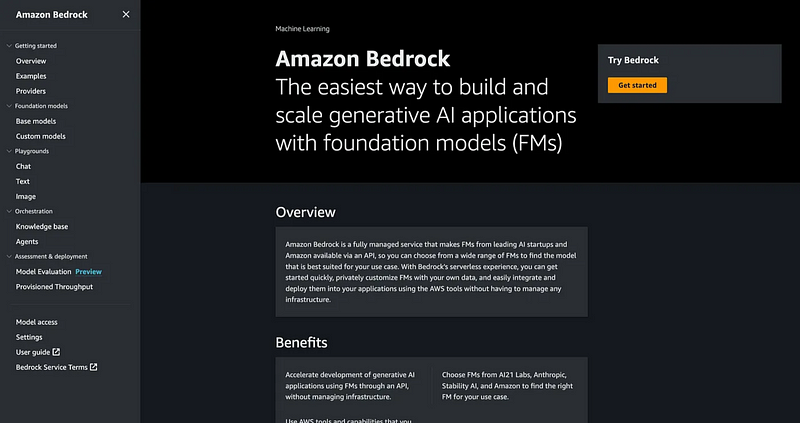
Within your AWS account, navigate to the Bedrock section and enable the Claude 3 model within the available models section. Check out this article with a step-by-step guide on how to configure Bedrock to enable models:
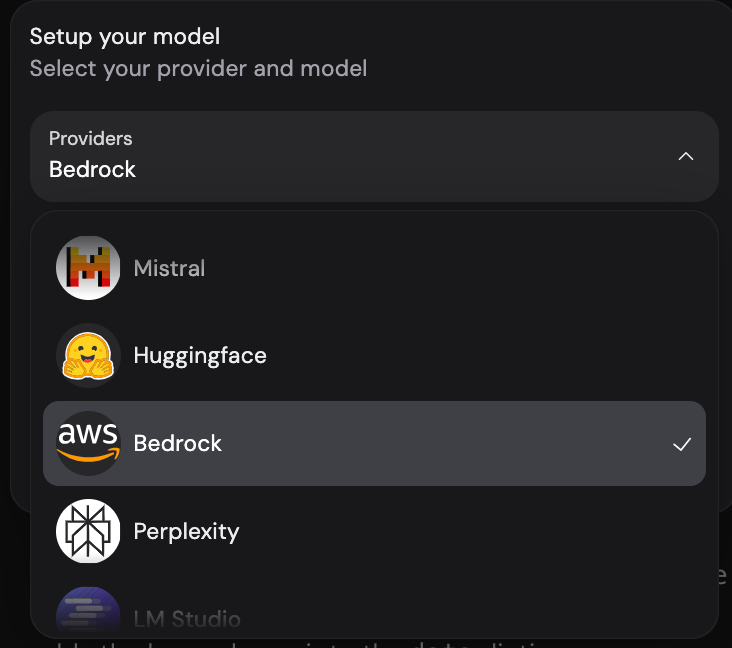
Once you have the models enabled, you can open VSCode, access CodeGPT, and select Bedrock as the provider.
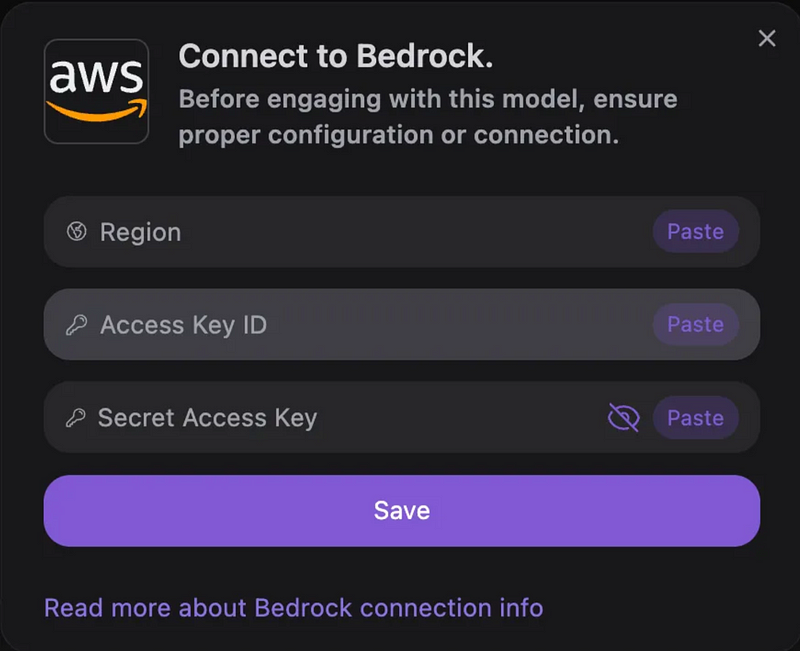
Add the connection details of your AWS account.
Finally, select the Claude 3 model from the model selector.

#3 — CodeGPT Agent
You need to create a free account at the following link to access Claude 3 through a CodeGPT agent: https://app.codegpt.co

Go to the Marketplace section.

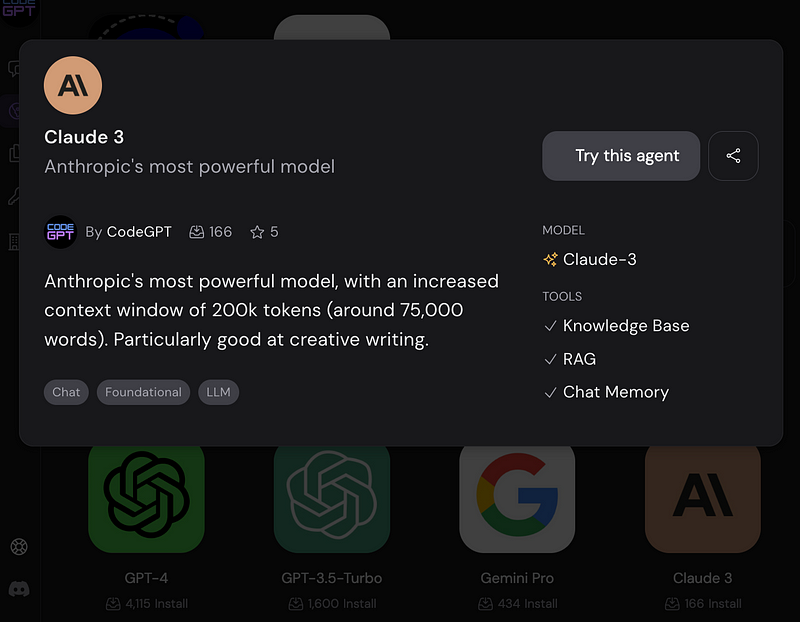
Search for Claude 3 in the model category of the Marketplace, click on it, and then click on “Try this agent”.
In VSCode, open CodeGPT and select CodeGPT Plus as the provider.

In the models section, select Claude 3.

That’s all! Now you can enjoy the powerful Claude 3 model to use as a Copilot within Visual Studio Code.


