
Connect What3Words Locations to Capacities People and Organizations
Location and Maps can be important to have linked to a person’s address, organization’s address, or other location to be able to quickly open a map and get directions. Of course this could be used to log favorite places for any purpose, anywhere in the world, and it is not reliant on an address.

WHY WHAT3WORDS?
Many of you may have figured out how to hook in geolocation data and don’t need a solution but I’m starting to integrate this where needed in my PKM. As Capacities matures there may be better and easier ways to store a location, in the meantime, it doesn’t take much effort and works well across Capacities Apps.
For those who are not familiar with What3Words, it has become an important way to find and share locations and used by millions, check the Capacities Story. What3Words has mapped the entire world to 3 metre squares and given each square a unique 3 word name. The service goes beyond street addresses to pinpoint building entrances, rural areas, park locations and locations that don’t have an address. It has become widely used in many ways but is especially important for emergency services.
ADDING LOCATION DATA IN CAPACITIES
As noted, when Capacities adds an API there may very well be a better method to add location data, but until then, here is the process I have used to integrate What3Word locations. After trying multiple methods to integrate the what3words url, using this approach was the most reliable.
- Use either the Web What3Words Application or the Mobile What3Words App to enter an address (or select from a map).
- After entering a location the 3 unique What3Word address is returned, rainy.humid.spare is returned for my example of Xaviars X2o Restaurant in Yonkers, NY.
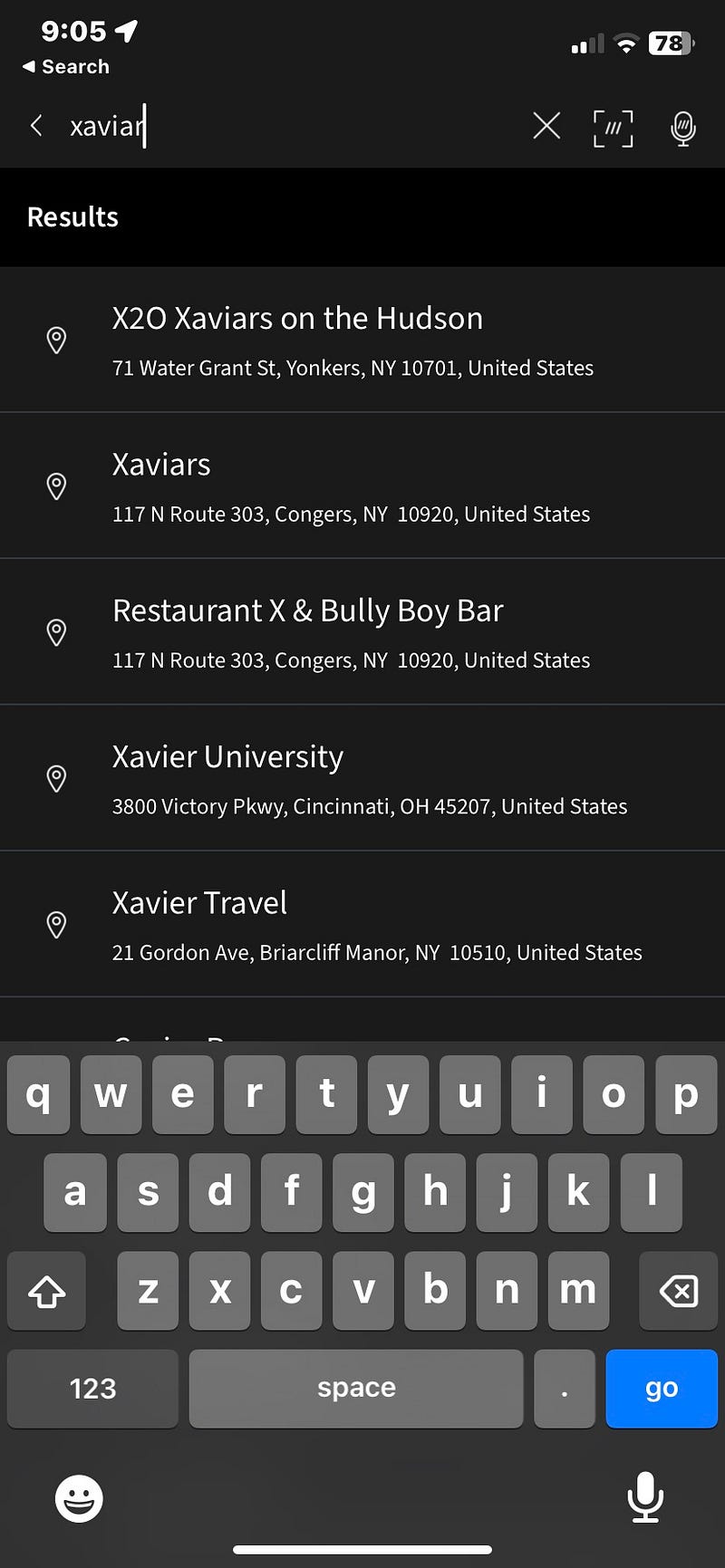
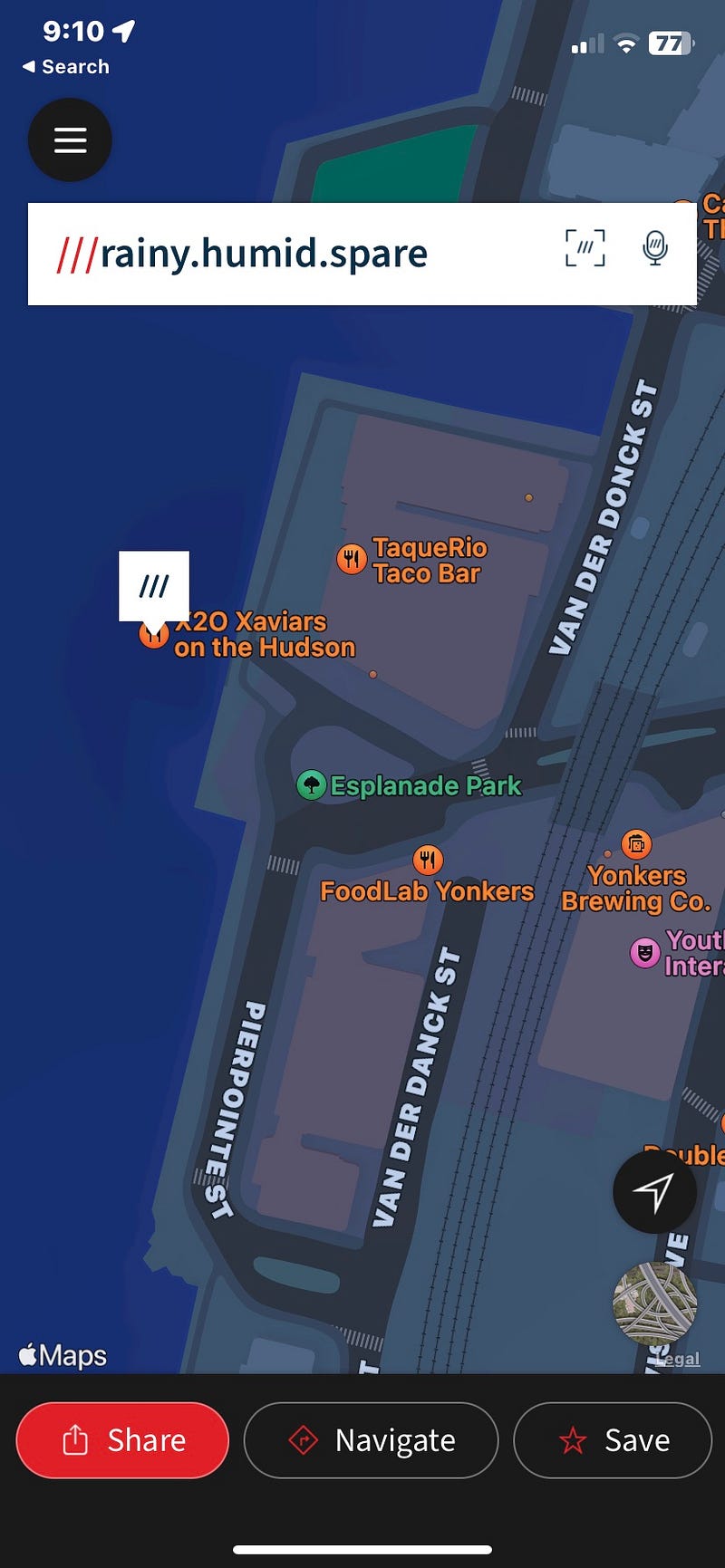
3. In Capacities enter a weblink —
https://what3words.com (& 3 Words) /rainy.humid.spare/

4. In the resulting Weblink screen — rename ‘rainy.humid.spare’ to the name of the location.
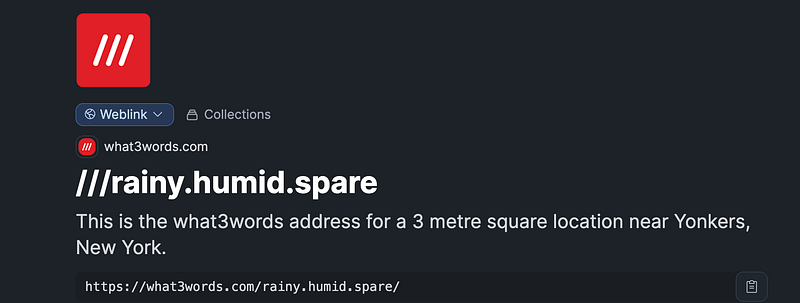
— for this example rename to ‘Xaviars X2o Restaurant’.
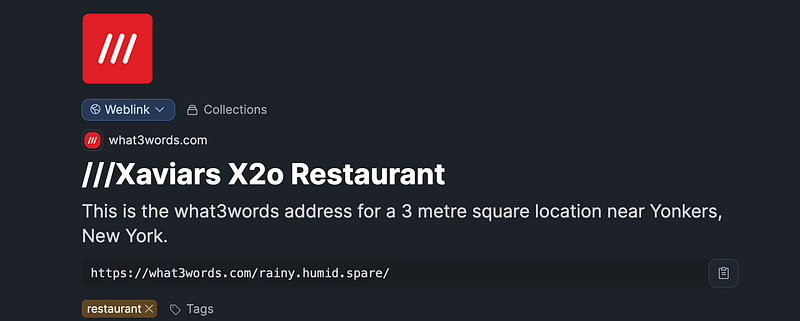
5. Make sure that within the Organizations object (or whatever Object would hold a restaurant) there is a property to hold the Weblink Object previously created. In the example, I have set a ‘single select’ Object called ‘what3words LINK’ that selects and links to the Weblink Object.
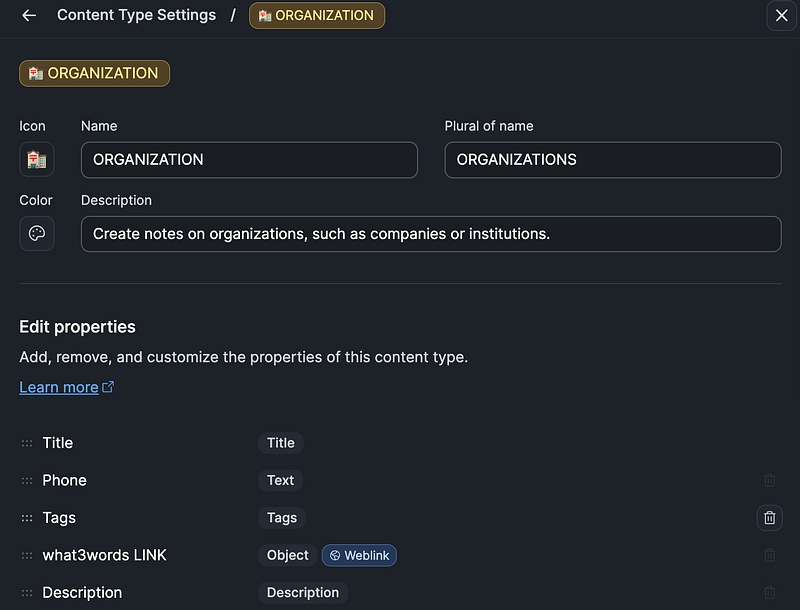
6. Create a new Restaurant record — I use an Organizations Object with a Restaurant Collection. In the left column the What3Words LINK field selects the Xavior X2o Webview link. The Restaurant record then looks like:
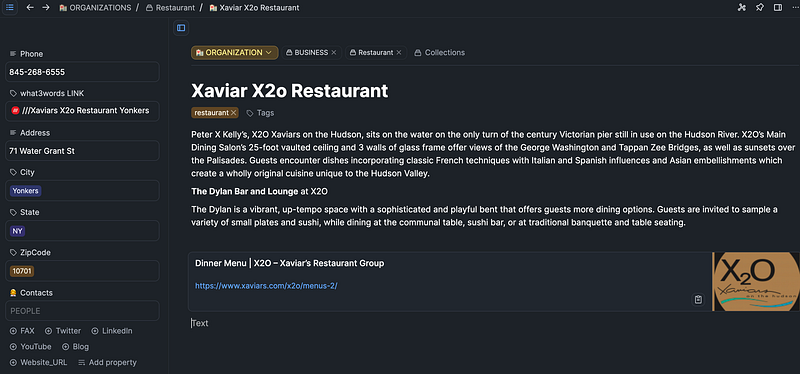
When the What3Words Link is selected the detail Webview screen opens:
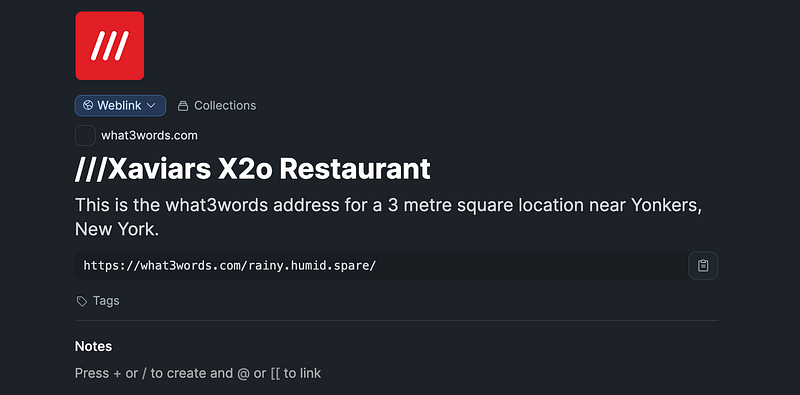
Then, when the what3words URL is clicked the Web screen opens to the map of the restaurant in the What3Words web app.
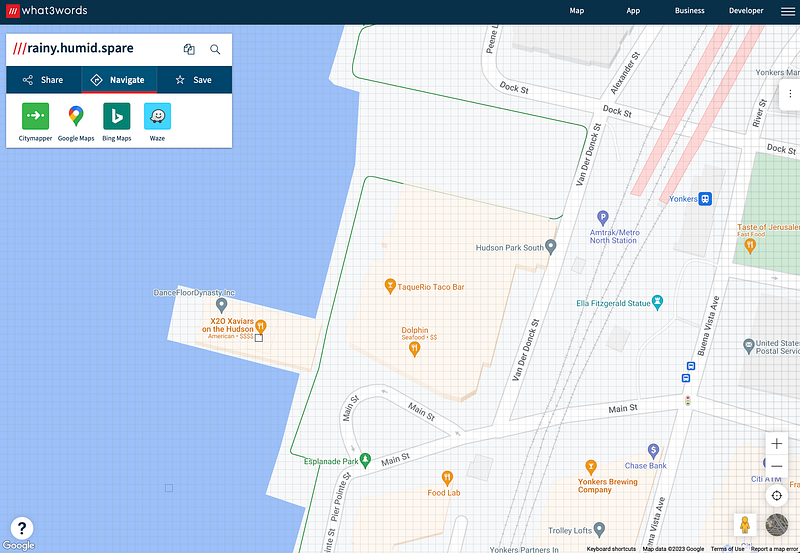
On Capacities mobile App the What3Words App loads from the link (note: make sure the What3Words mobile app is installed):
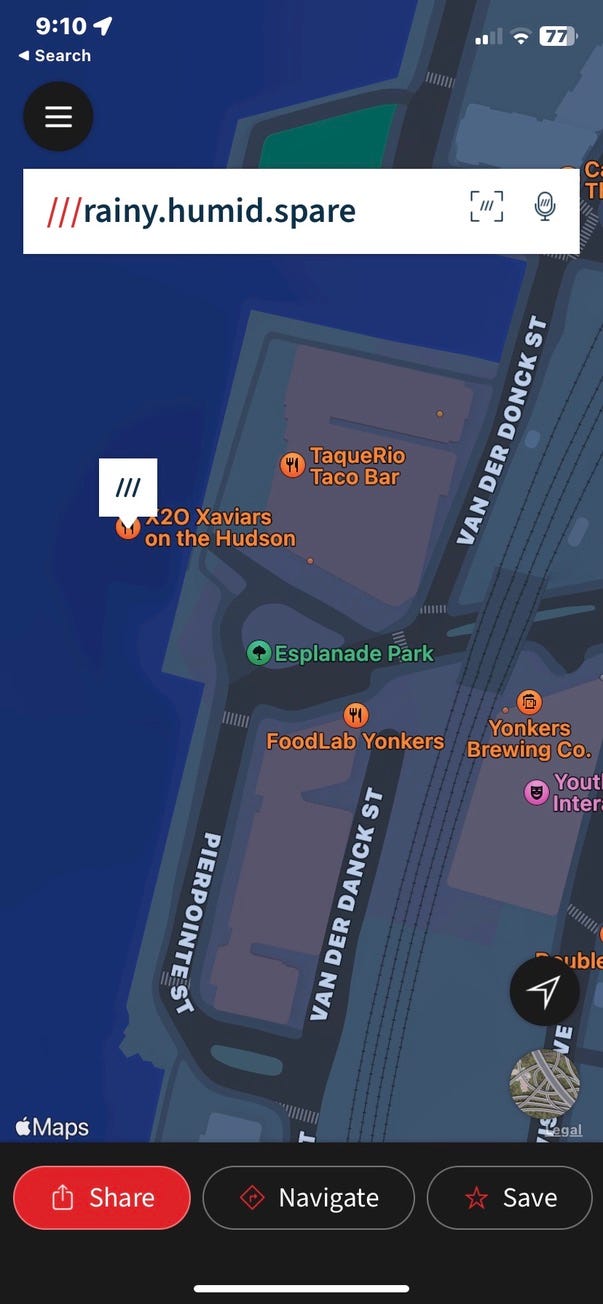
From either the mobile app or the web app it’s simple to navigate or share.
I hope this simple method of integrating location data helps people to add this capability.
Thank You for reading and for your support!! If you enjoyed this article please consider a Clap or more (1–50). Thank you!
Join Medium today, read all my stories and support the writers: