avatarJim McAulay🍁 I'm nobody. Are you a nobody too?

Summary

The provided web content is a tutorial on using Python's Turtle module to create computer art with over 16 million colours by mixing Red, Green, and Blue (RGB) in RGB colour mode.

Abstract

The article titled "Colourful Computer Art With Python Turtle" introduces the concept of RGB colour mode in the Turtle module of Python. It explains that, in addition to the 479 predefined named colours, users can create their own custom colours by mixing different intensities of Red, Green, and Blue light. The tutorial describes how to switch from the default colour mode to RGB mode using the colormode command, which allows for a palette of over 16 million colours. It provides code snippets to demonstrate how to import the necessary modules, set up the RGB colour mode, and use a while loop to draw lines with random colours and angles, resulting in a vibrant piece of computer-generated art. The article emphasizes the ease of creating a wide range of colours and the dynamic nature of the artwork produced by this method.

Opinions

  • The author implies that the ability to mix over 16 million colours offers a significant advantage over using only predefined named colours, suggesting a high degree of creative freedom.
  • The use of randomization in colour and angle selection is presented as a feature that contributes to the uniqueness and unpredictability of each artwork created with the Turtle module.
  • The inclusion of a question from Jim McAulay🍁 about the nature of impossibility at the end of the article seems to encourage readers to think critically and philosophically about the concepts introduced in the tutorial.
  • The article's structure, which includes both explanatory text and code examples, indicates that it is designed to be both informative and practical, catering to readers with varying levels of programming experience.

Colourful Computer Art With Python Turtle

An introduction to RGB colour mode.
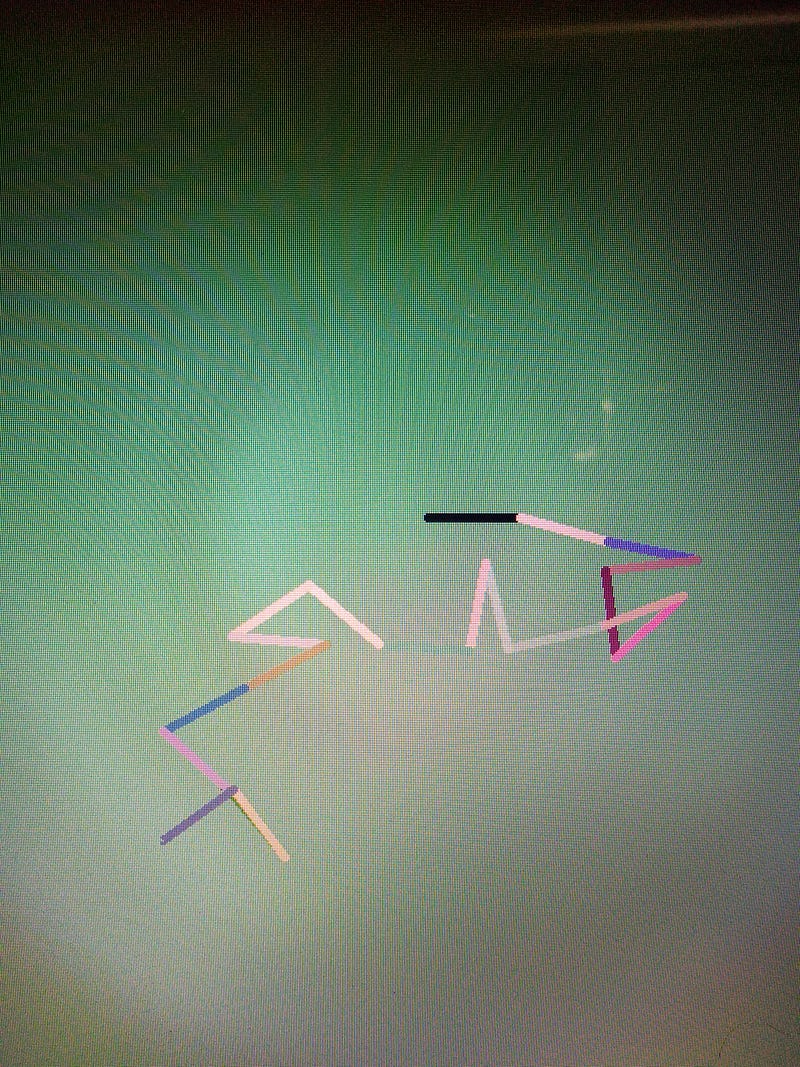
screenshot my computer

In a previous lesson, I introduced the default colour mode and the 479 named colours that are available in the Turtle Module. In addition to the named colours, you can also mix your own colours. By mixing shades of Red, Green, and Blue you can produce over 16 million different colours.

The colour mode command allows you to switch between RGB colour mode (255) and the default colour mode 1.0.

import turtle as T
print (T.colormode())  

Will tell you which mode you are in. When you open the turtle module it will return 1.0

To use RGB mode.

import turtle as T
T.colormode (255)

To set up the module we will import the modules that we will need; set the colour mode to RGB and initialize a counter using ‘i’ for integer.

import turtle as T.
import random
T.colormode (255)
i = 0

We are going to create a while loop.

while i < 20:
     i += 1

i += is a shortcut for i= i +1

i starts out as 0 it is incremented by 1. 1 is less than 20 the module continues executing commands then starts over. i equals 2 then 3 and finally gets to 20. Whereupon it executes commands for the last time because i is no longer less than 20.

On each iteration, we are going to set random amounts of red, green and blue. We will use them to create a random background colour and a random line colour. We will then set a random angle. The thickness, the length of the line, and its direction will remain constant.

R = random.randrange (255)
G = random.randrange (255)
B = random.randrange (255)
T.bgcolor (R,G,B,)
T.color (R,G,B,)
ang = random.randrange (360)
T.width (5)
T.forward (50)
T.right(ang)
import turtle as T
import random
T.colormode (255)
i = 0
while i < 20:
    i += 1
    R = random.randrange (255)
    G = random.randrange (255)
    B = random.randrange (255)
    T.bgcolor (R,G,B,)
    T.color (R,G,B,)
    ang = random.randrange (360)
    T.width (5)
    T.forward (50)
    T.right(ang)

Jim McAulay🍁 asks: “ If nothing is impossible is it impossible for something not to be possible?”

48–49

16–16

Technology
Python
Programming For Beginners
Jim Mcaulay
Illumination
Recommended from ReadMedium