
Clean Architecture in React Native
Clean Architecture emphasizes separation of concerns, enhancing code maintainability, testability, and scalability. This post will guide you in implementing Clean Architecture in a React Native project with TypeScript, including a practical example and recommended folder structure.
What?
Clean Architecture, introduced by Robert C. Martin (Uncle Bob), aims to create a clear separation between different layers of an application. The primary goal is to isolate the business logic from the implementation details, making the code easier to maintain and extend.
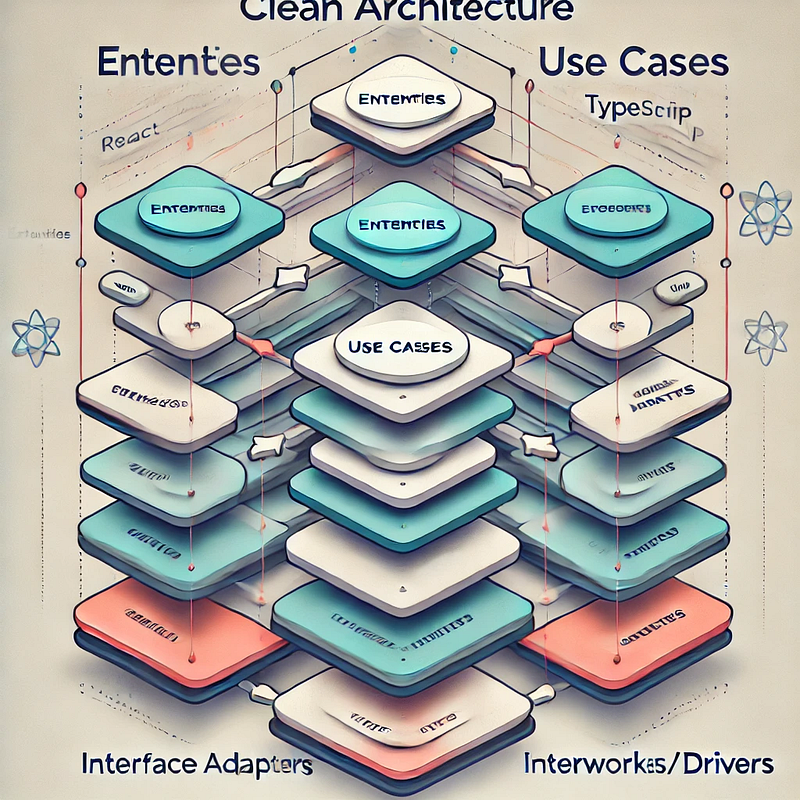
The typical layers in Clean Architecture are:
- Use Cases: Application-specific business rules.
- Interface Adapters: Converts data from the use cases to a format suitable for the framework or UI.
- Frameworks and Drivers: External dependencies, such as UI frameworks, databases, or APIs.
Why?
Clean Architecture brings several benefits to your React Native app:
- Maintainability: Clean architecture makes your code more organized and easier to manage. Changes in one part of the app don’t affect the others much.
- Testability: With clear separation between different parts of your app, it’s easy to write tests for your business logic, data handling, and UI components.
- Scalability: As your app grows, clean architecture allows you to add new features or extend existing ones without introducing excessive complexity.
- Flexibility: You can switch libraries, frameworks, or APIs with minimal disruption to your core business logic.
How?
Folder Structure
folder structure for a React Native project using Clean Architecture:
src/
├── core/ /*Contains the business logic of the application.*/
│   ├── entities/ /*Business entities (e.g., User, Product).*/
│   ├── useCases/ /*Application-specific business rules (e.g., GetUser, AddProduct).*/
│   └── interfaces/ /*Interfaces for repositories, services, etc.*/
├── infrastructure/ /*Deals with external dependencies and implementation details.*/
│   ├── api/ /*API calls and configurations.*/
│   ├── repositories/ /*Data repositories for managing data sources.*/
│   └── services/ /*External services (e.g., authentication, logging).*/
├── presentation/ /*Contains UI components and screens.*/
│   ├── components/ /*Reusable UI components.*/
│   ├── screens/ /*Screen components.*/
│   └── navigation/ /*Navigation setup (e.g., React Navigation).*/
├── app.tsx /*Entry point for the React Native application.*/
├── index.tsx /*Root index file.*/
└── types/ /*TypeScript types and interfaces.*/
Example:
Conclusion:
Using Clean Architecture in React Native makes your app easier to maintain, test, and scale. It organizes your code into clear layers, helping you manage complex projects more effectively.


