avatarGazar

Free AI web copilot to create summaries, insights and extended knowledge, download it at here

2288

Abstract

e.html">https://www.infoworld.com/article/3220410/cloud-computing/linux-amazon-ec2-tutorial-how-to-set-up-an-ec2-instance.html</a>

  • <a href="https://aws.amazon.com/mp/scenarios/">https://aws.amazon.com/mp/scenarios/</a>
  • <a href="https://aws.amazon.com/ec2/?hp=tile&amp;so-exp=below">https://aws.amazon.com/ec2/?hp=tile&amp;so-exp=below</a>
  • <a href="https://aws.amazon.com/ec2/instance-types/">https://aws.amazon.com/ec2/instance-types/</a></p><h1 id="5f77">2- Lightsail:</h1><p id="69cc">These are bundles of existing EC2 instances, offered through a significantly simplified interface. The difference is that Lightsail offers you a limited and fixed menu of options but with much greater ease of use.</p><p id="47a5">It also has a dramatically simplified console, and even though the machines run in EC2, you can’t see them in the EC2 section of the AWS console.</p><figure id="89a2"><img src="https://cdn-images-1.readmedium.com/v2/resize:fit:800/1*v7vqXZhspoHO-sRXQlF_pg.png"><figcaption></figcaption></figure><p id="037f"><b>Use case:
  • </b>The point of Lightsail seems to be simplicity. The flexibility of EC2 (and much of AWS) leads inevitably to complexity. The target market for Lightsail appears to be those who “just want a simple VPS”</p><h1 id="2ac3">3- Elastic Container Service:</h1><p id="7ffa">Are you using Docker container? this is your service for deploying them into clouds.</p><blockquote id="fa17"><p>Amazon ECS makes it easy to deploy, manage, and scale Docker containers running applications, services, and batch processes. Amazon ECS places containers across your cluster based on your resource needs and is integrated with familiar features like Elastic Load Balancing, EC2 security groups, EBS volumes and IAM roles.</p></blockquote><figure id="b307"><img src="https://cdn-images-1.readmedium.com/v2/resize:fit:800/1*lr8eSSXN_38ItCgEAxRPVA.png"><figcaption></figcaption></figure><p id="56bd"><b>Use case: </b>- Whenever you want to deploy a microservice or batch file in a container</p><h1 id="3ef9">4- Lambda:</h1><p id="1541">Here is one of the popular names which is for running codes on the cloud like a microservice. You can run Node.js, Java, C#, Go and Python. What can be better than this?</p><figure id="57f7"><img src="https://cdn-images-1.readme

Options

dium.com/v2/resize:fit:800/1*ZZF4-GqDP80p9z9li5t7cA.png"><figcaption></figcaption></figure><p id="69a5"><b>Use case: </b>- Serverless architecture for writing on the cloud and having a microserver</p><h1 id="b750">5- Batch:</h1><p id="b5da">It sounds traditional as it is for doing everything. Batch file consists of a series of commands to be executed by the command-line interpreter, stored in a plain text file.</p><figure id="3ea1"><img src="https://cdn-images-1.readmedium.com/v2/resize:fit:800/1*O9Q5OUebDmygi04qq04A7w.png"><figcaption></figcaption></figure><h1 id="3766">6- Elastic Beanstalk:</h1><p id="d230">Elastic Beanstalk will setup an “environment” for you that can contain a number of EC2 instances, an optional database, as well as a few other AWS components such as a Elastic Load Balancer, Auto-Scaling Group, Security Group. They made it easy to just choose your application type and deploy it to the server.</p><figure id="760e"><img src="https://cdn-images-1.readmedium.com/v2/resize:fit:800/1*o25d5as6WH7MbFMSB8_eWg.png"><figcaption></figcaption></figure><p id="4d71"><b>Use case: </b>- With Elastic Beanstalk, you can easily jump in with AWS and deploy web applications in a few minutes using Java, .NET, PHP, Node.js, Python, Ruby, Go, or Docker</p><h1 id="1853">More Questions:</h1><ul><li><b>What about other services?</b> I try to cover them in next articles.</li><li><b>What should I choose? the easier option like Beanstalk and Lightsail or EC2 which needs more configuration? </b>Depends of your skill, if you know you can understand and have a nerve to do it in EC2, then use EC2.</li><li><b>When to use EC2? or ECS? </b>Using docker has more advantages during time in terms of keeping the environment the same thing. I might worth doing what you want to do in ECS, but if you have more than a microservice, using EC2 is inevitable.</li></ul><h1 id="8d9e">Conclusion:</h1><p id="3c1e">There is no doubt that AWS computing services are changing the structure of our projects. I know there are more services out there for using, deploying and configuring projects, but the reason AWS is more interesting now is because they have different services and you can keep them all in AWS and even be flexible with technologies that you are using.</p></article></body>

Choosing an AWS Computing Service
In this article, I am going to talk about usages and differences between computing services in AWS. I will cover different use! ideas and sources in case that you need to even read more about the.

Amazon Web Services (AWS) is a subsidiary of Amazon.com that provides on-demand cloud computing platforms to individuals, companies and governments, on a paid subscription basis.

You should know that knowing AWS and knowing what you can do with them is a bonus in your interviews and it will be a knowledge that you definitely need to know to deploy everything.

Why I started writing this article?

There are so many articles about teaching and how to use these technologies but it might be good to know about all of them in case of not using one instead of another one.

1- EC2: Amazon Elastic Compute Cloud:

If you were using VPS before, this is a good option for replacing your need. Of course you will be charged based on what you use in AWS. Here in EC2, you can create instances which can be run different type of OS and you can connect them through SSH and do whatever
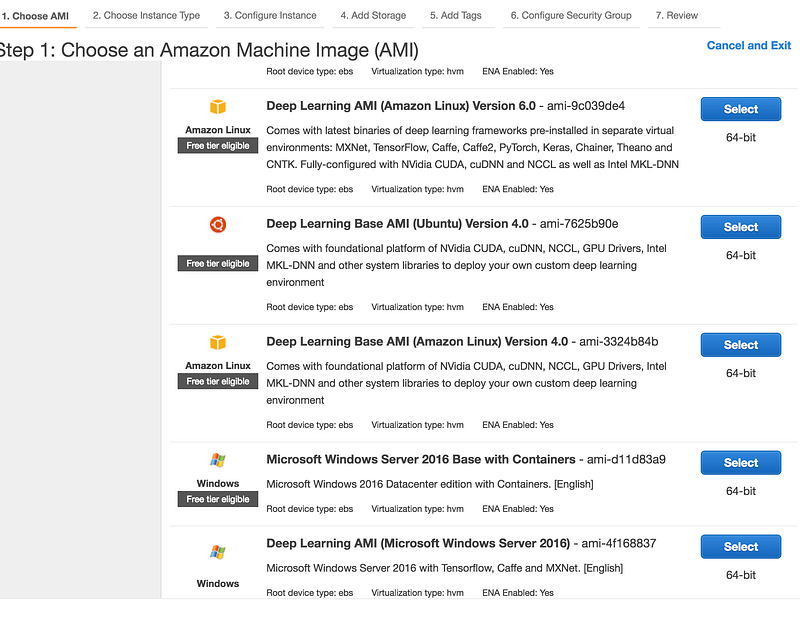
Use Cases:

  • Small and mid-size databases,
  • Data processing tasks that require additional memory, caching fleets
  • Hosting codebases which they are not in docker
  • Microsoft SharePoint
  • Cluster computing, and other enterprise applications

learn more: - https://www.infoworld.com/article/3220410/cloud-computing/linux-amazon-ec2-tutorial-how-to-set-up-an-ec2-instance.html - https://aws.amazon.com/mp/scenarios/ - https://aws.amazon.com/ec2/?hp=tile&so-exp=below - https://aws.amazon.com/ec2/instance-types/

2- Lightsail:

These are bundles of existing EC2 instances, offered through a significantly simplified interface. The difference is that Lightsail offers you a limited and fixed menu of options but with much greater ease of use.

It also has a dramatically simplified console, and even though the machines run in EC2, you can’t see them in the EC2 section of the AWS console.
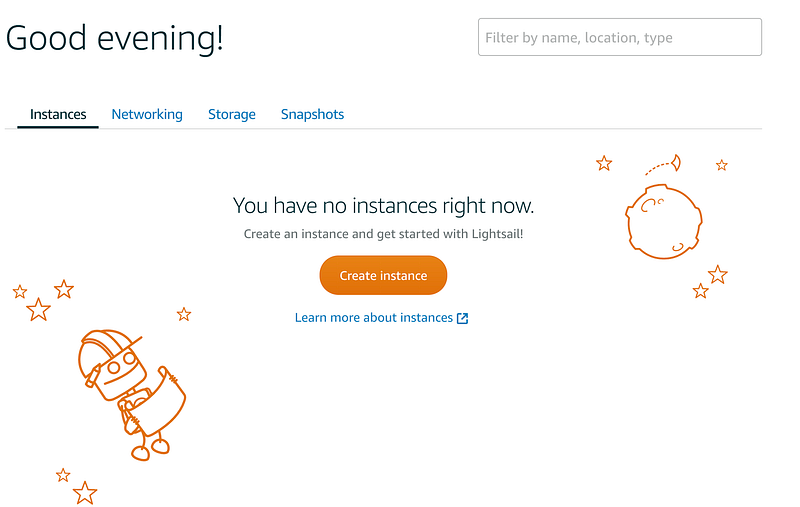
Use case: - The point of Lightsail seems to be simplicity. The flexibility of EC2 (and much of AWS) leads inevitably to complexity. The target market for Lightsail appears to be those who “just want a simple VPS”

3- Elastic Container Service:

Are you using Docker container? this is your service for deploying them into clouds.

Amazon ECS makes it easy to deploy, manage, and scale Docker containers running applications, services, and batch processes. Amazon ECS places containers across your cluster based on your resource needs and is integrated with familiar features like Elastic Load Balancing, EC2 security groups, EBS volumes and IAM roles.
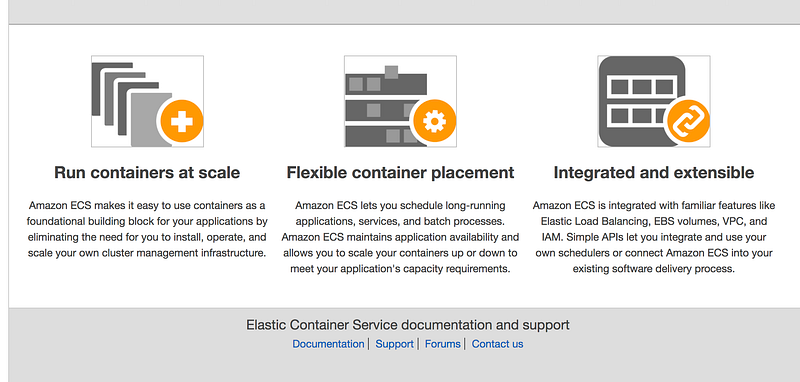
Use case: - Whenever you want to deploy a microservice or batch file in a container

4- Lambda:

Here is one of the popular names which is for running codes on the cloud like a microservice. You can run Node.js, Java, C#, Go and Python. What can be better than this?
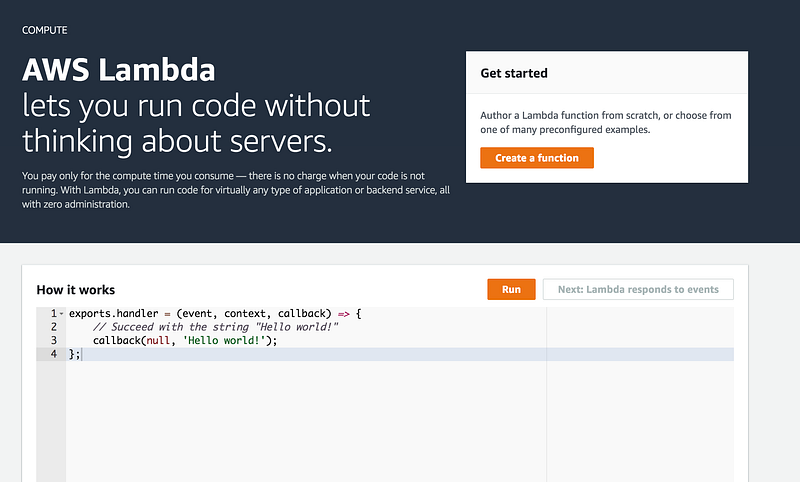
Use case: - Serverless architecture for writing on the cloud and having a microserver

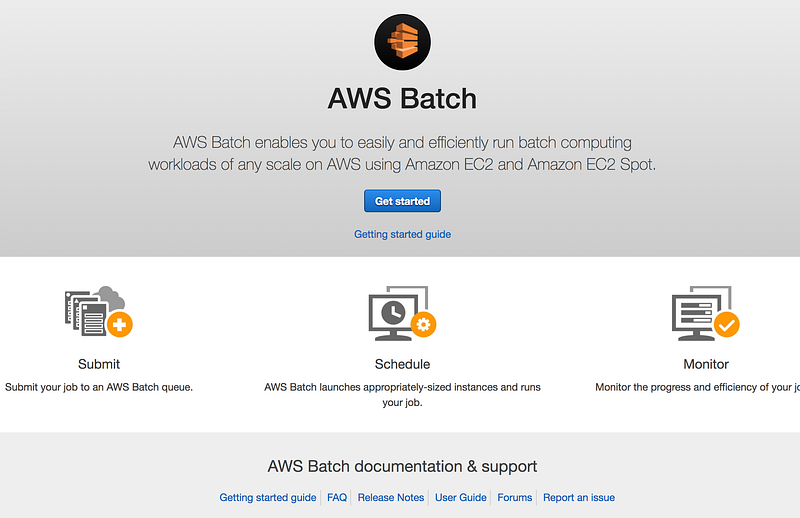
5- Batch:

It sounds traditional as it is for doing everything. Batch file consists of a series of commands to be executed by the command-line interpreter, stored in a plain text file.
6- Elastic Beanstalk:

Elastic Beanstalk will setup an “environment” for you that can contain a number of EC2 instances, an optional database, as well as a few other AWS components such as a Elastic Load Balancer, Auto-Scaling Group, Security Group. They made it easy to just choose your application type and deploy it to the server.
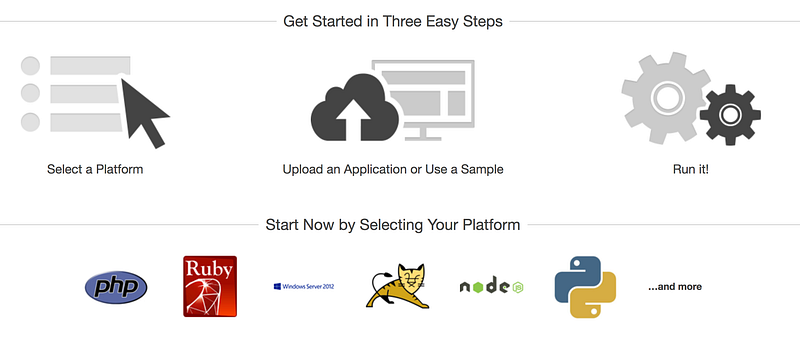
Use case: - With Elastic Beanstalk, you can easily jump in with AWS and deploy web applications in a few minutes using Java, .NET, PHP, Node.js, Python, Ruby, Go, or Docker

More Questions:

  • What about other services? I try to cover them in next articles.
  • What should I choose? the easier option like Beanstalk and Lightsail or EC2 which needs more configuration? Depends of your skill, if you know you can understand and have a nerve to do it in EC2, then use EC2.
  • When to use EC2? or ECS? Using docker has more advantages during time in terms of keeping the environment the same thing. I might worth doing what you want to do in ECS, but if you have more than a microservice, using EC2 is inevitable.

Conclusion:

There is no doubt that AWS computing services are changing the structure of our projects. I know there are more services out there for using, deploying and configuring projects, but the reason AWS is more interesting now is because they have different services and you can keep them all in AWS and even be flexible with technologies that you are using.

AWS
Computing
Lambda
Development
DevOps
Recommended from ReadMedium