
Changing the Android App Icon Programmatically
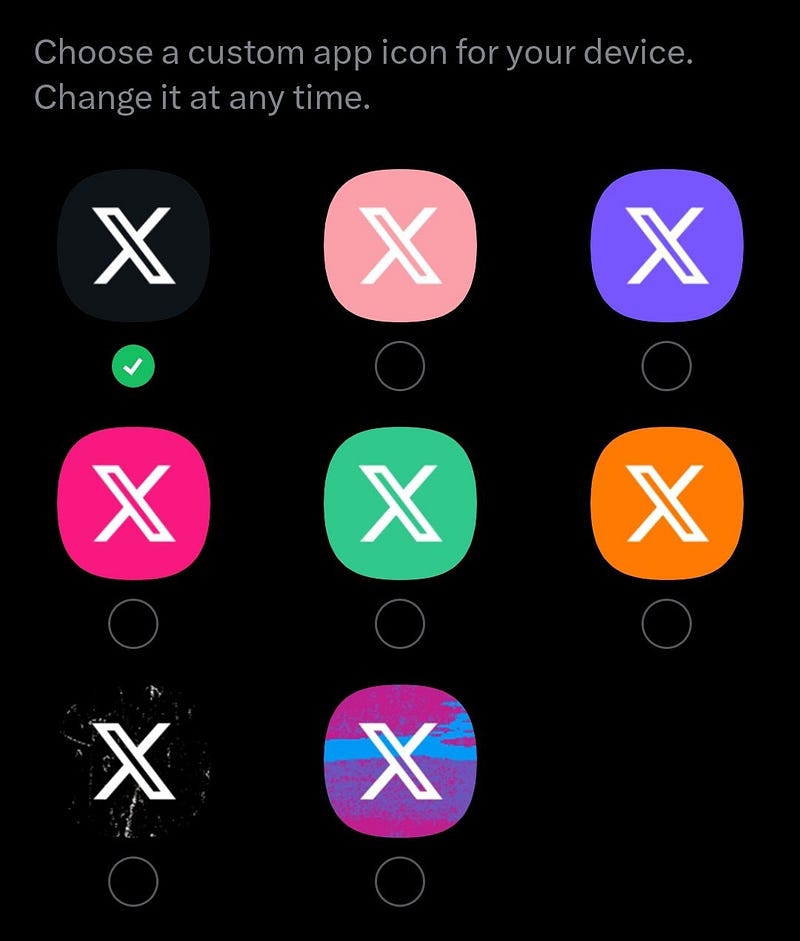
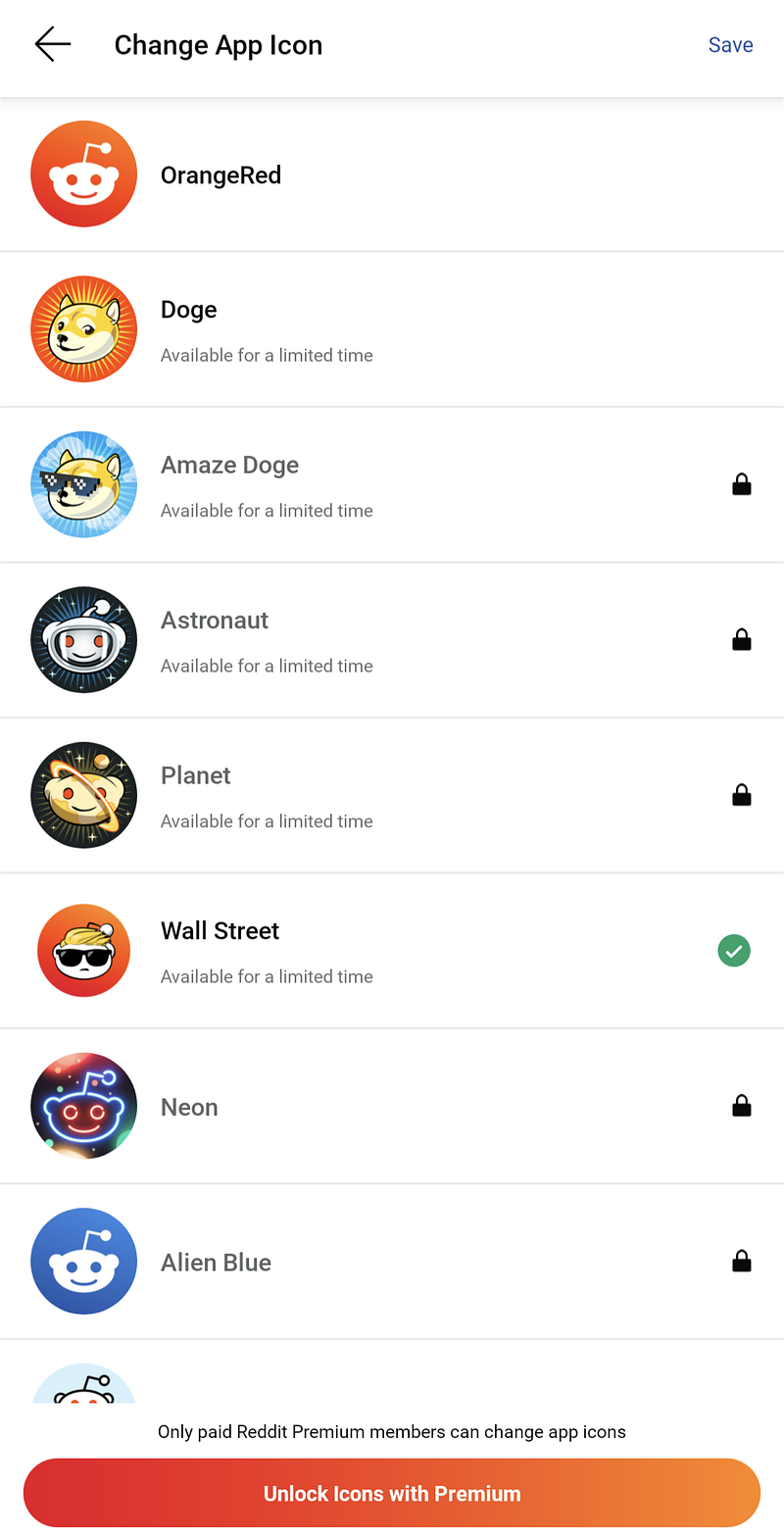
Recently, it was announced that 𝕏 Blue users could change their app icon. This feature is not new, as the Reddit app also provides a similar function.
Searching for a solution online is relatively easy. However, what intrigued me was the reaction on StackOverflow whenever someone asked for a way to implement this. Respondents often insist that it’s impossible, despite the existence of workarounds.
If there are workarounds, then it is not impossible
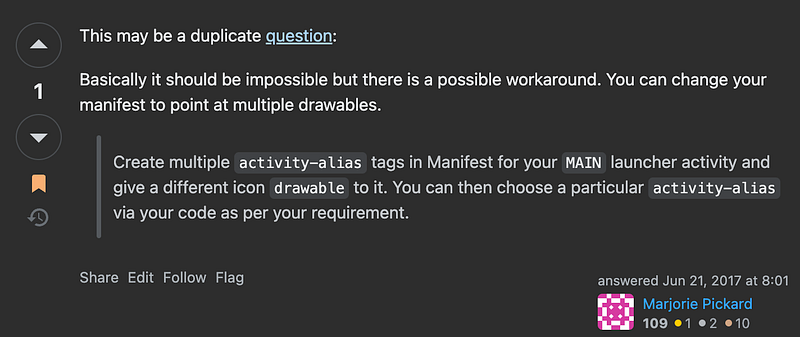
This solution has been circulating for years. Although some users have reported issues on certain phones, the method works for me. Therefore, I’d like to share it here, as it’s not particularly difficult to implement.
The Underlying Working Principle
We can create multiple launcher icons by declaring activity-alias elements in AndroidManifest.xml. The effect of changing the app icon is achieved by disabling the current one and enabling a new one.
Defining the App Icons in AndroidManifest.xml
Though we aim to change the app icon programmatically, we still need to hardcode a predefined set of icons. This allows us to switch between them programmatically. For example, the following code creates three extra launcher icons besides the default one.
💡 Please note that the original activity
MainActivitydoes not have the usualintent-filter,android:labelandandroid:icondefined. The drawback is that we may not be able to run the app using theRun Appfunction on Android Studio. We will need to install the App using the Gradle command line like./gradlew installDebugto start the App.
Points to note:
- As it’s an alias, we don’t need to implement a concrete class for the
activity-aliaswe create, as long as it points to an existingtargetActivity. - Since the original
MainActivityno longer responds to theandroid.intent.action.MAIN, we must have to make sure to enable a defaultactivity-alias. - We can change the
labelin addition to theicon. - We must include the necessary
intent-filter. Otherwise, when a particular activity-alias is enabled, the app won’t be able to launch.
Create the UI for Icon Selection
The implementation is entirely up to us. We may opt for a complex approach by managing the list of available icons and the current selection using ViewModel and Repository. As long as we can correctly associate the icon with the component name we defined as activity-alias, it will work.
💡 If we supply the app icons in the
mipmapformat, we may need to handle them differently before properly displaying them using Jetpack Compose. Alternatively, we could create a separate set ofdrawablesfor this.
Enabling/Disabling an App Icon
Technically, we are programmatically enabling or disabling a component (an activityor activity-alias). Each component comes with a different icon or name.
Enabling a Component
Although we can provide just a class name in AndroidManifest.xml, we need to provide a fully qualified class name that includes the package name when specifying the component name. After executing
Disabling a Component
This process is the same as the one above, except that this time we change the state to
Points to note:
- When we try to disable the currently active component, the app will terminate, even if we have specified the
- As mentioned above, since the MainActivity no longer responds to the intent filter, we may be unable to run the app using the “Run App” function on Android Studio. We have to install the app using the gradle command line.
- If we have a list of icons, instead of looping through the components individually, we may consider using
Putting it All Together
- We define the possible app icon options in
AndroidManifest.xml. - We provide a screen for users to choose the icon.
- We can store the current settings in user preferences to display them on the selection screen. However, the most accurate way to check the state of each component is to use
packageManager.getComponentEnabledSetting(). - After the user has selected the icon, we enable the chosen component and disable the rest to ensure we don’t end up with multiple icons.
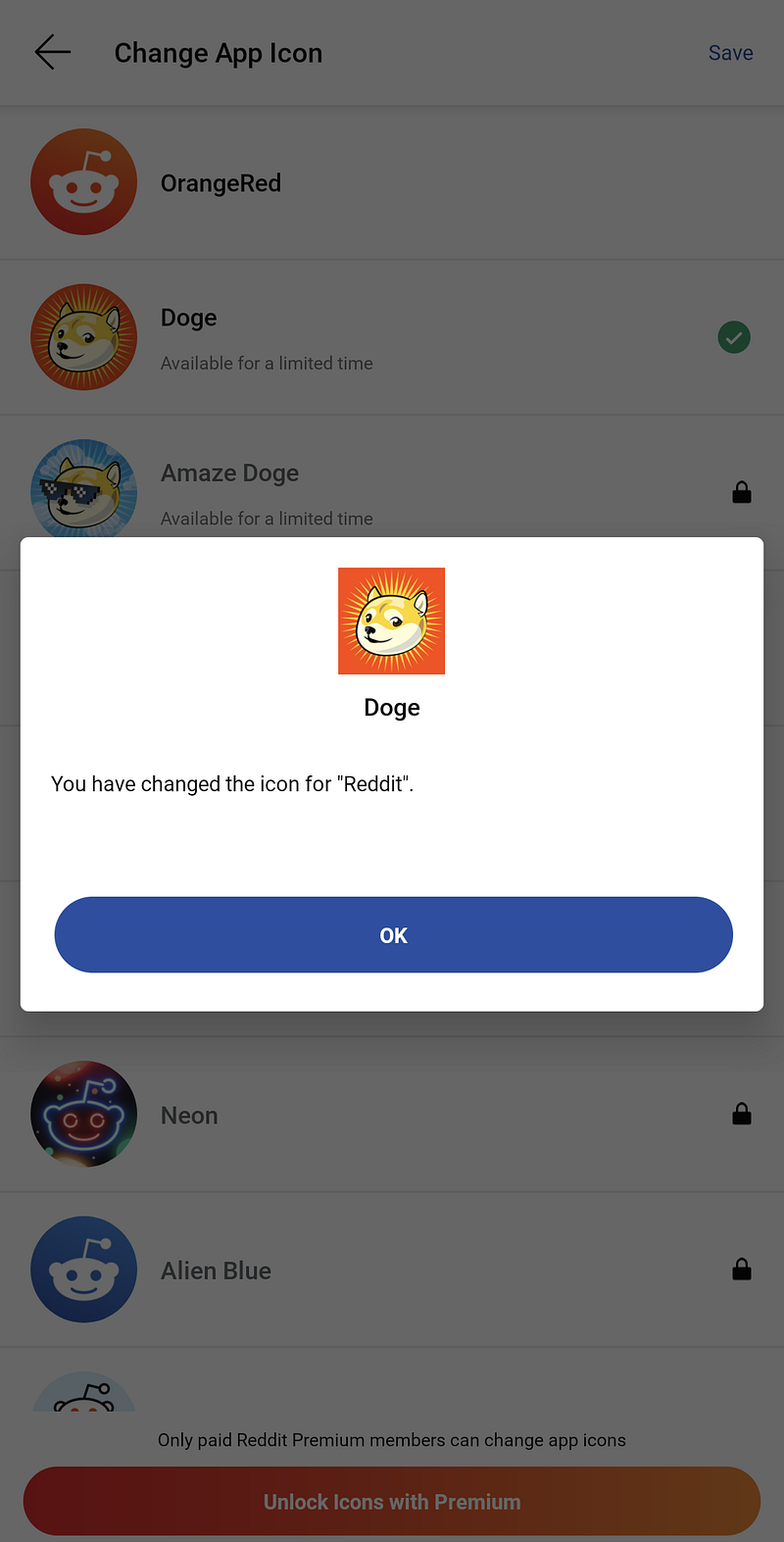
- The app is likely to terminate automatically after that. Reddit quickly shows a confirmation dialog before this happens.
💡 The default app icon will be used when the user uninstalls the app and installs it again. Therefore, I suggest it may not be wise to store the selection in user preferences, rather than retrieving it programmatically as needed.
Sample App

If you want to test this quickly without coding it yourself, I have a sample app on Github.
PS: I’m a fan of Greg. 😛
Final Words
Somebody says that this workaround breaks certain features like deep links, but I can only say that this is the implementation found in the Reddit App.
Indeed, we can do more than change the icon/app name by utilising the technique of enabling/disabling components. Use your imagination to see what else you can implement!


