
Can I BREAK the M2 Pro Mac mini?!
Welcome to my Logic Pro stress test!

I know what the M2 Pro Mac mini can do from a video editing perspective. In fact, this tiny £1,399 desktop computer feels alarmingly similar to my £3,700 16-inch MacBook Pro for day-to-day production duties.
Video is my main ‘jam’, as the kids say. However, I’ve long been a bedroom music producer, and that’s one area of Apple silicon I’m yet to fully explore. This is rapidly changing as I build my mini production studio. It’s a project that’s taking far longer than I’d like it to, but Rome wasn’t built in a day, eh?
So, from the comfort of my messy temporary setup, I decided to up the ante and give the M2 Pro Mac mini a proper Mark Ellis Reviews ™️ Stress Test. Knowing how surprisingly brilliant Apple silicon is at so many things, I wanted to find out what it takes to actually break it.
My music-making qualifications
You might wonder why I’m doing this.
As noted earlier, music production has long been a hobby of mine. Like any hobby, it has regularly taken a back seat while life, work, and becoming a father take over, but I’ve never abandoned it entirely.
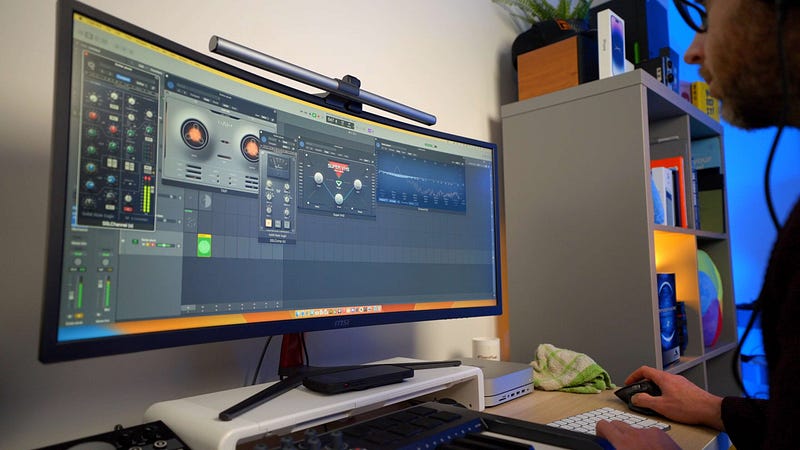
Naturally, I needed to find a way to work music-making into my content business. Thankfully, I’ve received enough comments on YouTube videos and left against these blog posts to confirm that my audience would like to see more music production-focused content.
Thankfully, having made music in my spare time since about the age of 12, I know my way around applications like Logic Pro (the DAW I used for this test). This means I can quickly throw together a track and ensure I’m really putting the computer under some strain with my use of plugins and virtual instruments.
Building the test track
There are many ways you can run real-world benchmarks for music making, but the path I chose this week was typically devoid of any structure or pre-planning.
To prepare for the test, I spent an afternoon throwing together a piece of music that ended up containing 23 tracks and countless plugins and software instruments. Although I used a few stock Logic plugins, the majority came from third parties such as Waves, Soundtoys, Korg, Valhalla, and Baby Audio.
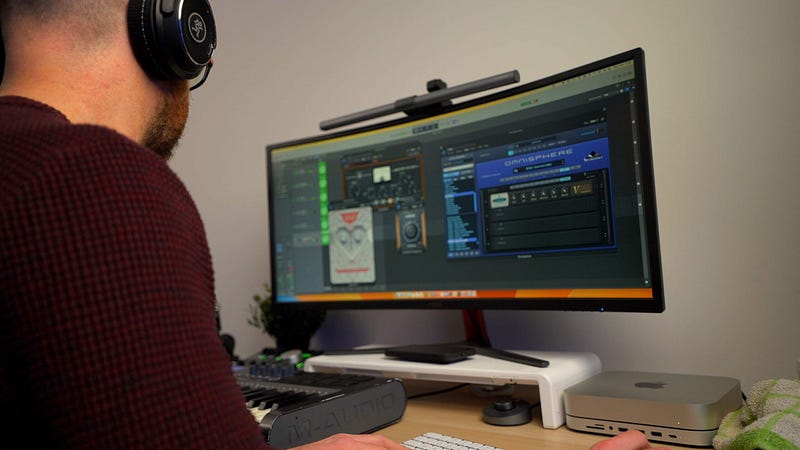
I should note at this juncture that my experience making that piece of music on the M2 Pro Mac mini was absolutely joyous. My progress was temporarily halted with one crash, which was due to a plugin I’ve always had trouble with, but beyond that, it was buttery smooth. That’s all you ask for when making music; beachballs, crap latency, and DAW crashes can completely destroy your creative flow.
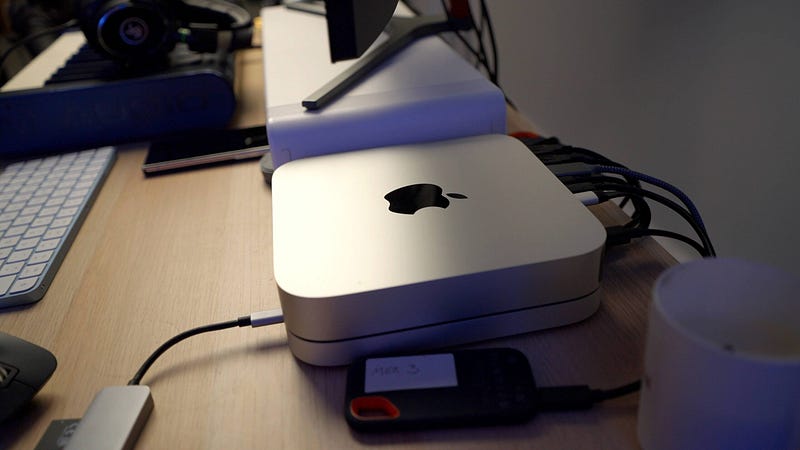
With the basis of the track built, I was ready to really test the M2 Pro Mac mini. And, remember — this is the base spec M2 Pro Mac mini with 16GB of unified memory and 512GB of storage.
The stress test
With YouTube videos affording such limited time for these stress tests, I decided to head straight into brute force territory.
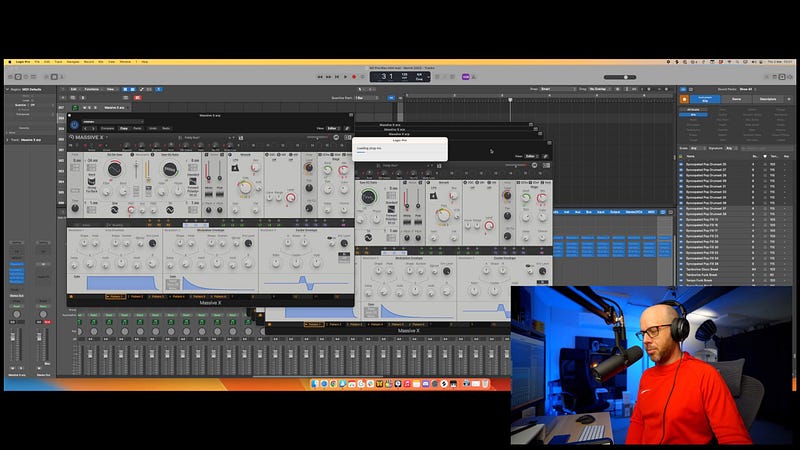
The easiest way to do this while filming yourself and reacting to what’s happening before your eyes is to simply continually duplicate the tracks you’ve already created.
This puts significant strain on any Mac — particularly when the tracks you’re duplicating contain chunky software instruments married with a whole bunch of even chunkier effects plugins.
I’ll get straight to the point. I created multiple copies of tracks running Native Instruments Massive X, Arturia’s take on the Yamaha DX7, and several others, including the monstrous Specrasonics Omnisphere. These tracks also included seriously processor-intensive plugins such as SSL channel strip emulations, complex reverbs, compressors, and tape saturation effects. For those not in the know, a few short years ago, you’d have needed a seriously beefy Mac Pro to even attempt such a multi-track layout.
While I relentlessly duplicated these tracks, I kept the eight-bar loop of music playing. It didn’t stutter. I could still move between the compositions and interact with the instruments and plugins. As the track count increased, I encountered the odd beachball here and there, but the Mac mini dutifully continued to add my daft requests for countless track duplicates.
The only fly in the ointment was my midi controller keyboard, which stopped working halfway through the test. There’s a chance I may have killed the midi interface while duplicating those tracks, but I’m doubtful; I think this was more of an issue with that old midi controller than the Mac mini.
I couldn’t make that computer die. At one point, it felt like everything was finally grinding to a halt — the entire Logic Pro interface became unresponsive and there were a couple of skipped beats — but it soon picked up again.
With the YouTube clock heading deeply into ‘no one is watching this anymore’ territory, I had no choice but to admit defeat. The M2 Pro Mac mini (which, by this point, was only marginally warm and still hadn’t resorted to its fans) wanted more. But I was done. I could not bring that thing to its knees — even with 231 tracks of complex plugins and instruments.
Conclusion
My stress test was exactly that; no one makes music like this. But the results do reveal a couple of things.
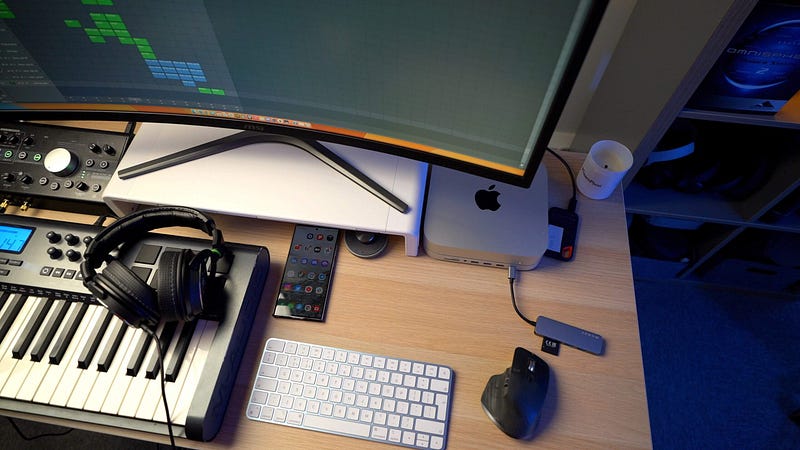
Firstly, Logic Pro is clearly incredibly well-optimised. There is surely some very smart memory management going on to ensure that all of those software instruments and plugins remain available without grabbing too many system resources. I was blown away by the responsiveness of the app throughout the test; just like the Mac mini, it refused to give up the ghost, no matter what I threw at it.
Secondly, the base model M2 Pro Mac mini is one hell of a music production computer. There is so much headroom available, as I’ve revealed during this stress test. I’ve never created a piece of music containing anywhere near 231 tracks, and I’ve certainly never felt the need to use 20 DX7s at once.
If you’re serious about music making and you’ve had your eye on the M2 Pro Mac mini — just buy it. Unless music is your full-time income and you work regularly with large arrangements, orchestras, and needy record labels, there’s no need to spend any more. Seriously. I am so impressed with this thing and cannot wait to continue building my music production studio around it.
Oh, and if you’re wondering, I did complete a finished version of the music used to conduct this test. It’s hurriedly mixed, badly mastered, and a bit strange, musically, but I thought you might fancy a listen. If so, click here!
Before you go
My Medium Academy is now open for registration! I’m sharing ALL of my secrets for becoming a successful writer! Find out more here.
If you enjoy my writing, it’s only a snippet of what’s on Medium. I’m a paying member myself and highly recommend joining. Click here to join (a portion of your membership fee will be sent my way and therefore directly support my work!).
Originally published at https://markellisreviews.com on March 3, 2023.


