
Building a Mobile DApp: Connecting React Native with Ethereum Smart Contracts
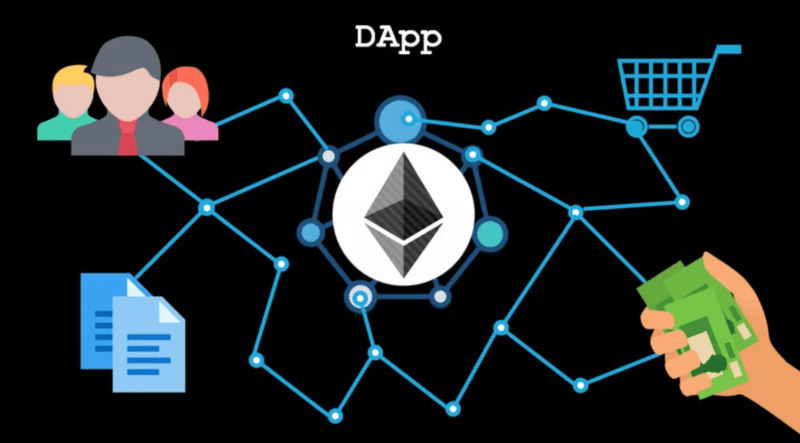
As decentralized applications (DApps) gain traction, integrating mobile apps with blockchain technology has become a necessary skill. This guide will walk you through the process of building a mobile app using React Native that communicates with an Ethereum smart contract.
1. Getting Started with a Solidity Smart Contract
Before diving into the mobile app, let’s get acquainted with our simple Ethereum smart contract. Here’s a basic example of a contract that allows storing and retrieving a number:
// SPDX-License-Identifier: MIT
pragma solidity ^0.8.0;

contract SimpleStorage {
    uint256 private storedData;

    function set(uint256 x) public {
        storedData = x;
    }

    function get() public view returns (uint256) {
        return storedData;
    }
}
Once you’ve written the contract, you’ll need to deploy it on an Ethereum network (like Rinkeby).
2. Setting up the React Native Mobile App
Now, let’s delve into the heart of the process: building the mobile app.
Step 1: Initialize your React Native project (if you haven’t done so already) and install the necessary libraries:
npm install react-native-web3 --save
npm install @react-native-community/async-storage --save
Step 2: Establish a connection with the Ethereum blockchain:
import Web3 from 'web3';

// Use Infura or another service as an Ethereum gateway
const web3 = new Web3(new Web3.providers.HttpProvider('https://rinkeby.infura.io/v3/YOUR_INFURA_KEY'));

// Connect to your deployed contract using its ABI and address
const ABI = [...];  // Extracted from your deployed contract
const contractAddress = 'YOUR_CONTRACT_ADDRESS_ON_RINKEBY';
const contract = new web3.eth.Contract(ABI, contractAddress);
Step 3: Write the functions to interact with your smart contract:
const setStorage = async (value) => {
  const accounts = await web3.eth.getAccounts();
  await contract.methods.set(value).send({ from: accounts[0] });
};

const getStorage = async () => {
  return await contract.methods.get().call();
};
Integrate these functions into your React Native components, and voilà! You’re now interacting with an Ethereum smart contract from your mobile app.
3. Enhancing the Experience with MetaMask
To enrich the user experience and provide a seamless way to sign transactions, integrate with MetaMask Mobile or another Ethereum wallet:
- Install the necessary libraries, e.g.,
react-native-metamask. - Use the library to sign transactions and manage the Ethereum accounts.
Conclusion
This walkthrough gives a foundational understanding of integrating React Native apps with Ethereum smart contracts. The world of DApps offers endless possibilities, and this knowledge allows you to build interactive, decentralized mobile applications. Remember to handle error scenarios, consider gas fees, and optimize for the best user experience. For more advanced DApp development, tools like Truffle and Hardhat can further streamline your workflow. Happy coding!


