
Bill of Materials for my home office
Whenever I share a photo of my workstation in my home office, I tend to be asked things like “What’s that keyboard?” and “What brand of microphone do you use?”
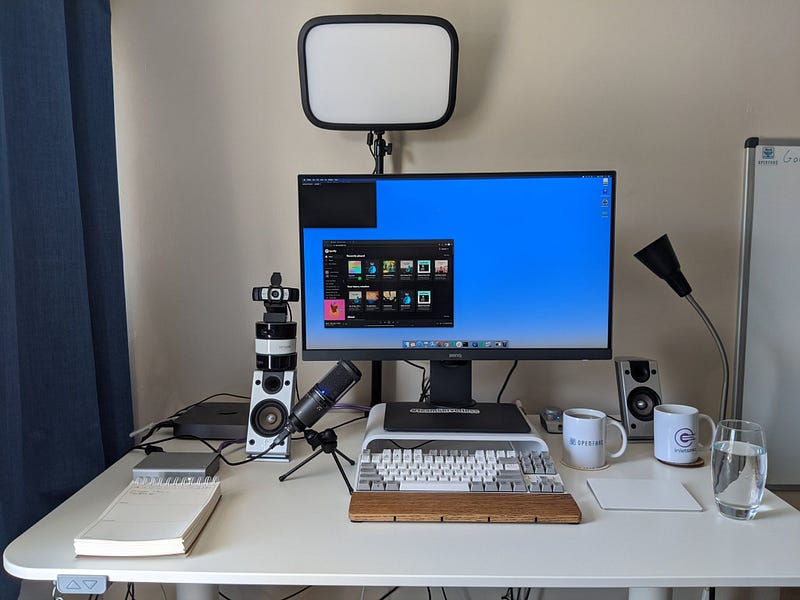
Given that interest, I wanted to write up a bill of materials (BoM) so that I can point folks here and so that you can get a configuration that works well together. I’ll include links where possible and some of them will be using Amazon affiliates.
The desk
My desk is a sit/stand with a built-in motor. It’s made by Ikea and comes with 3–4 different colour tops, but the base unit and legs are the same.
It’s easy to set up, but takes up more space than a traditional desk, mainly because of its depth. You also don’t get any drawers or storage.
The keyboard and rest
This is a bit of a mix and match. The keyboard rest is a Filco, from the Keyboard Company.
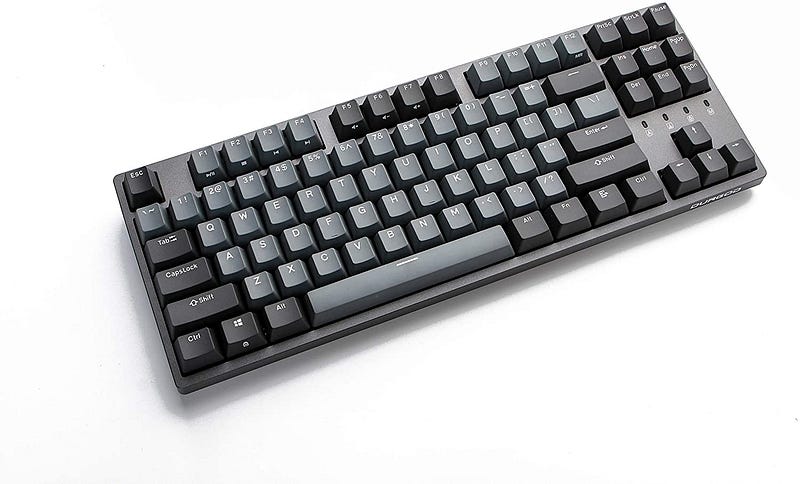
The keyboard is a much coveted Durgod K320 in the tenless configuration. I think I got mine from AliExpress, Banggood, or eBay.
Trackpad
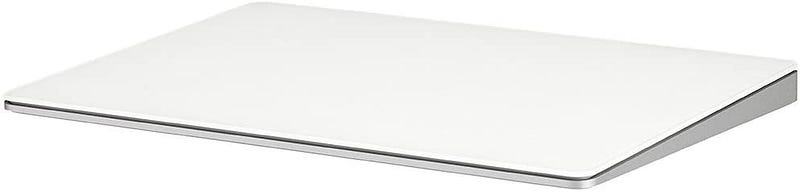
I’m very happy with the Apple Magic Trackpad, and if I bought again, I would get the space gray.
Here’s a link to a “renewed” version, I bought mine second-hand too and cleaned it before use.
Monitor
My monitor has a HDMI input, DisplayPort and mini DisplayPort, which is enough connectivity for my use. And no, you don’t need USB-C input to get 4k @ 60Hz (read-on).
BenQ PD2700U 27 inch 4K IPS HDR Monitor
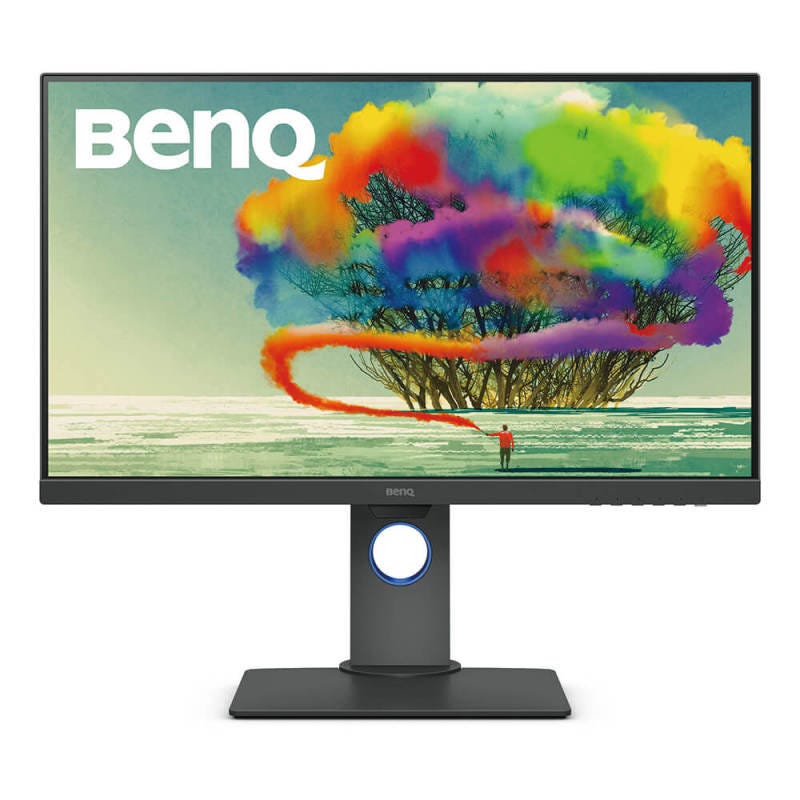
I then use a USB-C to DP cable to plug in my Mac Mini or Macbook Pro. It happens to support 4k 60Hz, unlike the official Apple Adapter.
Monitor raiser
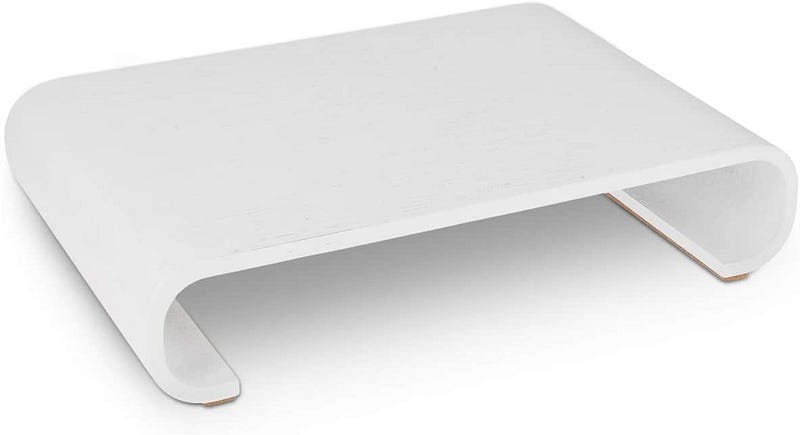
I always thought monitor raisers looked old-fashioned, until I saw what Navaris had to offer and bought one. It helps lift up my monitor without fully extending the stand, which makes it more stable.
All the USBs
Anker 10 Port 60W Data Hub with 7 USB 3.0 Ports and 3 PowerIQ Charging Ports
I use a powered Anker USB Hub, which allows me to plug in a number of USB devices and then a single cable into my computer. It also has fast charging ports.
The microphone
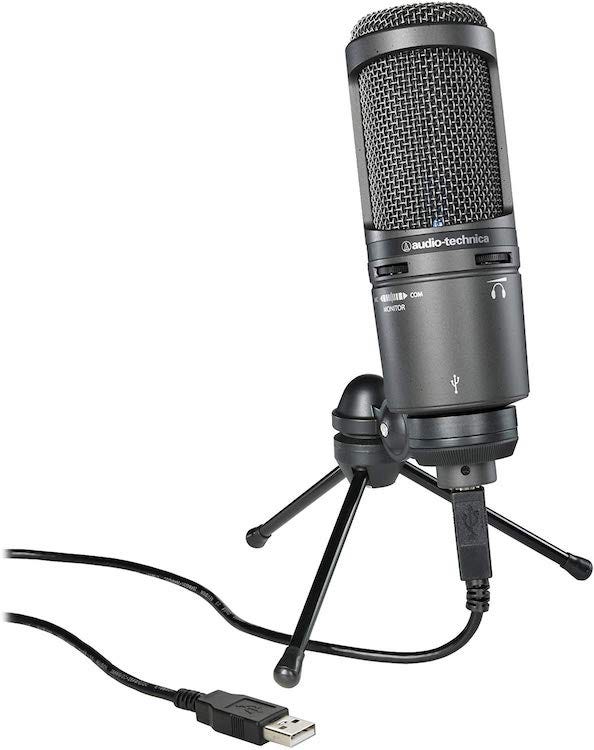
My microphone plugs in over USB which means it does not need a microphone port and appears as a recording input for easy selection in Zoom or QuickTime.
Audio-Technica AT2020USB+ Cardioid Condenser USB Microphone
RODE PSA 1 Swivel Mount Studio Microphone Boom Arm
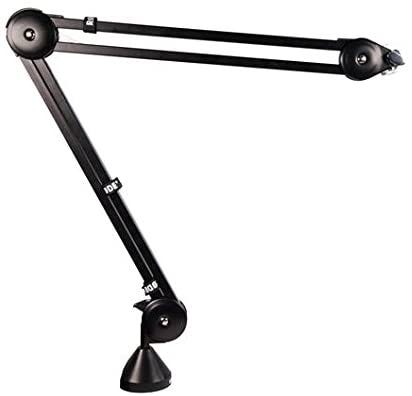
A boom arm is essential for moving the microphone off the desk, and closer to the source of audio. This one works very well with the Audio Technica, and doesn’t need a separate anti-shock mount to be used.
Buy on Amazon: https://amzn.to/39Q1BC6
DAC / audio-interface
I’m currently using a Schiit Modi as my DAC and audio output for my speakers. It is powered over USB and appears as a regular output device on Linux, Windows and Mac.
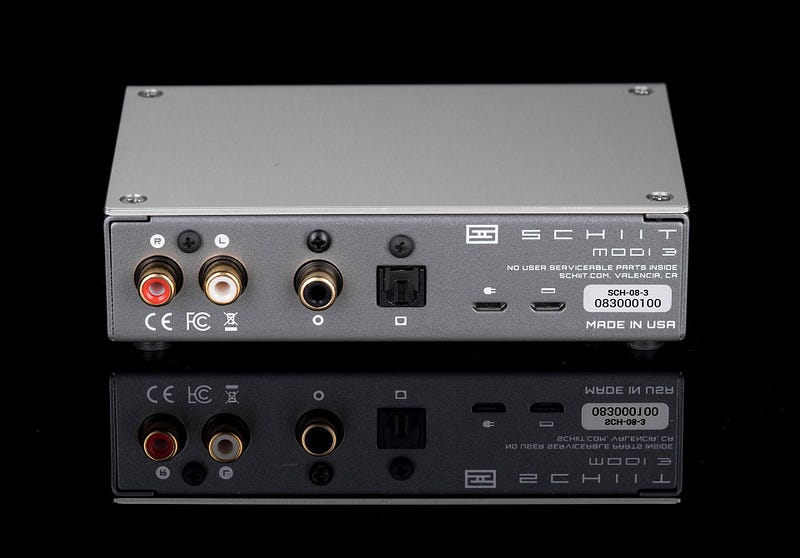
This is a luxury item and you probably don’t need one. I bought it originally to use with a Raspberry Pi for streaming audio to my HiFi, then moved it over to my Mac Mini.
Schiit have high-end, affordable audio equipment. If you enjoy listening to music with headphones, you should check out their range.
Speakers and Subwoofer
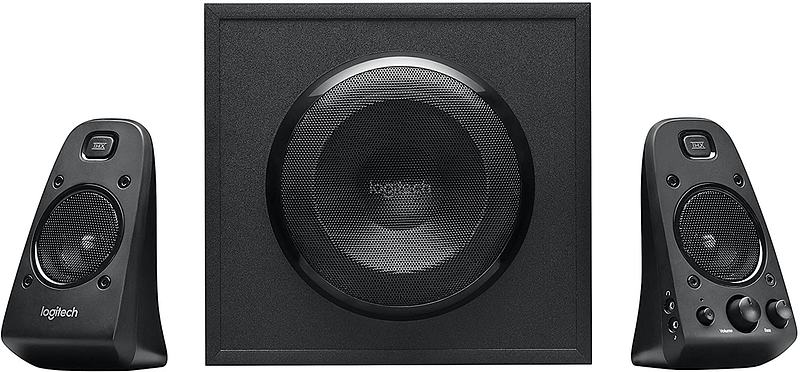
My current setup is very old, but still great quality when coupled with a decent DAC. The subwoofer adds warmth, but does take up quite a bit of space on the floor. Here’s an equivalent setup to what I have
Logitech Z623 400 Watt Home Speaker System, 2.1 Speaker System
Webcam
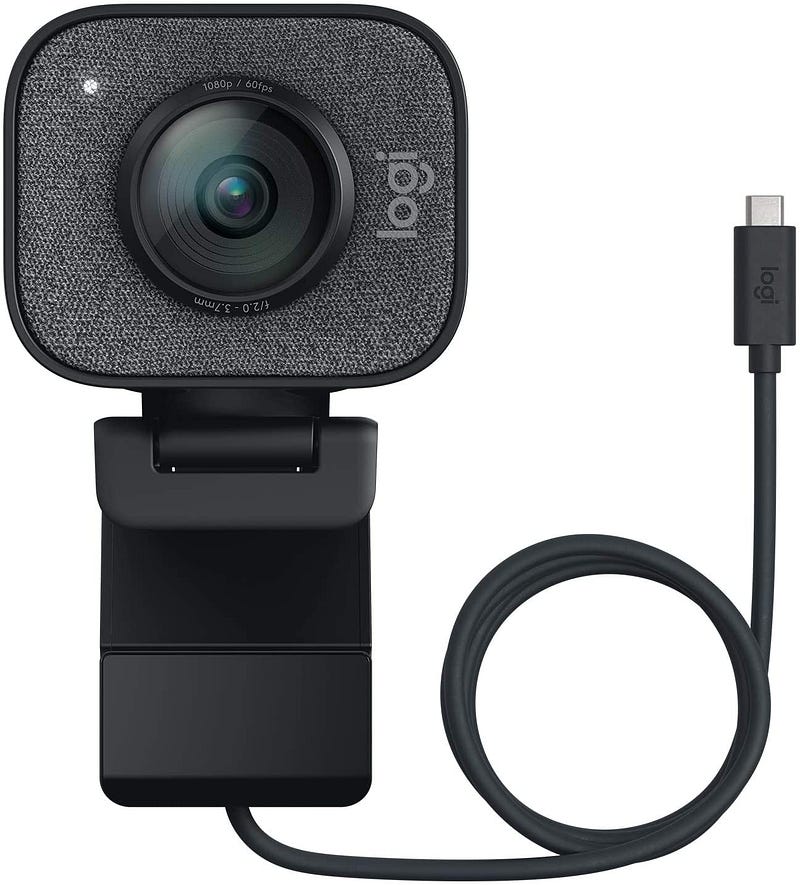
Logitech StreamCam
This camera is a step up from the Logitech C920/C922 with much better auto-focus and a high frame-rate. In my experience, it defaults to 1080p in all the apps I use like Zoom and Quicktime.
Buy on Amazon: https://amzn.to/3hYqApB
Stepping-up from the webcam
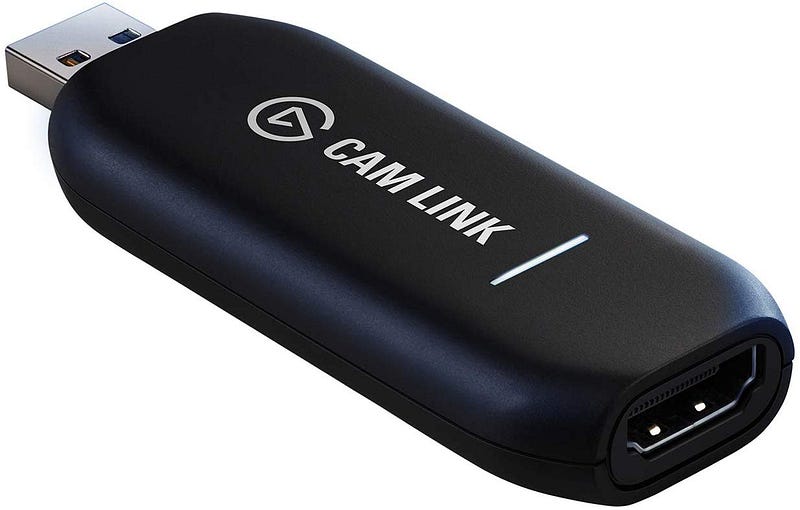
If you’re live-streaming or want to create the highest quality videos, then you should consider buying an SLR and using a HDMI input to turn it into a webcam. You’ll get a background blur and silky quality.
This is the Elgato Camlink which can capture 1080p via USB
Buy on Amazon: https://amzn.to/2vNECbj
You’ll also need a compatible SLR, I have the Fujifilm X100F
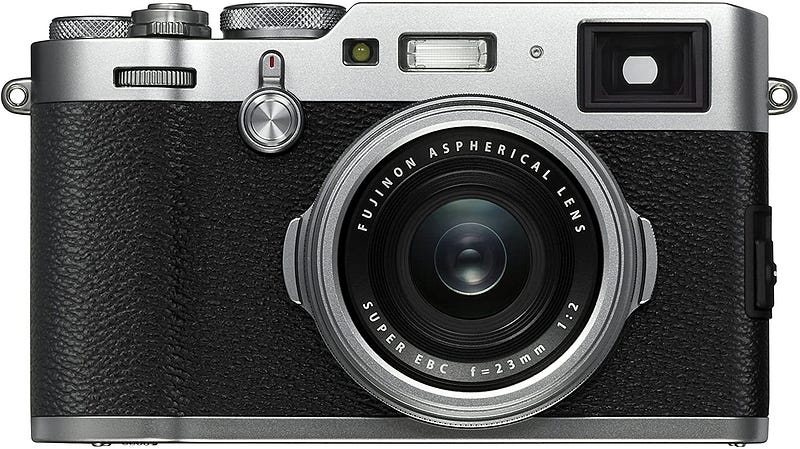
Link on Amazon: https://amzn.to/2vMuAXO
USB sound / DAC
I’m using the “Schitt Modi”, for a high-quality USB DAC which plugs into my amplified Logitech speakers.
Light
I am using an LED key light from Elgato. They cost around 199 USD and are fully adjustable. The difference in quality is remarkable, especially when paired with an SLR for video input.
See here for a sample video I recorded shortly after receiving the equipment
Let me know if you’d like to know how I produce videos in a follow-up blog post? My contact details are at the end of the post.
Elgato Key Light, professional studio LED panel with 2800 lumens:
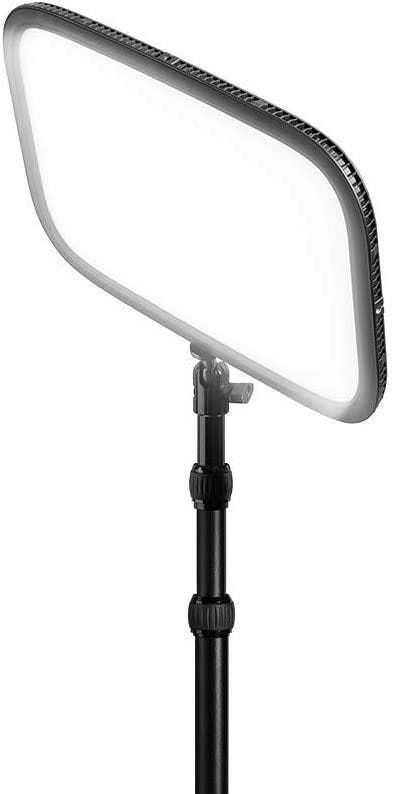
You’ll also find a “lite” edition of this light which comes in cheaper, but which is less adjustable. If your budget can stretch to it, I’d recommend that you either buy one of the main lights, or two of the lite models, so that you can balance the light.
I have the main light above the camera, and the“lite” model pointing towards the wall to give a diffused light for the room.
Buy on Amazon: https://amzn.to/33IpN6i
Keeping cool
I was very close to having air-conditioning installed to my office this year, with temperatures often staying > 30 degrees centigrade (86F) through much of the summer months. This is because the front of the house is east-facing so gets blasted with the hot summer sun throughout the early part of the day.
A quote for air-con to be installed was 1500 GBP including fitting, and my neighbour had got on well with a Dyson fan at around 300 GBP. So in the end, I decided to give Dyson’s “AM06 Air Multiplier” a try.
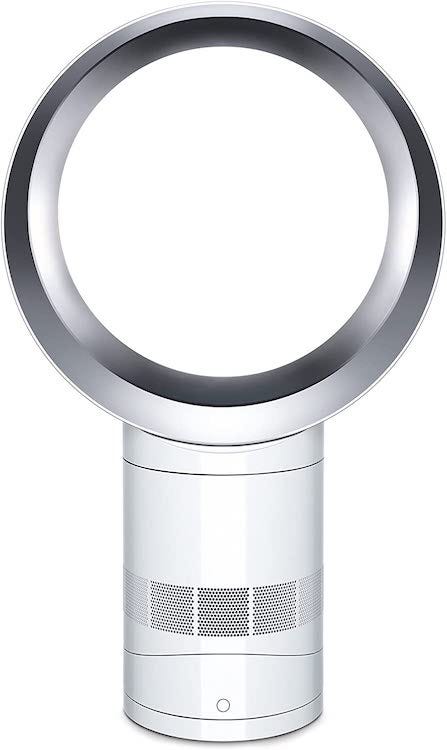
The Air Multiplier claims to cool warm/hot air, which on the surface would be a questionable capability. Cooling air usually requires refrigeration, the type of task an A/C unit it used for. Technically, it cannot cool air, or reduce humidity, but when you’re in front of the fan, it does feel cooling.
Whilst the unit did nothing on the warmer days > 30c — on the slightly cooler days, it made it bearable, especially when recording webinars or training videos with bright lights on me and the sun at the double-glazed window.
Noise levels are reasonable and lower than a “normal fan”, but it’s not silent. You can also tilt it back or forth, for if it needs to be placed higher or lower in your home office.
I’d recommend trying it, and you can return the unit if you don’t get on with it.
Buy on Amazon: https://amzn.to/3i0G9wW
Whiteboard
I find it useful to have a whiteboard on my office wall, with anything I need to achieve over the short-term. For longer-term goals, I’ll use Trello or pen and paper to track that.
You can also use your whiteboard to draw quick architecture diagrams and then share them with the community or your team.
VIZ-PRO Magnetic Whiteboard/Dry Erase Board, 48 X 36 Inches, Silver Aluminium Frame
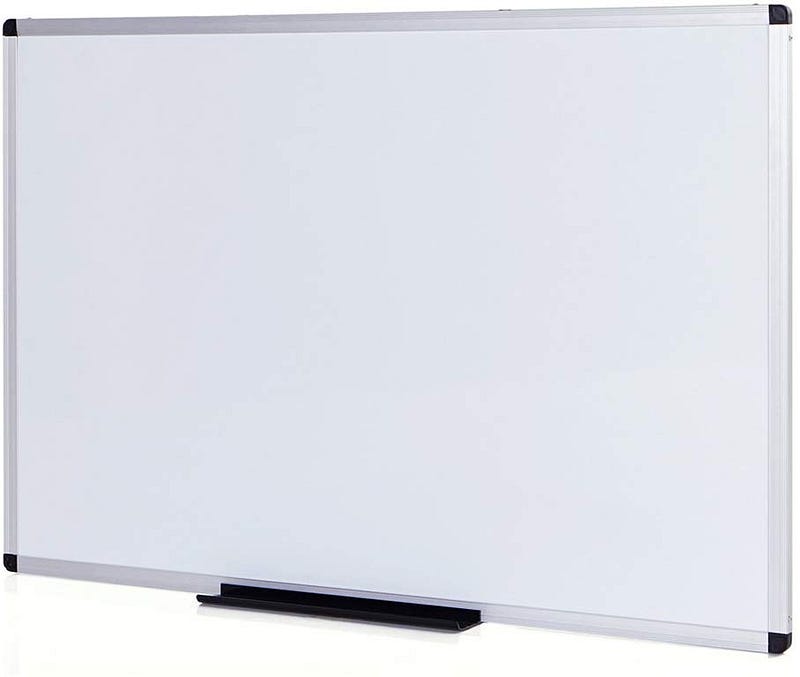
For pens, my favourite brand is Pentel Maxiflow, and I only buy the fine bullet point markers, anything else feels clumsy. The best colours are Black and Blue.
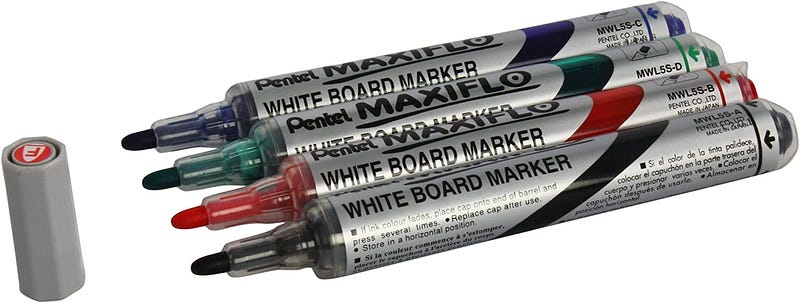
Here’s a quick example of the two in combination
SaaS
Accounting — I now use FreeAgent having previously made use of Crunch, who offer a decent service for a narrow profile of contracting company, but their software shows serious limitations with payment and e-commerce platforms. The FreeAgent software is versatile and easy to use, just add your chartered accountant and you’re set.
For email, calendar and for collaborative documents — I use GSuite and a custom domain, the price is very affordable. Use Google Mail to keep your work life separate, and Google Docs to send proposals to clients, where they can comment and flag any potential issues they may see.
To try GSuite and feel free to use my referral codes: UAE7QWH7XPQRG3Cfor basic, and V9VKLERQ3E3TDQG for the business plan.
For conferencing with community and clients — I use Zoom, feel free to use my referral code.
For calendar management and booking appointments, I use Calendly. You can get one appointment type (with no payment integration for free), but I pay for the whole year to integrate with Stripe and to offer multiple types of meeting.
Most SaaS costs can be offset against your profit as a business cost, meaning that they may reduce the corporation tax of your Ltd company.
For more on how to run an independent business see my post: What you need to know before you go freelance
Mugs and t-shirts
I like the size and quality of the mugs in the OpenFaaS store, they are perfect for coffee and for tea.
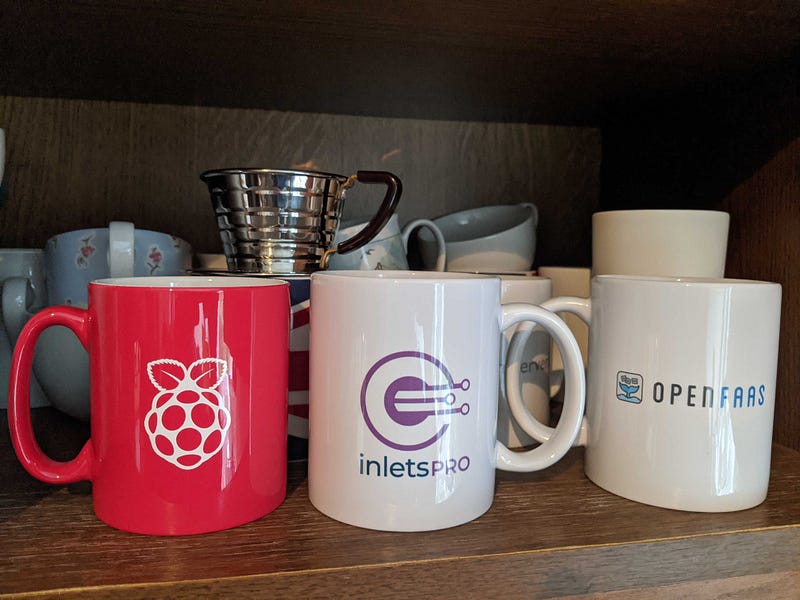
The store also stocks hoodies for both projects and a number of custom t-shirts. The brand is American Apparel and they are lined with a super soft fleece. I like wearing them when coding and working from home.

All GitHub Sponsors and subscribers to my Premium Newsletter get 20% off in the store until the end of the month, and everyone else gets 10% off.
These are difficult times, and if you got to keep your job and your clients despite the shake-up with Coronavirus, then you’re very lucky. Perhaps you could consider how you can support those who were not so fortunate?
Did I miss anything?
My setup doesn’t change that often, but if you have questions, feel free to ask. I also wrote up a more detailed post on creating a Linux Desktop that actually works, for daily business use and I cover some of the software and tools I use as a consultant.