avatarPriyanka Rana

Free AI web copilot to create summaries, insights and extended knowledge, download it at here

1630

Abstract

duction easy workflow for video editors</h3></div> <div><p>medium.com</p></div> </div> <div> <div style="background-image: url(https://miro.readmedium.com/v2/resize:fit:320/0*VRdJnHAZ6Wf94UBA)"></div> </div> </div> </a> </div><h2 id="ff94">Cleanpng</h2><figure id="0a54"><img src="https://cdn-images-1.readmedium.com/v2/resize:fit:800/1*oWD0gKFxjBdcZQj645TqUg.png"><figcaption><a href="https://www.cleanpng.com/">https://www.cleanpng.com/</a></figcaption></figure><p id="206d">You can now have transparent png art at your fingertips. Yes, this website will allow you to create a transparent background for any image. <a href="https://www.cleanpng.com/">Cleanpng’s</a> transparent images are all free to download and use indefinitely. You do not need to register your email address, nor do you need to log in with a social media account.</p><h2 id="7fe0">Colorize.cc</h2><figure id="68f5"><img src="https://cdn-images-1.readmedium.com/v2/resize:fit:800/1*bGj-RazKNpJwpXSbDDeBuw.png"><figcaption><a href="https://colorize.cc/">https://colorize.cc/</a></figcaption></figure><p id="06b9"><a href="https://colorize.cc/">Colorize.cc</a> — is an AI service that colorizes black and white photos and videos. In a few clicks, you can touch the magic of machine learning technologies. Colorize hundreds of your family photos or any black and white old pictures in a few minutes.</p><h2 id="7b50">Squoosh</h2><figure id="40ba"><img src="https://cdn-images-1.readmedium.com/v2/resize:fit:800/1*ITJQqP2GOaCxUskpDOFLOg.png"><figcaption><a h

Options

ref="https://squoosh.app/">https://squoosh.app/</a></figcaption></figure><p id="c9bb">Smaller images mean faster load times. <a href="https://squoosh.app/">Squoosh</a> can reduce file size and maintain high quality. Just open your image using a browser link, inspect the differences, then save instantly. You can even adjust the settings for even smaller files.</p><h2 id="78fd">Wisecut.video</h2><figure id="33f2"><img src="https://cdn-images-1.readmedium.com/v2/resize:fit:800/1*5UXXsonHXcu2UHHo_ANg6g.png"><figcaption><a href="https://www.wisecut.video/">https://www.wisecut.video/</a></figcaption></figure><p id="7457"><a href="https://www.wisecut.video/">Wisecut</a> uses AI and voice recognition to edit videos for you. It automatically removes silences, creates subtitles, background music, and more. This tool is perfect for YouTube Videos, Tutorials, Online Courses, Interviews, Podcasts, Vlogs, Product Reviews.</p><h2 id="ba96">tokkingheads</h2><figure id="c045"><img src="https://cdn-images-1.readmedium.com/v2/resize:fit:800/1*CY3dYoFkraGleOWUdHOvsA.png"><figcaption><a href="https://www.tokkingheads.com/">https://www.tokkingheads.com/</a></figcaption></figure><p id="cd78"><a href="https://www.tokkingheads.com/">tokkingheads</a> lets you bring portraits to life with AI magic. Instantly.</p><p id="8b3f">It’s a great iPhone app , basically allows you to live puppet any number of avatars with your face. Animate your old photos. Bring your art to life instantly without any animation skill.</p><p id="b303">I hope you find these websites useful, and I’ll be back with a few more resources soon.</p></article></body>

Best Websites For Video Editors -Part 3

Best tools for easy, web-based video editing.
Photo by Ryan Snaadt on Unsplash

Here are a few more tools for individuals (like me) who are afraid of video editing. Take a look at these AI-powered websites to see how they can help you optimize your video post-production workflow.

Take a look at the first two sections of the simple video editing tools.

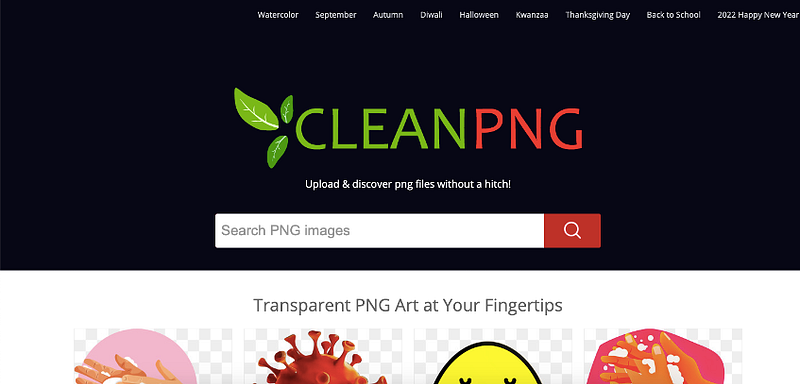
Cleanpng

https://www.cleanpng.com/

You can now have transparent png art at your fingertips. Yes, this website will allow you to create a transparent background for any image. Cleanpng’s transparent images are all free to download and use indefinitely. You do not need to register your email address, nor do you need to log in with a social media account.

Colorize.cc
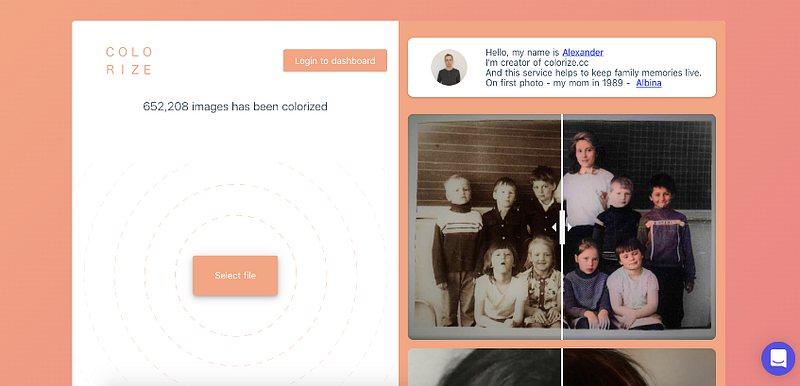
https://colorize.cc/

Colorize.cc — is an AI service that colorizes black and white photos and videos. In a few clicks, you can touch the magic of machine learning technologies. Colorize hundreds of your family photos or any black and white old pictures in a few minutes.

Squoosh
https://squoosh.app/

Smaller images mean faster load times. Squoosh can reduce file size and maintain high quality. Just open your image using a browser link, inspect the differences, then save instantly. You can even adjust the settings for even smaller files.

Wisecut.video
https://www.wisecut.video/

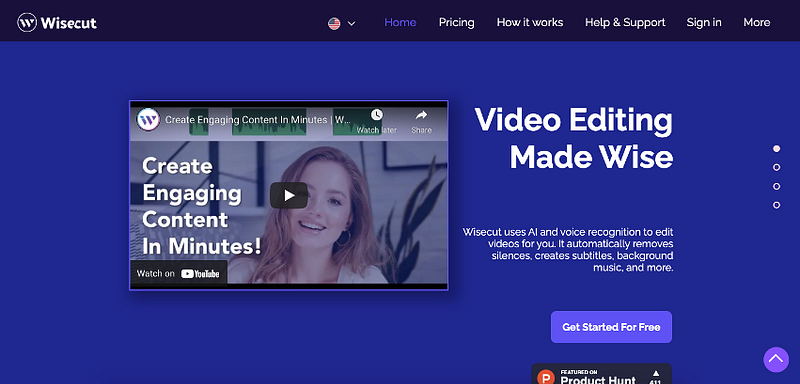
Wisecut uses AI and voice recognition to edit videos for you. It automatically removes silences, creates subtitles, background music, and more. This tool is perfect for YouTube Videos, Tutorials, Online Courses, Interviews, Podcasts, Vlogs, Product Reviews.

tokkingheads
https://www.tokkingheads.com/

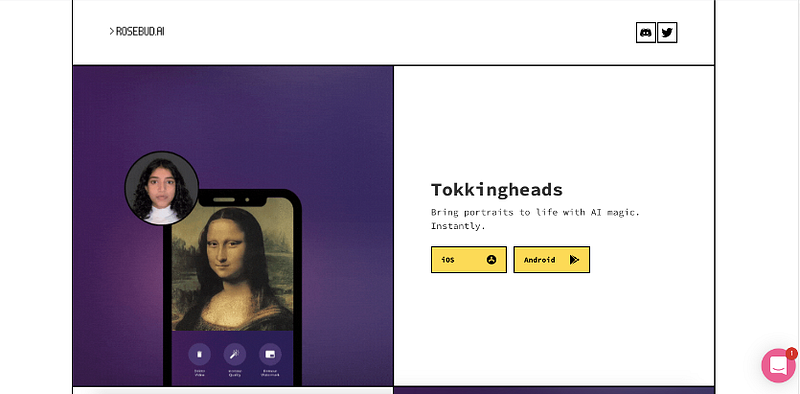
tokkingheads lets you bring portraits to life with AI magic. Instantly.

It’s a great iPhone app , basically allows you to live puppet any number of avatars with your face. Animate your old photos. Bring your art to life instantly without any animation skill.

I hope you find these websites useful, and I’ll be back with a few more resources soon.

Videos
Editing Tips
Video Editing
Tips
Editing
Recommended from ReadMedium