

Bear App on iOS, Is it a minimalist’s dream come true?
First and foremost, I don’t consider myself a minimalist. I simply love the idea of getting rid of clutter specially digital clutter as we are absorbing so much data every day of our lives. We are living in a world where if you want to be a top-notch person, getting bombarded by vast amount of data is unstoppable.
So what is the solution? to me, it is simple, make sure to intelligently reduce the digital clutter right from the source and use as many technologically advanced hardware/software as possible.
So what do I mean by that? in this day and age there is almost infinite number of alternatives for anyone who wants to learn. If you are a productive person, the probability of using services to organize parts of your life is very high.
I, as an example, use Apple Notes (the software installed on iPhones) to organize the information I access frequently however as great as it is (in terms of being simple and having some features) I found out the bear App on iPhone (A third party software regarding note taking) offers not just the same features but also gives you more tools which might come handy specially for those who like customization in their note taking app.
In this article I would like to discuss my experience of using Bear App on iOS and give you my insight into what I like about and also share my view on how this App could improve.
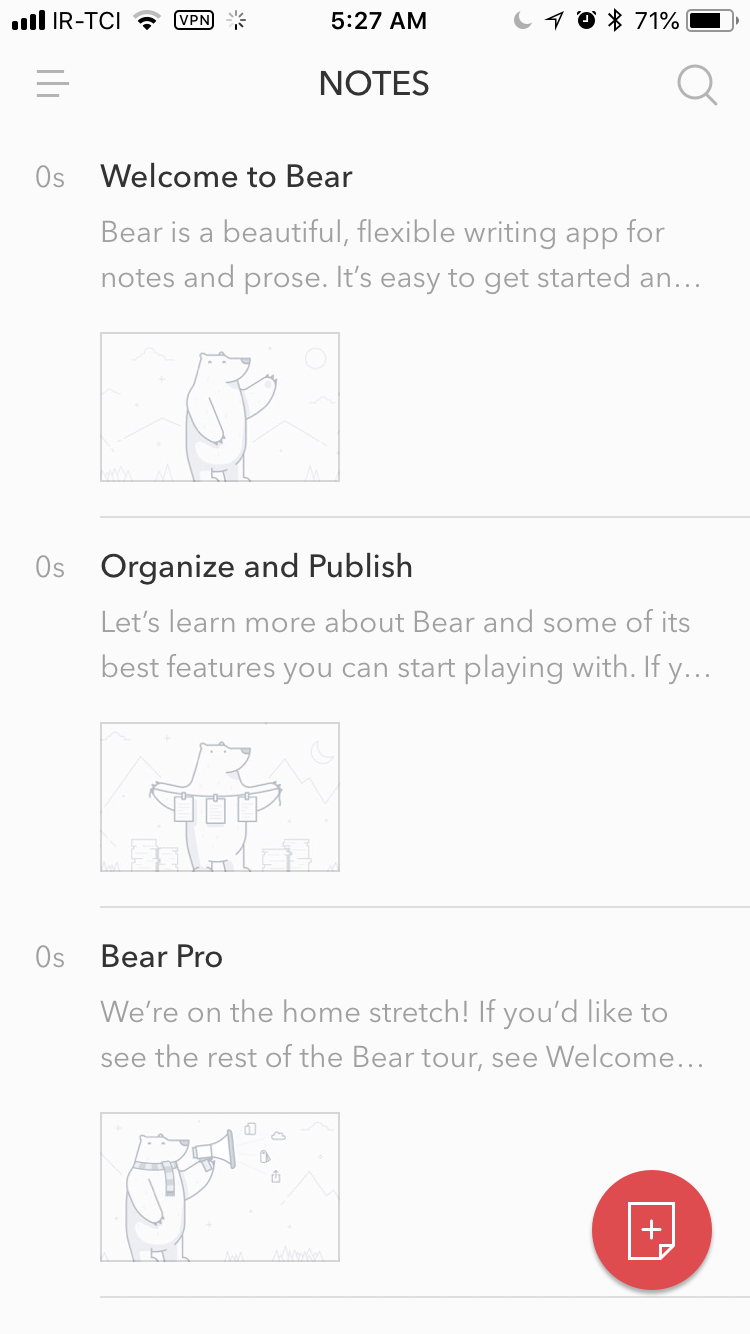
The Homescreen gives me goosebumps because it so minimalistic and clean-looking that I feel like this is how Apple Notes should have been designed in the first place.
By the way the use of white color is not like any other app, even the white color is different.
In terms of U.X (User Experience) Design I must say, I am really not the fan of Navigation Drawer as it is an outdate navigation solution however for this scenario, this appears to work just fine.
The colors are mainly #FBFBFB for White and #B3625B for red which are great if you consider people who have color blindness however the App does not appear have a main color scheme and changes itself when you modify the theme in the settings.
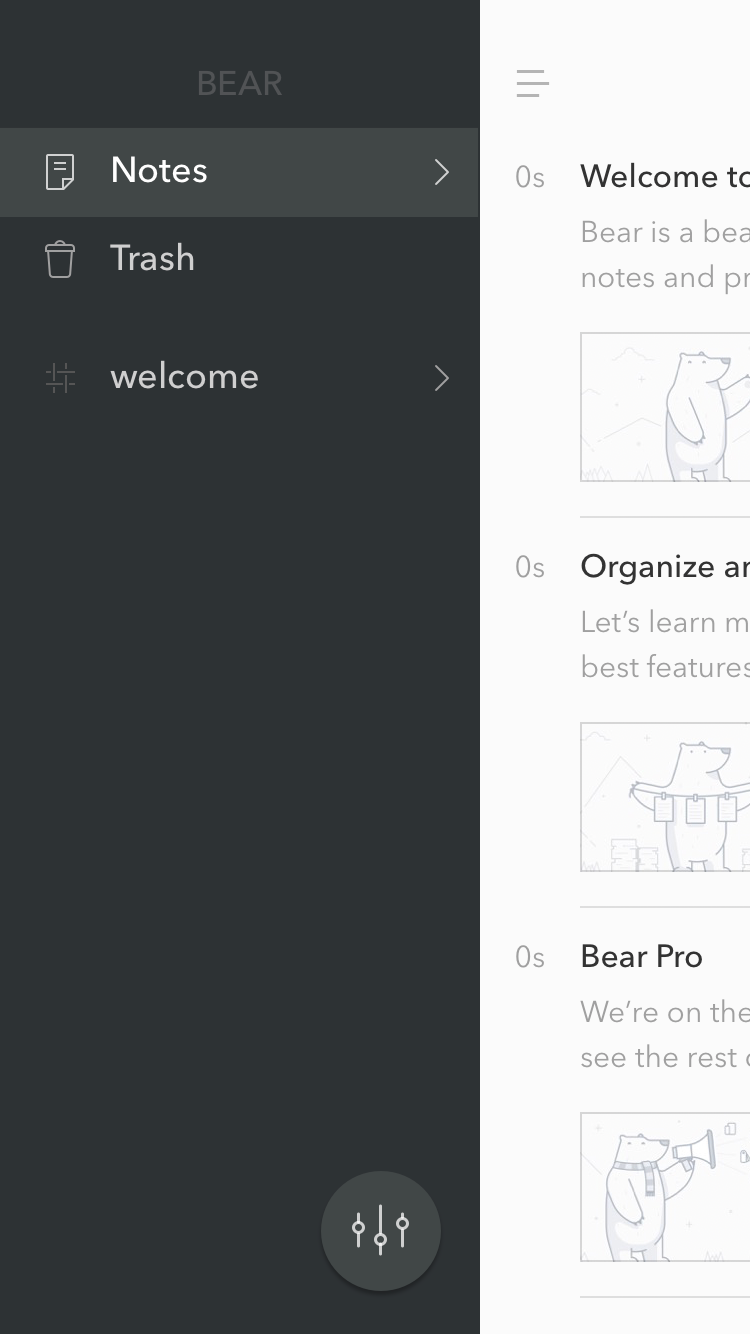
This is the navigation Drawer section of the App and it consists of Two sections, one for navigation between your notes and Trash, the other for a section which shows your Hashtags and that is in my opinion the most important feature of the App only if you somehow knew it existed.
In fact it is one of my complaints regarding the organization of notes because the user has no idea that they could use hashtags unless they read the second default note and by seeing how people use their phones, I would say most of them don’t like to read and want to have some of sort visual assistance.
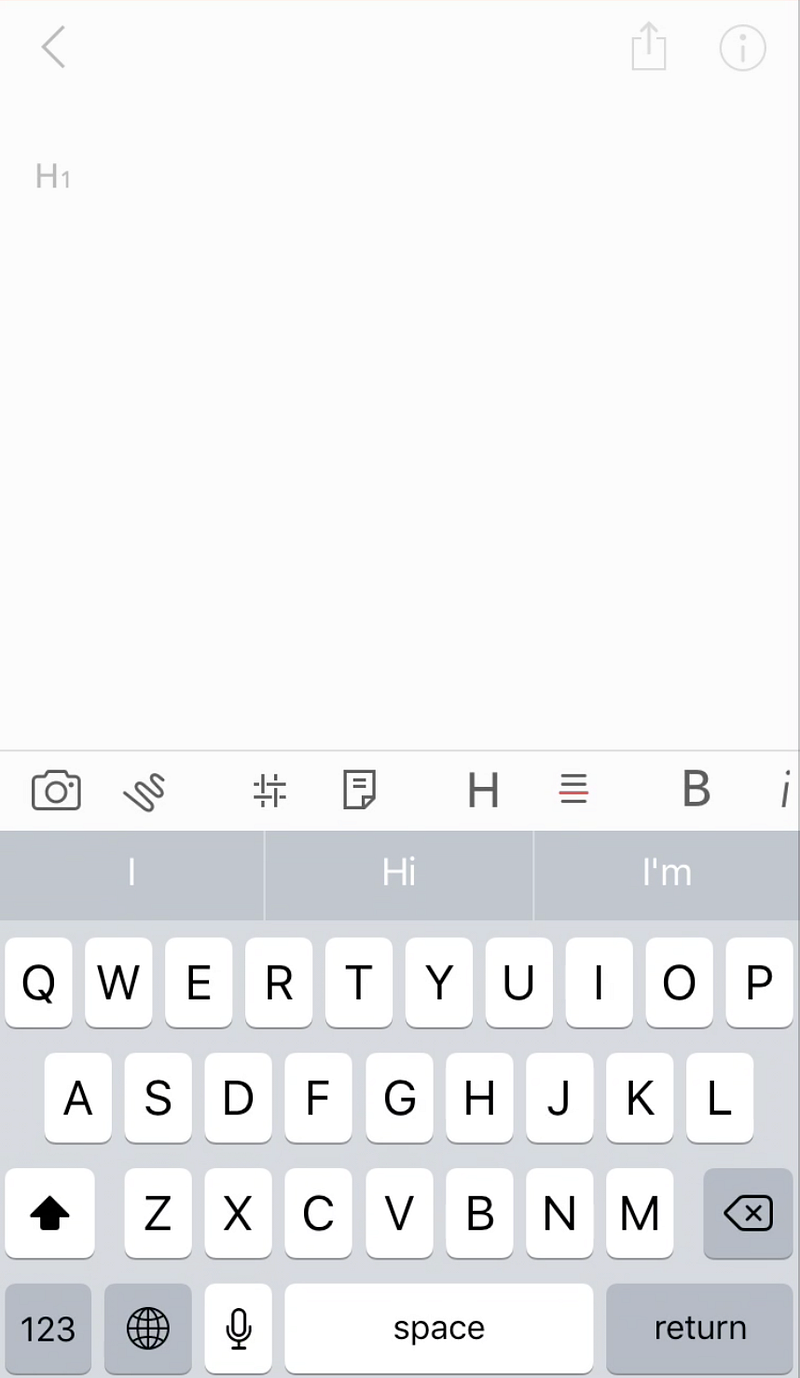
This is the screen you will see when creating a new note which I like and dislike. why? well… what I like about it is also what I dislike; the over-simplification.
The app is made so simple to the point where you would encounter issues finding the feature you would like to use and if you are not a careful person who goes to the web for solutions on using anything then you will probably have problems finding what you want and the downside of it is the lack of clearness for new features.
I personally don’t have this problem, I think for me it works just fine however I would have liked to see more gesture-based interactions to use the App or maybe some other solutions os that things would not have been hidden this much.
Final Words
I really like Apps which embrace minimalism and this App is one of them, I really like it however I would love to see the following features integrated in the next releases:
- Use of Navigation-Based Gestures
- Implementing Sound for Clicking and Different Buttons
- Use of Machine Learning to Predict Suggested Hashtags
- Swipe Up to Add New Note
- Getting Rid of Default Notes
- Adding Voice Recording for Notes
I really admire the work the designers of this App have done and I hope more Apps follow the concept of minimalism as the developers of Bear have.
Thanks for reading this review of the iOS App the Bear and I hope you enjoyed reading this.
I would appreciate your comments.


