
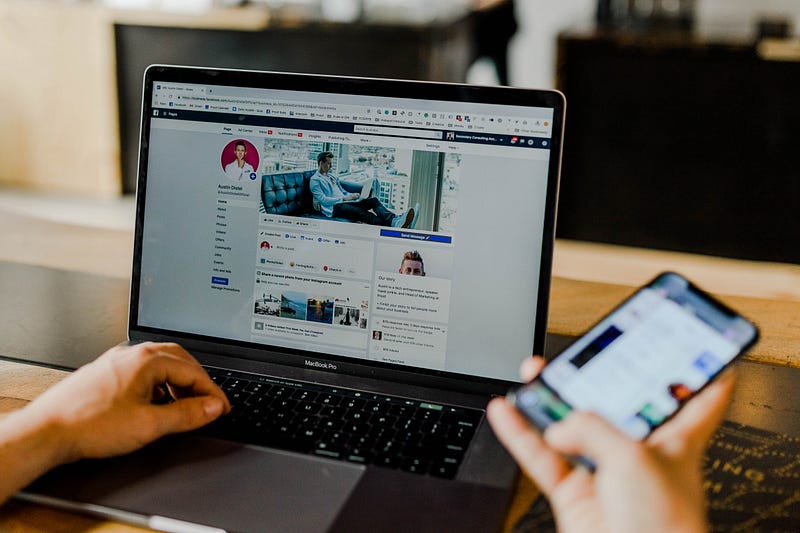
Basic Cybersecurity Tips for Online Moderators
Are hackers making your Facebook group or online forum users vulnerable? Put a stop to that.
Fake news. Viruses. Malware. It’s a shame, but there are a considerable number of risks in doing anything online. And because communication is such a large part of our online lives now, we just become more vulnerable to the potential dangers of cyberthreats and bad information. We may rely on platform providers such as Facebook or Twitter to have security measures in place, but the sad fact is that they don’t have enough.
There is no shortage of information online about how to protect yourself from viruses and malware. There is even useful information out there on combatting fake news. The target for most of these pieces is the individual user.
But what about moderators? If you run a Facebook group, a web forum, or other online platform, you are used to the usual responsibilities that come with the position. You approve new members, keep conversations civil, kick out trouble makers, and generally keep discussions on topic.
But it doesn’t end there.
There is also a responsibility to put up a barrier against malicious links and false information.
Vetting Links In Your Forums
People love to share links online. It’s a quick and easy way to spread information, and while sometimes the motives are pure, sometimes problem links are shared. Some links lead to wrong information, false news, or propaganda. Sometimes they direct to sites that try to install malware or otherwise infect your computer or steal personal information.
As a moderator, you’re under a certain obligation to keep malicious links from causing problems for your users. It’s not hard. Here are some basic things to look for in a link shared on your forum:
- HTTP vs. HTTPS – Check the web address in the bar at the top of the webpage. Does it begin with http or https? While not necessarily a guarantee, https websites employ data encryption and tend to be more secure.
- Typosquatting – Check the link for a typo squatted domain or URL. This is when either just a letter or two off from the legitimate page you expect to see. Examples would be amozon.com instead of amazon.com or fecebook.com as opposed to facebook.com.
- URL Redirection – Examine the article link. Does it redirect to multiple URLs before arriving at the actual destination page? Consider using free tools such as VirusTotal and Urlquery to verify the safety of a URL.
- Hyperlink Matching – Does the link in the address bar match the name of the website you are trying to reach? This problem shows up a lot in phishing emails. By hovering the mouse over the link, you can see at the bottom of your web browser where the link actually goes — even if it differs from what the link claims.
- Pop-ups – Do multiple ad banners or pop-ups show up when trying to view the webpage?
The most dangerous links are those that direct the user to a login portal that asks you to enter an email address or social media login credentials. This then provides a hacker with access to actual email or social media accounts. As already mentioned, I recommend checking out Urlquery or VirusTotal to securely test suspicious domains and URLs before opening them on your computer. Both tools are free.
One last word of caution. When viewing a foreign-language news site while either on a social media site or the Internet in general, be careful about relying too much on the accuracy of Google Translate. It’s a great tool in many ways but does not translate contextual or cultural nuance well.
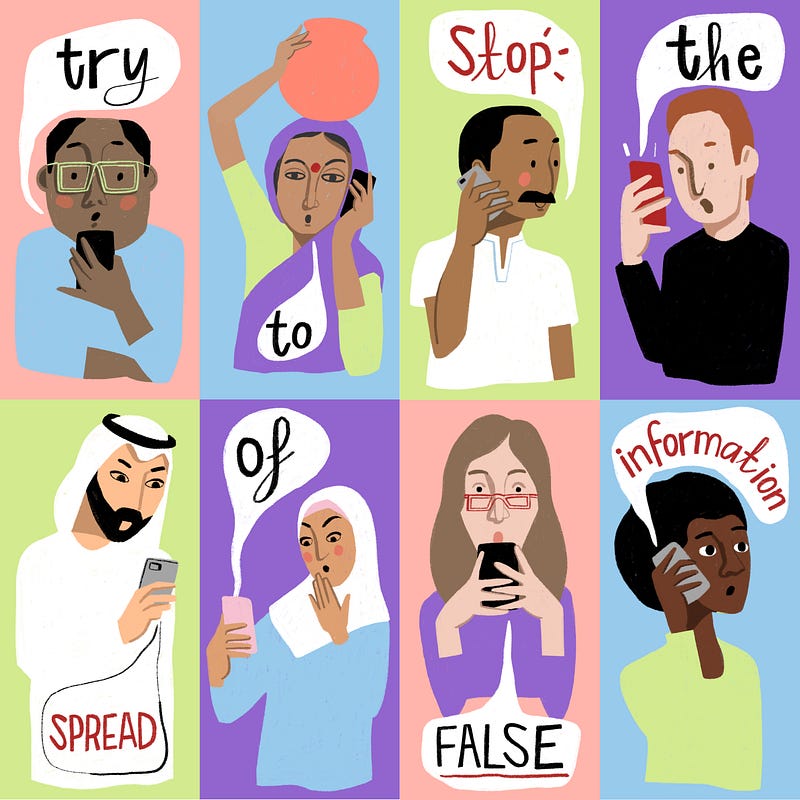
Create a Fake News Blacklist
It’s a good idea to keep a running list of websites with a habit of spreading fake news. Each time you run across one, such as American News, The Buffalo Chronicle, Empire News, NationalReport.net, and others, add them to the list. When someone posts a link to one of these so-called news sites, you know you should probably block it or inform the person who created the post that their source is suspect.
Note that many of these sites either masquerade as legitimate news sites or hide behind hard-to-notice disclaimers that their posts are “satire” or “for entertainment purposes only.” It’s a cheap way to avoid responsibility. Still, it doesn’t relieve you of your obligation to push back on fake news.
Keep adding to your blacklist. Sadly, you will find no shortage of new sites to be wary of.
The Good News
You don’t necessarily have to have specialized training or an advanced degree in computer science or security to protect your forums from hostile acts. You can be surprisingly effective merely by paying close attention to the details and knowing what you’re looking at and for.
The Internet is a tricky terrain. There are times when it’s still reminiscent of the Old West’s lawless landscape. Cyberthreats are continually evolving, and the sheer number of bad actors infecting social media platforms looking to spread fake news and malicious links can seem daunting.
The good news is that by just following these few tips means you’re better protected and aware than many of these bad actors expect. Follow these pointers and keep your eyes and ears open for any new developments on the cybersecurity front. You can keep your forums and its users safe from viruses, malware, and false information.
If you work with or manage other moderators — whether on Facebook, a web forum, or other online venues — share this information and encourage dialogue amongst yourselves. Forewarned is forearmed.
Be forearmed.
Thank you for reading. I’d love to share more with you via my Weekly Word Roundup newsletter sent to subscribers every Sunday. It will feature news, productivity tips, life hacks, and links to top stories making the rounds on the Internet. You can unsubscribe at any time!