

Assessing Your Business Hardware Needs
Acquiring the best technology to fit your business needs
Running a successful business means having the best of everything — the best product, the best services, the best employees, and, of course, the best technology possible. It may be time for some hardware upgrades. This can seem like a daunting task, but it doesn’t have to be. As with making any type of major business decision, research and a thoughtful approach go a long way toward achieving your goal.
Here are a few simple, but actionable tips to apply toward your next hardware upgrade plan.
Sit down and ask yourself…
What hardware needs do you have that are not currently being fulfilled? What could be better?
These two questions are the best place to start.
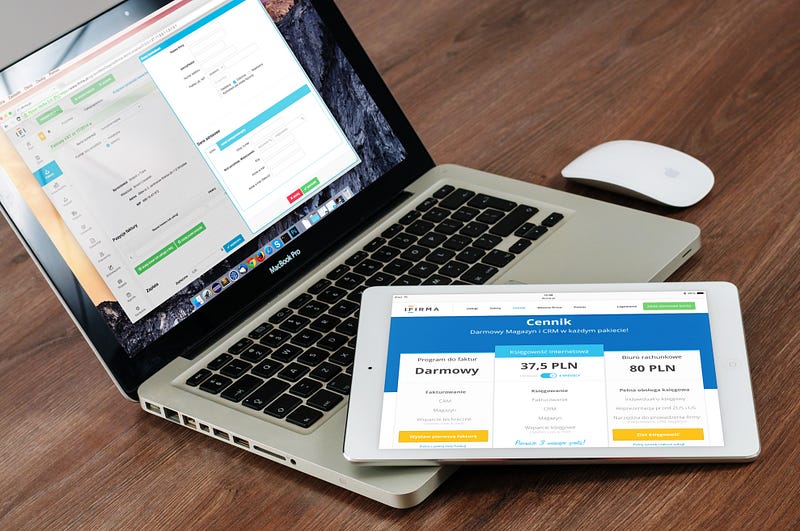
If your business has been growing and you’re finding yourself sending employees on the road, do those employees have the necessary tools in hand to keep in touch with the office? Can they access your central computer network to log visits, sales, or other timely and important information?
Do you have a system in place for protecting your data in case of natural disasters, cyberattacks, or simply human error? Do you have a dedicated onsite backup system?
How old is your communications system? Can it reach any employee at any time by voice, text, or Internet? How secure is your current system? Is it vulnerable to the latest forms of hacking attacks or phishing scams?
These are some, but certainly not all, of the questions you could be asking yourself.
Write them down…then write down the answers.
From there, you should have a solid starting point in determining where your upgrade plan needs the most attention.
Think about your budget
In an ideal world, cost should not be a concern. In the real world, however, we understand that budgets exist and it’s a smart business that can learn to operate within budgets in an efficient, cost-effective manner.
Take your list of hardware upgrade needs and prioritize them by importance and urgency of need.
Now it’s time to do your research.
Don’t start with cost. Start with need. Cast about the Internet to see what the latest versions of your desired hardware are and what they offer in terms of robustness, efficiency, and reliability. Look at both consumer reviews as well as any product reviews that appear in major industry news websites.
Take note of the relative costs, but focus first on how well these new products can best serve you and your business. Look specifically for what companies offer the best support for their product, enjoy a reputation for reliability, and how easy it is to incorporate future upgrades.
Once you have assembled a list of potential hardware upgrade options, take another look at the costs and determine what serves your business best for the budget you can allow.
Consult the experts
You don’t have to make these upgrade decisions on your own. In fact, it’s best if you didn’t. Instead, it makes much more sense to consult with those who have valuable insights into your hardware needs and what options exist. This task can take part at any time in your upgrade planning.
These other informed opinions could come from within your own IT staff — be they in-house or a contracted service provider. In fact, an effective contract service provider should already provide this sort of consultation right at the start.
Be prepared for when upgrade time arrives
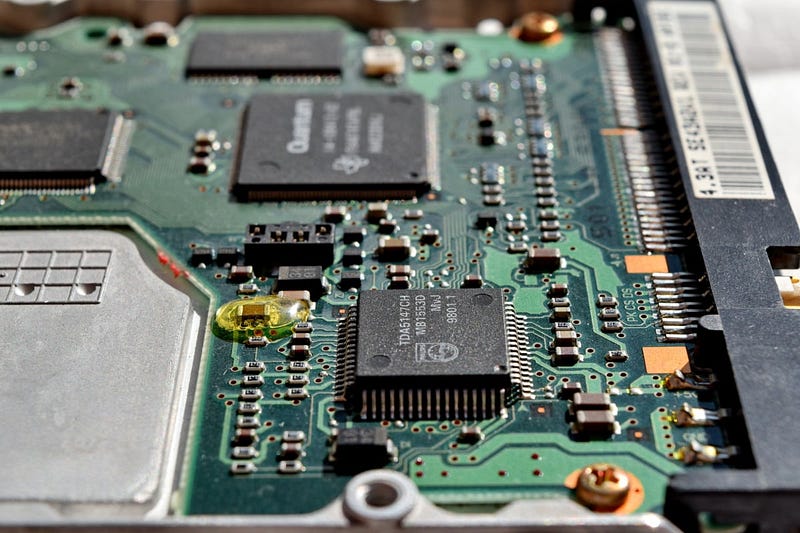
Before implementing and installing your hardware upgrades, make sure you have your data backed up to a secure location in case there are a few hiccups in the upgrade process. There is nothing worse than losing all of your data to the void while trying to install new hardware whose purpose is to do just the opposite.
The goal is to minimize your downtime so that your business can continue to operate and grow during this time. Consider scheduling upgrades during non-peak hours — particularly if you’re upgrading a communications system or any time remote employees are most likely going to need to access your network.
Whenever possible, have upgrades installed by experts either from the company from whom you’ve purchased your new hardware or from a contracted service provider tasked with your business hardware’s health and operation.
A big task made easy
Upgrading your business hardware doesn’t have to be overwhelming — or even take a lot of time. Once you begin the process of determining your needs and budget, researching your options, and consulting with others, you’ll find the process successfully finished in less time than you feared, and with less hassle than you anticipated.
And in the end, a more effective hardware setup will only strengthen your business and facilitate its growth.
Time and money well spent.