
Art of configuring system to boost the productivity.
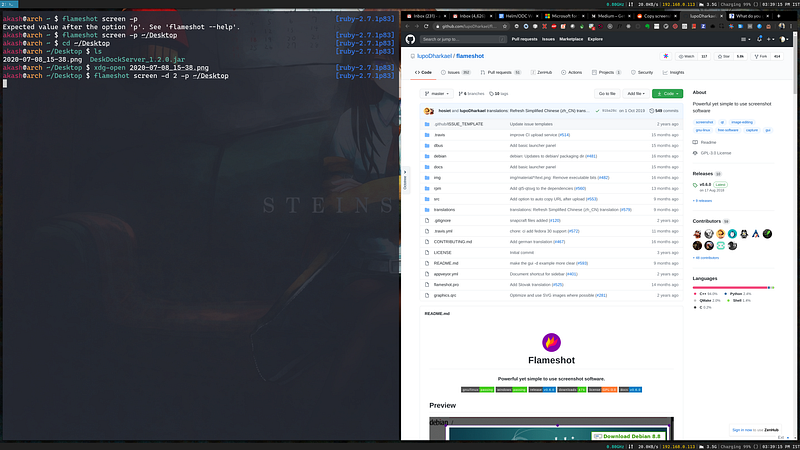
Since many of us have been working from home these days, we all have seen number of articles popping up about how should we setup our room, which table or chair should we purchase. Also there are interesting articles which talks about keeping work-life balance intact in such pandemic period.
These are the tangible changes which makes us feel being in the office environment.
Along with all these there is one important aspect which would undoubtedly boost the productivity and it is by re-configuring the computer we work on.
Specially if you’re a programmer and you are a lazy person, I have couple of intriguing stuff for you :)
Takeaway of this article is not to show how you can install everything I talk about but to see big picture how a better configured system would look like.
arch & i3wm — Choosing the right Operating System and Beautifying it.
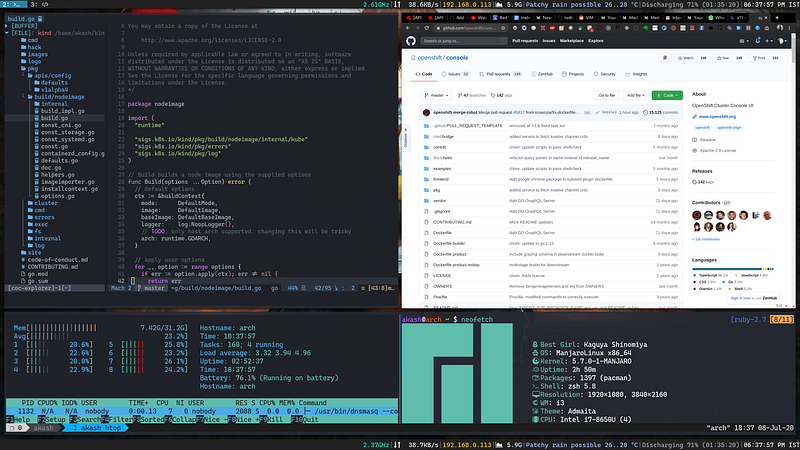
This is sample screenshot of my system fully customised according to my need.
When we have to travel long distance, but also don’t want to get tired, then we always want to be in the car which we like, car which has proper suspension, seating adjustment and a good music playlist.
In the same way the system we work on determines our productivity.
If you are someone who can install OS on the system which you have, I would strongly recommend to use Manjaro linux along with i3 window manager.
Why Manjaro Linux ?
It is based on Arch linux so it’s safe to say that it’s always up to date with the updates.
I really loved the package manager it has (pacman and yay). Easier to install any package without need to adding/updating repo like we have to do with Debian.
Why i3wm ?
This is another desktop environment like Gnome, KDE, XFCE but it’s specifically focused for the users who likes to use keyboard rather than mouse to switch between windows, opening new application and performing all sorts of window operations.
i3blocks — Configuring the Panel (Status bar)
Another important component on the screen which we use everyday, but it’s underrated is the panel(top/bottom bar).

Panels are awesome way to know system information with few clicks. We use it everyday to know today’s date, laptop battery and many more. When it comes to configuring this panel, most of the operating systems don’t support customisation. XFCE/KDE does provides some ways to customise but it only supports few plugins.
If we want our own panel component we would need to write using respective plugin SDK.
That’s where i3blocks comes to rescue. i3blocks works seamlessly with i3 window manager.
You can see from the screenshot of top panel above which I have, there are following components I’ve added.
- Current CPU freq.
- Network monitor
- IP address of the system
- RAM Utilised
- Brief weather information
- Laptop charging status
- Date with Time zone
You might ask, whether it is easy to add these? the answer is YES, you just need to update just one config file.
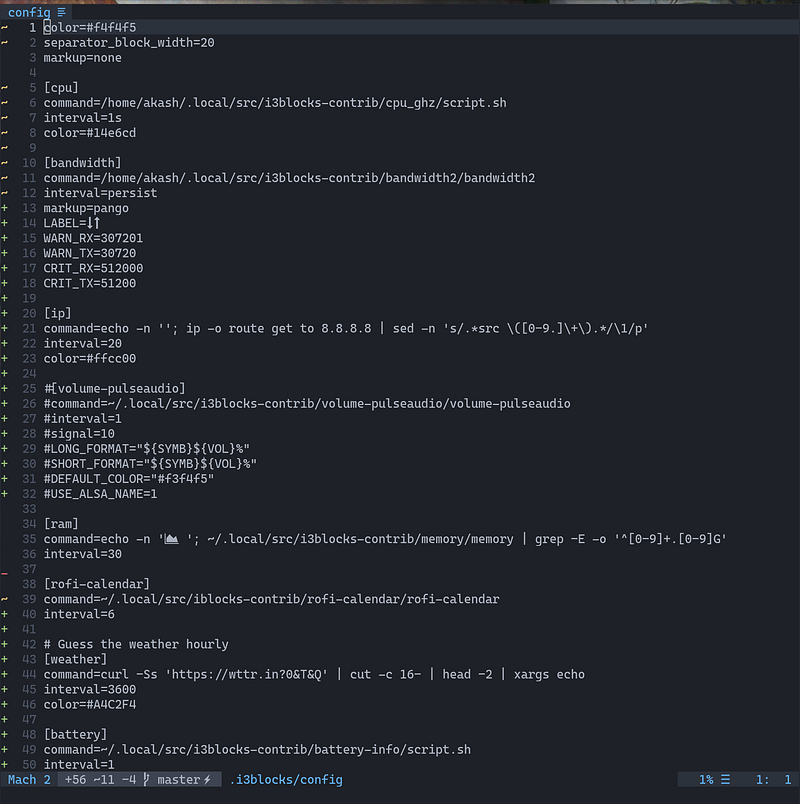
This is i3blocks config file which has list of widget information.
Each widget runs the specified script and feeds output on the panel. We can specify custom colour as well.
rofi — A window switcher, Application launcher and dmenu replacement.
I use rofi dmenu replacement to open application, switch windows easily.
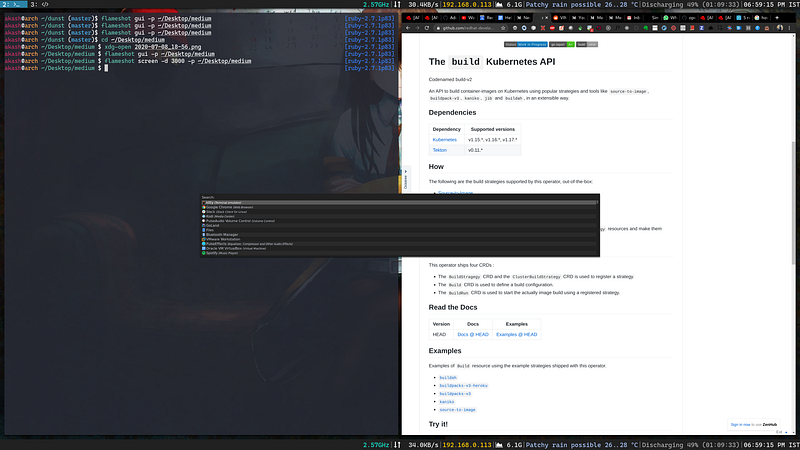
I have rofi mapped to window + d , It’s easier to open any application with rofi using keyboard rather than by navigating using mouse.
And it does support adding custom color schemes, if in case you wish to customise the look and feel.


