
Apple TV… is it worth it?
I took the plunge, and here are my thoughts.
Recently, I wrote a blog about changing my habits on the way I pay for and consume TV. Having been tied for many years to Sky TV and most recently Sky Q, I decided it was time to start to look around a bit. Welcome, Apple TV.
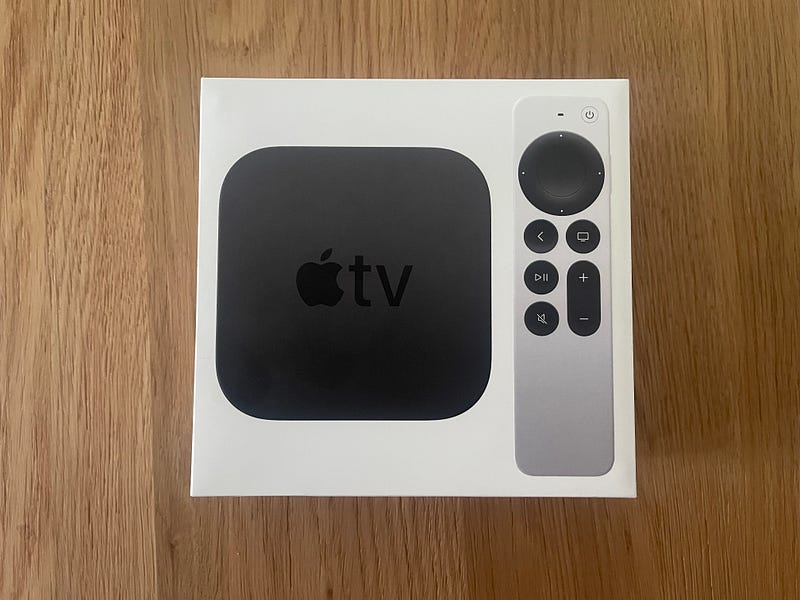
What you get
Last week, I made the jump, and bought myself a 4K Apple TV. When it arrives, it is very typical Apple. Tactile, inviting, and simply yet beautifully packaged. In the box, there really is not much to report. A power cable, the remote control, and the box itself is pretty much it. Oh, and a USB-A to lightning cable to charge the remote with. Actually, that was a surprise, the fact it was still USB-A. As this is brand new, I’d have expected it to be USB-C by now.
Installing
Just be warned, if you are buying and looking to install straight away, make sure to buy yourself a good quality HDMI cable, as that does not come included. I have been there before…eagerly looking forward to hooking up a new bit of tech, only to be scuppered by not having the required cables late at night. I bought mine directly from Apple…just to be sure!
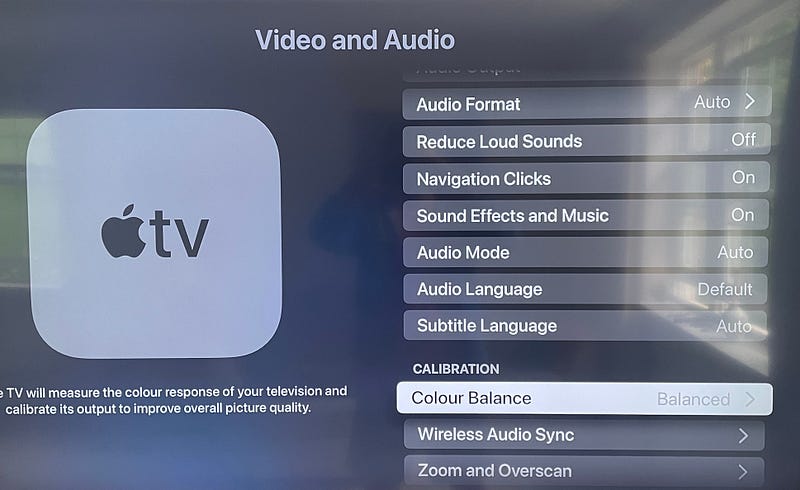
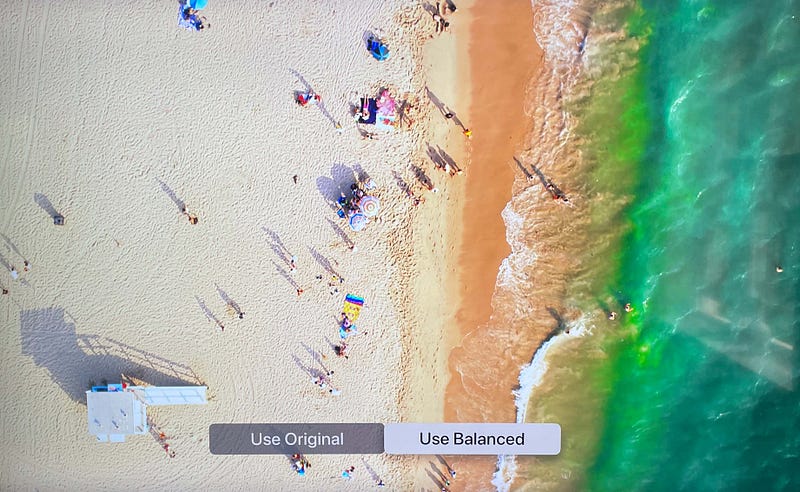
Installation really could not be any simpler. It pretty much takes care of itself by signing in to your Apple ID. Those days of trying to frustratingly enter emails on a remote are gone, and you can now use your phone for some of that. There is a colour calibration that I suggest you carry out. You’ll find it in the Video & Audio > Calibration > Colour Balance, and then you’ll use the front facing camera on your iPhone up against the TV. It’s all very Apple, and although the difference is subtle, it does enhance the colour that your Apple TV box will send to your TV. That’s an important point though, it is not adjusting your TV’s colour settings globally, rather the picture that Apple TV sends to your TV.
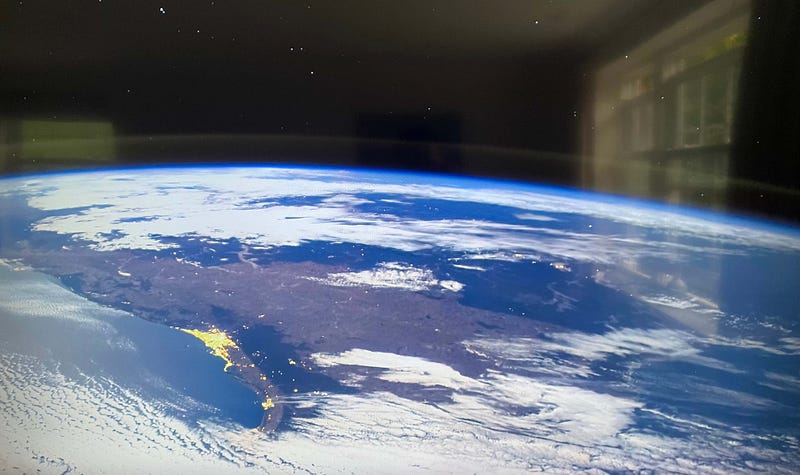
Another tiny little detail I love, already, are the screensavers. You can choose how frequently new ones are downloaded, and the city scenes make you feel as if you are actually there. The detail is stunning. Silly, I know, but just something else to love.
Audio
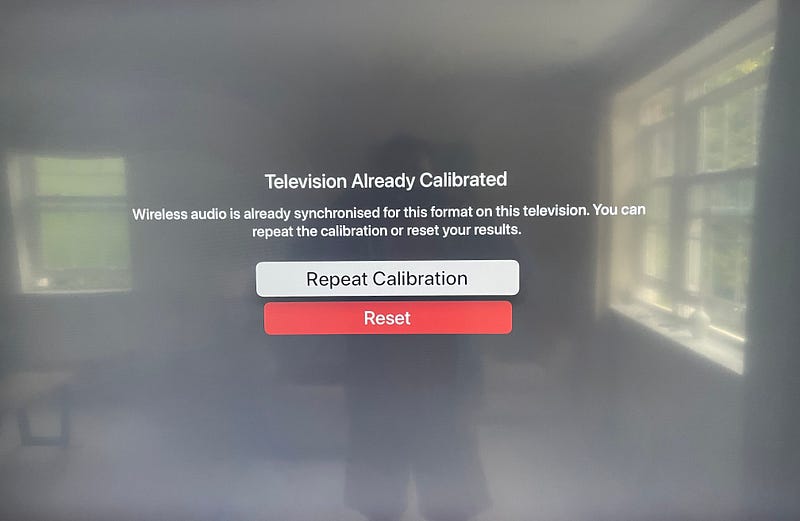
Recently, with Sky and my external speakers, YouTube would fall out of sync (audio & picture — I am sure you know what I mean.) Well, another trick in Apple’s arsenal, is a neat way of overcoming this. Once again, head to Audio & Visual > Calibration > Wireless Audio Sync. It plays some sounds through your speakers, which your iPhone listens to, and, calibrates the audio for you. I also paired my AirPod Pro to Apple TV. I have not yet tried Spatial Sound, but the audio through them was, as you’d expect, crystal clear. I can see myself listening to the TV a lot this way, actually.
First impressions
Highly, highly impressed. The picture quality is the best I have seen on my TV. I have a one-year-old 55” Samsung Ultra HD panel, and the picture coming from my Apple TV is actually way better than Sky. Even Sky Ultra HD does not compare with the picture quality I am now seeing.
Straight out of the box, the apps on the TV are pretty comprehensive such as BBCs iPlayer, My5 and ITV HUB for example, but adding to the apps is super simple. Simply by heading to the App store, you can search for what you want, click, and download. Already I have Eurosport, YouTube, and Spotify, installed on mine, with more to come I am certain.
The remote
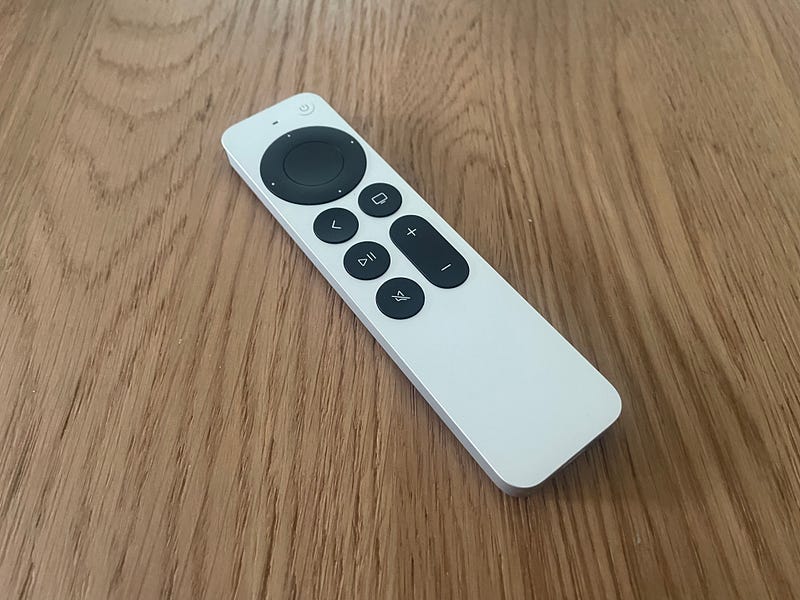
I’ve nothing but good to say about this. The click-wheel is very iPod-esque actually, and a lovely throwback. Moreover, it works well, and it’s both intuitive and precise. Siri has been moved to the side now. I used it to find apps, and it worked perfectly. There is an independent power on/off button, and using the arrows to rearrange apps etc, has proven a joy. Making this TV feel yours is super simple.
And to use it
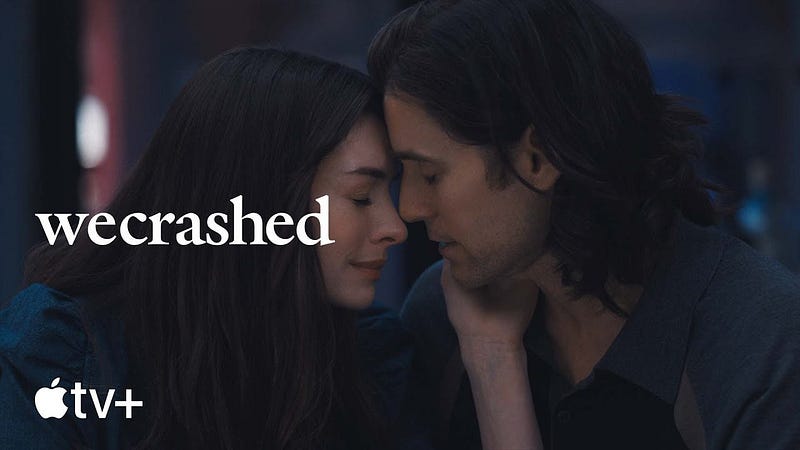
So, I am setting myself a goal to try to consume as much TV through the Apple box as possible. The only thing I am losing in a Sky free life, is the record function, but with so many +1 services, and Catch-Up TV around, I doubt that will prove much of a loss. I have not yet settled down to watch any Apple TV+ Originals. Even through the app on Sky, the picture on Apple Originals was always superior, so I am really excited to see how good it looks through the colour calibrated Apple TV. We Crashed could be my first test on it. I know there is a David Attenborough series coming along to….can you imagine how that may look!
Concluding
Once I have had a month or so with it, I will let you know how I am getting along, but from what I have seen so far, it looks like a whole new world of TV consumption. It’s been a long time coming, but finally, I can see an HDR, 60FPS, Sky free future looming. Not only that, I will be £80 a month better off as well.
Before you go
Are you subscribed to Medium yet?
I am only one of a whole host of writers here on Medium, the premium blogging site. It is such good value, and you can join here https://medium.com/membership
Join my behind-the-scenes mailing list
Originally published at https://www.talkingtechandaudio.com/blog on May 9th, 2022.


