
Apple Introduces ‘Mask ID’ in iOS 14.5 – How Does It Work?
The End of a Frustrating iPhenomena
It’s only after the coronavirus pandemic arrived, iPhone (
It has become a bugbear task of pulling down the mask for unlocking iPhone every single time. Uncompromising on safety, we use the passcode, and it takes a bit of time. Now, Apple resolves this issue, as the future technology needs to be virus-proof.
Firstly, How Does Face ID Work?
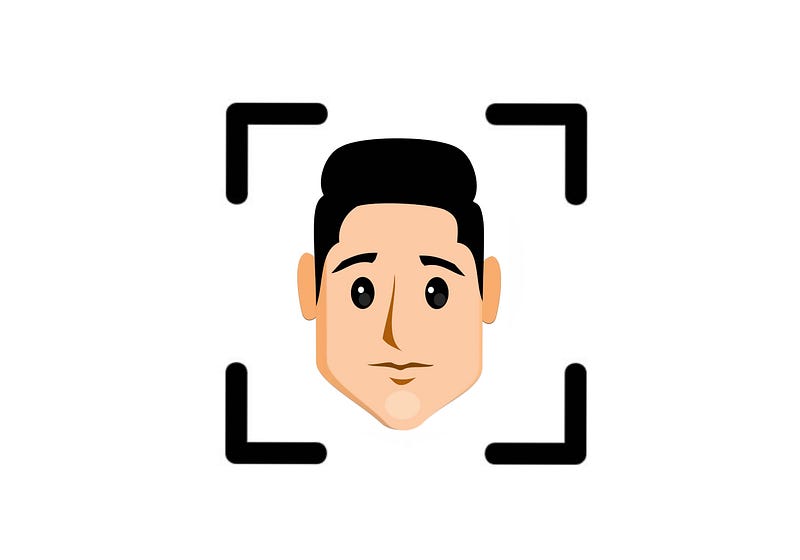
The dreaded, never-disappearing big-sized notch of the iPhone consists of the Speaker, Microphone, and the TrueDepth Camera System, of which Apple says three other little parts play in the role of Face ID unlocking. They are the Infrared camera, Flood illuminator, and the Dot projector.
When you set up your Face ID in your iPhone, the Flood illuminator first detects your face in front of it, even if it’s dark. The IR camera creates an IR image. The Dot projector projects over 30,000 invisible little IR dots. The IR image in the dot pattern are processed using Neural networks to create a mathematical model of your face, which perfectly captures your facial details like a mole, bulge, facial hair, and lip cracks.
So when you glance over your iPhone the next time, the same process is repeated again, and is compared to the earlier model of your face. If it matches, ta da! Your iPhone is unlocked. The ML algorithms also train themselves with your facial changes overtime. So, it only cares about who you are, not how you are.
Now let’s look at Mask ID:
Its little sibling was released last year May:
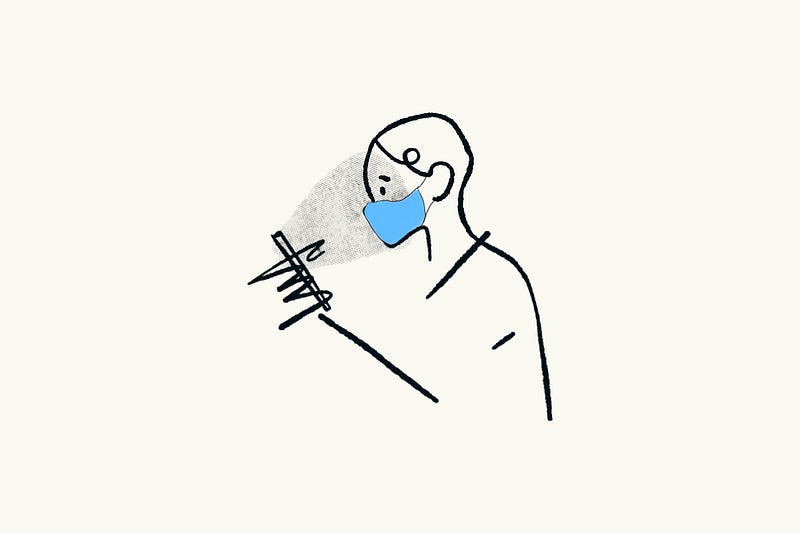
It really takes a long time to develop such an algorithm like Mask ID. So for its users’ comfort, Apple provided a little feature in iOS 13.5 that senses if the user is wearing a mask, and directly jumps to the passcode prompt if he’s wearing it.
It doesn’t execute the Face ID algorithm if he’s wearing mask, so it saves a bit of time for him.
Now, Mask ID is already released:
Daredevils or Rich people who don’t mind bricking their iPhone and could afford another one have already experienced it in iOS 14.5 Developer Beta 1 and later.
You need Apple watch for this — Because it’s Apple, and nothing’s cheap:
Apple novices must be thinking Mask ID considers only half-face, while the rest is covered by mask. That isn’t exactly correct. Apple doesn’t compromise on privacy and money.
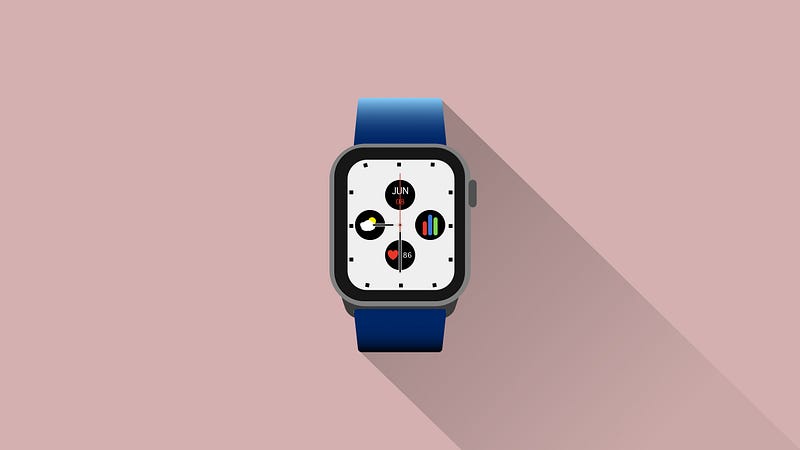
Mask ID considers a part of your face, Bluetooth signal strength, and your heart rate, for which you need an Apple watch series 3 or above with watchOS 7.4 Developer Beta or later installed.
Significance of Apple watch in Mask ID:
• Bluetooth Signal Strength:
Similar to how Covid-19 tracing system (like we have Aarogya Setu in India) uses Bluetooth strength to estimate the distance between two devices, Mask ID uses the same technique to estimate the distance between your iPhone and iWatch. If they are in close proximity, your device unlocks.
• Heart-rate sensor:
The Mask ID process takes the advantage of the feature that once the watch has been put on and is unlocked, it keeps sensing the user’s heart pulse, so it stays in knowledge that it’s still in the possession of its owner and stays unlocked till he locks it.
So for Mask ID, your Apple watch needs to be worn on your wrist and should stay unlocked always.
For example, when I unlock, it shows, “nikhi’s iPhone XR. Unlocked by this Apple Watch.” for me.
Exemptions though:
Mask ID is a great feature Apple has brought for us when the vaccine is almost ready.
Still, it has its limitations. You can’t use Mask ID for Apple pay transactions or to login to third-party apps like Google Pay or WhatsApp. You have to pull down your mask for that, or enter your passcode.
Conclusion:
So that’s a brief article about the upcoming Mask ID, with a little humour. Really, that’s an amazing innovation which no other mobile brand probably hasn’t thought about.
More related stories from me:


