
An Alternative Approach to Boring Login Process for Mobile Apps
If you don’t like authentication steps like me, this story is for you!
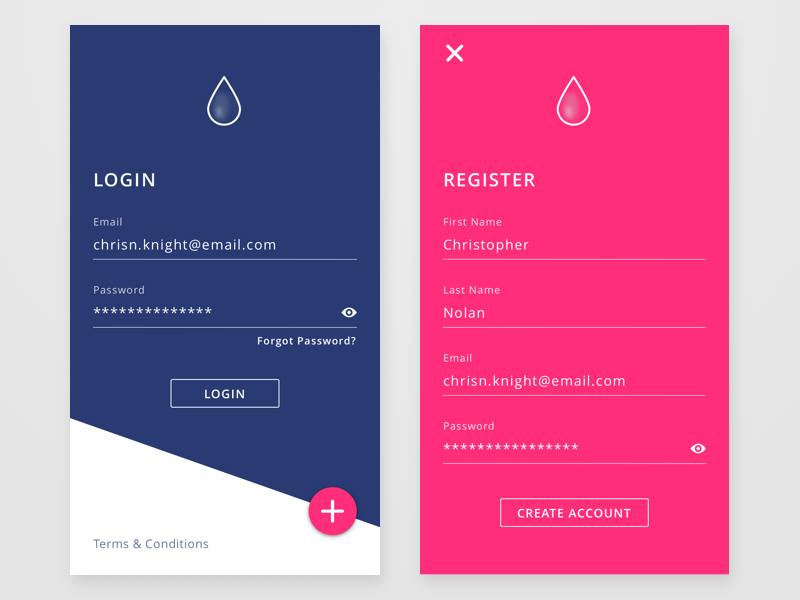
Once you install an app you always open it with an ambition that comes with the question, What is there inside the app?. As soon as the app launches you lost your all enthusiasm that’s because of a MOTHERF*CKER login screen.
Besides of I am an iOS developer, also as a user, I really hate login screens. I must not give an email, mobile phone, nickname, password without seeing the inside of the app.
TL;DR
You can use the Keychain via a keychain manager class to store a unique identifier for each user. That provides you to not ask for any email, password, or mobile phone. It also provides the users to use the app without any boring login stuff.
What is the Purpose of a Login Process?
To be honest, there are two main purposes, getting more data from the user and getting a unique identifier to save the user into the database.
For now, I ignore the getting more data from the user part because I am not interested in that part. What If I tell you there is another way to create a unique identifier for a user?
Assume that we have a function as below that generates a unique identifier as 10 chars string.
This function generates an alpha-numeric string by the length. I mostly use 10 as the length. 10 length string gives you enough possibilities if you don’t have millions of users. Here is the function that provides you a unique identifier!
I would like to narrow the subject from here. I will tell you how to store the unique identifier in the iOS ecosystem.
Keychain
Keychain is a great product that stores secret website passwords, wifi passwords, certificates, etc. It also provides perfect synchronization between Apple products. The synchronization saves the day specifically if you have at least a MacBook and an iPhone.
From now, I will dive into some iOS codes. We have a KeychainManager as below.
The KeychainManager is basically a manager that gives us a simplified syntax to save the data into the Keychain.
As you see above using the KeychainManager is simply as walking on a street.
The Login Logic
As soon as the app launches, we have to check whether the Keychain has the value of the userId. The userId is the key that I have selected for this article. You should specify it by the app, for example, myAppUserId.
You just need to check the userId whether exists. Afterward, you can do whatever you want. With the userId, you can specify your user for any action. You might even ask the user for his/her email, mobile phone, or whatever you want later. At the beginning, the userId help you to gain users and gives him/her a chance to have a look at the inside of the app.
In Conclusion
You don’t need any fancy login things. At the beginning of the app, you can create a unique identifier for each user. That gives them a chance to see the inside of the app easily.


