
An advance piece of machinery: my iPad Pro 12.9" review
A designer’s perspective
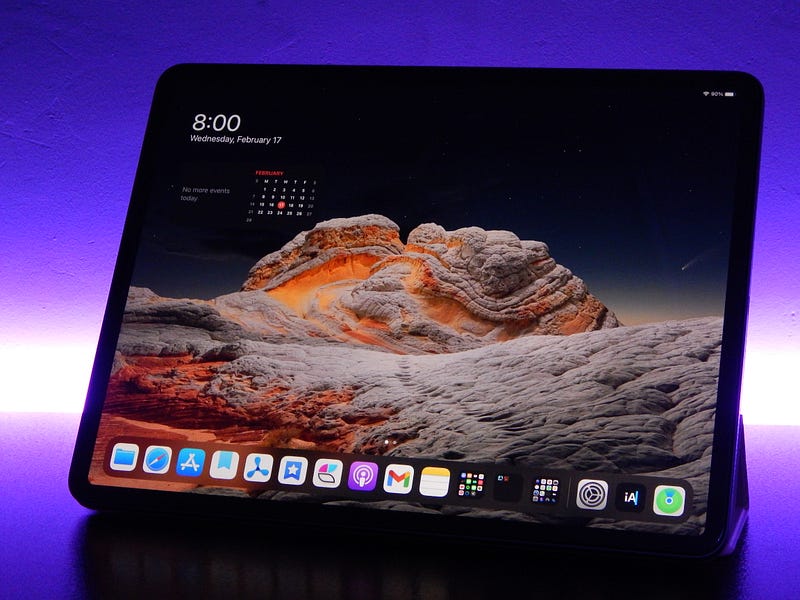
I am aware that plenty reviews about this iPad exist, however, this one is my take on the device as a researcher/designer, someone who interacts with the device expecting long-lasting battery for the qualitative and quantitative goals.
Later on, I will explain what tools/apps I use as a researcher, and we will see if this iPad is a proper device for those who want to get one.
The Specification
The specific device for this review is the iPad Pro 12.9" 2020 with 128 GB of storage in space gray color. This device costs $999 from Apple Store, but you can usually find it cheaper at other stores so make sure to take the time and research for the best deals.
The iPad Pro comes with four storage options:
- 128 GB
- 256 GB
- 512 GB
- 1 TB
How much storage is enough?
As a tech enthusiast who is very interested in becoming a minimalist, I have embedded the concept of digital minimalism in my life. I don’t own many files, most of the unnecessary is archived as a backup on an old hard drive. The rest? I have them setup on an iCloud account with 50 GB of storage where it is used for my photos and files.
So having files neatly organized, in the cloud, I chose the 128 GB base option since most of what I need is in Files. The 128 GB option doesn’t make you regret your choice.
Having almost 20 custom playlists on Apple Music, and having them download for offline playback, installing around 40 apps, I am happy to say my device has more than 90 GB free.
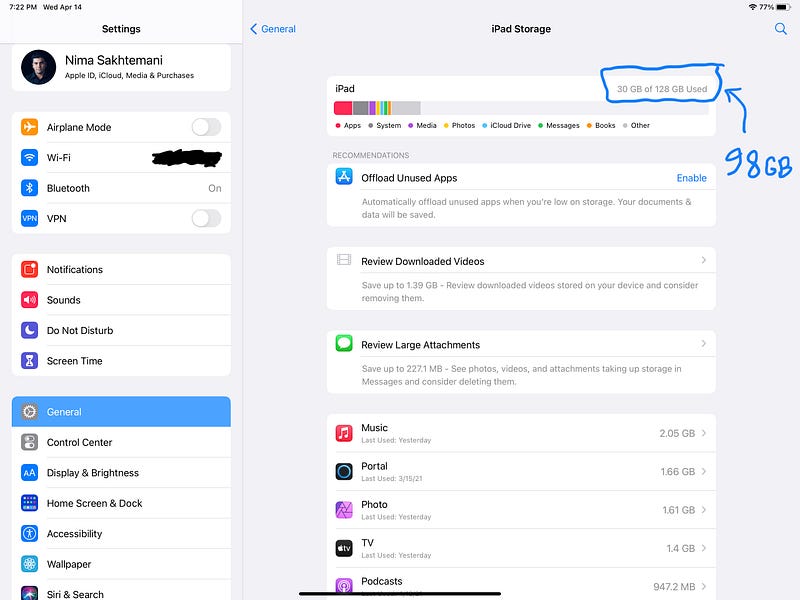
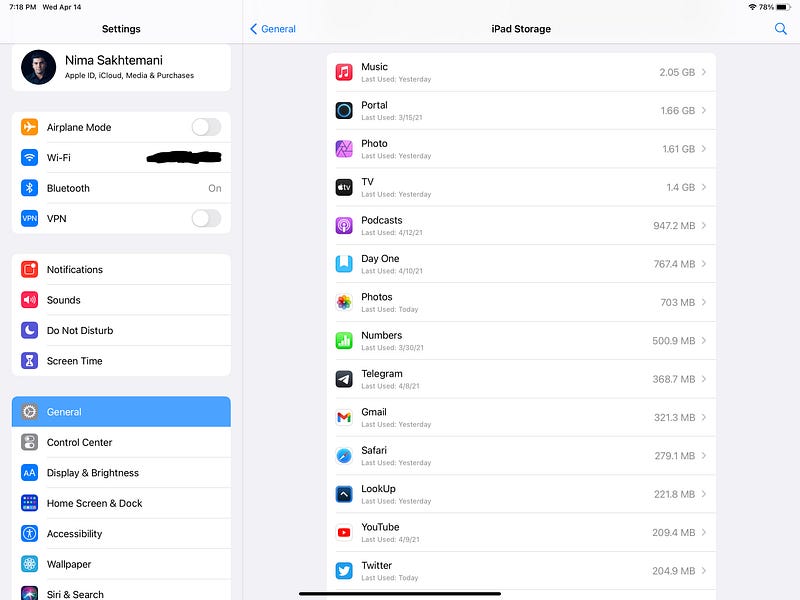
As a user experience designer I don’t much deal with vector drawing apps, albeit, sometimes to draw wireframes I do use apps like Mockup which take very little space, and works really well.
Ask the following questions first before making a purchase and deciding what amount of storage you want:
- What apps do you use daily?
- How much gaming and what games do you expect to install on your device?
- For what purpose will you use your iPad? Is it writing? Is it drawing and graphic design? Or is it pure entertainment?
Occasionally, some of us use the device for a multitude of purposes, but in my opinion, it is best to give your device a primary use then associate other use cases with different devices.
- 128 GB = Edit a 4K video + Storing most files online + Some games + Many apps
- 256 GB = Edit a few 4K videos + Storing some files offline + Some games + Many apps
- 512 GB = Edit some 4K videos + Storing most files on the iPad + Many games + Many apps
- 1 TB = Edit 4K videos + Store all files on the iPad + Many games and apps
Depending on who you are and how organized your digital life is, you might get away to pay fewer dollars and get the smaller storage space.
As a researcher, I usually write many notes, record meetings, and take plenty of photos which also include scanning documents. Since I upload the files to the cloud, I don’t need to own a lot of storage space.
Connectivity
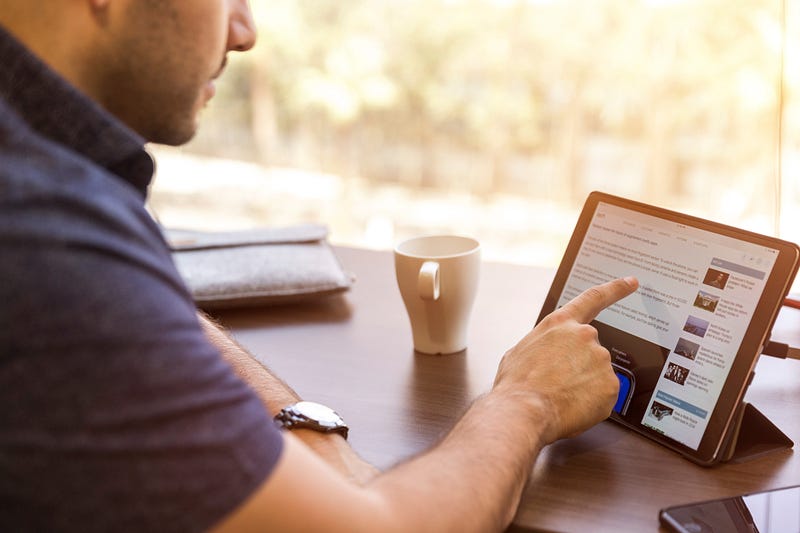
I remember when Apple announced the iPad Air 2 and I got all excited for the 64 GB model with LTE option. It was the thinnest iPad coming with 6.1 mm depth and Touch-ID. The dream come true tablet of the world. Interestingly, back then android manufactures were investing more resources for the competition of better tablets, so we had a lot of choice, and as you know, competition brings many benefits to the customers.
Nowadays very few manufacturers compete with Apple and their competing devices are honestly not good. A look at Samsung’s newest galaxy tabs shows how decent of a hardware, but awful of a software they have. When it comes to tablet devices, I believe the software is twice more important than the hardware.
iPads come with two connectivity options:
- Cellular
- Wi-Fi
Cellular
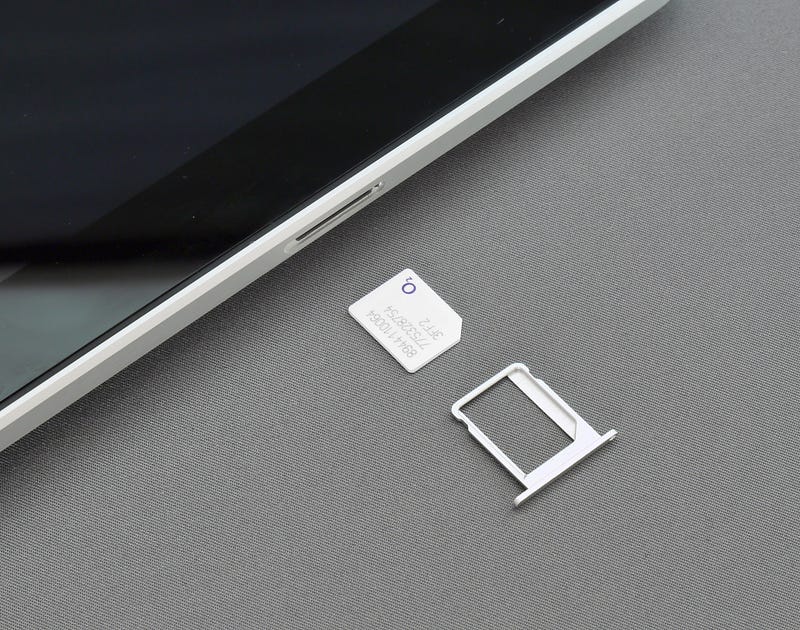
If you travel a lot, visit different places where you won’t use public Wi-Fi then purchase a sim card and put it in the sim tray of your cellular iPad.
An iPad Pro with a cellular connection feels like a portable computer that can do it all.
You simply own a device that is online 24/7 and for some that is a must-have. Therefore, if your job requires online presence, choose the cellular option. If you play games and want to have a great ping time this option is also good.
The lack of 5G in the current iPad Pros is pointless if you own Starlink or a High-Speed internet since 5G is mostly dependent on your physical distance to the emitting tower.
Wi-Fi
The best option in my opinion for the majority of people is the Wi-Fi. Yes, it doesn’t come with GPS, and yes, it doesn’t give you the flexibility of being online almost anywhere but most of us already own iPhones and our iPhones natively support personal hotspot which is great.
With the Wi-Fi option your device looks more minimal since it doesn’t need antenna bands — although that is my conformation bias speaking :)
Lastly, you will save some money by opting out of the cellular option, which I believe makes more sense since you could use that money to purchase a higher storage model.
A good researcher usually travels a lot and tends to rely heavily on the internet to record their meetings, and take photos to upload to the cloud, I’m fine using the Wi-Fi version of the iPad. Why? Because alongside me, there is an iPhone and if I need to connect to the internet, I simply use the hotspot sharing feature on the iOS. It actually works pretty good and is reliable.
Display
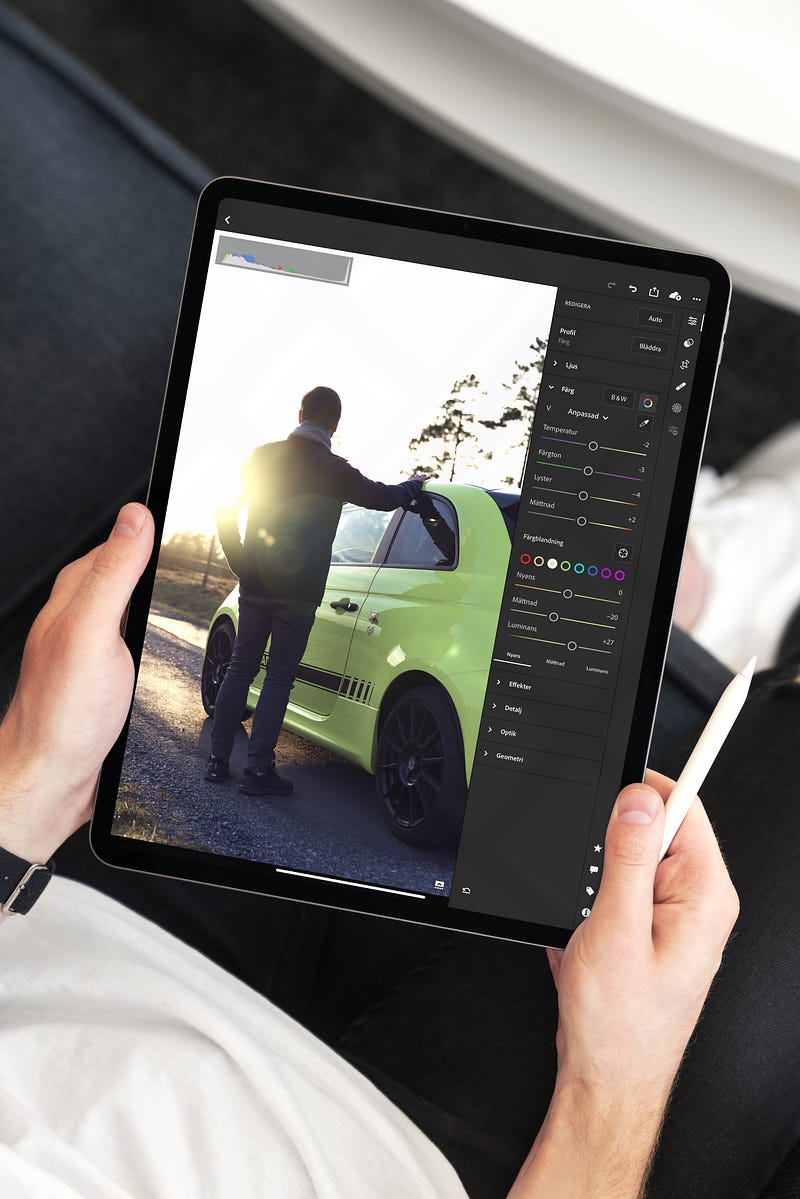
If you live near an Apple Store, I suggest visiting the closest one and observe the beauty of more than 3 million pixels on such wonderful piece of glass. If you are looking for accurate color representation on your device to edit photos and videos, look no further.
The touch accuracy is on point, and the screen refresh itself 120 times every second which makes the animations super smooth and the experience of using the device feels faster than ever.
There are many advantages of owning the ProMotion technology on your device. The most important is how the Apple Pencil feels while drawing or writing something. The latency of registering the pen input is almost unnoticeable.
One of the most underrated benefits of a ProMotion display is gaming. If you install a game that supports 120 fps, then you’ll notice a much more smooth gameplay. That is truly important if you have online multiplayer games and want to have the advantage of being the best player.
The downside of using any display outside is the reflection from the sunlight which makes the experience annoying, however, the use of antireflective coating alongside a 600 nits brightness on the iPads Pro fade the problem. So, you can easily use the device outside.
The oleophobic coating is nice but naturally wears off. I suggest installing a screen protector the moment you unbox the device.
The Processor
What makes a device truly advanced is the brains inside it. The Apple Silicon has long been the most powerful chipset in their devices. You won’t be disappointed to get this iPad. It has a chipset called A12Z Bionic which is one of the fastest most capable processors in the market. This chip is no joke. It can easily render 4K videos, process super large images without breaking a sweat, and run almost all games at the highest graphical settings.
A12Z Bionic
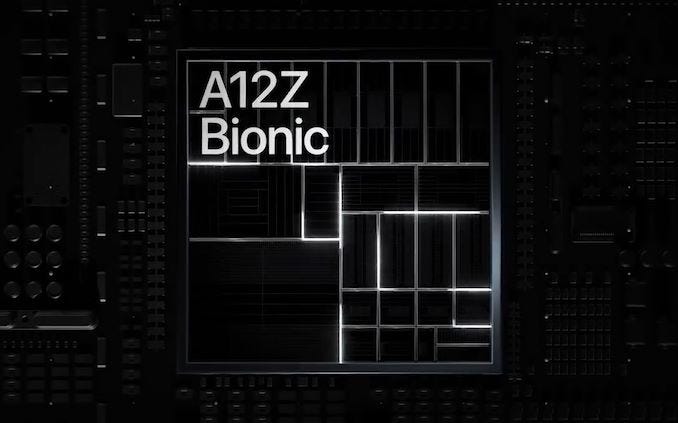
To measure the performance of a processor, one approach is to compare it to its predecessor, however, I don’t think seeing a bunch of charts and numbers would do justice to the quality of this review.
So, here is my take on this chipset: Every day work-flows feels buttery smooth, specially since it has ProMotion. Speaking of ProMotion, the Bionic processor comes with 8 GPU cores and can easily drive the demand needed to display content at amazing refresh rate.
When it comes to gaming, you will have no worry as the Bionic processor is more than enough for almost all App Store games. In my testings, I ran Call of Duty Mobile and set the graphic options to the highest settings and the game ran flawlessly. I got an outstanding performance at such high frame rate. I also played lots of Apple Arcade titles like Ocean horn 2 and Hot lava, and the chip had no problem maxing out the visuals giving a great performance.
As a side note, if you plan to game on this device, make sure to get a PlayStation or Xbox controller and connect them via bluetooth for a better gaming experience.
For my use case, most of the apps used were: Miro, Bear Notes, Camera, Craft, GoodNotes, Numbers, Things; the processor had no problem running those apps. I had no experience with lags, stutters, or any weird issues.
6 GB of Memory
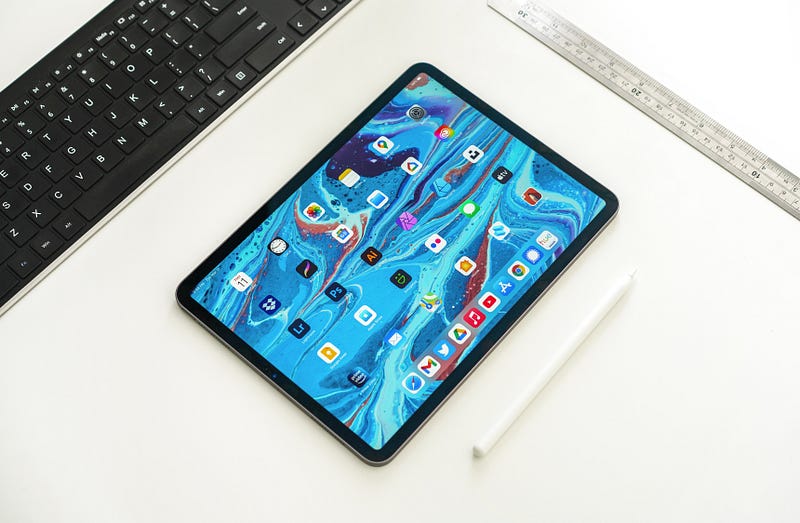
The iPad Pro 2020 is the first model which comes with 6 GB of RAM and that is great if you plan to multitask a lot. Nothing more. iPadOS is wonderful at handling memory and I think 3 GB is enough for iPads, but there are moments when you want to edit 4K videos, or edit an HDR High-Resolution photos where this much memory comes in handy.
Furthermore, if you plan to use iPadOS features like Slide Over or Split View then 6 GB memory can definitely make a difference.
Augmented Reality (with LiDAR)
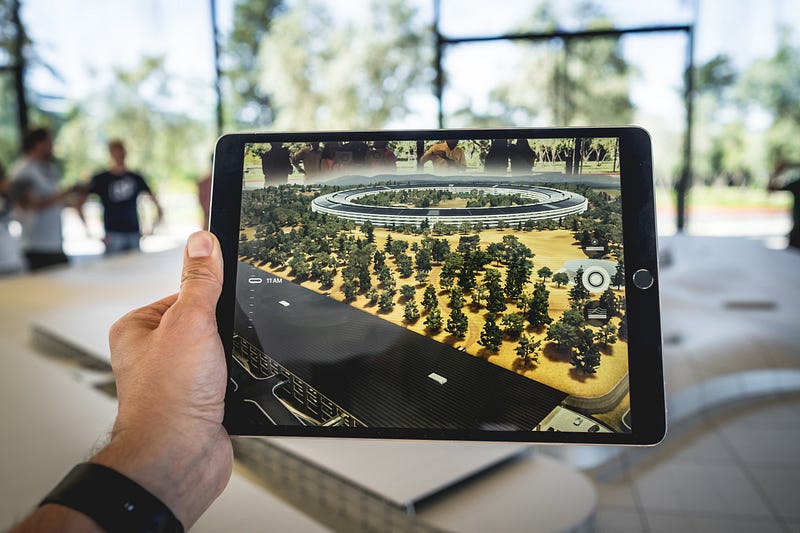
An astonishing feature that gets me excited is Augmented Reality (AR) and ever since Apple started to bring ARKit to the hands of the developers, I have seen plenty of amazing use cases for it.
The technology is still in my opinion primitive, however, by no means is it bad. It is actually on a great start and three things are pushing it forward:
- Newer generations of Apple Silicon with better support for A.I.
- Advancement in hardwares like LiDAR and more advanced cameras
- Awesome Community of Intuitive and Creative Apple Developers
I have tried many AR apps, and I can say there are tons of demos available to amaze you but here are some of the most insane ones I came across:
- Virtually put eyeglasses on your face before making a purchase
- Virtually put on shoes before buying them
- See how furniture looks like in your house before buying it
- Scan your entire house, get an accurate architectural plan that comes in realistic 3D model as well as a 2D CAD file
- For a designer, you can precisely understand where the users’ eyes are looking at when using your apps or websites
- Measure objects, someone’s height and get an estimate of the width and height of a square or rectangular objects
- Have an app analyze how your workouts and exercises using the True Depth camera
I can go on with the list all day but if these are some advancements of AR, imagine where it will go in the next 3 to 5 years!
As a researcher, I was amazed by the benefits I got from LiDAR and True Depth cameras. For a project, I needed to test the usability of a product. I needed to know:
- How much the user was aware of where they were and noticed signifiers throughout the user interface
- Understood errors and recovered from them
- The use of shortcuts to achieve their goals faster
- Realize how much learning they had to do for accomplishing a certain task
I used an App called Hawkeye and ran some tests using the iPad and the results I got was outstanding.
Camera
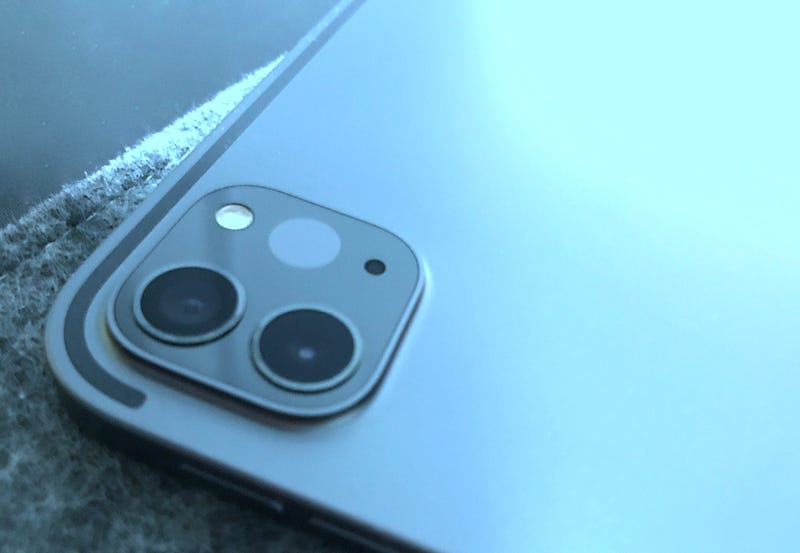
Taking photos and recording videos is not something I thought I would ever do on an iPad. Specially on a 12.9" device since it mades me look like that guy who uses a tablet to record videos. You know the feeling. However, things have changed. The iPad comes with a remarkable camera. It has a Wide-Angle lens alongside its usual camera and also a LiDAR sensor.
For quite some time I asked myself… Why does Apple keep improving the iPads’ cameras if no one takes photos with them? I soon realized that many people do use these devices to take photos. In fact, the majority of people I met who had iPads, did use the cameras. Most of them were professionals such as developers, designers, medical experts, and others. They did really use the cameras and their workflow depends on it.
Taking Photos and Videos
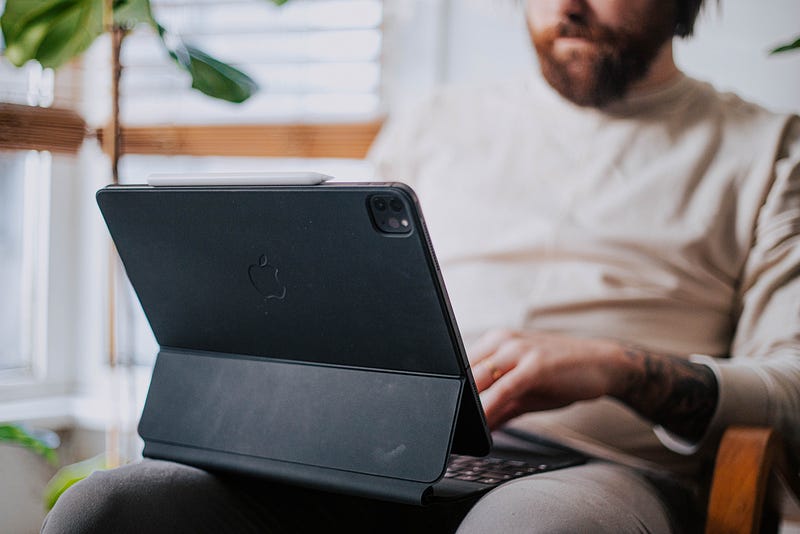
The iPad Pro 12.9" comes with three cameras.
On the back it features:
- Wide-Angle lens with 12 MP and an f/1.8 aperture
- Ultra-Wide lens with 10 MP and an f/2.0 aperture which covers 125 degrees field of view
When it comes to taking photos, the quality of images were fantastic. The device has a bright true tone flash which easily brightens up the photo in dark environments.
It has smart HDR which will show its power when you take photos with lots of light and over exposed background.
Lastly, the noise reduction is decent but don’t count too much on it since the ultra-wide lens comes with an f/2.0 aperture, therefore, photos at night don’t look as bright as the regular wide-angle lens.
When it comes to videos, Apple is the best company you could rely on for taking fantastic recordings. You immediately notice how smooth and stable the footage is.
The iPad Pro can record videos at 4K 60 fps. Despite the heavy file size, I do prefer any content at 60 fps as the recording looks buttery smooth.
One of the problems I came across with is the lack of proper noise reduction. Since iPhone 8, Apple added noise reduction to the Image Signal Processor and I hope they have included ISP with A12Z as well. The noise reduction is fine, but recording video with low light does not give you a great result.
The other problem was lack of portrait photography for the rear lenses which the iPad should be fully capable of since it also comes with LiDAR and that should help with taking a perfect quality portrait photos.
On the front the iPad features the True Depth Camera 7 MP lens which gives you ok-quality photos and is mostly suitable for Zoom meetings. Other than that, I wouldn’t use it, even though it features portrait mode, and smart HDR.
Scanning Documents
One of the best use cases for the camera on any iPad is scanning documents and this iPad with its fantastic cameras can easily scan documents. The result is very detailed and super readable.
The whole process of scanning a document is fast, and the algorithm which detects the edge of a paper can for 90% of the times do its job properly.
There are third-party apps on the App Store which extend the document scanning feature on the iPad, however, I wish Apple could develop its own app instead of forcing us to use the default notes or files app.
Apple Pencil
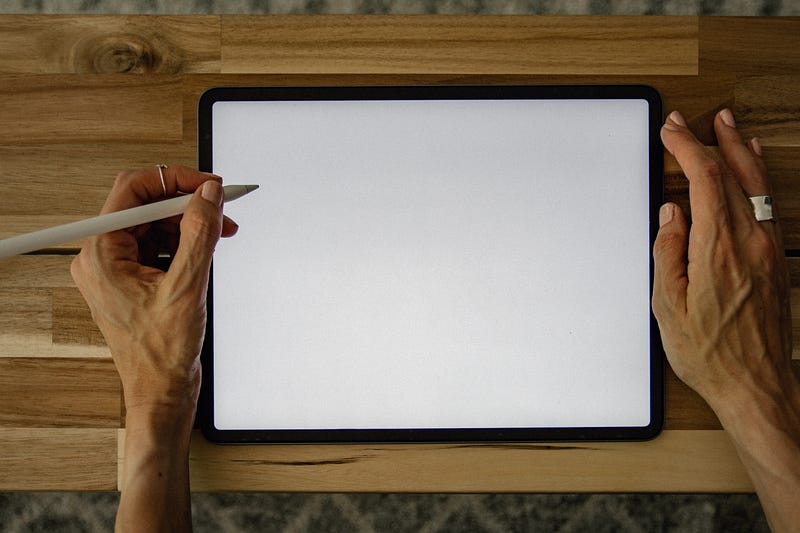
If you own an iPad, make sure to get an Apple Pencil as the usability and productivity on your tablet will dramatically increase. There are many benefits to owning the Apple Pencil. Some are:
- Writing the notes for your classes
- Drawing graphical templates for your social media accounts
- Editing photos with high precision
- Editing videos with easier more precise control on the timeline
- Drawing wireframes
- Painting
- Drawing icons
- Creating a typeface
It is remarkable how many apps support Apple Pencil. You have an opportunity to demonstrate your creativity with such a great hardware.
The Apple Pencil comes in two versions: First generation released in November 2015, and the Second generation released in November 2018.
The first generation of Apple Pencil is $99 and the iPad Pro 12.9" does officially support both, but the second generation is worth the extra $30 because:
- It can wirelessly charge from the side of your device
- It is more pleasant to hold because of a better texture of the new hexagonal shape
- Comes with a sensor which detects double tap on the pen which allows quickly manage other tasks like undo, erase, or anything you define depending on the app you are using
As a researcher and a designer, I draw many wireframes and low-fidelity sketches to ideate the project I’m working on.
Top 3 apps I use most often with the Apple Pencil are:
After my experience with the Apple Pencil, I can’t imagine typing again since the natural feeling of using a pen is unique, specially since it has the pressure sensitive sensor which allows me to be more explicit.
Lastly, the battery life on the pen is fantastic. I never managed to run out of charge while using it. It lasts a long time, and charges quickly.
Battery
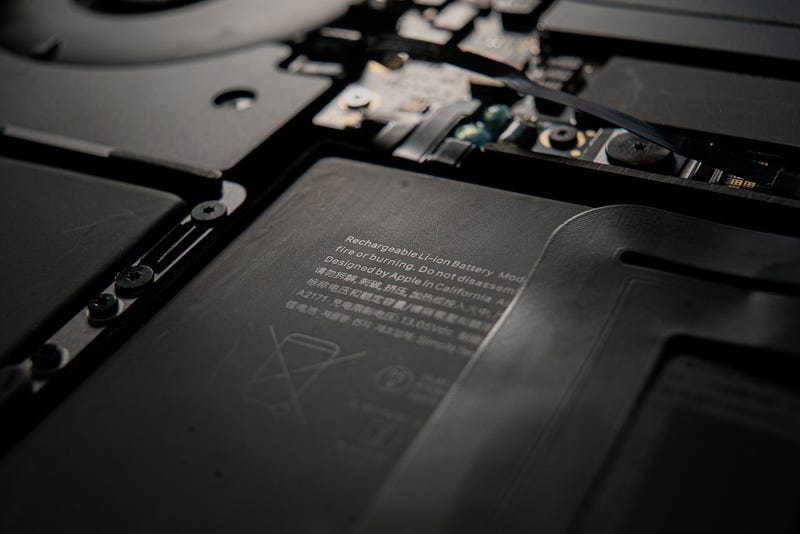
iPads have great battery life. Ever since the introduction of the first generation iPad in 2010, Apple promised ten hours of battery life.
I have used many iPads and I haven’t seen any one of them giving me less than 10 hours which was promised.
Having said that, there are certain use cases that makes the battery deplete faster than usual. Here is an example:
“ Connecting the iPad to the monitor via the USB-C cable while using an Xbox controller and playing a graphically intensive online multiplayer video games”
Anyhow, just keep in mind that for normal to heavy use, you will get the ten hour of battery life. For light to normal use, you will easily get two to four days of use.
I own a MacBook Pro from 2016 and that device comes with a 61W USB-C power adapter which I use to not only charge my MacBook but also my iPad Pro.
The 61W adapter does not damage the iPad as the device only allows the specific amount of energy it needs and stops charging when it is fully charged.
Apple says using a MacBook Pro charger to charge your iPad Pro 12.9" might slightly increase the charging speed, so that is another good point to note.
Speakers
The iPad Pro 12.9" comes with four speakers. They are high quality and reasonably loud. I used the Apple TV app and watch the movie Cherry in Dolby Atmos and the experience was one of a kind.
Dolby Atmos on a device this thin makes quite an impression on anyone using it. The sound surrounds you and the high-quality speakers are a joy to listen.
The speakers on my MacBook Pro are fantastic and loud, however, they are not as good as the ones on the iPad. I feel Apple has created a standard for great sound quality on tablet devices.
Microphone
The iPad Pro 12.9" comes with five microphones. The recording quality is superb, albeit not mind-blowing. You can probably use it to record your voice for a podcast, but it doesn’t deliver the quality you would get from a dedicated microphone even those priced around $50.
For my research projects where I watched, interviewed and took notes of participants, the high-quality microphones improved the experience of re-listening to the recordings repeatedly. Because of that, I am thankful to Apple, but I feel they have a long way to go to reach a certain quality which would amaze us.
If they could improve the microphones as well as the improvement on their speakers then iPads will reach even more demographic of individuals who record podcasts or use the device for their YouTube videos.
Lastly, there is the matter of Zoom calls and Face Time. The improved microphone quality makes your voice very clear to the participants, therefore, for many of us working from home, it is essential if we aim for a good impression on the people we communicate with.
iPadOS 14
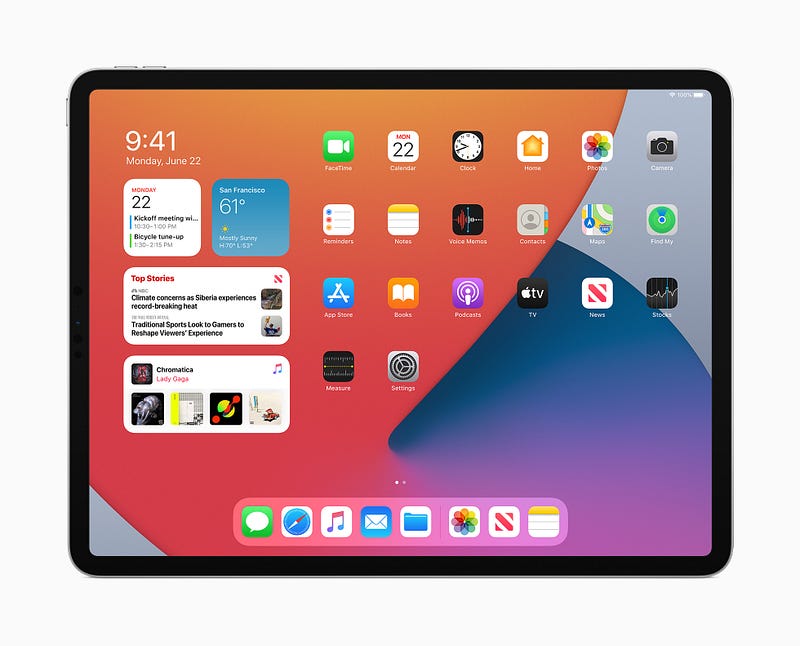
The last thing I will talk about is the experience of the operating system. I believe Apple made the right choice to separate the iPhone’s software from the iPad albeit they share many similar features.
iPadOS 14 was the beginning of something beautiful — A transformation in computers. It showed us how much Apple cares for an experience of using a device in the most human way possible. I am glad this is happening, however, the whole iPadOS is in its primitive phase.
With the introduction of iPadOS 14, Apple introduced so many wonderful changes and new features. My most favorites were:
- Scribble which allows us to use the Apple Pencil to write in any text field on the screen
- Redesigned widgets and a new way to interact with them
- New user interface components that are specific to improve the iPad experience such as the implementation of Sidebars and Toolbars
- A new search UI that resembles the one on the macOS
- A better Siri experience
- Better AR experience
- Privacy-focused features
- On-device dictation
To find out more about the changes in the iPadOS 14, have a look at the link below:
Having all these features and changes is great, however, I am still not satisfied with some limitations and lack of certain things that would make the iPad a fantastic device.
Here are some of the features I believe the OS needs:
- The ability to place home screen widgets anywhere on the screen
- A specific app drawer for the dock so that we could use Split View and Side Bar from within any app that is open
- A redesign for the dock to show the state of any open apps (similar to what we get on the macOS)
- Being able to interact with a widget without having to open the app first
- A better Files app, something that would functionally behave and also look similar to what we have on the Mac
- Being able to run apps in small windows that resemble the size of an iPhone
- Changing more default apps like Notes and Calendar
- Inclusion of more professional apps like Final Cut Pro
- Being able to take portrait photos from the rear cameras on the iPad Pros
- Increasing animation speed
I can go on and on and my wishlist probably wouldn’t end, but, I am satisfied by how slow Apple is implementing new changes. They can go the route of their competitors and quickly add new features, but I know how great the designers and the researchers at Apple are. They test and test and test until they are affirmative that certain features work as they should and are in fact what people need the most.
I give Apple much credit for creating such a wonderful operating system. As a researcher, I am glad I have a tool that helps me with my job and doesn’t ask a lot.
It just works.
Last few words and a little summary
I originally planned to write this review two months ago, but I got my device a little late. Now we are hearing rumors about the introduction of new iPads with some wonderful features. I am excited, and I hope some of the rumors are true.
In this review we understood:
- High storage is necessary only if you deal with tons of local files.
- Cellular connectivity doesn’t make much of a difference and the Wi-Fi only option is great specially if you own an iPhone
- The display quality is great, specially for those who want the most accurate colors
- The A12Z Bionic processor is super capable of running multiple heavy apps without breaking a sweat
- Augment reality is one of the most useful technologies out there, and we are just seeing the astonishing beginning of it
- The cameras on the iPads have changed from a simple low-quality hardware to advanced high-quality lenses which offer lots of possibilities for many individuals
- Apple Pencil is a must-have for those who want to use the device in its full capacity
- The iPadOS is very capable but it is at its primitive stages
I am very excited for the new iPads coming (hopefully) in the next week. I hope Apple makes the processors in the new iPads as powerful as the M1 processors in the new Macs.
Thank you for reading this article. It was my first review of a physical device that I love and use daily. I enjoyed writing it. I do hope you enjoyed reading it as well.
If you have any comments about this article, make sure to include them in the response section. I will be happy to read what you have to say.
If you liked what you read, I appreciate giving it some claps and share it with your friends on social media.
I also write about apps, technology, design, and many other subjects. If you are interested, make sure to follow me.


