
AI Image-to-Video Tools: RunWay vs LeiaPix — Examples and Comparison
Two AI Tools for Transmuting Images into Videos
I’ve been checking out different AI tools for turning images into video animations for my creative projects lately.
There are tons of web-based software options out there that offer free trials, so I’ve been giving two of them a shot myself. I want to share my experiences and results with you.
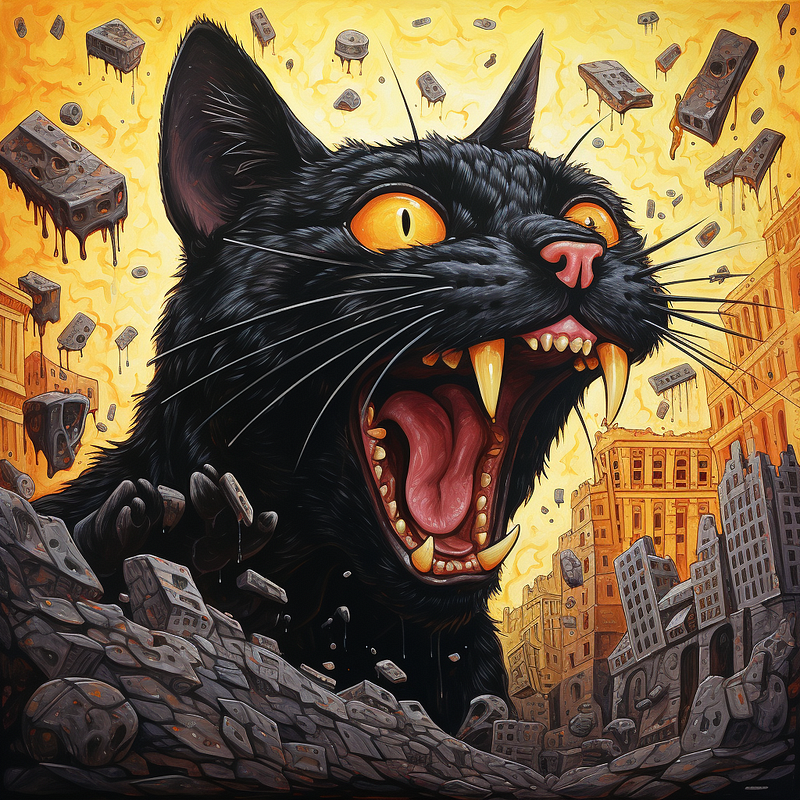
I started my research by using Midjourney to create an image.
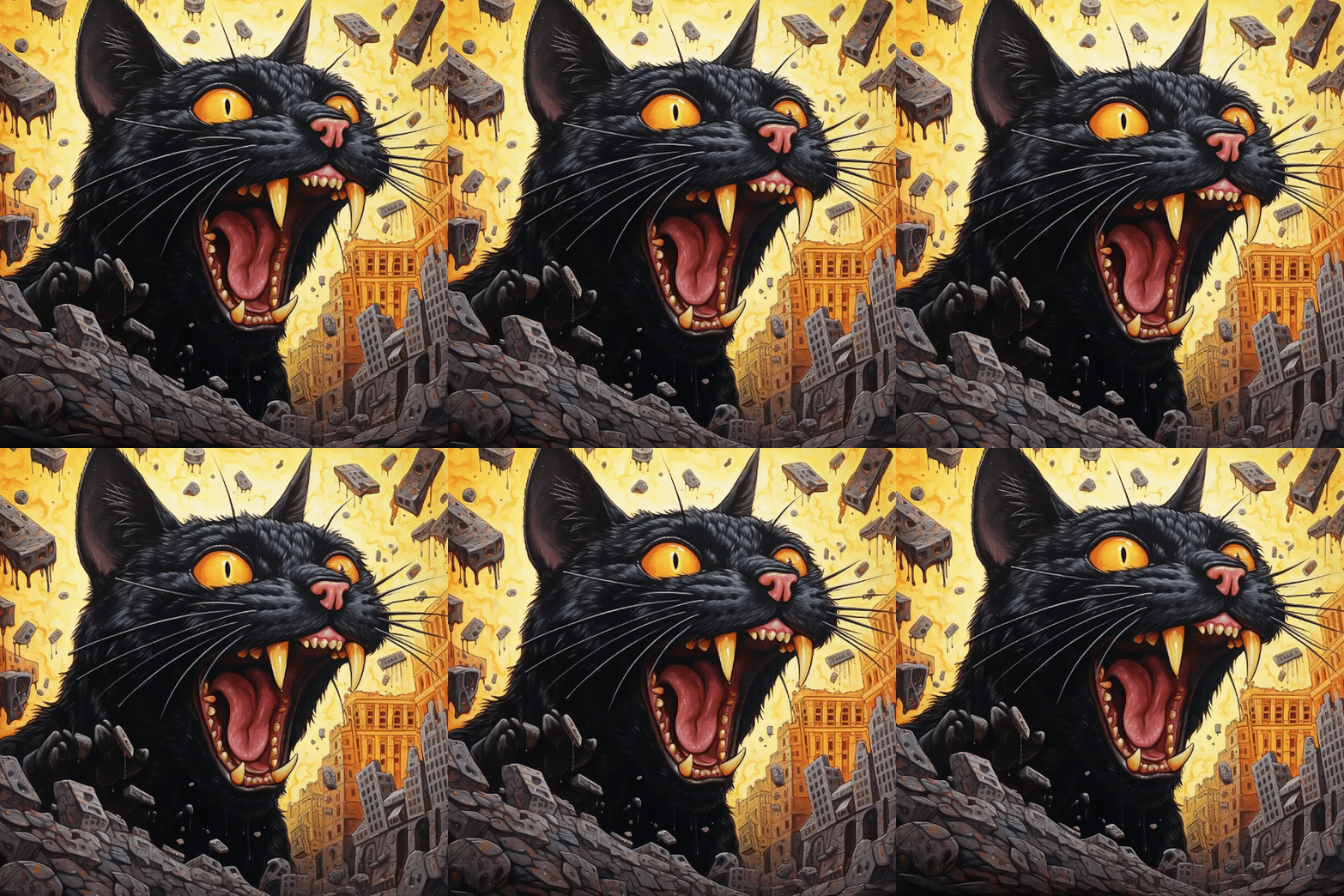
That will be our test photo, so we’ll be able to compare the differences between AI image-to-video tools. Check it out:
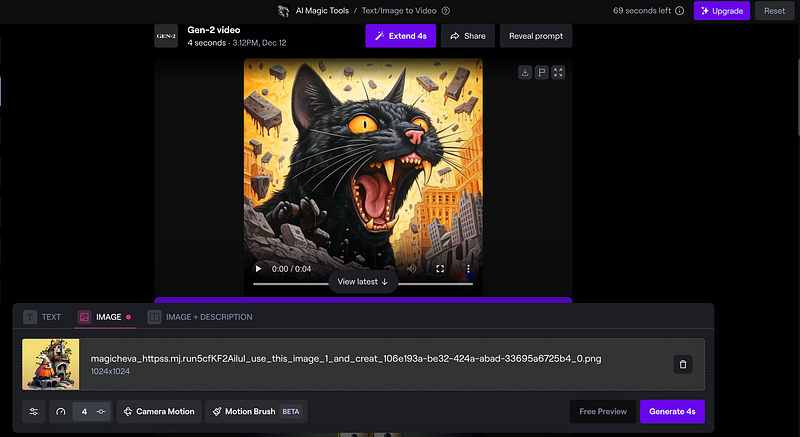
The initial AI software I experimented with for image-to-video conversion was RunWay.
They offer 125 credits for free to create videos, but the drawback is that a watermark appears when exporting the video. For each second of video generation on RunWay, it consumes 5 credits. The video I generated is 4 sec. long and I used 20 credits to generate it.
Within the interface, you have the capability to adjust the video’s duration and manipulate camera motions. Additionally, they’ve introduced a Motion Brush feature in beta.
Pros:
- User-friendly interface;
- Animation control is in your hands;
- Automatic character detection streamlines setup;
- Ability to include both image and text prompts simultaneously;
Cons:
- Regular usage requires a subscription;
- Watermark appears on videos generated for free;
Overall, despite these limitations, I’m satisfied with the results and intend to utilize this tool for upcoming projects. What’s your take on this?
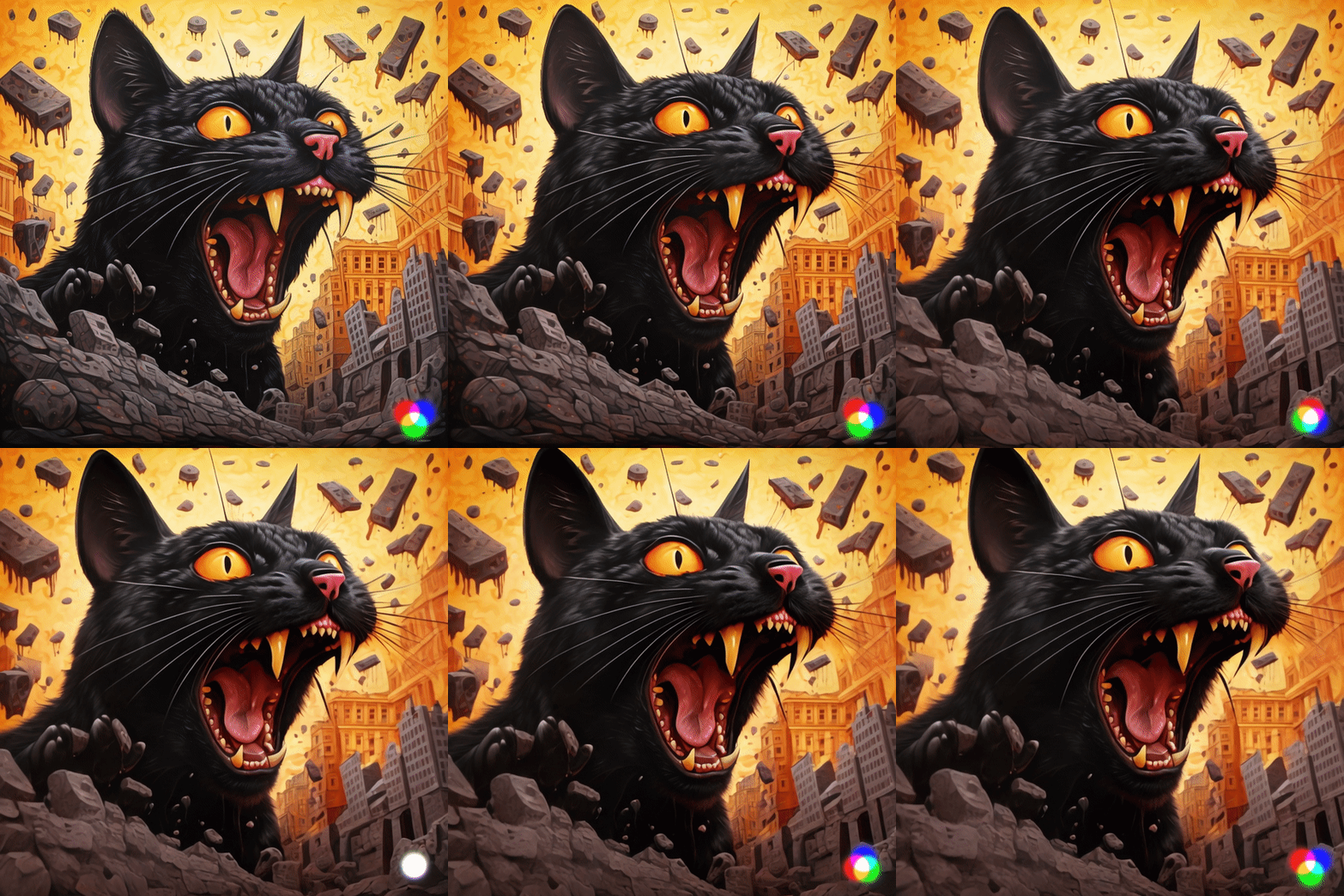
For a better-quality view, you can check out the video I generated on YouTube.
The second AI image-to-video tool I experimented with is LeiaPix.
From my perspective, this tool excels in animating backgrounds rather than objects or characters. It offers an interface and options tailored for this purpose.
LeiaPix provides control over depth, animation style, length, and motion. Although it offers sliders for adjusting these elements, the level of control is somewhat limited, making it easy to use but with restricted customization options.
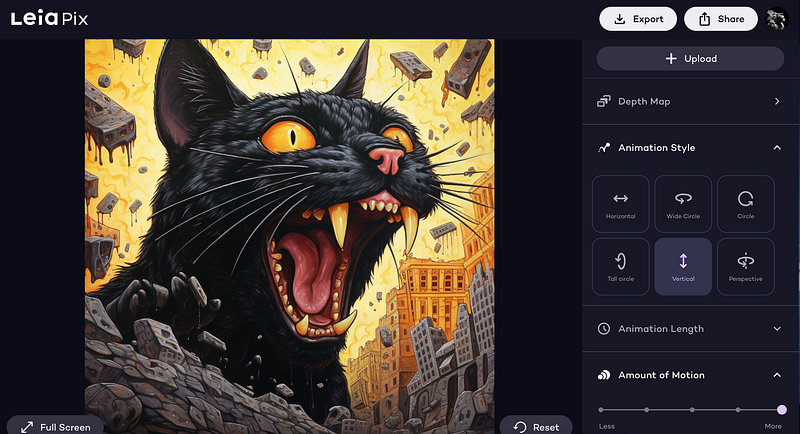
In LeiaPix, there isn’t an option available for adding a text prompt. However, you can freely use the tool to create videos with a 720p quality output. Alternatively, if you prefer to export the video in the same quality as the uploaded photo, it will cost you 50 credits.
Initially, you’re provided with 400 free credits after that you can by 1000 credits for $10.
The platform doesn’t charge for the video generation process; instead, the cost is associated with exporting videos in higher quality.
You have the liberty to generate numerous videos without any watermark at a 720p resolution and download them without incurring additional charges.
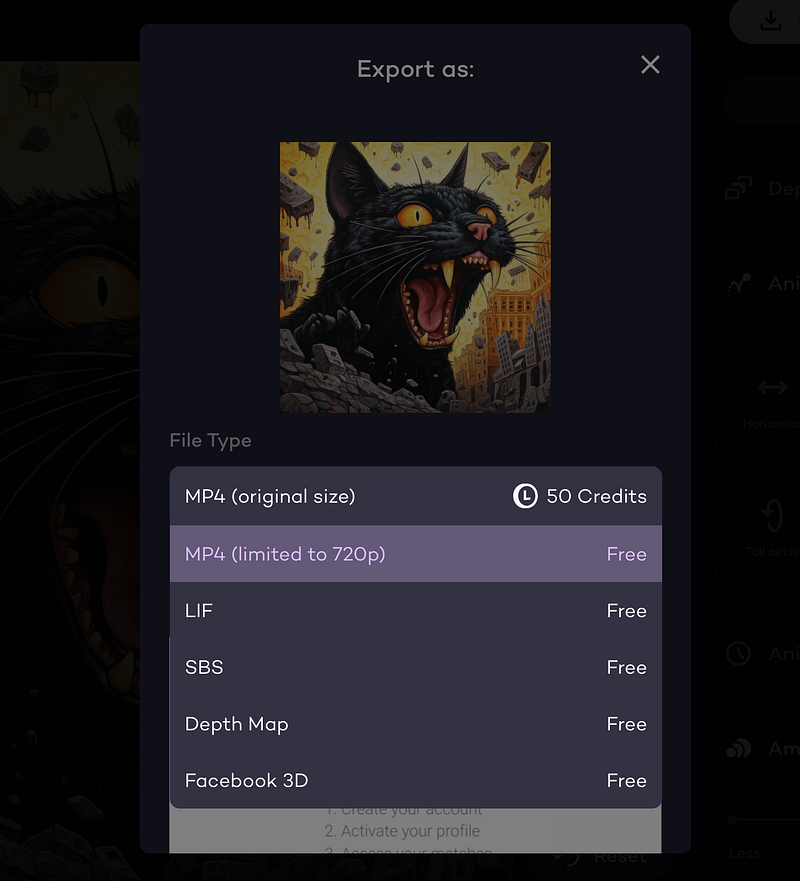
That is the result I have with my cat photo.
Pros:
- Free video generation with 720p quality;
- Unlimited video generation without watermarks at 720p resolution;
- Control over depth, animation style, length, and motion;
Cons:
- Absence of text prompt option;
- Costly export for high-quality videos (50 credits per export);
- Limited control over customization compared to other tools;
- Inability to use adblocker as the platform displays ads, although they’re minimal;
After testing RunWay and LeiaPix for image-to-video conversion, I found RunWay user-friendly with animation control and automatic character detection, though it requires a subscription for regular use and adds watermarks to free video exports.
LeiaPix, specializing in 3D background animation, lacks text prompt options but allows free 720p video generation; higher-quality exports cost 50 credits each. LeiaPix also displays ads, limiting adblocker use.
Despite limitations, both tools offer decent control over animation elements for specific project needs.
If you stumble upon a more effective method or superior tools for transforming images into videos, please let me know!


