
AI-GENERATED IMAGES|ART|FICTION|NON-FICTION
AI Image How-To — #26
Consistency in character images — secrets revealed!
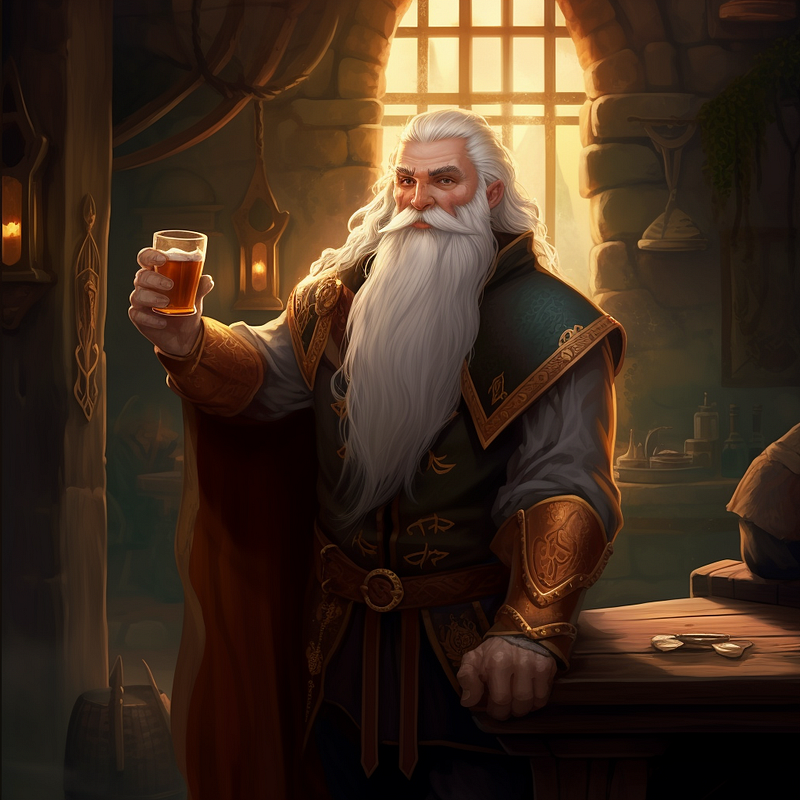
I’ve actually had really good, long-term success with this technique — and it’s easy to use whether you use a computer or mobile device to generate images. I’ve been using this for my Faigol’s Antics series and Gone Rogue series.
I have used this technique, switching between photo-quality images and anime for Gone Rogue (when I was toying with Tapas.)
The parent images for the ones below took a couple of days to get both subjects to look decent and Luci to be the only one with horns — and in the correct place! Here is the image.
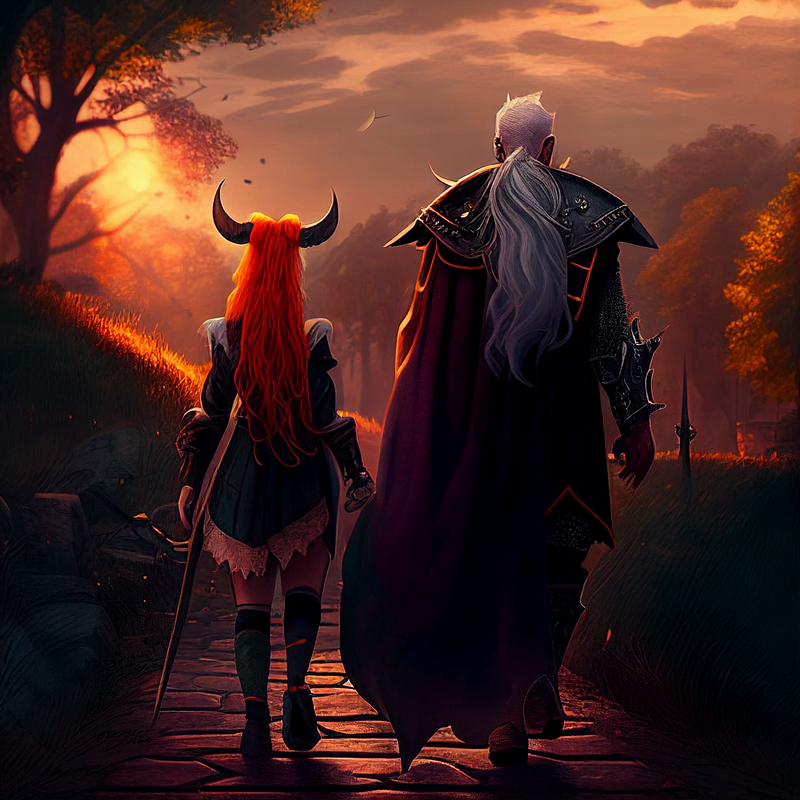
Not an impressive image and I will likely create a new one when I get time but was the spark for the fire. But, it’s the miracle seed that blossomed their friendship. (I can’t thank Bradan Writes Stories enough for allowing me to write his Luci into a couple of my stories! It was an amazingly fun challenge!)
(I accidentally deleted the parent image of Faigol. Sorry! But you can still see the progression of his character.)
The key to this? Use an image url (or job id) for the parent image! I highlighted the url in the prompt below. After the url, add how you want your character to look, their expression, the setting, and any artist’s style you want to include.
To do this, go to web view and copy the url of the image. In the Midjourney prompt box, type /imagine prompt, then paste the url, then the remainder of the prompt you wish to create.
Example: /imagine prompt
Prompt for image above:
<https://s.mj.run/NczOFtnW-bk> back view of a gorgeous 23 year old red haired tiefling with black demon horns wearing a black mini skirt, walking with an old wizard with white hair wearing a cloak, on a path, river, sunset, hyperdetailed, fantasy, cinematic still shot, 32k, by Dungeons and Dragons
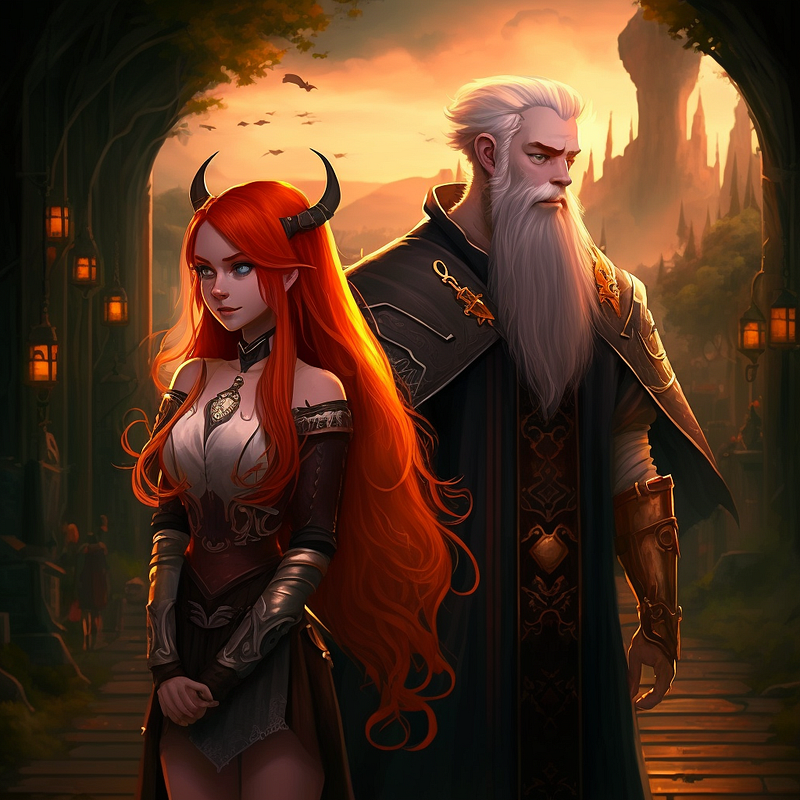
I created multiple settings for Faigol using one image. In fact, to create the image below, I used this image and cropped Luci out. (DON’T tell her!!)
In this image of the duo, I used the first picture of them walking away. Since I had a decent image, this one generated very easily.
Prompt for image above:
<https://s.mj.run/A0BFdUAPad0> handsome 23 year old wizard and a gorgeous 23 year old woman with long red hair and black mini dress, magic party shop, magical, fantasy, hyperdetailed
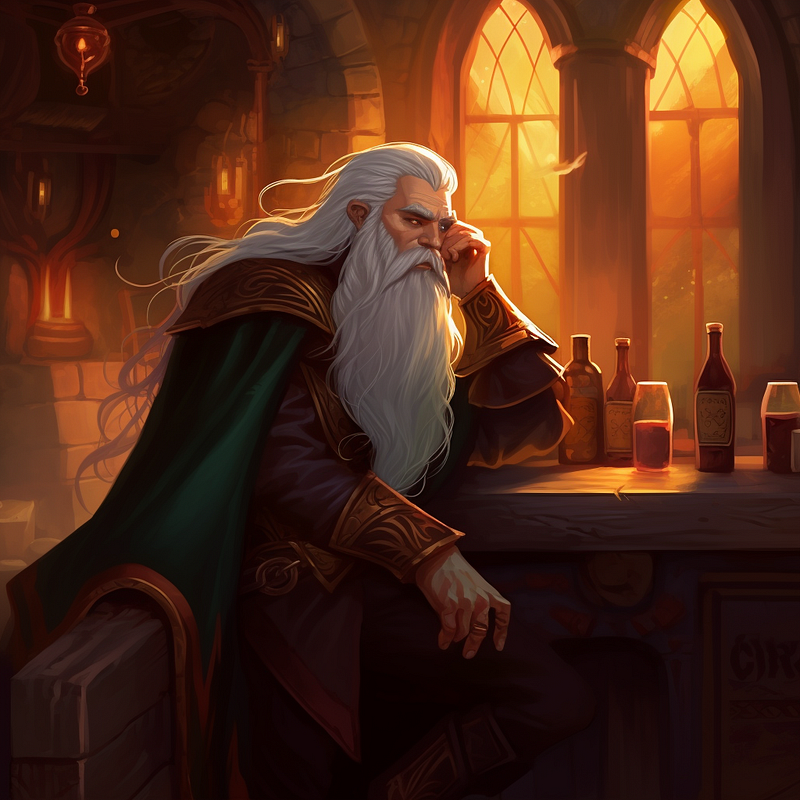
Then I decided to go to an earlier story and update Faigol’s picture to be consistent with the others. This one also used the image (minus Luci.)
Prompt for image above:
<https://s.mj.run/CK7ENqBHVd4> very drunken wasted 23 year old wizard leaning on the bar in a tavern, magical, fantasy, hyperdetailed
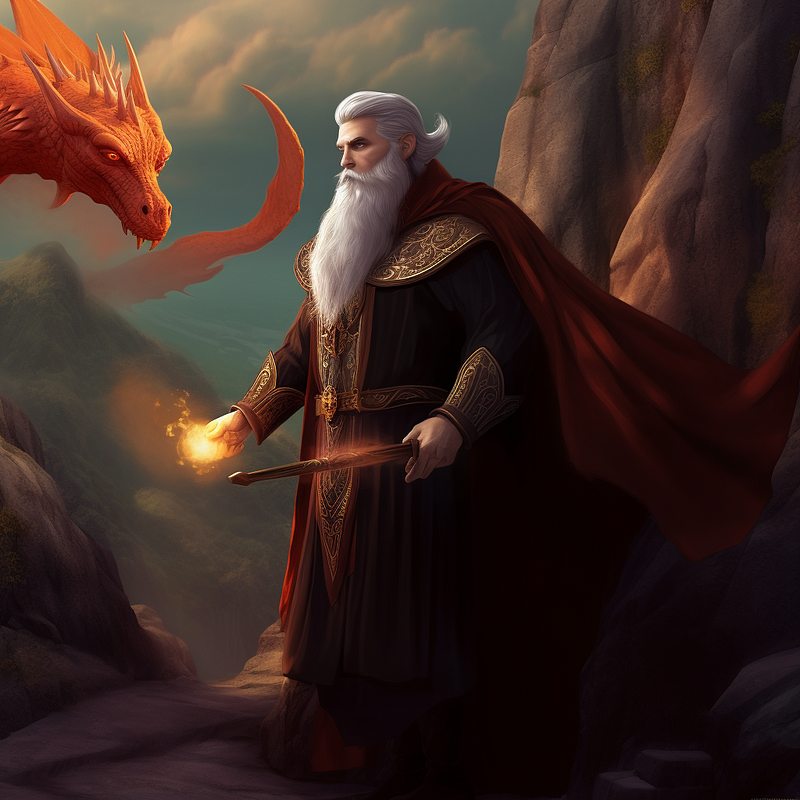
Again, this image uses the same cropped image as earlier.
I had a bit of difficulty (ok, maybe a lot) getting a dragon in the image that wasn’t distorted and missing wings or various body parts. But Faigol was easy!
Prompt for image above:
<https://s.mj.run/CK7ENqBHVd4> Handsome 23 year old wizard hiding behind a boulder shooting a magic wand at a flying red dragon, hills magical, fantasy, hyperdetailed
You can also use the seed to create the same character with different expressions and settings.
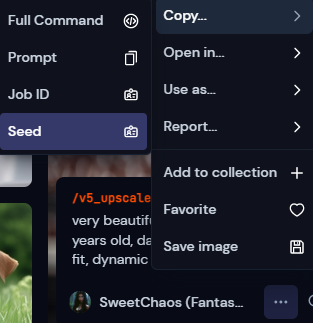
To get the seed of an image, click the three dots for the image, copy, seed.
Then add — — seed (then the number) at the end of the prompt.
I have had endless trouble getting the seed to copy so I mainly stick with using a previous image. (Midjourney says it copies the seed — but does not!)
Now that you know how — make something AWESOME!
Sweet Chaos — Tickling your senses through fiction writing while shocking you with the outcome! Nothing is as it seems! Ready to read every addicting story leaving you on the edge of your seat? Not a subscriber? Or subscribing without being a referral? Consider having a subscription through me — I get a little boost at no extra charge to you!
Check out my publication — The Fictioneer’s Treasure Trove to raid and fill the fiction library! Or how about Seek Him While He May Be Found for Bible Study and fascinating biblical facts!


