
Agony working with OTP, MFA, Passwords, Captcha and Security Questions
My hilarious experience dealing with multiple security apps to complete basic work!
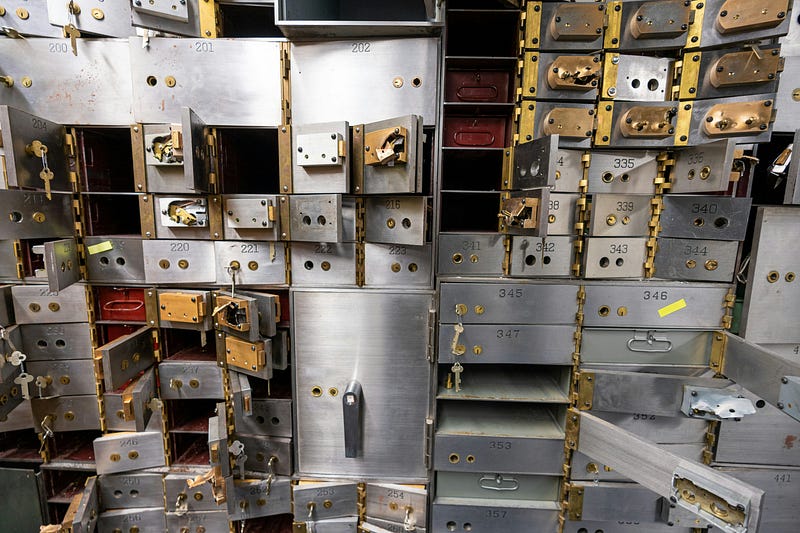
Watch out, a digital thief is lurking in the shadows of the dark web!
In an era where digital security is paramount, Multi-Factor Authentication (MFA) keeps us safe.
While the intent is noble — to fortify our online defenses — the frustration accompanying the MFA experience cannot be ignored.
Quick Preface on MFA
You try to log in to your Google account (not even a bank) — you key in you password. A curveball is thrown your way — a text code (OTP) is sent to your phone, and you wait anxiously. The seconds tick away, and your frustration mounts — The code is delayed, you are likely timed out and have to ask again!
The Multiple Options
Now that we know what it means in the simplest form, here’s what I have to deal with —
Work Authentication
I need to log in to my laptop, and this requires a password. I get in, and need to connect to a VPN — I log in there, and I now need to use my phone to either “Approve the request via an App” or Copy a code from the app to my phone.
What hurdle did I face??
Duo Secure Client… Arrgh, just let me in!
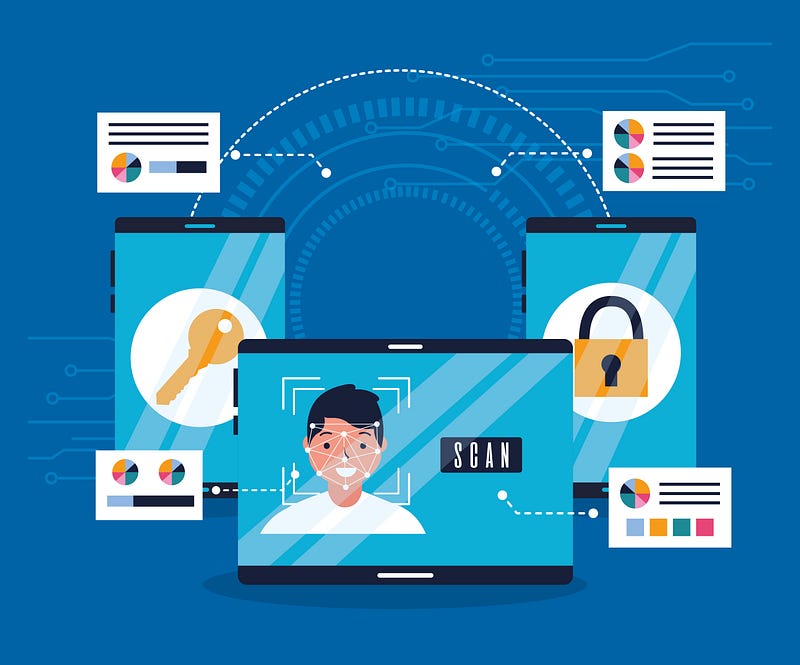
I’m logged in and now need to complete some urgent work. I open my work toolset, which however requires extra authorization. I’m supposed to now use my Yubikey to authorize me, except I can’t locate where I packed it.
Yubikey is this little magic dongle, that is so small that it is easy to lose, yet it plays a role 10 times during my day!
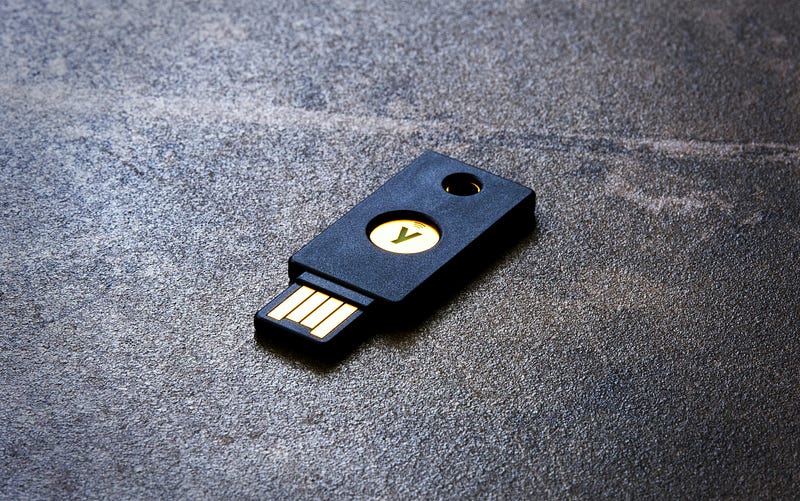
Halfway through the day, my security administrator has determined that I need to change my password (roll it, they say) since it’s been 3 months since the last time. After 4 attempts at a new password, since they all were the same as the last 4 times), I finally have cracked setting up a new one!
Bank login
I have traveled out of the country, and I need to log in to my bank, I’m sent a code on my mobile. I’m currently traveling, so I can’t receive a text message. After I let it time out for the 60s, I am presented with my next steps.

What are the alternatives?
Alternative app
I can send a push to my Microsoft Authenticator App — except, I cannot. I had to change my phone recently and I did not get a chance to set it up. I can’t do it now, because I need to be logged into my account to configure the app! At this point, I have started to pull out some of my hair.
Secret Questions and Answers
After that attempt has timed out, I’m presented with an option to answer Security answers to a set of Secret questions. There are 6 questions in the dropdown; I can’t remember which one I picked!
I picked one I think I set up, except I know I did not provide my Mother’s real maiden name. What was the smart answer I set up?
After 2 wrong attempts, I’m locked out of my account. Wait, why didn’t I get a 3rd one?
Call the Support line
I now have to prove to someone on the phone that I am who I am. After about 35 minutes on the phone (following a 48-minute wait in Queue), I’m successfully set to reset my password (one-time). Except now, the secure link I was supposed to get by email never made it.
At this point, I have given up and will figure out how to reset the account when I’m back in my home country.
For now, I’m happy that my house still works with the steel key in my pocket :)
This post was inspired by the following hilarious take from Maddmaster, give it some appreciation:
Have you faced such issues with OTPs, MFAs, Authenticators, or other security hurdles? Please share your story in the comments!
Cue the following to share their stories: | Bin Jiang | Barbara J. Martin | Rajesh Poovathum kadavil | Daniel T. | Sílvia PM, PhD 🍂 | Robin Ghosh | Ethan Ginsberg | Jim Clyde Monge | Lee Byrd | Carl Jeffers | Charlie J 🕊️ | Graeme Fowler | John Hua Technology ☕️🐄🐄🏎️ | Mike Sansone | Lucian Ioan Chirilă | Daimond Simon | Wesley Scott |