
A simple but effective icebreaker
Simple things are often the best.
This really simple icebreaker gets everyone participating in a meeting or workshop right from the start.
It’s good for remote meetings as well as in person.
The emoji check in.
Preparation
You’ll need:
- An online whiteboard (such as miro.com)
- A selection of emojis
Remote meetings
This example is built using miro.com, adapt these instructions for your own tool
- Create an empty frame and fill in the background colour to make it a bit more fun
- Add a useful title e.g. “Team Check In” (or whatever the right context is)
- Create an empty container for 2 emojis per person (I use white circles), and leave a space for someone to add their name
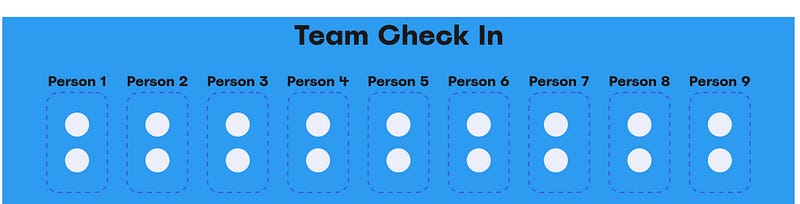
Top Tip: Create the person emoji container once, group all the objects that make it up together, and then copy and paste as many times as you need.
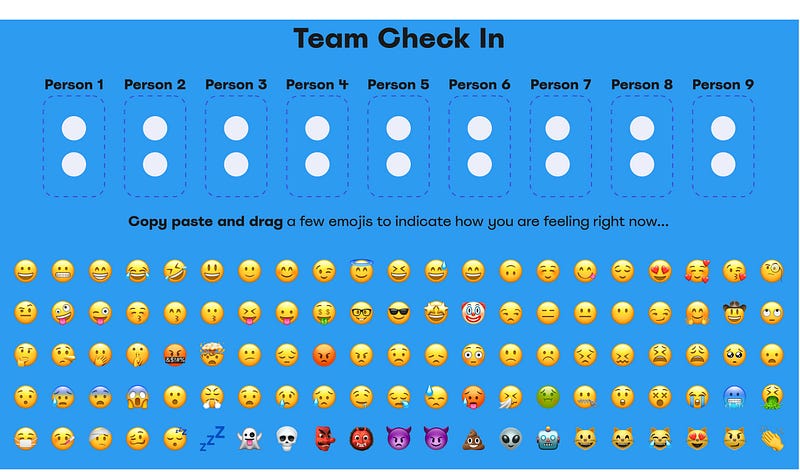
4. Next we add the pool of emojis our people can choose from. It’s up to you how many you add, but the less emojis there are to choose from, the less diverse input you get.
In miro, open the emoji menu item and keep selecting every emoji you want to include, one after the other so that they stack up on each other:
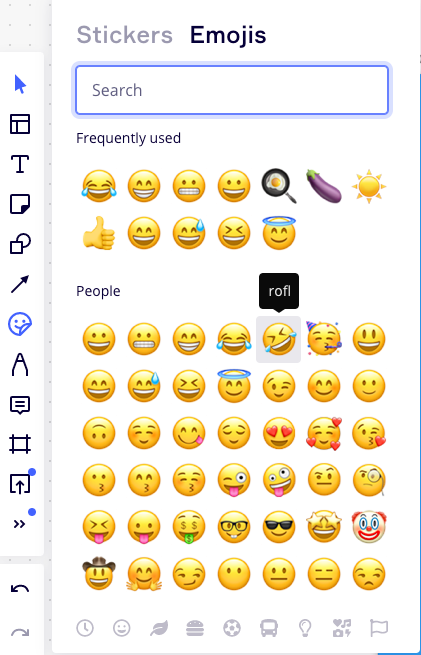

Select all those emojis, then resize them all at once so that they are large enough to cover the white circles you created earlier (it looks better if you can’t see the circles underneath)
When resized, and with all emojis still selected, click and drag the 4 squares icon in the top right of the selection to automatically create a lovely grid of emojis to choose from:
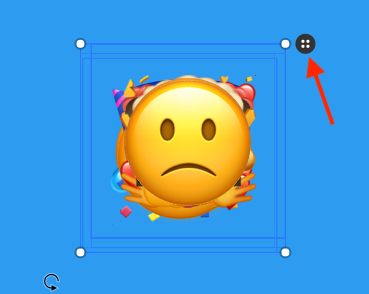
Miro just saved you a load of time. You end up with something like this:
For in person meetings
Just print off the emojis onto cards in advance and put them into a pile in the middle of the room. I’d recommend printing duplicates of some emojis, some might get popular…
How to run it
At the very start of the meeting, ask each participant to select two emojis from the selection of emojis you have already prepared. Give them just a few minutes to make their choices (set a timer if you have to).
After a few minutes, ask each person to show everyone else what emojis they have chosen and to give a brief description why they chose them. When each person is done, ask them to introduce the next person when they are finished.
Doing this means each person contributes, and everyone understands each other’s current mindset — we start to build empathy with each other and see each other as people.
Useful for small meetings
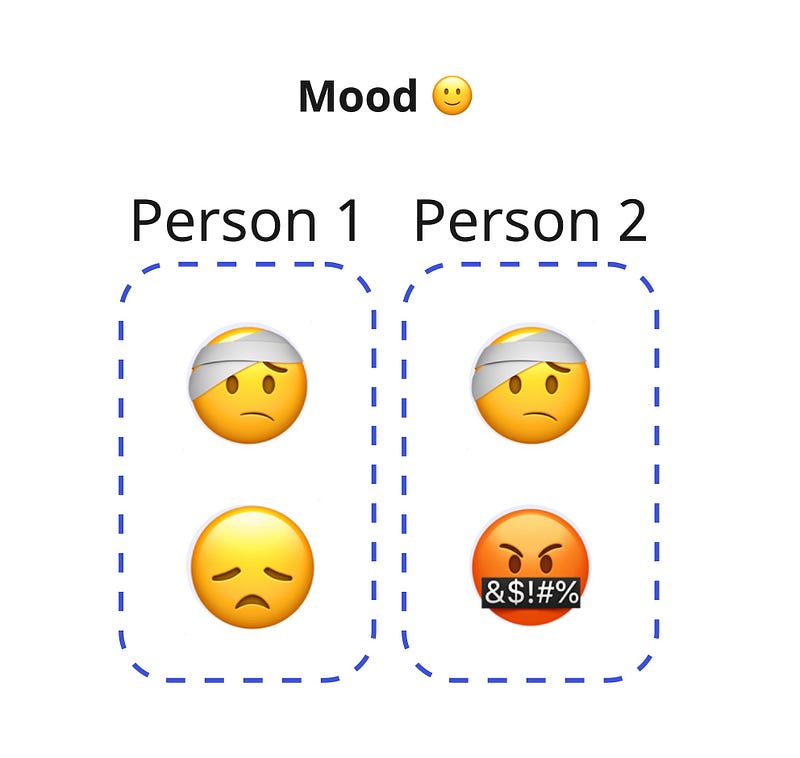
You can even use this method for very small meetings e.g. 1–2–1’s , coaching sessions etc… Understanding how each other feels when you start, helps set yourself up for success:
Summary
This method is so simple it hurts, so give it a try and measure the impact.
With this simple and fun check in experience, everyone in the meeting has now contributed within the first few minutes, and you are set up for a productive outcome moving forwards.
I hope it helps you and your team in your future meetings!


