
A Second Video Challenge and a Collaboration with Henery X (long)
This time the video is animated using a free app.

This is a collaboration with Henery X (long) who invited me to think about something we could work on together.
Henery writes the most satisfying and thoughtful responses that make me feel so thankful he took the time to read my work. I am curious to see his top 5.
I was fascinated as to why some responses go wild and others barely get even one read. I think it might be related to the number of followers the owner of the original story has and also whether the story has gone viral!
This article is in two parts, the first is the responses and the second how to make a video and then upload it to YouTube.
Part One
The Power of Responses
My plan is to demonstrate the power of responses on boosting your stats and being noticed by other writers who more often than not pop over to your profile and read something of yours.
If you are new to Medium or have been writing for a while but haven’t done much reading of or commenting on other people’s work then I’d like to share with you some of the possibilities that happen when you do let the author know your views, thoughts, emotions, etc.
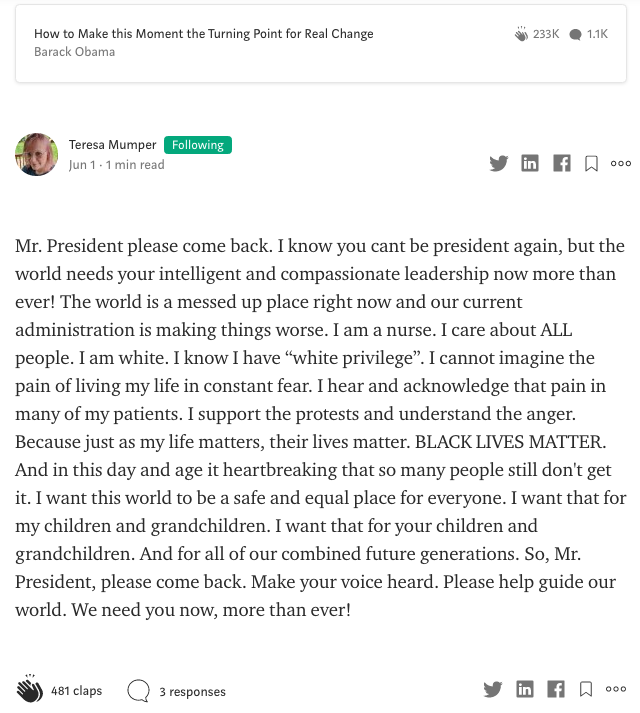
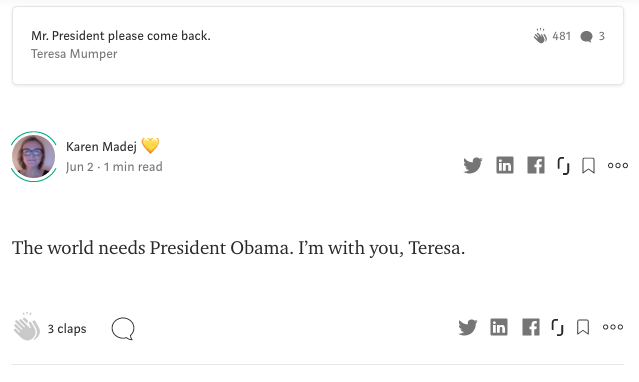
At the moment, my response to Shin Jie Yong’s topical article is still top of the pops, beating even a response to a nurse’s plea to President Obama to come back to put her country to rights.
If you haven’t found out how to highlight, respond, and or Tweet a sentence or a quote from an article, try it now, highlight this. Can you see the black bar with a highlighter pen, a speech bubble, and the Twitter bird? Click on the speech bubble, start writing why the words you just read compelled you to respond. Simple.
The Fiery Motion Typography video I selected had limited text fields so I had to adapt the original text from the author of the article and use the subtext field for their words and put my shorter responses above.
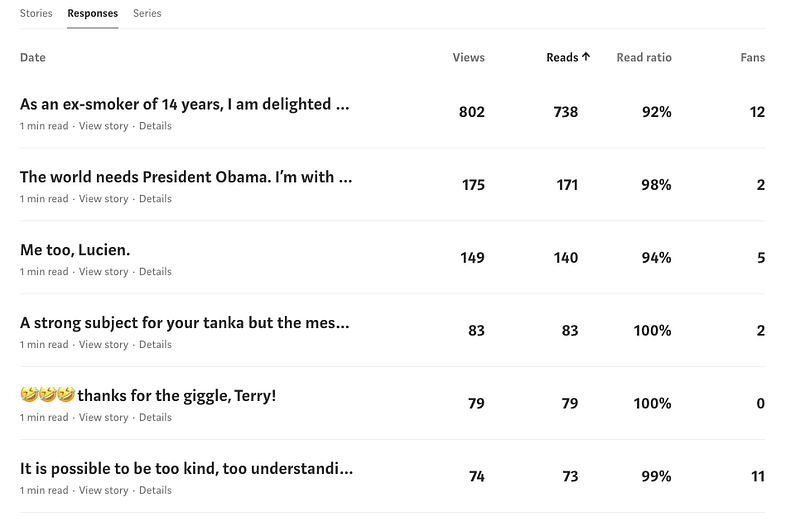
#1 Shin Jie Yong
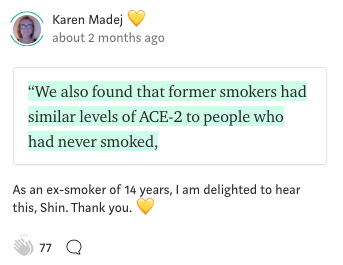
#2 Barack Obama
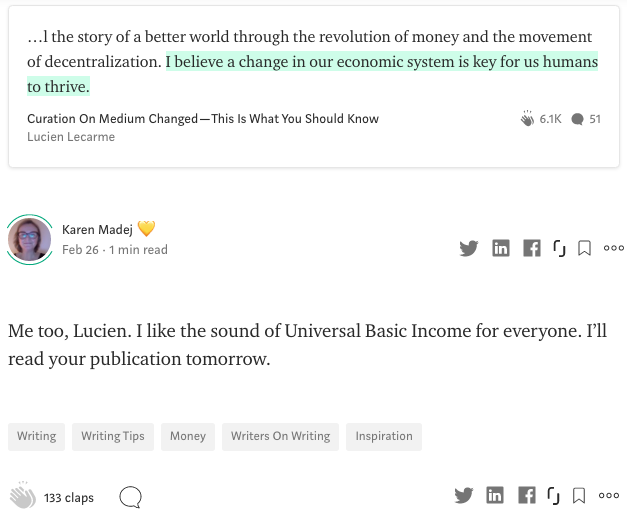
#3 Lucien Lecarme
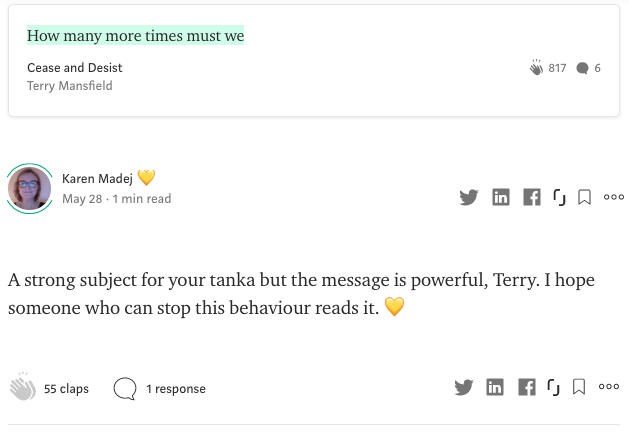
#4 Terry Mansfield
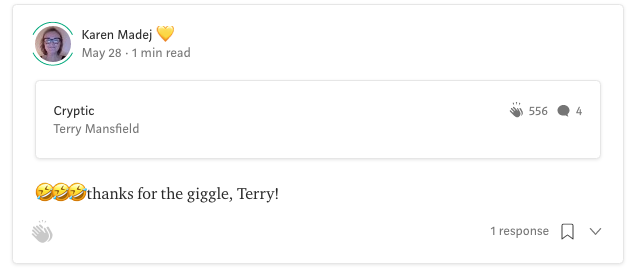
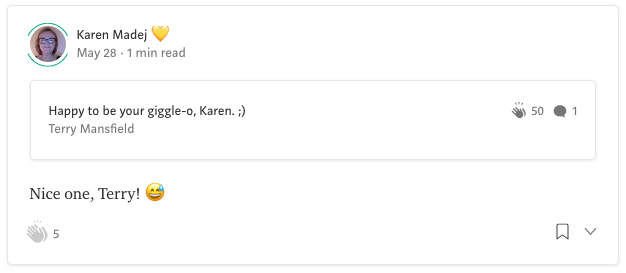
#5 & #7 Terry Mansfield
#6
This one’s original story has disappeared.
Part Two
How to make a video and upload it to your own YouTube Channel
I was also impressed by Arthur G. Hernandez’ promo over on the ILLUMINATION YouTube Channel.
And Besom & Bletherskite’s latest excellent video offering. So atmospheric with Alison’s lilting Scottish accent and clever screen change sounds.
Making my video
My video challenge was going to be technical because I knew nothing about making videos, other than the ones I’ve made on my phone or using PhotoBooth on my Mac.
But Alison recommended Renderforest and it’s the only video app I’ve been able to use. The easy to use app does most of the techy bits for you. Thank goodness!
I’m not affiliated with Renderforest but would like to share their link to say thanks for the free and easy to use tools.
Renderforest has a free subscription option where the logos and videos you create are the lowest quality but still give you something to share with the world. When I’m a famous video star (a girl can dream, right?), I’ll upgrade to one of their paid options.
Thinking ahead
Renderforest asks for three pieces of information and then offers hundreds of logo possibilities. It was time-consuming choosing but I was happy with the final result.
I’ve already been using a yellow heart in my profile name for a month or two. The aim is to have a recognisable brand (and something that stands out in a crowd) in a year’s time when I plan to be writing full-time (all things being equal).

Next, I made a video of the logo being revealed. All I had to do was choose a ready-made video and Renderforest did the rest.
Here’s the finished video:
Lastly …
The good Dr asked recently for me to share how to make a video and upload it to YouTube. Well, first you have to create a channel. Here’s one that is quick and easy to follow. I used the trial and error method and it took ages.
Uploading your video to YouTube is made simple in this short visual explanation.
Any questions?
There you have it, folks.
What are you waiting for?
Gather your ideas and transform them into a video!
Thank for your time and your eyes.
I’d love to read some of your work, please leave a link in the responses.