
A quicker way to edit text in Premiere Pro
If you have a lot of text and graphics in your Adobe Premiere Pro project, and you want to change or update the text elements, this is the quickest way to do it.
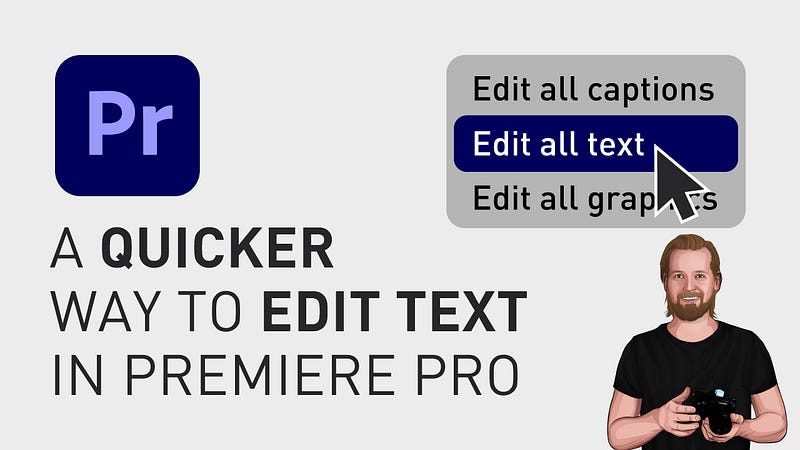
Instead of finding it in the “Timeline” window, selecting in, going to the “Program” window, and selecting it again, go to the “Text” window. You can find this in the menu under “Window” and “Text”.
Here, you can change all your captions in one place under the tab “Captions” but you can also change all your text graphics under the tab “Graphics”. Here you’ll see all the text elements in your timeline.
Just double click on the window name to maximize the window, change the text to whatever you want, and then double click on the window name again to go back to the previous layout.
I hope you liked this post!
If you want to save more time as a content creator, sign up for the “content creation productivity” newsletter in my profile.
Follow if you liked this and have a great day! ☀️️
🎞 Watch the tutorial (and all my other tutorials) here!
***
3 of my other stories that might interest you: ⭐️ I think I just figured out life 🤯 ⭐️ 5 tips for making money on YouTube (How to get started today!) ⭐️ 25 things I learned during my first year as a Video Editor
— — — — — — —
Did you know? You can get full access to every story on Medium for just $5/month here!
(…Or the cost of one coffee ☕️)
Becoming a Medium member directly supports me ♥ ️(and other writers on Medium) so that we can keep creating helpful content for you! 🙏


