
A Practical Approach to Hyflex
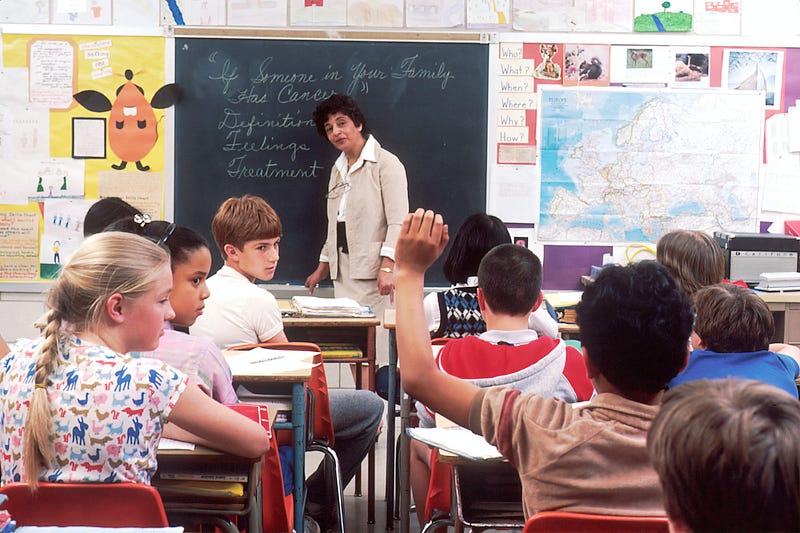
As classrooms around the world usher in modernity and indeed, the future of education, teachers everywhere are grappling with the new hybrid teaching model — blending online and offline elements to support inclusion of the students who can’t be physically present — and seeking support.
The purpose of this article is to create a useful resource for teachers, lecturers, seminar tutors and other educators who need a helping hand coming to terms with this new way of teaching. So we’ll be looking at a more practical approach to designing your hyflex model today.
What is “normal”?
The education experience, from the earliest age through to completing postgraduate degrees is hardly typical; each student is going to have their own unique experience, and teachers should set the expectation now that there is no such thing as “normal”.
Whilst a reliance on technology is a newer development for educators, such a shift is hardly surprising, and should be encouraged to help fully integrate remote and in-person students.
The Modern Classroom
In order to facilitate the connection between your present and remote students, you’re going to need some technical equipment that is put in working order. In your classroom ensure you provide:
- Two large screens, one at the front for the students and one at the back for the teacher, so everyone can see each other;
- The ability to record the session with a wide-angle webcam and lavalier mic via a recording software;
- Laptops with microphones and webcams for yourself and your students;
- Virtual meeting software installed on all devices in the classroom that has the “raise hand” feature and chatroom functionality;
- A virtual whiteboard that can be used by both sets of students, to display your slides and the picture gallery.
It is always good to have a media assistant who takes control of the equipment in the room, especially while recordings and to prepare students before the lesson.
With other words, students must be able to work and interact with people who participate in the class or via remote learning.
Digital-First Mindset
When preparing your teaching material, you should adopt a digital-first mindset and ensure the experience is consistent for both sets of students.
Modern educational platforms such as Moodle allow for the creation of course material that can be shared as links, viewed via browsers on the student’s laptops and offer breakout functionality so that you can split the class into smaller working groups.
It is useful also to ensure that the students have the ability to write up notes and save or email them, as well as sharing other resources such as videos and photos.
When giving a presentation or inviting a guest speaker to talk to your class, ensure there is space on the slides for the faces of your students who will be dialling in, and have the ability to ask questions and engage in a dialogue with the speaker.
Failure to plan is planning to fail
Here are some useful tips to help you prepare even further:
- Be ready for adjustments. Despite all careful preparation, there could be many technical challenges during class.
- Consider asking other teachers for help setting up and testing your classroom before the lesson starts and offer to help with their’s — you’ll learn a lot.
- Test and re-test your technical equipment before you go live.
- Arrive early, before the course starts, to help students as they arrive.
In conclusion, the advantages of this method need to be fully embraced.


