
A Powerful Open Source CLI for Fancy Output
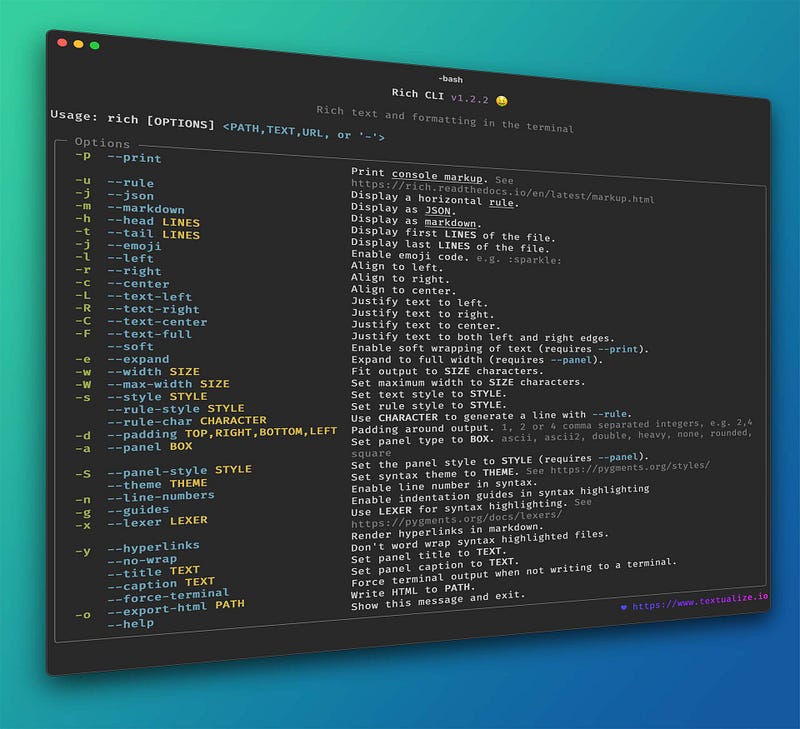
Rich CLI for a command line application powered by Rich.
Stars: 2.1k
License: MIT
Platforms: Windows, Linux and MacOS
Link: https://github.com/textualize/rich-cli
You can use Rich CLI to highlight a variety of file types in the terminal, with specialized rendering for Markdown, JSON and CSV files. Additionally you can markup and format text from the command line, read files from the internet, and output an HTML file, etc.
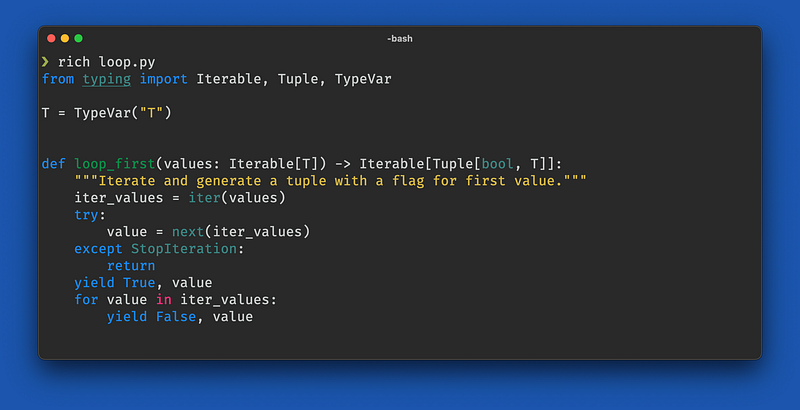
Syntax highlighting
To syntax highlight a file enter rich followed by a path. Many file formats are supported.
Markdown
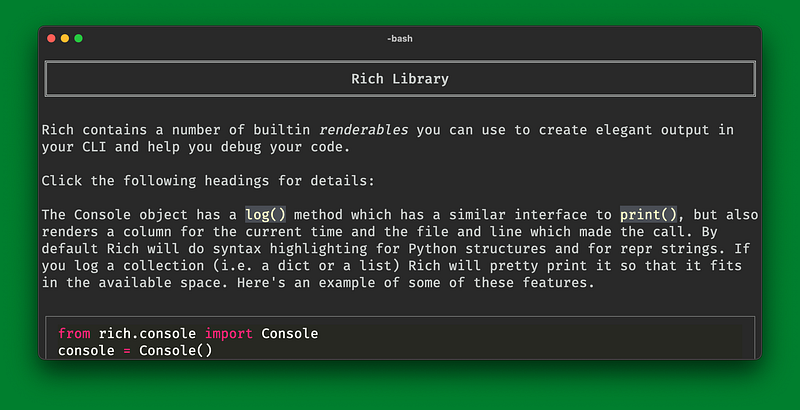
You can request markdown rendering by adding the --markdown switch or -m. If the file ends with .md markdown will be auto-detected.
JSON
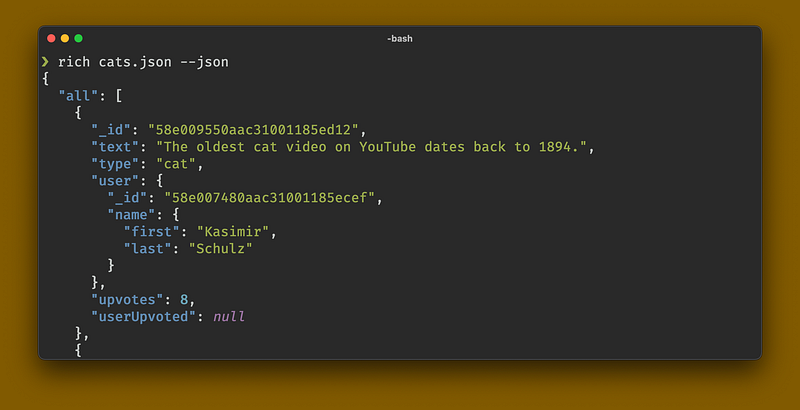
You can request JSON pretty formatting and highlighting with the --json or -j switches. If the file ends with .json then JSON will be auto-detected.
CSV
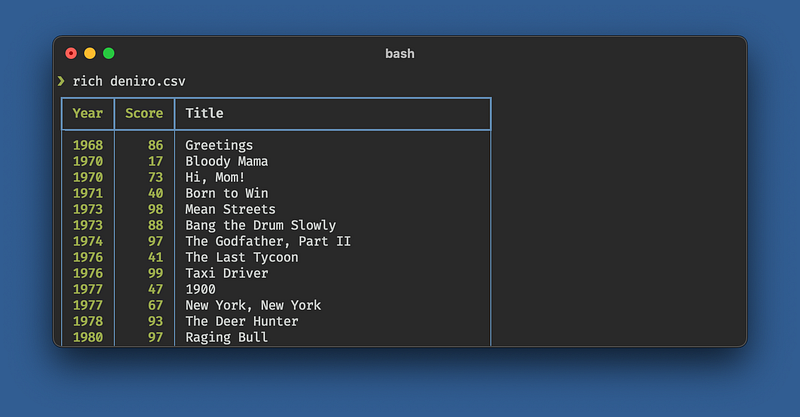
Rich can display the contents of a CSV (or TSV) as a table. If the file ends with .csv or .tsv then CSV will be auto-detected.
Rules
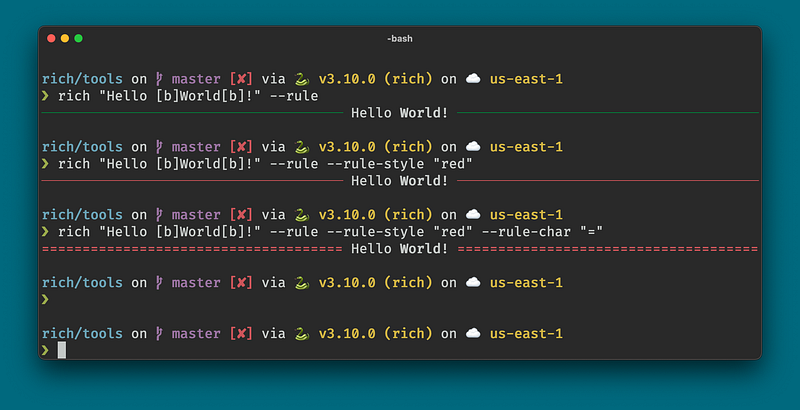
You can render a horizontal rule with --rule or -u. Specify a rule style with --rule-style. Set the character(s) to render the line with --rule-char.
Pager
Add --pager to display the content with a built in pager application.
Scroll the pager with cursor keys, page up/down, home, end. Alternatively use the scrollbar which will be visible to the right of the terminal. Or use the vi navigation (j, k, ctrl_d, ctrl-u).
rich __main__.py -n -g --theme monokai --pager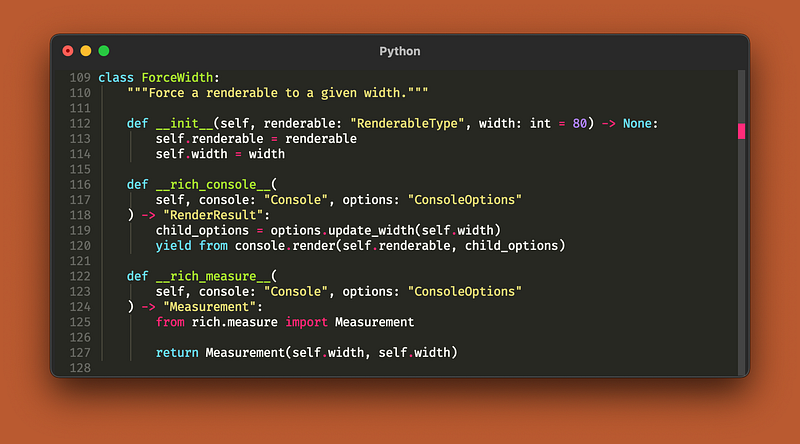
Network
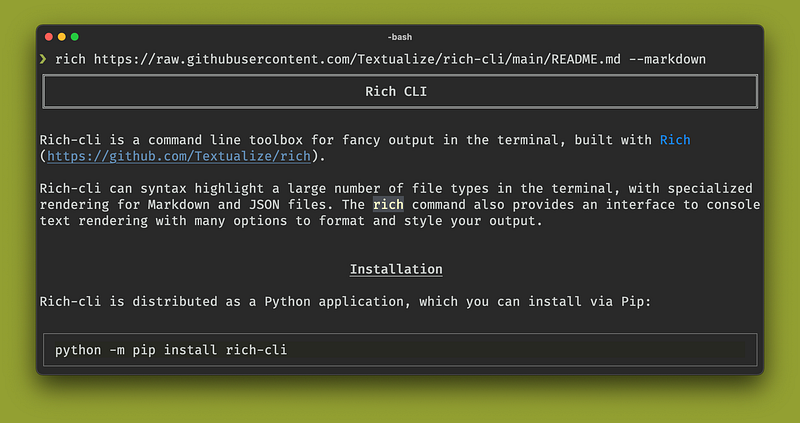
The rich command can read files from the internet you give it a URL starting with http:// or https://.
Rich Printing
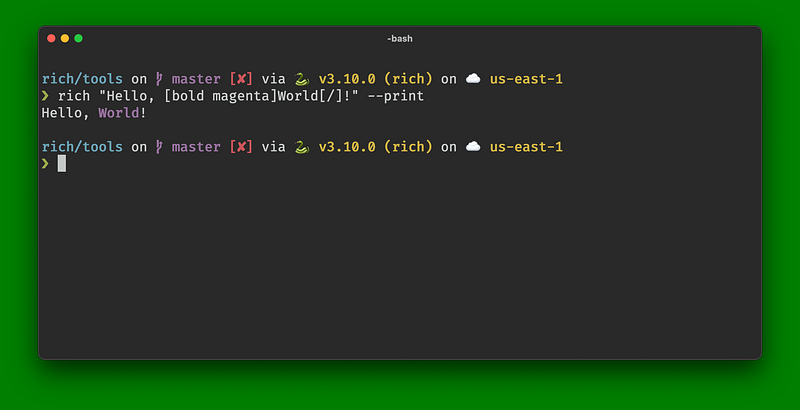
If you add the --print or --p option then Rich will treat the first argument as console markup which allows you to insert styles with a markup similar in design to bbcode.
Style
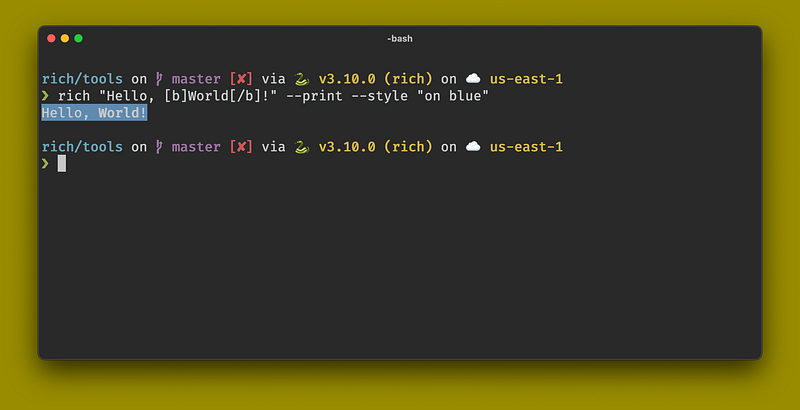
You can set a style to apply to the output with --style or -s. The styles are specified with this syntax.
Alignment
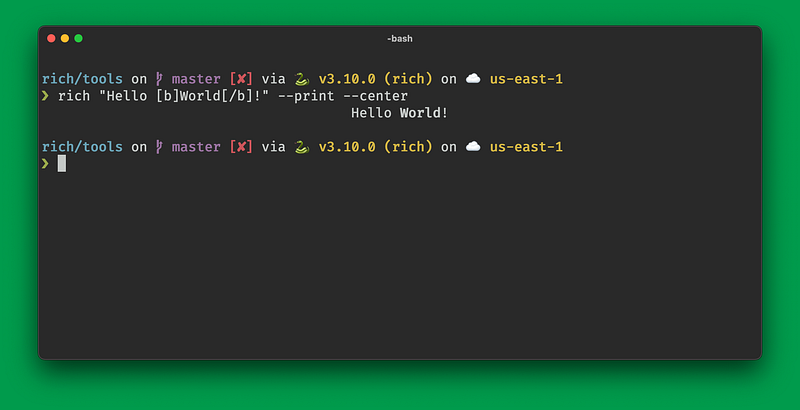
You can align output to the left, center, or right with the --left, --center, or --right options, or their single letter counterparts: -l, -c, or -r.
Panel
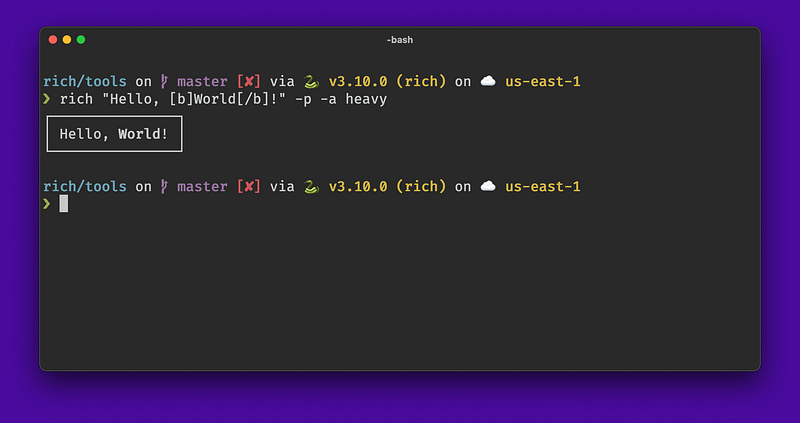
You can draw a panel around content with --panel or -a, which takes one of a number of styles.
Exporting
In addition to rendering to the console, rich can write an HTML file. This works with any command. Add --export-html or -o followed by the output path.
rich README.md -o readme.htmlAfter running this command you should find a “readme.html” in your current working directory.
Reading from Stdin
Where rich accepts a path, you can enter - which reads the content from stdin. You may want this if you are piping output from another process.
Note that when rich isn’t writing directly to the terminal it will disable ansi color codes, so you may want to add --force-terminal or -F to tell rich you want to keep ansi codes in the output.
cat README.md | rich - --markdown --force-terminal