
Domain buying Handbook
A Pocket Guide on How to Buy the Perfect Domain Name
Things you should know before buying your next domain name for your website/business.
How do you find the perfect domain for your website? And how do you avoid the common mistakes many domain owners make?
To help you with the domain buying process, I have published this handbook… So whether you are going to buy a domain for the first time or you already have purchased multiple domains, you will find many useful insights in this guide.
Keeping the below mentioned things while purchasing a domain will help you buy the right domain without wasting your time and money.
While I have tried to keep this guide as accurate as possible, I encourage you to trust your own judgment when it comes to final decisions. So buy the domain which you think will be best for your business.
What is a Domain Name?
A domain name is an address that you can type in a web browser to visit a website.
A domain name is always unique, cannot be shared between two websites, and is a combination of letters or numbers attached with the extension (.com or .org, for example).
Simply put, if a website is your house, the domain name will be its address.
Domain name registrations are handled by ICANN (Internet Corporation for Assigned Names and Numbers), which specifies domain name extensions and keeps a centralized database of all the domains.
Different Types of Domains
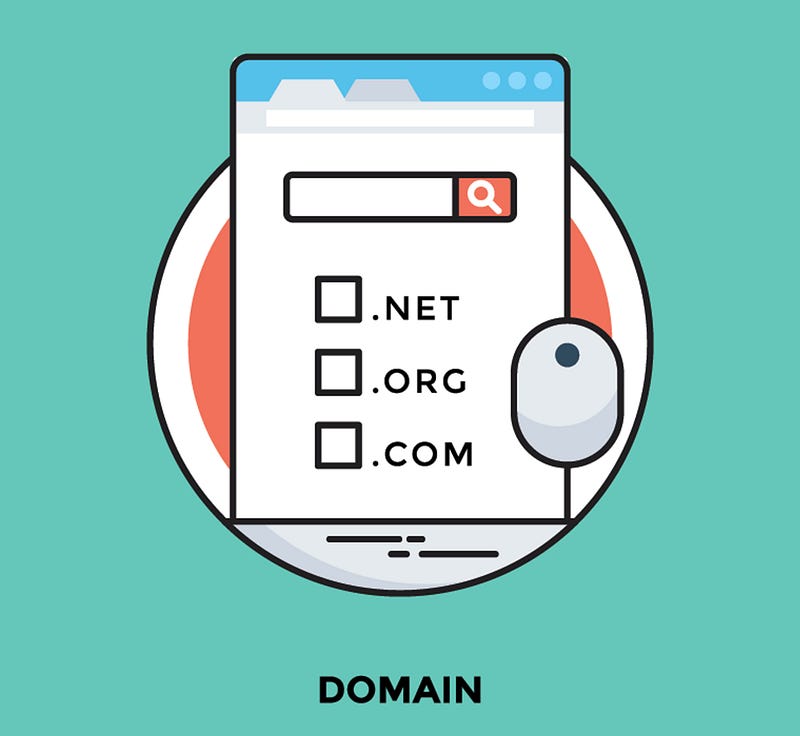
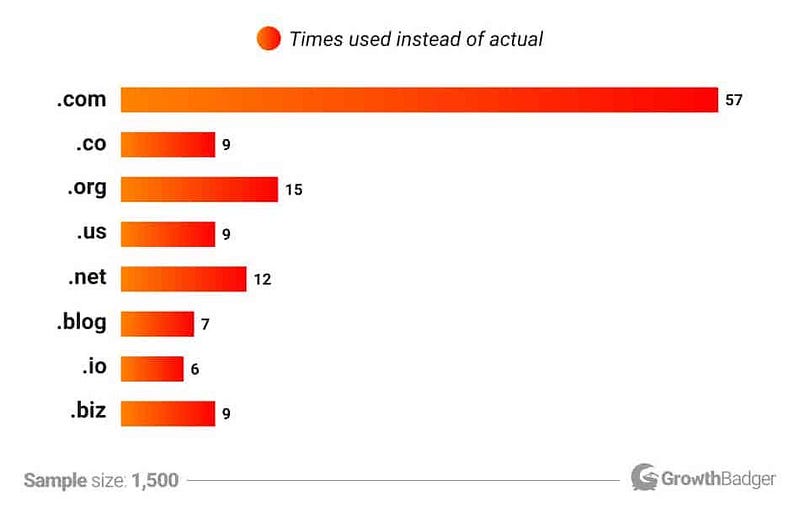
Domain names are available with many different extensions, while .com is the most popular TLD (top-level domain) used by 48% of all the websites, other domain TLDs like .org or .net are also popular.
- TLD refers to the top-level domain, which is listed at the highest level in the domain name system. Examples: .com, .org, .info, .xyz.
- ccTLD refers to country code top-level domain, which are country-specific domains ending with the country code extension like .us for the United States, .au for Australia, .in for India.
Here is a list of all the available internet top-level domains.
What is an expired domain?
A domain is expired when the license is not renewed after expiration. Then the domain goes into a sandbox for a short period during which the owner can re-register for a bit more than the renewal fee.
If not, it goes to bidding through the registrar. If no bids are received, it gets dropped and is available for anyone to register.
What is a deleted domain?
With a deleted domain, the owner forces to delete/disown the domain. After deleted, the owner can’t restore, recover, or repurchase it back. There’s no bidding process and the domain is available for purchase to anybody.
Tip: Stick with a .com domain name as it is the most used, easy to remember, and easy to promote domain extension. But if finding a domain in .com is challenging, then you can go with .net, .org, .info, etc. You can also go with other generic TLDs like .edu for education, or .biz for business if your website is targeted towards a specific topic.
Choosing a Good Domain Name
For most websites, the domain name is also the actual name of the site seen by all the users and even in Google and other places.
So selecting the right domain will get you one step closer to building your successful website or business; make the wrong choice, and you will face many difficulties later on.
Here are some tips you should follow before buying your next domain…
- Do your research. Start with a few relevant keywords which can be used in your domain. Keep the domain name short and relevant to your business.
- Find something brandable. Your domain should be something that can resonate with your brand. Think of something unique and creative, as it is very important for creating a strong online presence and long-term success of your website.
- Stick with .com whenever you can. Used by 48% of all the websites, .com is the most popular and common one. Though if you are going to target local customers, then you can go with ccTLDs also.
- Avoid trademarked domains. If you have a trademark in your domain name, you are putting yourself and your site at risk. So use any free trademark checker tool available online to check before registering the domain.
- Avoid EMDs. Unless you are planning something specific, it’s not a good idea now to go for an EMD (exact match domain). These don’t work now as many abused them, and then Google released an update in 2012 to drop all the spammy EMDs from the search results.
- Try to include keywords. It’s not necessary to have keywords in the domain, but it will be good if you can include a keyword while following all the above tips. As the keyword will help your users understand your business with increased visibility in search engines.
Go for domains that are easy to type and remember, avoid a variation of any existing domain name, hyphens, numbers, and have a long-term vision as you cannot easily change or re-brand.
You can also try some of the domain name generators available online. You will have to enter a keyword, and the tools will give multiple suggestions of domain names that are available.
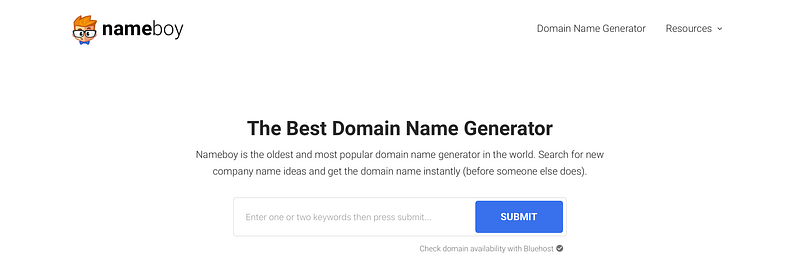
Use a pen and paper or any notes app to brainstorm the domain ideas. Check the availability of the names at any domain registrar like Namecheap or GoDaddy. This process can take a couple of hours, but it’ll be worth it in the end.
Tip: If your business is established, try registering your domain across all other TLDs to protect your branding and online presence.
Double-check the Domain name you want to buy
Before investing your money in a domain, always check the domain name’s history to make sure you are getting the right thing.
Last year, one of my clients bought a domain for his new business, but we later found out that the domain was blocked on Facebook as someone earlier used the domain for something spammy.

So a few things to check the domain name’s status…
- WhoIs history check. Run the domain through any WhoIs domain history checking tool to find if someone in the past has bought the domain.
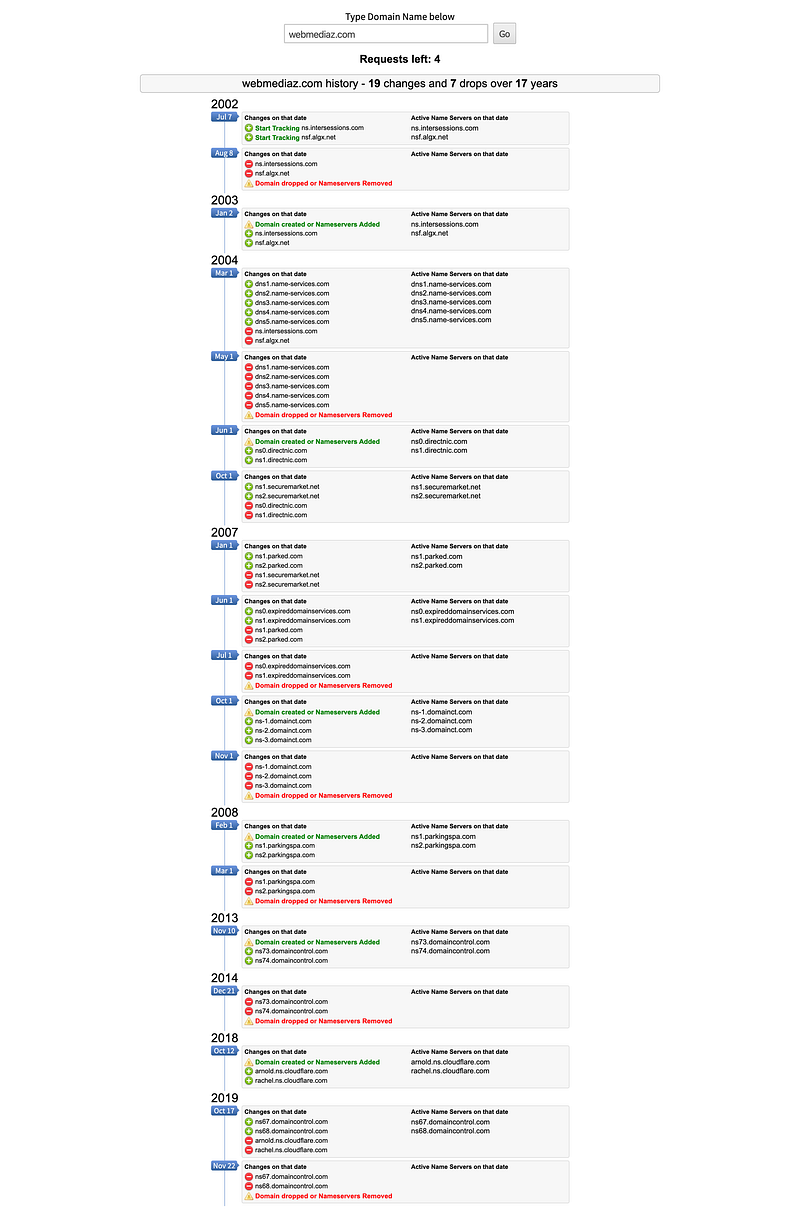
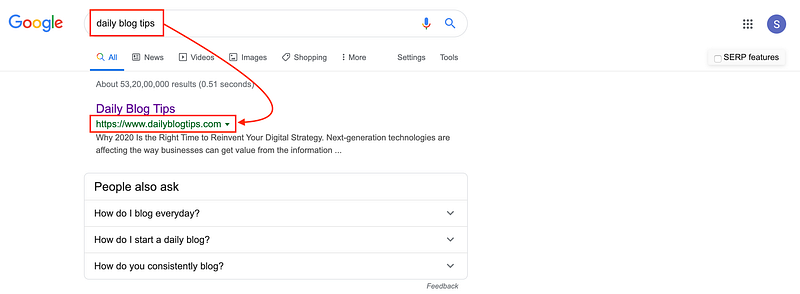
- Google site search. Type your domain name in Google, and if the results are random and nothing related to the domain, then you are good to go! But if the results are related to the domain or some site with a variation of your domain is coming up on the top, avoid your domain name and think of something else.
- Check if it’s an expired domain or not. Run them through Ahrefs/SEMrush/MOZ to check if they previously purchased by someone or not. If you discover some links pointing to your domain or any of the tools show any data, then your domain can be an expired domain.
- Check availability on social media sites (usernames). Run the domain name through username checking tools to make sure that a similar username is available across different social media sites. You can use this or this tool.
If everything is fine, proceed with purchasing your domain.
Get the right deal
Now that you have read all the tips on how to get the best domain name, it’s time for you to register your domain and start with your website/business. And don’t hesitate to buy once you have finalized as domain names go fast.
You can register your domain with any domain registrar like GoDaddy, Google Domains, Namecheap, Bluehost, etc. The cost of a domain name is usually between $10 to $20 per year.
After buying more than 100 domains, I settled with GoDaddy and Namecheap as my go-to registrars as it’s always better to stick with only one domain registrar to keep all the domain records at one place only.
If your desired domain isn’t available, you can also try some of the popular domain resale marketplaces like Sedo, GoDaddy Auctions, Namejet.
Tip: Keep the domain on automatic renewal if the domain is important to you as many times businesses forget to renew their domain names, thus losing their money and online visibility. Also, set up two-factor authentication and lock your domain to mitigate the risk of domain hijacking further.
Again, all the tips mentioned in this handbook are general guidelines to help you identify the best possible domain name once you have brainstormed a list of possibilities.
I’m a web designer and marketer who happens to leverage Website design, CRO and SEO to help businesses increase their traffic, conversions, and sales.
You can find me on LinkedIn if that’s your thing, and for more on me, you can visit my website.