
A Near Real Time Canvas with Fast LCM to Generate Images From Drawings
Intro
The speed of Latency Consistency Models (LCMs) has been a gamechanger. Traditional Stable Diffusion models require around 20–30 steps to generate good images, but with LCMs, we can obtain decent results with as few as 4 steps, making it extremely fast. The results are generally good, but we are still not at the level of Stable Diffusion 1.5 or Stable Diffusion XL, which are much more capable and versatile. However, LCMs do their job, especially for use cases such as video generation or, like in this sketchpad, near real-time image generation.
With this Realtime Canvas, based on Gradio, you can draw anything, and a lightning-fast image based on your input will appear, allowing you to accurately create and modify what you need on the fly. The UI is very new and might contain some minor bugs, but I’ve tried it and find it rather stable so far. So, how do you install it?
Install
This is the realtime-lcm-canvas repository for this UI. In order to install it, there are some simple steps to follow. You can check directly the steps in the README or follow along with the instructions below. Be sure to have python installed on your machine, which can be Windows or Mac.
- Open a Terminal and navigate to the folder where you want to download the files.
- Run this command to clone the repository:
git clone https://github.com/flowtyone/flowty-realtime-lcm-canvas

- From the terminal, move into the downloaded folder:
cd .\flowty-realtime-lcm-canvas\
It’s recommended to use a virtual env where to install the required libraries. You can follow the steps on the repository README or use conda to manage the environment. In my case, I just run conda create -n scketchpad and then conda activate scratchpad.
- If you have an NVIDIA GPU, you also need to run this command:
pip install torch --extra-index-url https://download.pytorch.org/whl/cu121
If you don’t install this specific version of torch, you will probably get an error:

- Install the other requirements:
pip install -r requirements.txt - Run the program:
python ui.py
The first time you run it, it will download models, so it might take a bit to start.
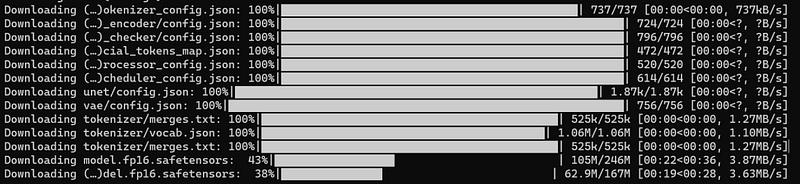
After that, you will notice an address in the Terminal. You can either press Ctrl and click on the link, or copy and paste it into a browser. This will open the UI with three main sections.

Draw
Above, you have some parameters that you can adjust to customize your outputs: the classic ones like number of steps (which you can keep low!), CFG scale, Model, Prompt and Seed. The sketch strenght determines how much importance you want to give to your drawing to generate the final image. Below this section, on the left, there is a panel where you can draw, select the color, and adjust the thickness of the brush. On the right, you will see the generated output.
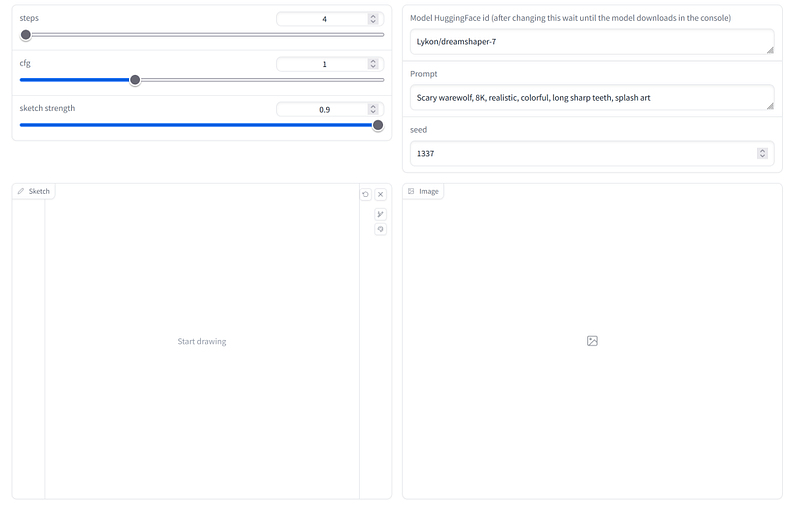
So let’s try it out. I change only the prompt and the seed as follows:
prompt: grassy hill with cherry trees 8K, realistic, colorful, long sharp teeth, Studio Ghibli
seed: 1324
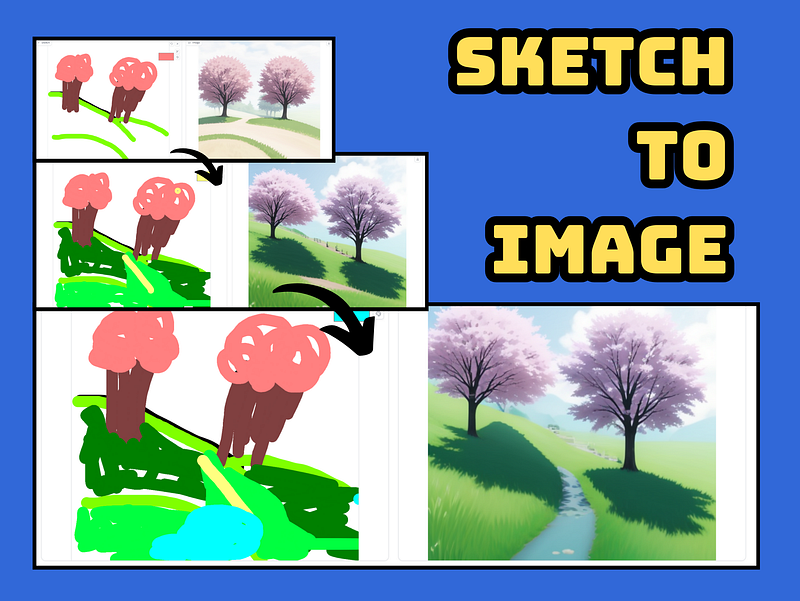
Then I start drawing with my impressive skills, and as soon as you finish your first line, an image will be generated. The first image will lag a bit, but after that, the rest of the images will generate faster.
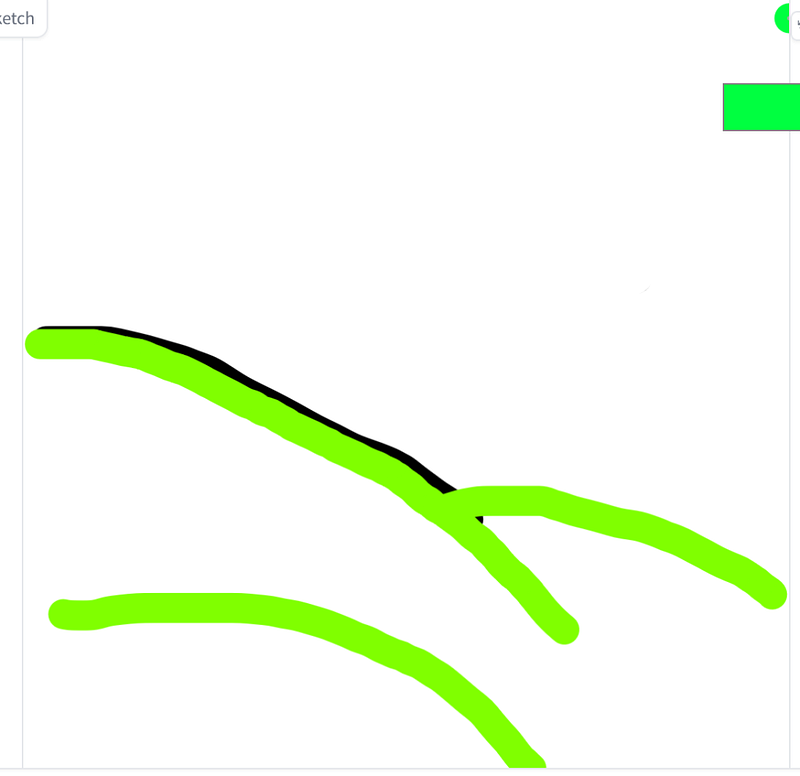
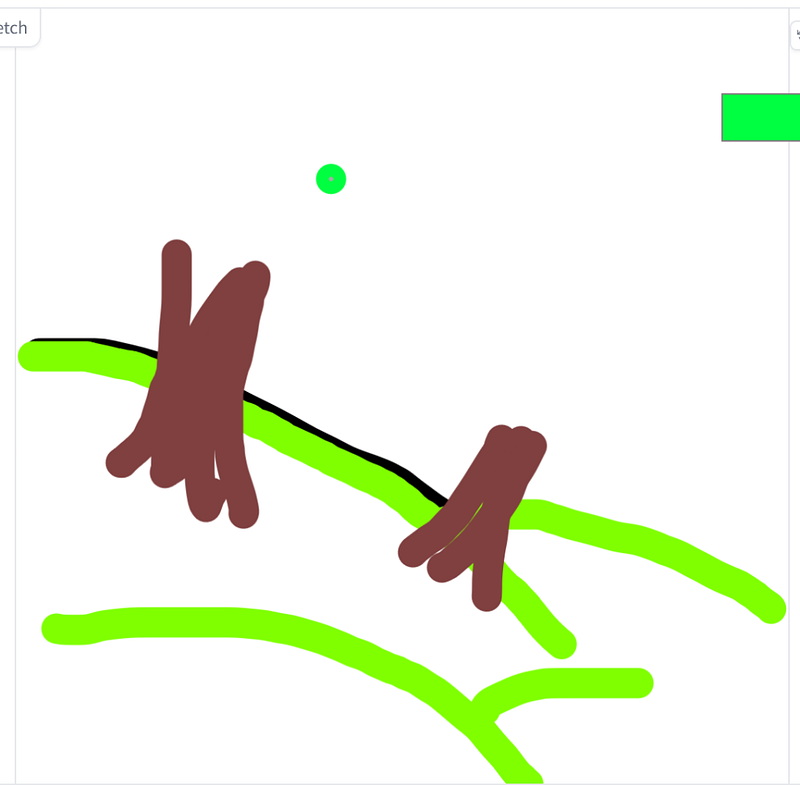
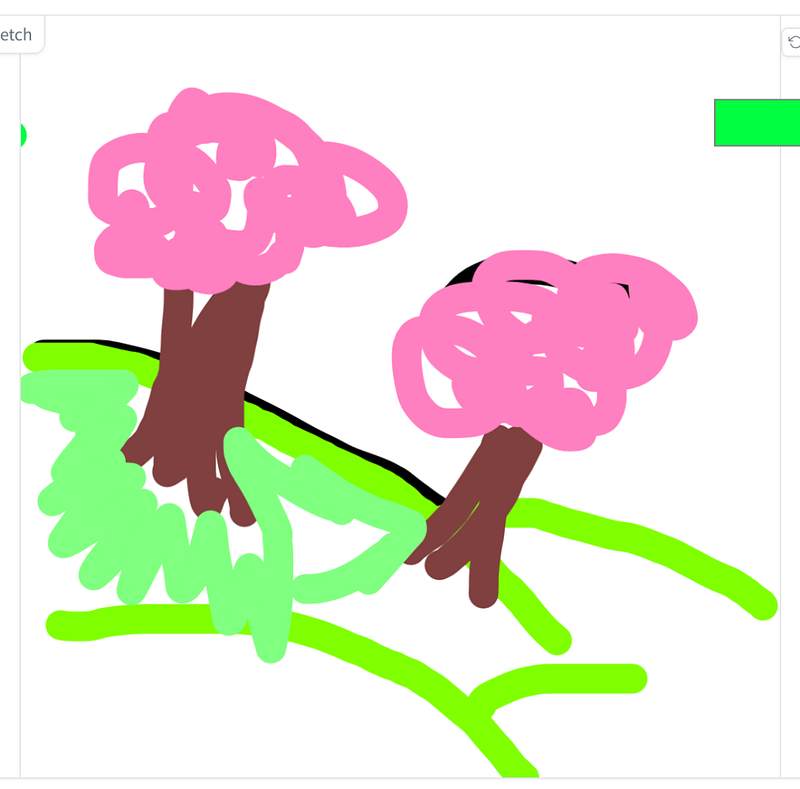
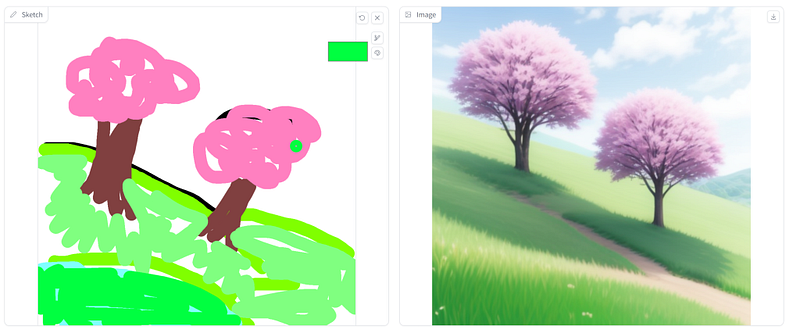
The results are impressive, especially for the speed. And this is just a quick example; I didn’t even change parameters or optimize the prompt.
You can try to add elements like a river in the middle with a simple blue stroke, or use darker colors to control shadows on the grass and create layers. Pretty neat!
Final remark, I have an NVIDIA 3060 with 12 GB of VRAM, so the results are pretty fast (near real-time I would say). Depending on your GPU, the results might be faster or slower.
Don’t forget to change the seed if you would like to start over. I also suggest to regularly update the repository, especially for bug fixes. You can use this command:
git pull https://github.com/flowtyone/flowty-realtime-lcm-canvas
That’s it. Thanks to flowtytone for sharing it!


