

A mobile, desktop and website App with the same code
React-native, NW, Electron and React, all in one
A few months ago after react-native was released I started to wonder how it would be possible to do a mobile App, desktop App and website App with the same code base. I knew it was possible but I wanted to explore how to do it and what would be the final volume of reused code. So I created this project.
Get the code on Github
Of course, all of the code is available on Github under this repository react-native-nw-react-calculator.
More about the project
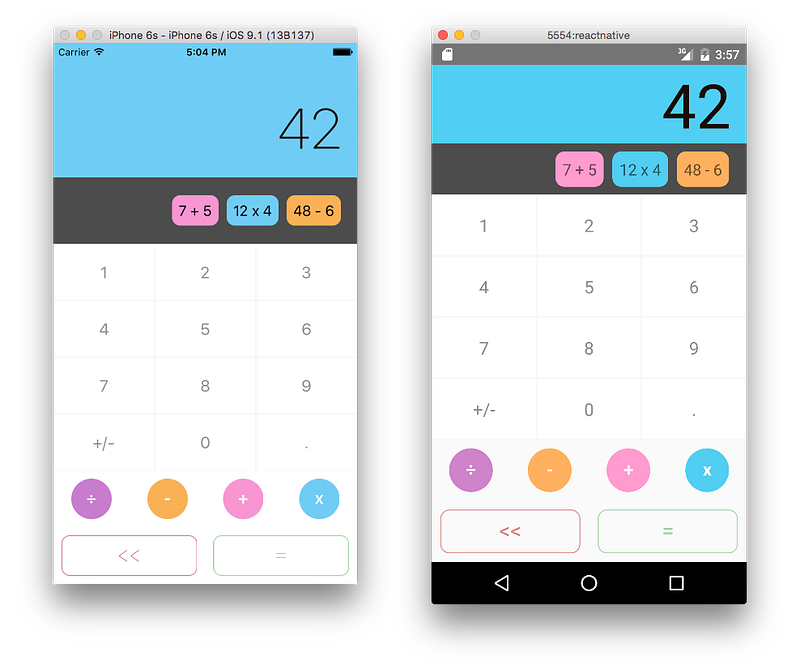
This project shows how the source code can be architectured to run on multiple devices. As of now, it is able to run as:
- an iOS and Android Apps (based on react-native)
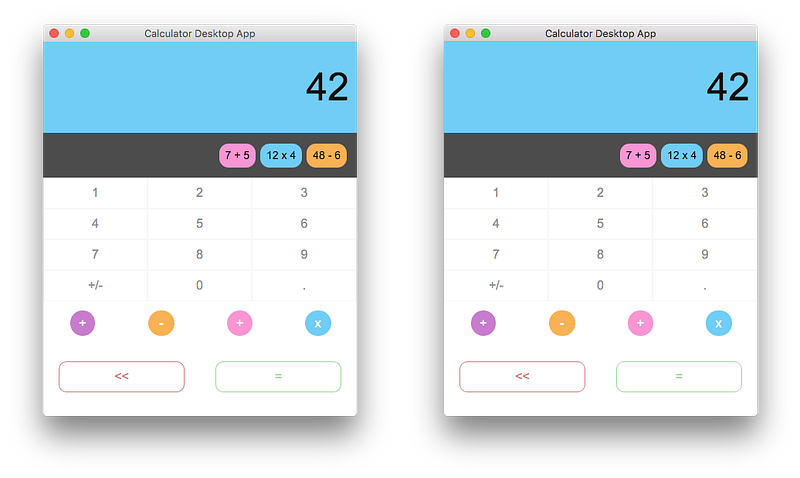
- a desktop App (based on NW or Electron)
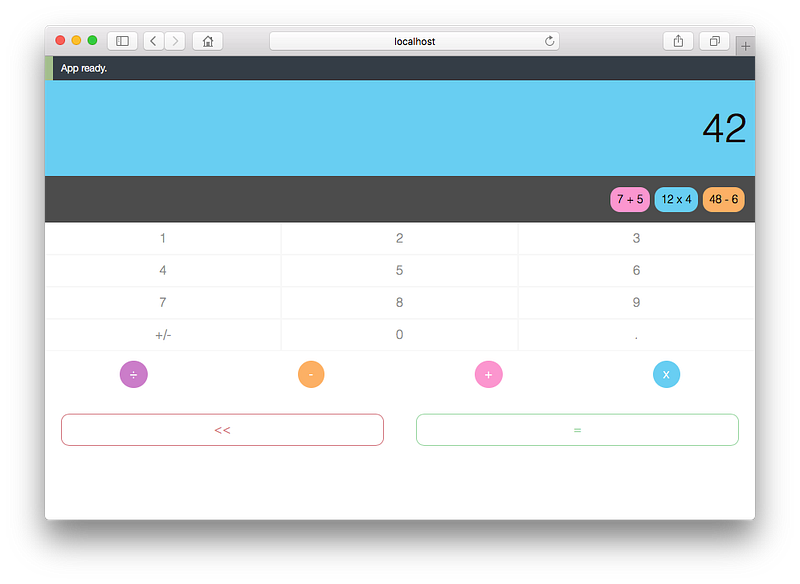
- a website App in any browser (based on react)
It is a beautiful calculator with the “memory of previous formulae” feature based on the design of Robert O’Dowd who kindly authorized me the use it. The original design made by Robert was part of his project called “Simplifycation” visible here.
Like a production project
I wanted for this project to use all the tools that I would have used in a production project, so it is based on the flux architecture and uses tools like grunt and webpack to create the builds and for the hot reloading feature.
In the code
3 main builds
Although we are going to run on 4 devices (iOS, Android, desktop, web), we only need to create 3 builds. Entry files for those builds are at the root of the src directory.
- index.ios.js is the entry file for the iOS App build
- index.android.js is the entry file for the Android App build
- index.js is the entry file for the website App and desktop App builds (both with NW and Electron)
The build for the website App and the desktop Apps is the same because it is possible to reuse the exact same code in both environments. Then, this build is simply called from different .html sources.
Flux architecture actions/stores
All the flux architecture is share at 100% to all the different builds. This means that all the logic and data management code is done once and reuse everywhere.
This allows us to have an easy tests suite and to ensure that our code is working properly on all the devices.
Components
Here comes the real interest of the project. Finding how the components can be structured to share most of their logic but still allowing for some specificity for each device was not so easy.
Having inheritance for the shared logic and only redefine what is specific to every device sounds the right solution but how to include only the code that we want for each build. It could have been done with webpack and its variables evaluated during the build but thanks to @cjbprime I managed to do it based on the file extensions.
Basically, every component has a main Class which inherits a base Class containing all the logic. Then, the main component import a different Render function which has been selected during the build. The file extension .ios.js, .android.js or .js is used by the build tool to import only the right file.
The .native.js files contain code that is shared between both mobile platforms (iOS & Android). Currently, the .ios.js and .android.js files compose this .native.js file since all code is shared right now. However, if a component needed to be different for platform specific reasons, that code would be included in the corresponding platform specific files.
At the end, every component is defined by 6 files. If we look at the screen component, here is its structure.
Screen.js
├── ScreenBase.js
├── ScreenRender.ios.js (specific to iOS build
├── ScreenRender.android.js (specific to Android build)
├── ScreenRender.native.js (shared mobile app code - iOS & Android)
└── ScreenRender.js (used during Website and Desktop build)
And here is the main Class file (Screen.js) which composes the other files.
'use strict';import Base from './ScreenBase';
import Render from './ScreenRender';export default class Screen extends Base {
constructor (props) {
super(props);
}
render () {
return Render.call(this, this.props, this.state);
}
}As the last code sample, here is the ScreenRender.ios.js file which imports the ScreenRender.native.js file.
'use strict';import Render from ‘./ScreenRender.native’;export default function () {
return Render.call(this, this.props, this.state);
}Originally published at blog.benoitvallon.com.


