
A Free Website To Create Your Self-Published Book Cover
Lunapic helps you to design a unique book cover
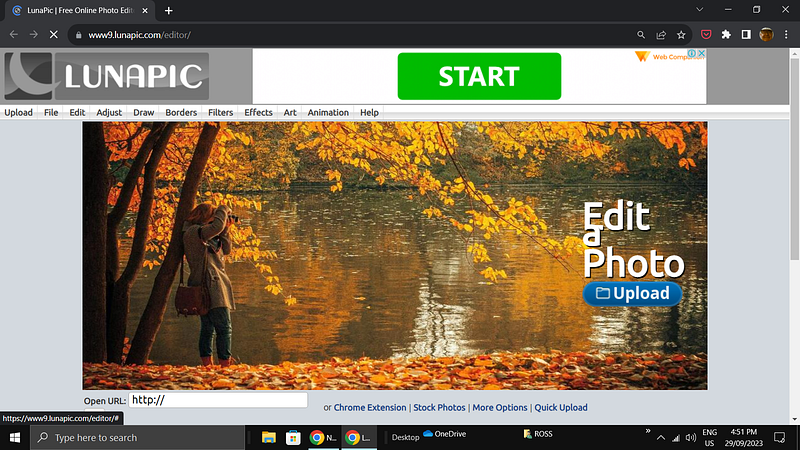
The term ‘photo editor’ does not convey all that is available on Lunapic. On Lunapic, it is possible to do just about anything you can think of to an image. On drop-down menus on the site, you have 255 ways to attack an image. Lunapic is completely free and always works well.
In addition, the ‘help’ drop-down menu has a list of tutorials for working with images and other useful advice. I often use Lunapic in tandem with Pixlr X for my self-published book covers.
In many ways, Lunapic is a novelty site. Most of the fonts available are unsuitable for book covers because of their novelty aspect. I prefer to use Pixlr X for the more traditional fonts.
The screenshot below shows one of ten drop-down menus on Lunapic. The column on the far left has all the usual tools for working with images.
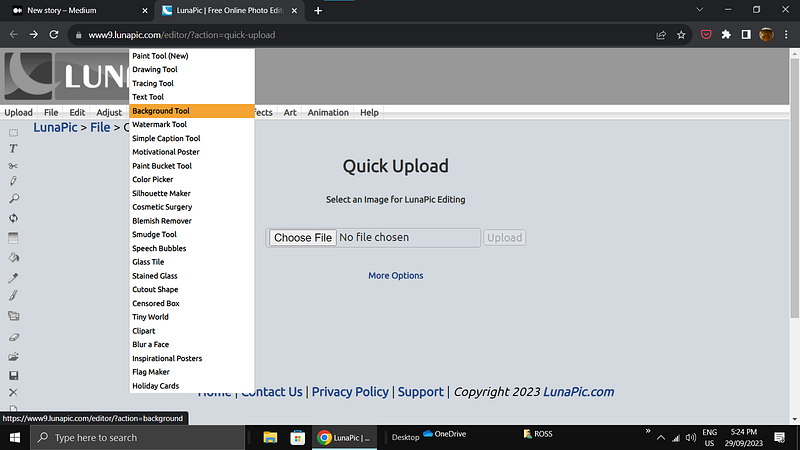
The more bizarre features on Lunapic include:
- inserting your country’s flag behind or across your image
- adding a dollar note to the image
- adding flashing glitter of various colors to the image
- turning the image into a glass block
- blowing the center of the image out
- putting continuous animated rain across the image
- adding flames to the image
- turning your image into a Van Gogh painting
- and many others too numerous to mention.
Needless to say, the site is a t-shirt designer’s dream!
Do not be put off by the novelty aspects. Much of what is available is useful. If you had thought a sepia image would suit your book cover, for example, one click on Lunapic will change any image to sepia.
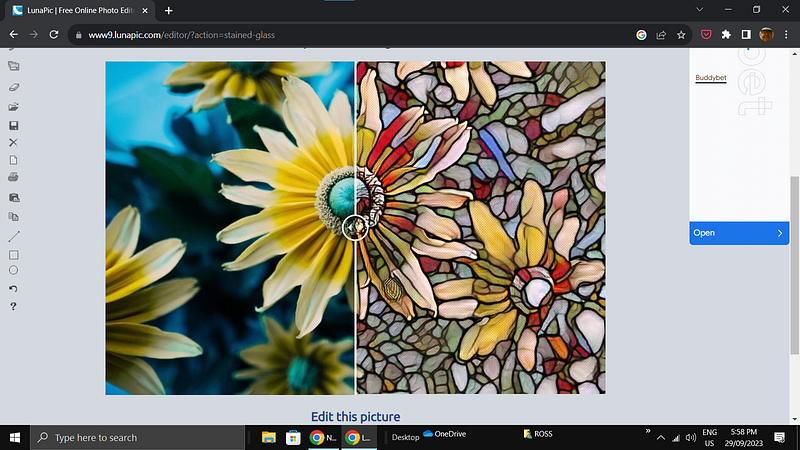
With 255 options and a long list of tools, experimenting with the site is the only way to become familiar with it. The screenshot below shows an image converted to a stained glass window with one click.
A couple of oddities to be aware of are: each time a new title is clicked on a drop-down menu, the image is reloaded. Every bit of work done on an image includes the reloading of the image. It can be disconcerting to have the image suddenly disappear, but don’t worry, it will appear again with the new item you have selected. It is the way the site works.
Also, you will find when you download your image after working on it that sometimes Lunapic has changed the pixel size of the file. The image can be resized in the file drop-down menu, but be prepared to have to use a free image resizer site to get your image back to its original pixel size.
The site is good for a bit of fun. Emailing photos with animated rain continually coming down, or drops of water continuously trickling down the image, with the caption, ‘it has not stopped raining here,’ for example, or ‘it is so hot here’ with flames crackling across the image. Plus many more.
You may also enjoy reading: