
A First Look At Microsoft Designer
Microsoft’s AI take on Canva?
Lately, we have seen Microsoft pushing hard on the AI front. Most notably with their newly added ChatGPT-like functionality of Bing.
But this is not the only thing they have been working on. It looks like Microsoft is also trying to take market share from Canva with its brand-new Microsoft Designer. A graphic design app with AI-enabled features that will be available for free and as part of Office productivity software subscriptions.
I have recently been granted early access to the product. So let’s have a look at what it can do. (You can sign-up for the waiting list here)
Keep in mind that we are talking about a Beta version.
Microsoft Designer
Similar to its new Bing features Microsoft takes full advantage of its OpenAI partnership. And one of the biggest selling points of the Microsoft Designer app is its in-built ability to generate images using OpenAI’s DALL·E 2.
The app also offers some algorithmic recommendations for styles, color designs, and elements. And all the standard features you would expect from a graphic design app.
Here’s a short promo video from Microsoft:
But now let’s have a look at the app ourselves!
The App
When starting to create a new design, you are greeted with a pop-up like this:
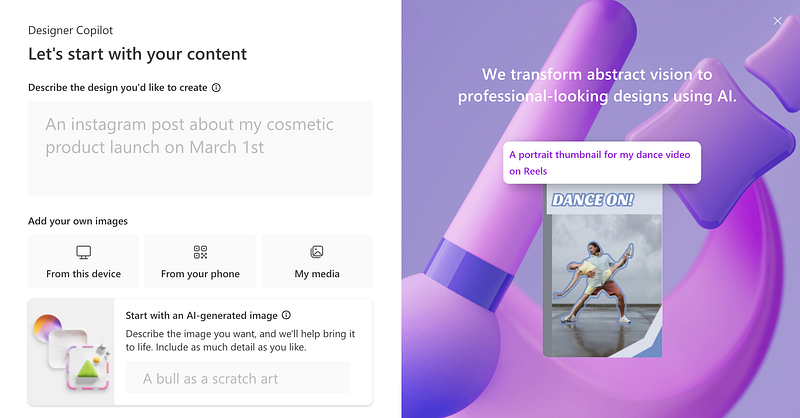
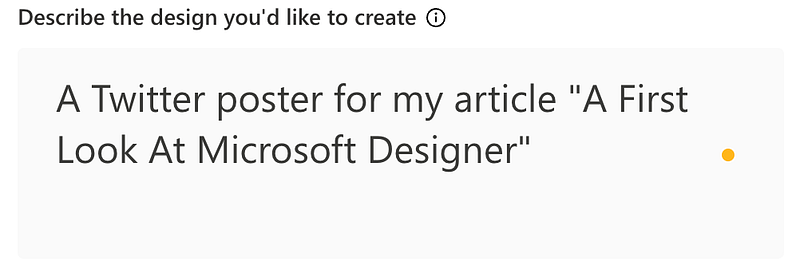
Asking you what you would like to create. To try this out let’s create a Twitter poster for this article. Here’s my input:
After hitting generate, we can see some automatically generated designs show up on the right-side panel.
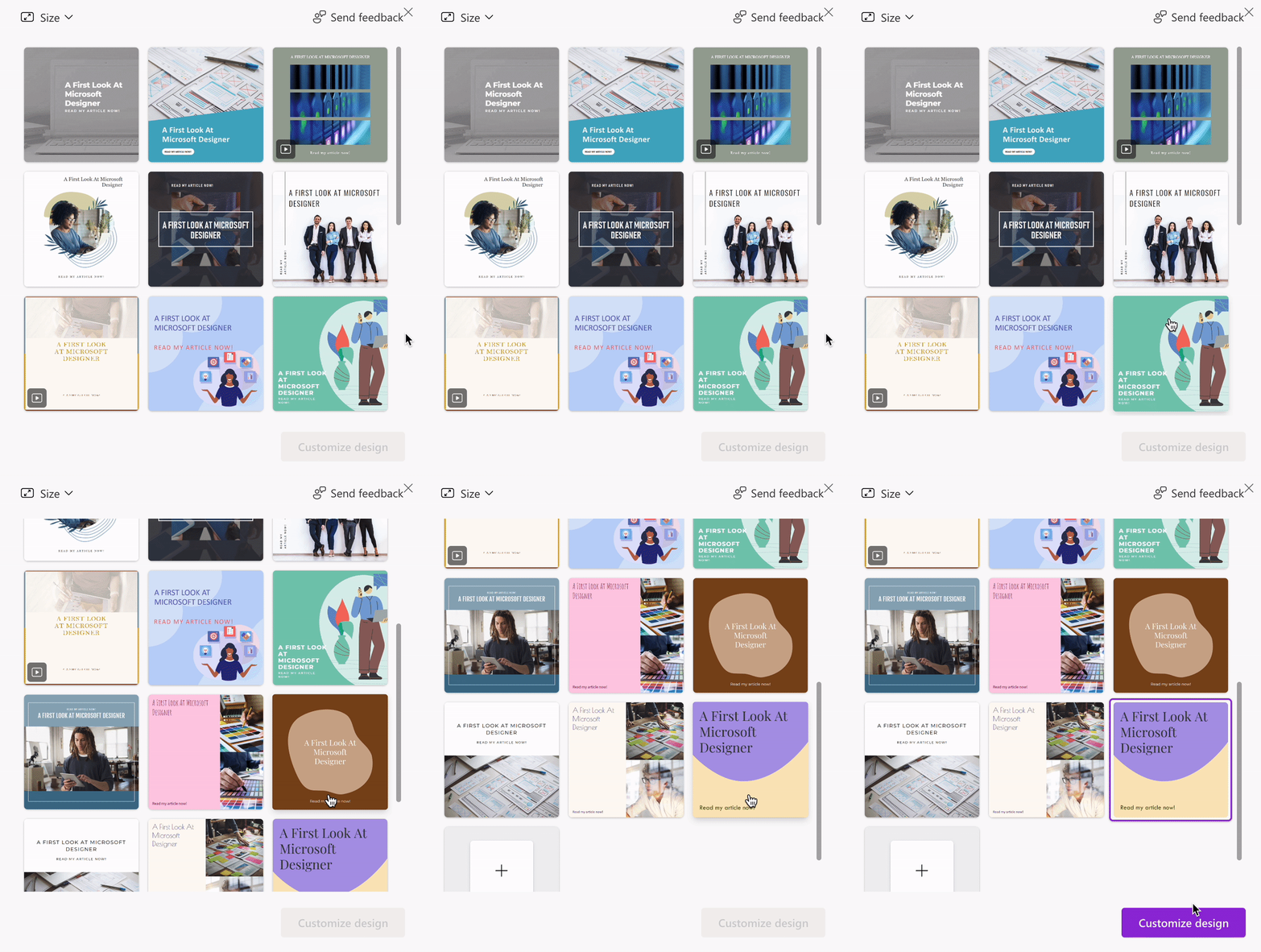
Now we can pick the design we like and customize it further. You can generate more variations if you don’t find anything you like.
Once you have chosen a design to work with a new workspace will be opened. And you will have several tools at your disposal:
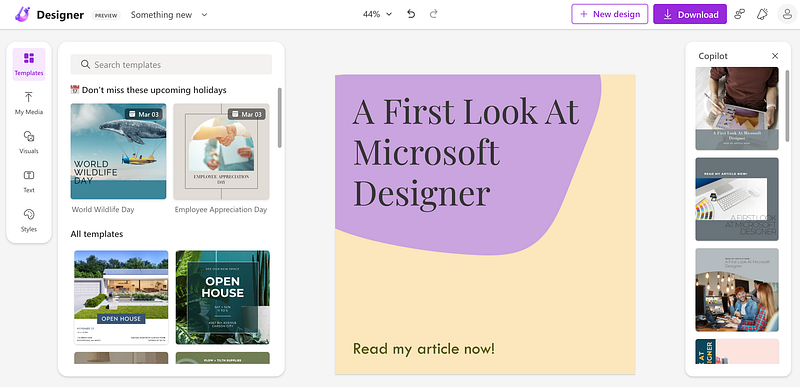
- On the right side — CoPilot (Further auto-generated recommendations)
- At the top commands like — edit, undo, download
- On the left side — a toolbar for accessing templates, styles, visuals, and text-tools
Inside the visuals menu, you will find the option to generate new images using DALL·E 2.
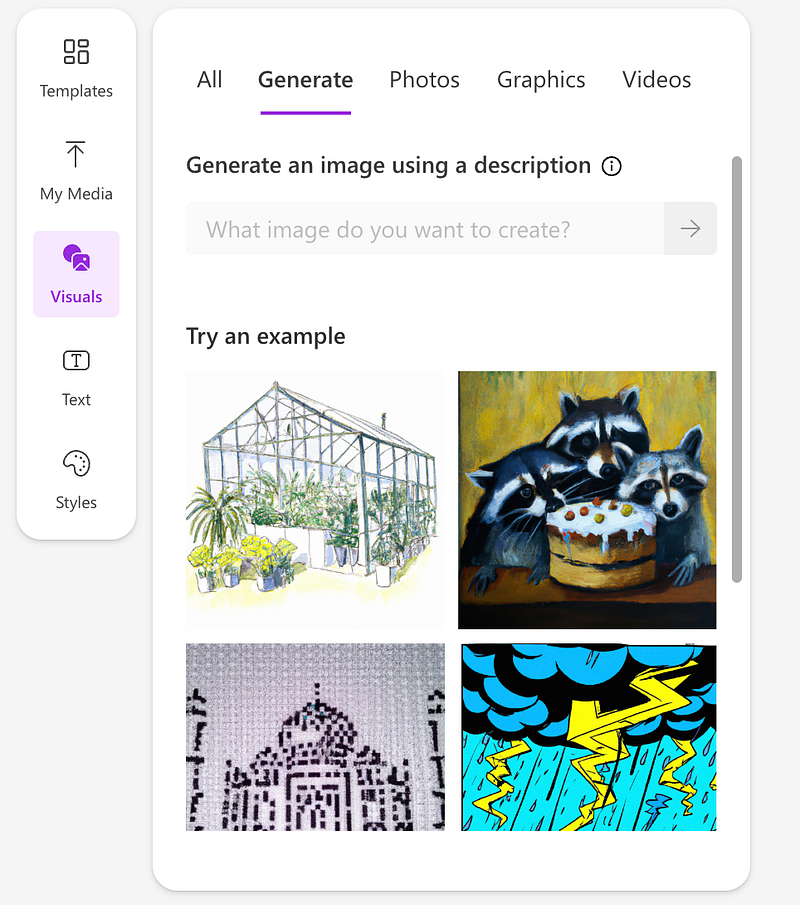
Let’s give it a go and try to generate a simple robot graphic. Here’s the prompt that I used:
A happy cute little robot, illustration
And here are the results:
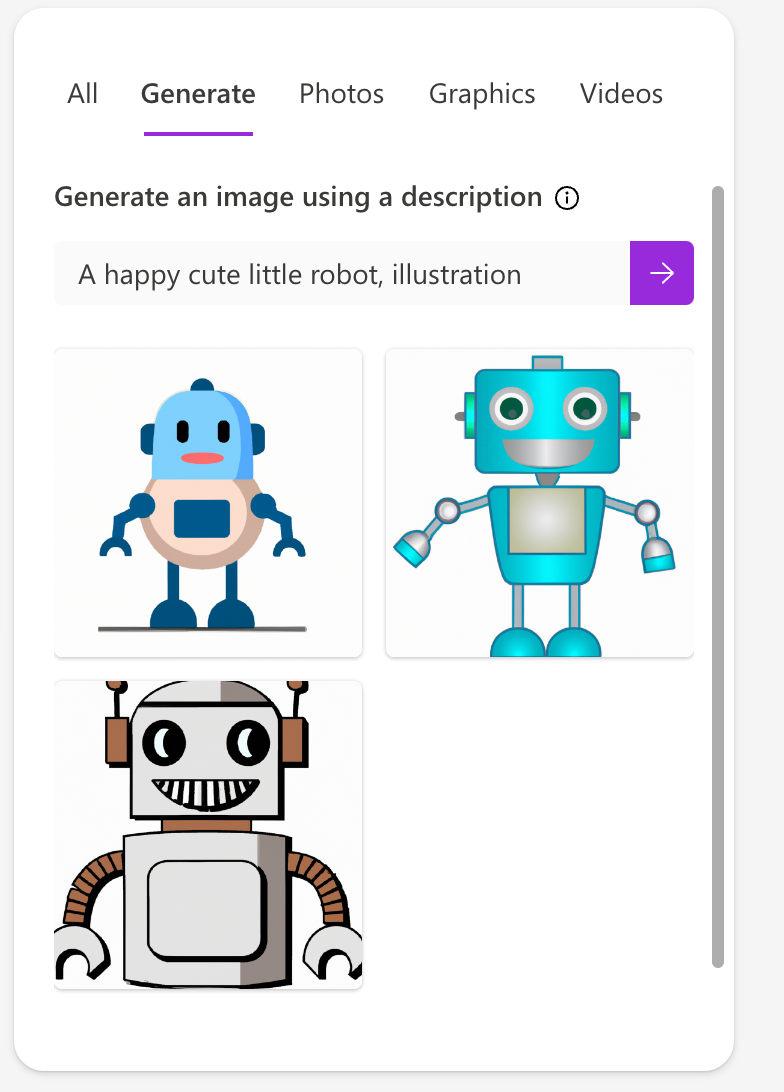
Now let’s simply drag and drop the graphic to our design and use the remove background tool.
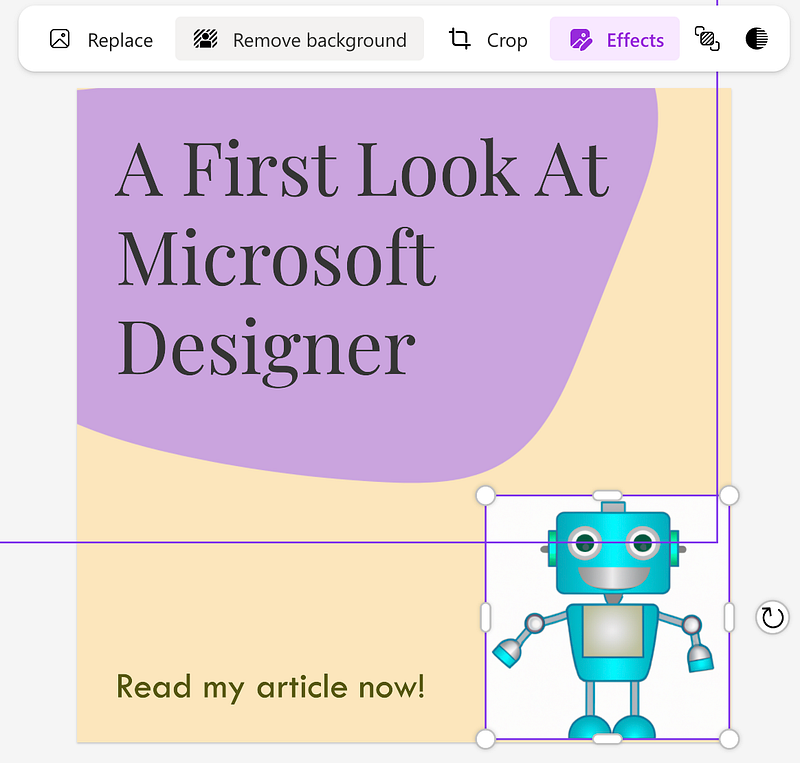
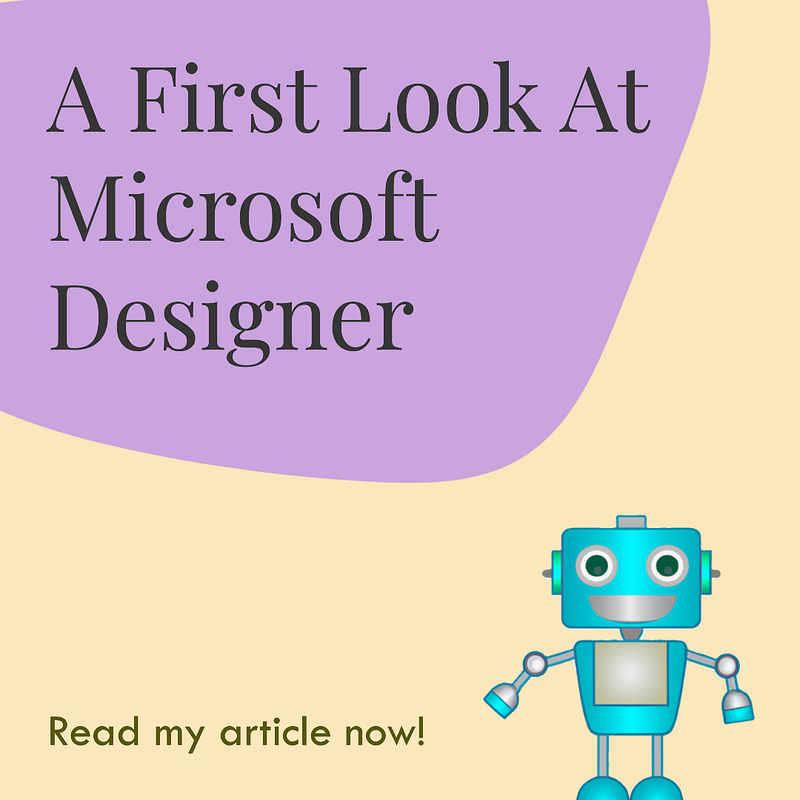
There are more features we could explore, but I think this will do for today. Here’s the final result:
Final Thoughts
The app is simple to use, and I love to see the AI integrations. But there’s still a lot of room for improvement. I feel like DALL·E 2 generations can’t compete with the likes of Midjourney AI and the app currently doesn’t take advantage of the best features available through DALL·E 2 when using it on OpenAI’s website. I am talking about in-painting and outpainting.
And if comparing the app to Canva, there is a significantly wider variety of graphics and templates available on Canva. And Canva does feel a bit more intuitive (Or maybe I’m just used to it).
But we do get features like background removal and the ability to change opacity, which are not available with Canva’s free plan. As well as the DALL·E 2 integration which unlike on the OpenAI’s website is also currently free.
And let’s not forget that this is just a Beta version. A preview of what’s to come. I think it will definitely be worth revisiting in the future.
That’s it for today!
Stay curious, and stay HungryMinded!
Interested in reading more AI-related articles? Check out the list below:
Access thousands of amazing stories from talented writers for just $5 a month. Sign up for Medium using my referral link here and start reading today!


