
A Comprehensive Review of Fooocus’s New Modes and Features
Exploring the Latest 2.1.824 Update and Diverse Functionalities Aligning with Midjourney
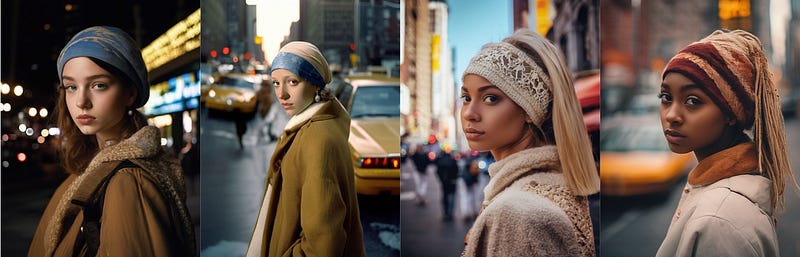
Fooocus has undergone a significant evolution, introducing new modes and features. I find it to be nearly my favorite Stable Diffusion software. Although not yet at 2.2 . The recent update to version 2.1.824 includes numerous powerful functionalities consistently aligning with Midjourney.
Updating the Program
- Begin by using the command
git pullto acquire the latest version. - Launch and update simultaneously using the command
python entry_with_update.py.
Newer models and configs are available. Download and update files? [Y/n]- If you select
Y, the system will commence downloading the new Model. - Starting from Fooocus
v2.1.60, different startup modes are supported. - This update defaults to downloading Juggrnaut XL v6 to replace the original SDXL v1 Model for better results. Notably, this Model generates highly realistic European and American human figures, highly recommended for use.
- For generating anime characters, the command
python entry_with_update.py --preset animecan be used. Windows users can utilizerun_anime.batto initiate the program. This action switches the default downloaded Model to blue Pencil XL. Additionally, it downloads DreamShaperv8as the refiner model and unaesthetic XLv3.1for its negative embeddings. - Similarly, for generating realistic human figures, use the command
python entry_with_update.py --preset realistic. Windows users can initiate the program usingrun_realistic.bat, which will download the Realistic Stock Photo v1 as the Model. This Model excels in producing photos resembling stock images. It also downloads SDXL Film Photography Style as LoRA to generate images in a896 x 1152format.
Modes Comparison
After downloading everything, experiment with the default settings to see the differences in the generated images. The prompt includes 1girl and ginger cat.
Default Mode
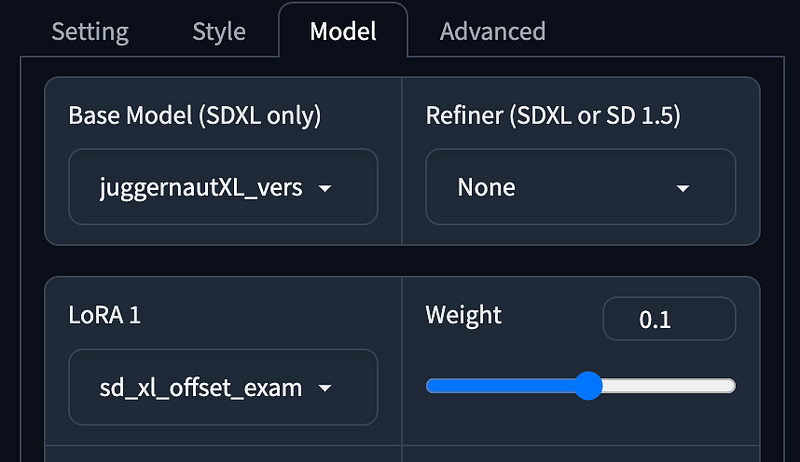
- Performance as
Speed, Aspect Radios using1152 x 896. - Style using
Fooocus V2,Fooocus Enhance,Fooocus Sharp. - Base Mode using Juggernaut XL without refiner.
- LoRA using SDXL Offset.
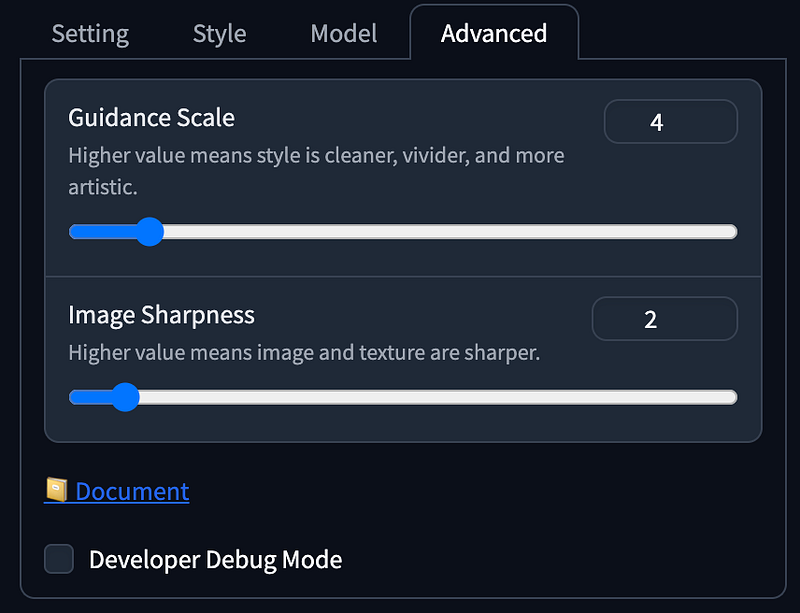
- Guidance Scale as
4, Image Sharpness as2.
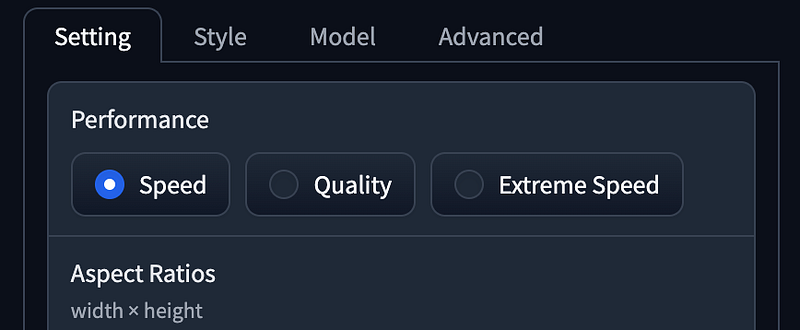
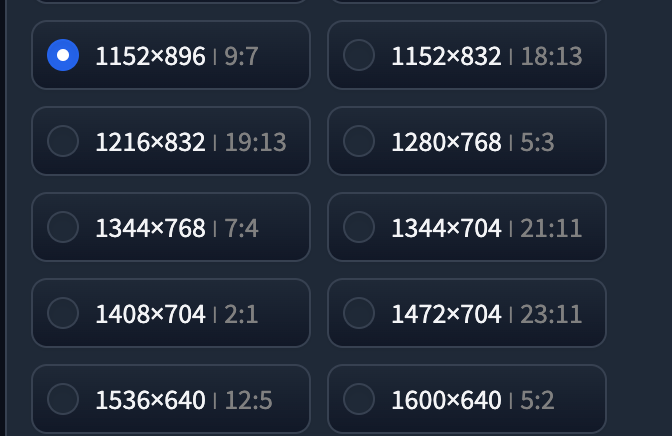
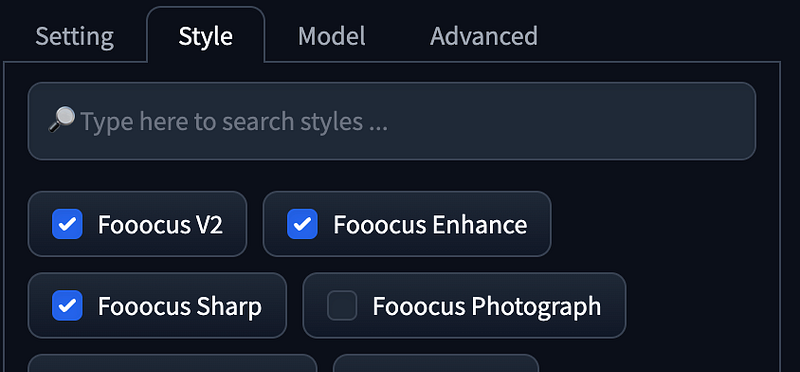
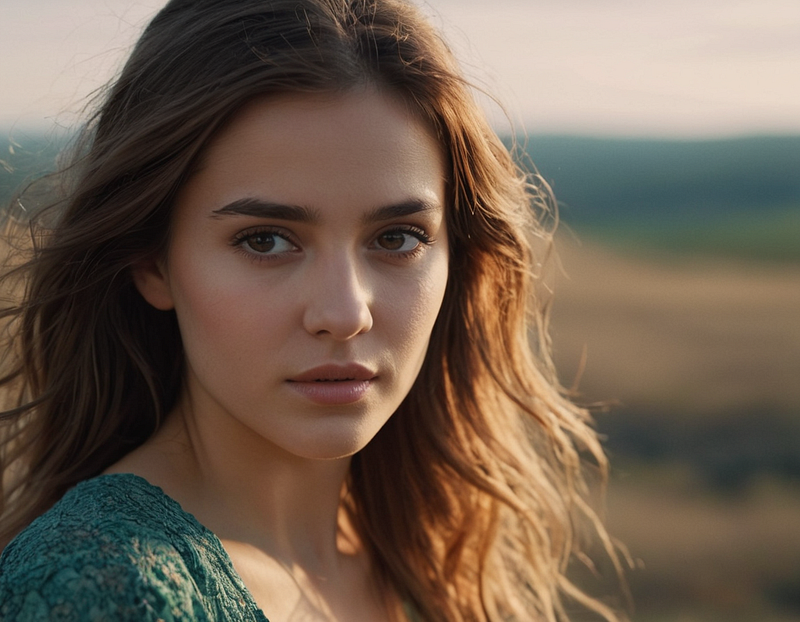
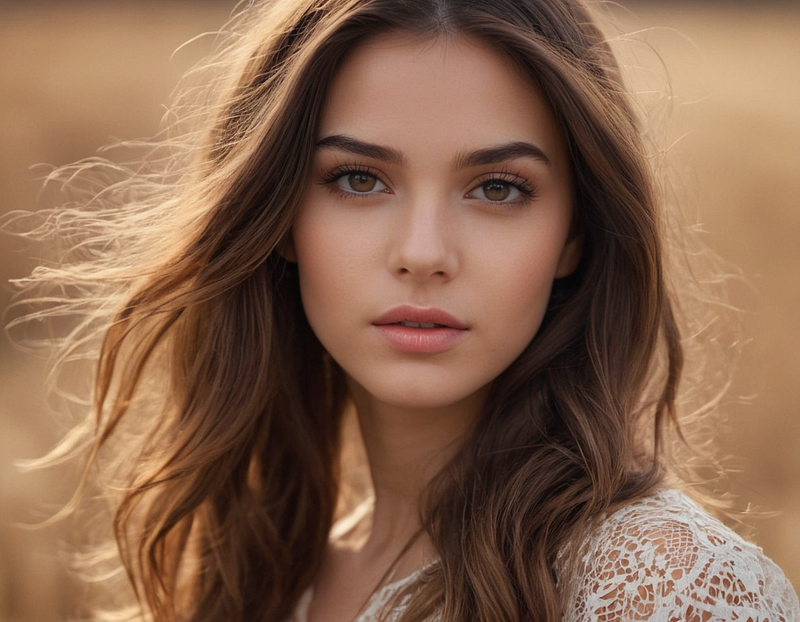
1girlEmulates realistic European/American females with high realism and a slightly yellowish tone, akin to professional photography.
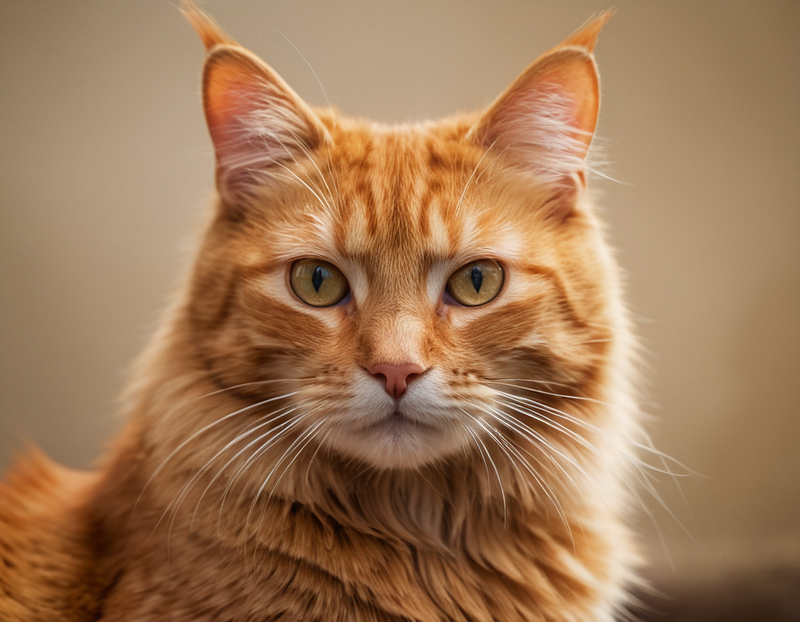
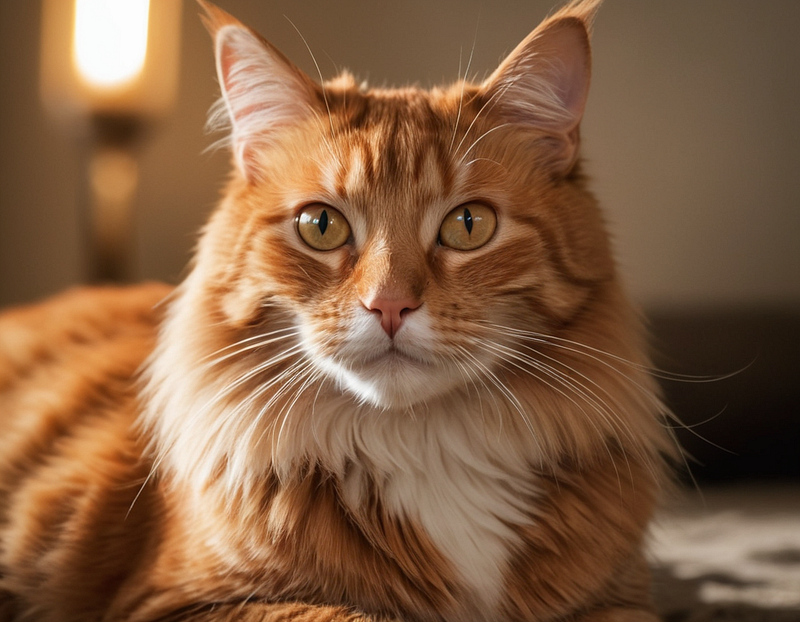
ginger catProduces lifelike cats with detailed fur and a high-contrast, slightly yellow-tinted environment.
Realistic Mode
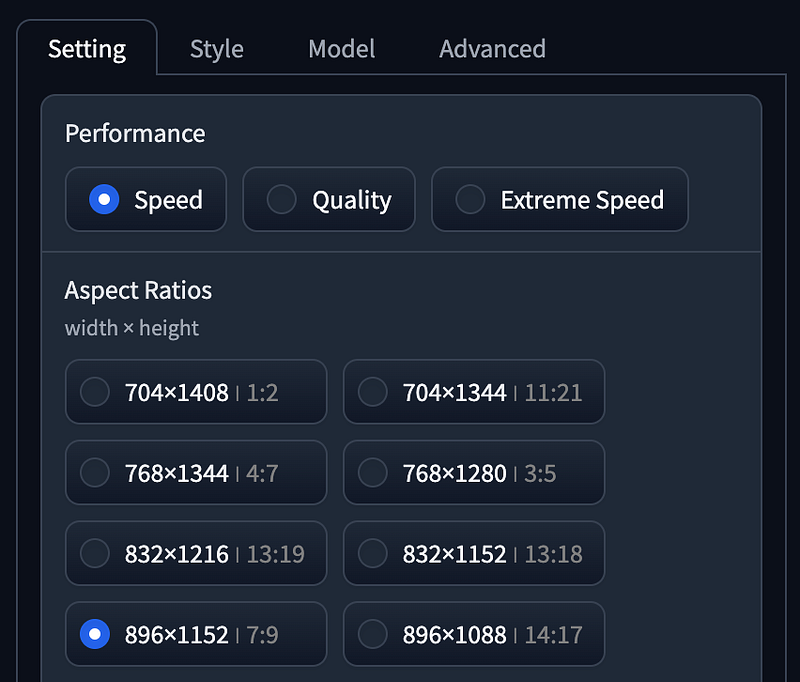
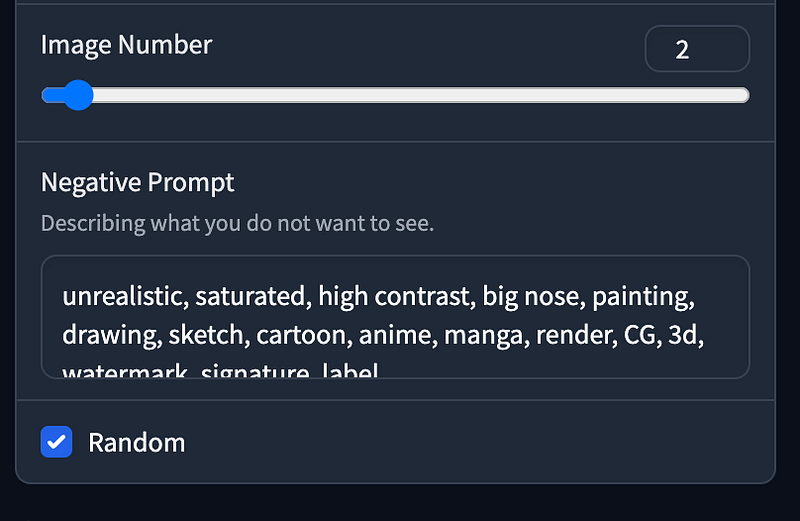
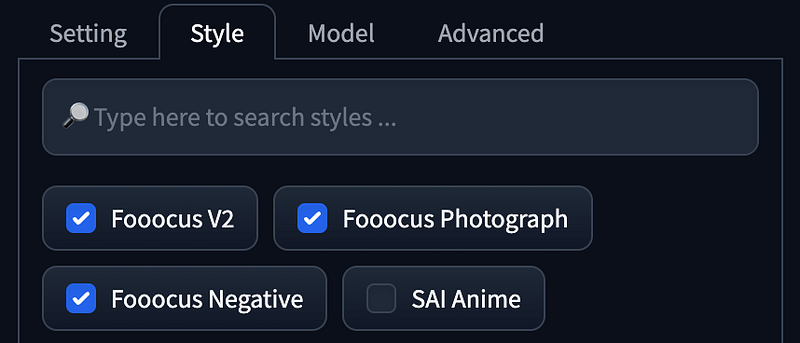
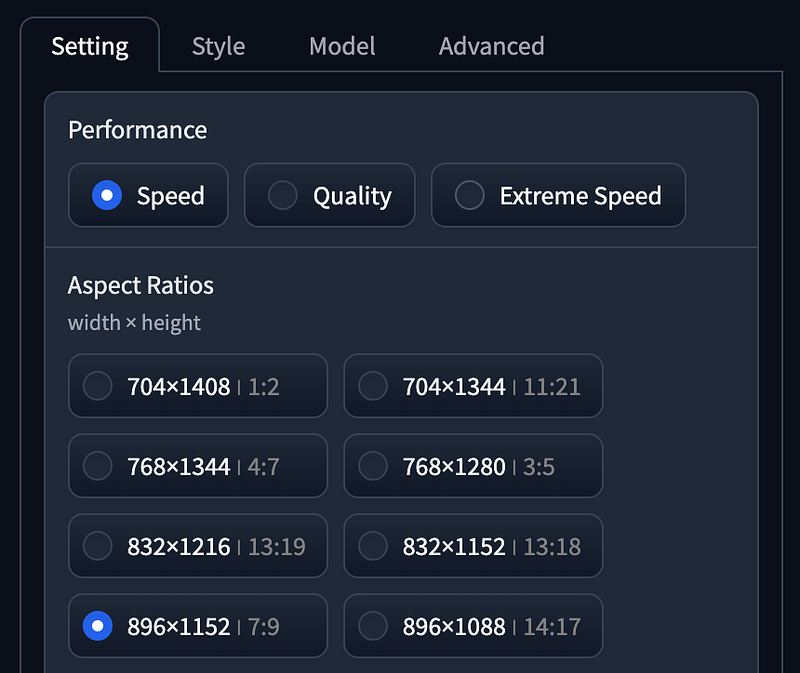
- Performance as
Speed,Aspect Radios using896 x 1152. - Style using
Fooocus V2,Fooocus Photograph,Fooocus Negative.
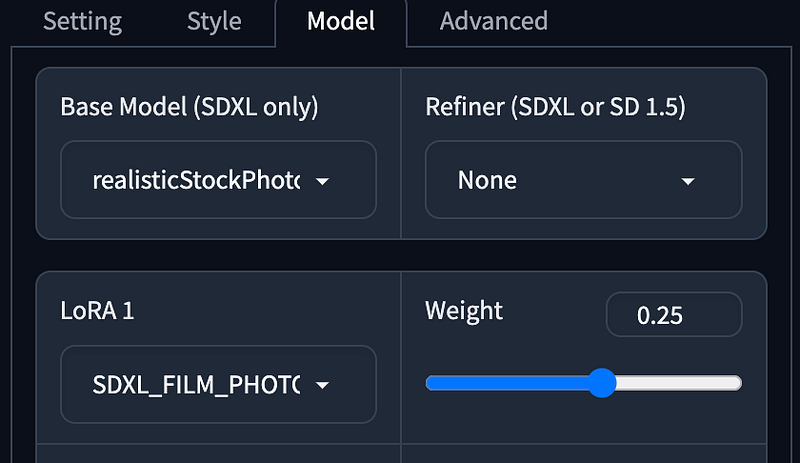
- Base Model using Realistic Stock Photo
v1without Refiner. - LoRA using SDXL Film Photography Style.
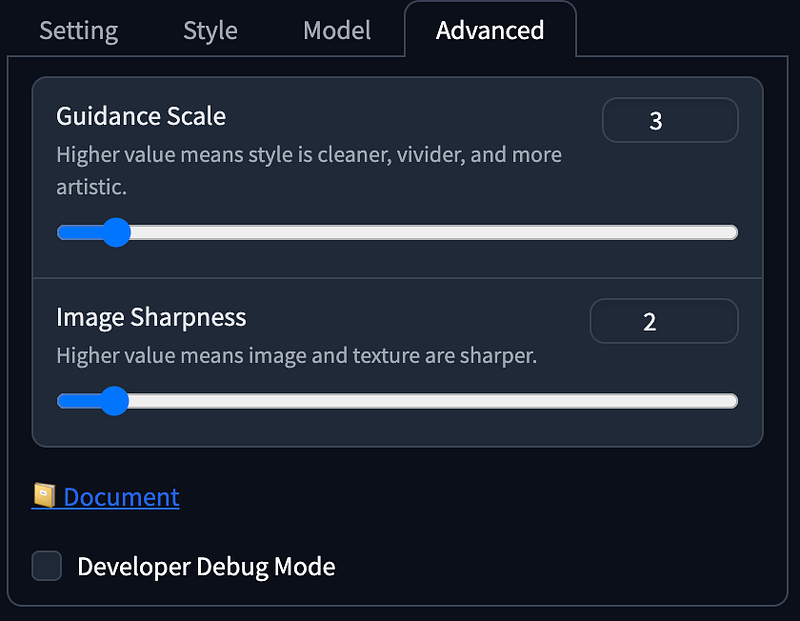
- Guidance Scale as
3,Image Sharpness as2.
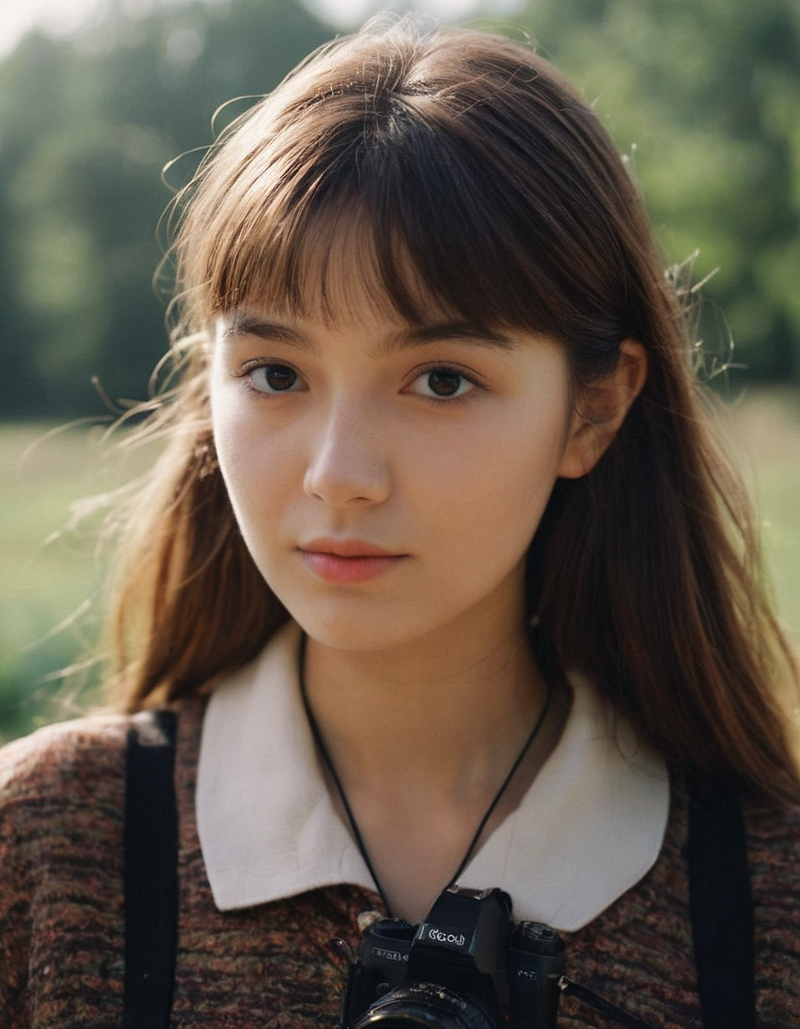
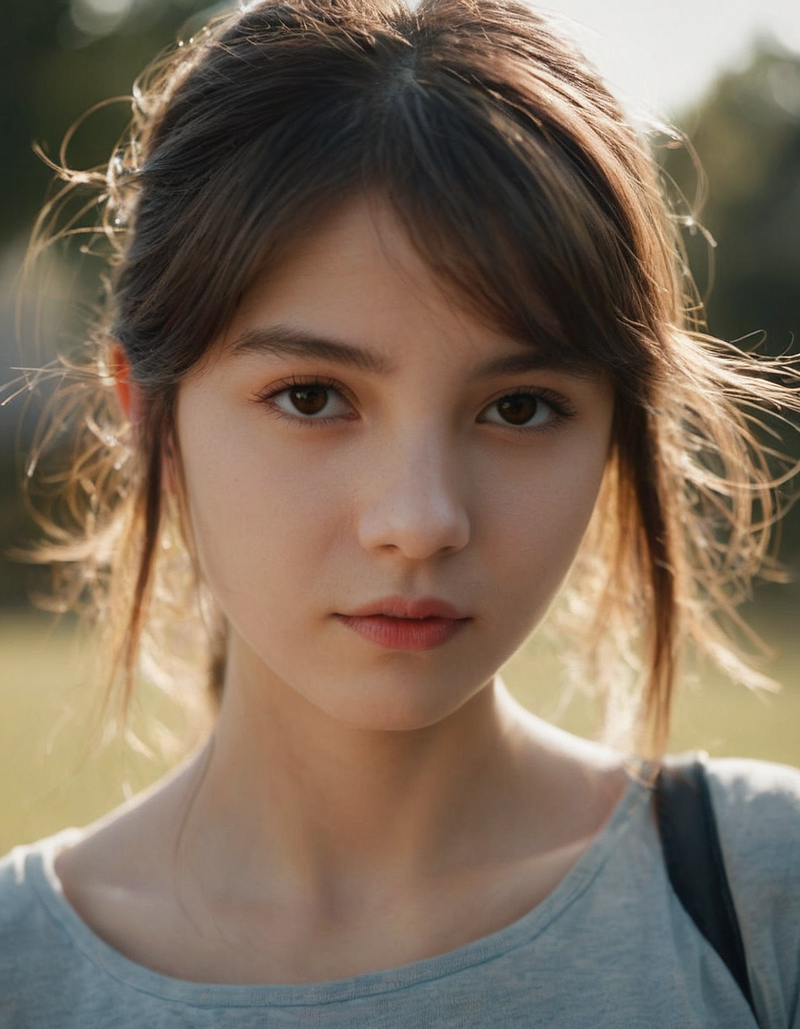
1girlResembles a Japanese girl with a blue hue akin to photos taken with film cameras.
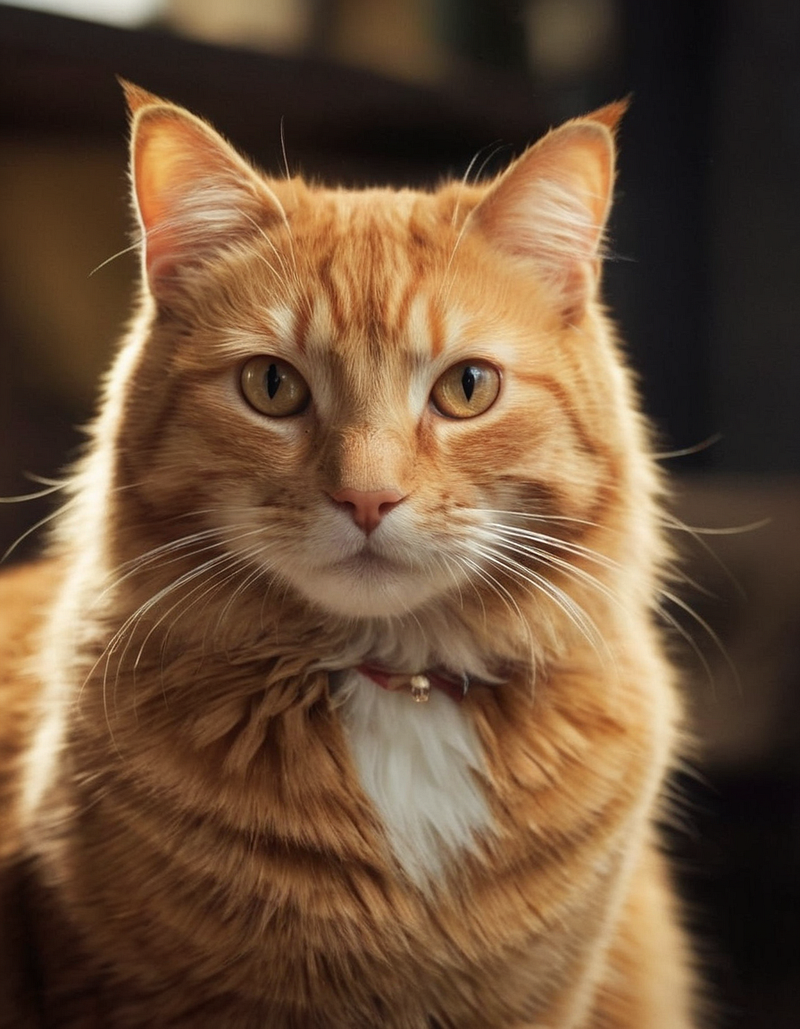
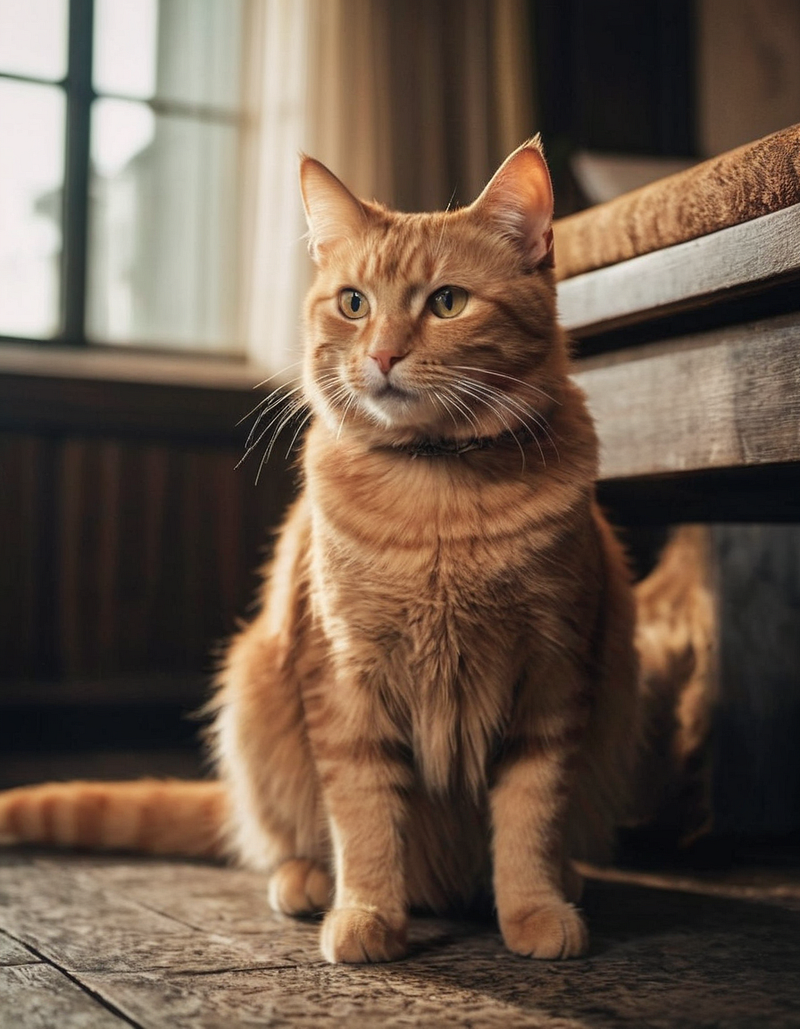
ginger catStill adorable, with strong depth, softer tones, and lower contrast.
Anime Mode
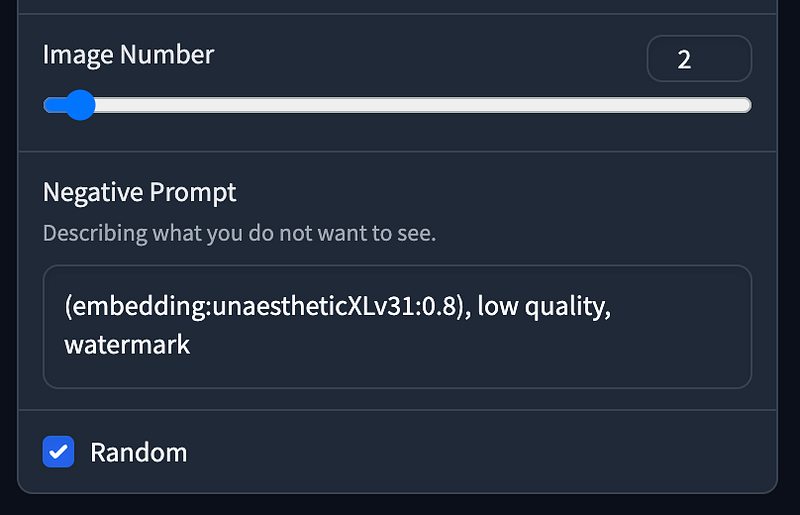
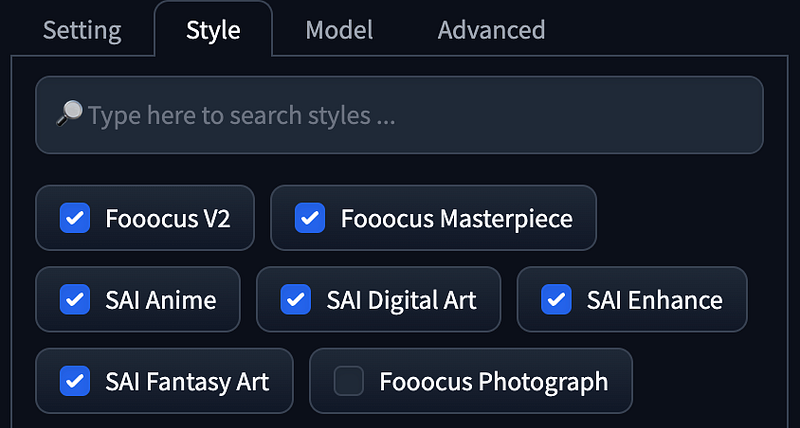
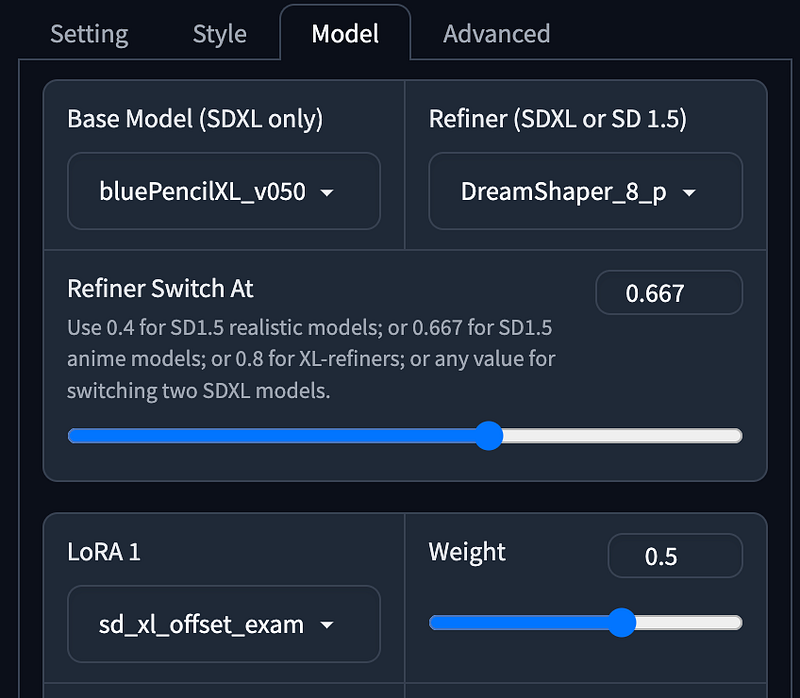
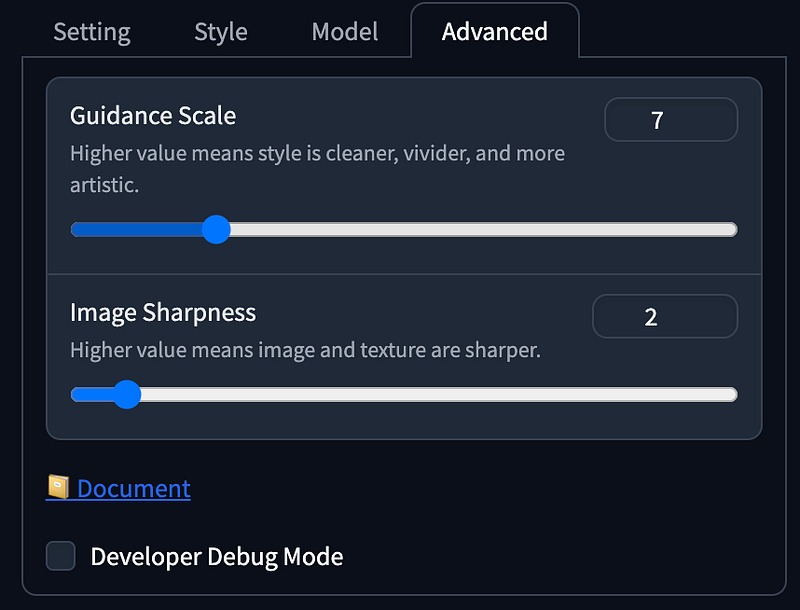
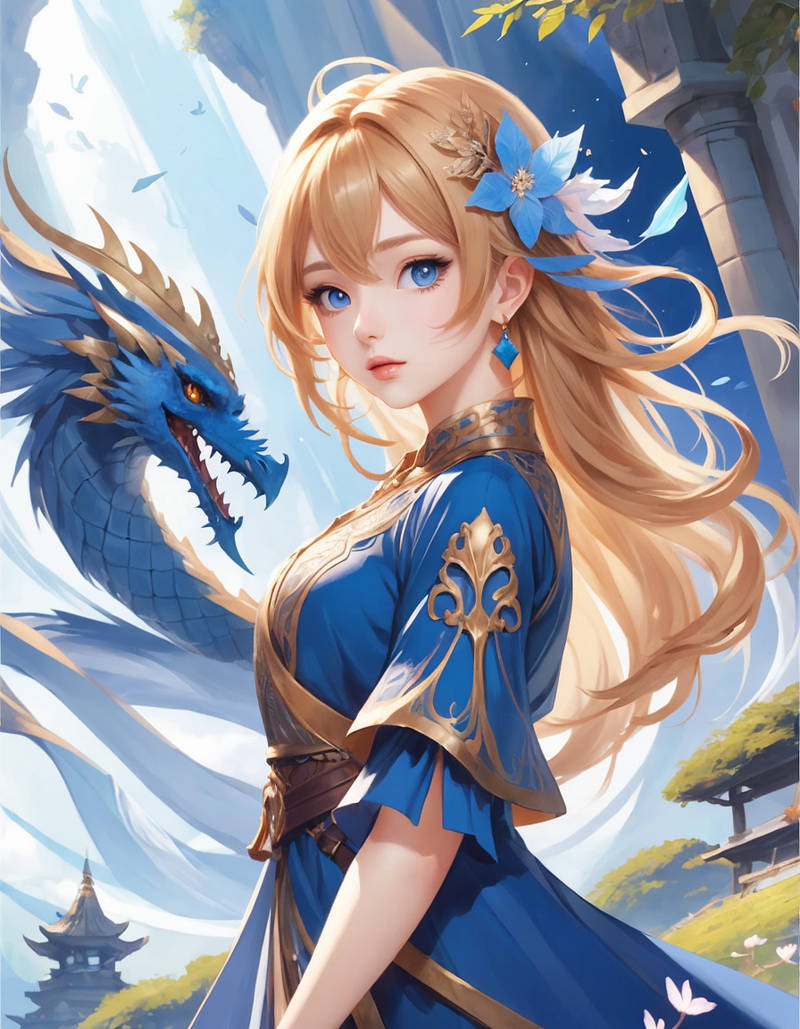
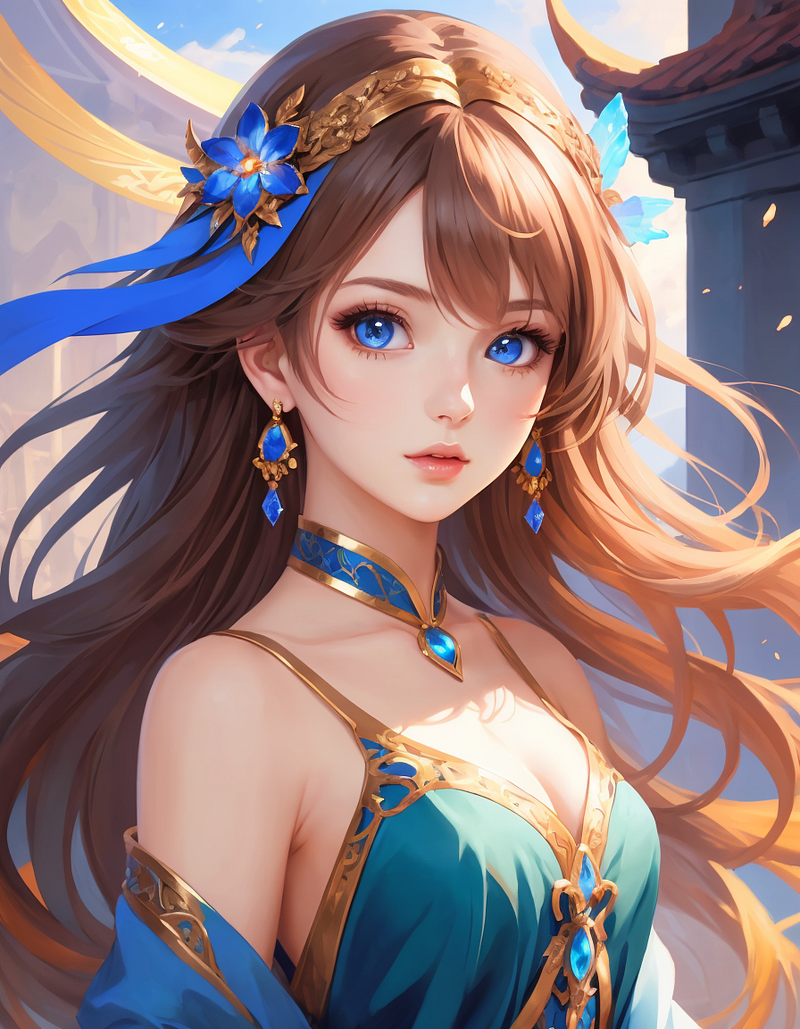
1girlFeatures a Chinese architectural background and elements in the character’s attire, with a soft, slightly flat coloring.
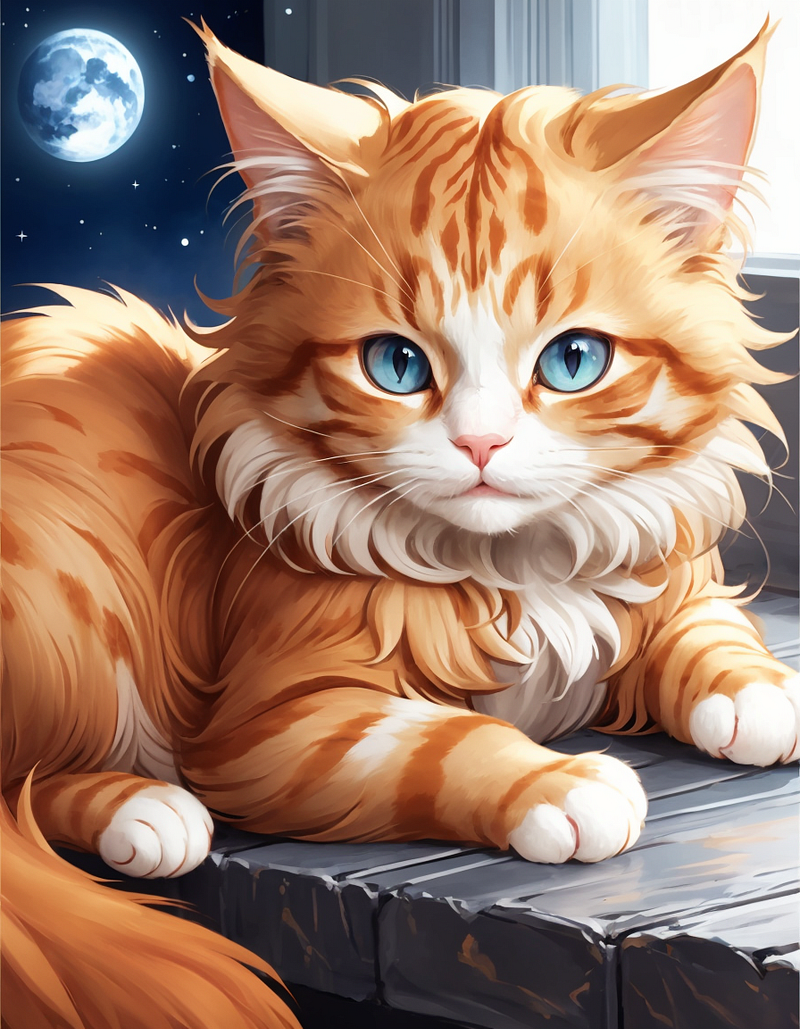
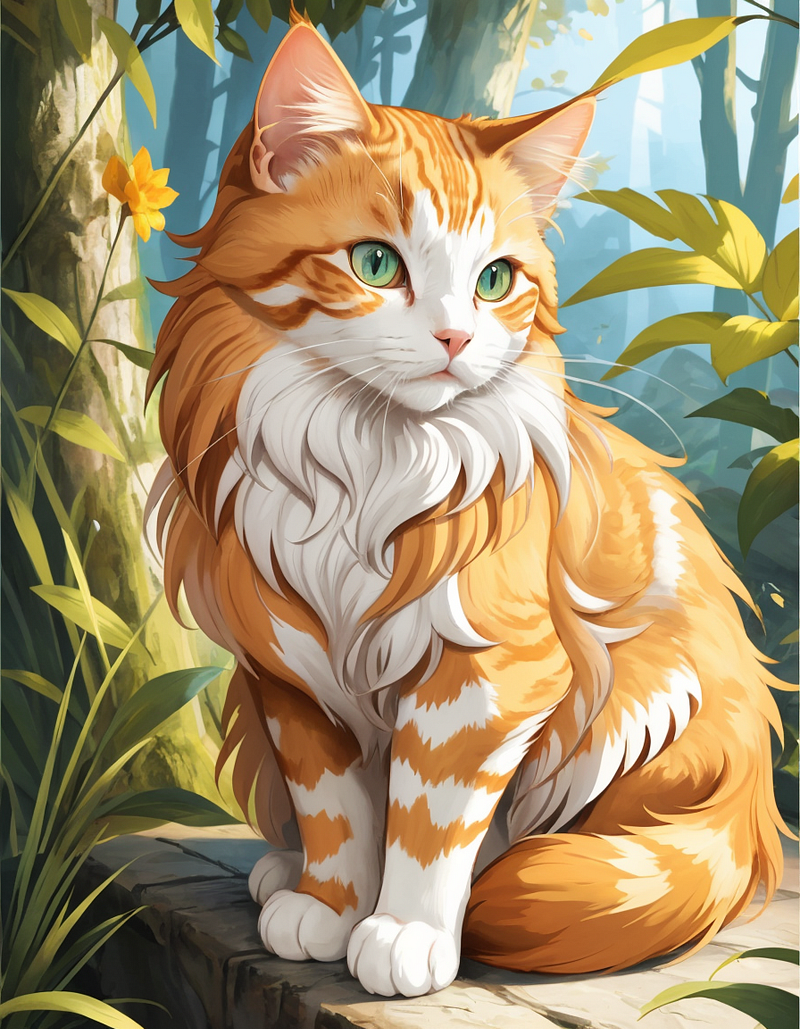
ginger catShowcases a fluffy-styled cat with vibrant colors and an approachable art style.
Extreme Speed Mode
With recent advancements in LCM and SDXL Turbo, Fooocus now offers an Extreme Speed mode. Select it under Performance will automatically downloads SDXL LCM LoRA Model. It also locks the Guidance Scale and Image Sharpness settings under Advanced, significantly reducing the generation steps to 8.
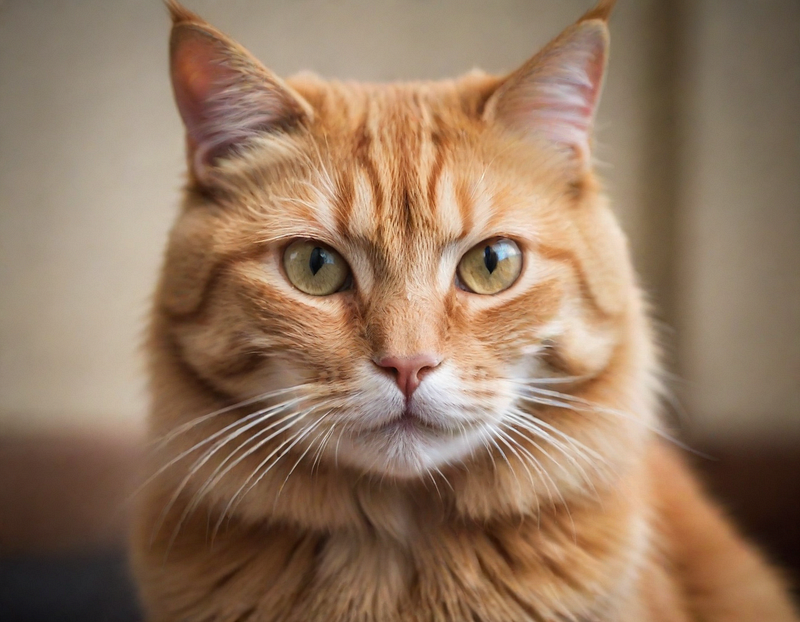
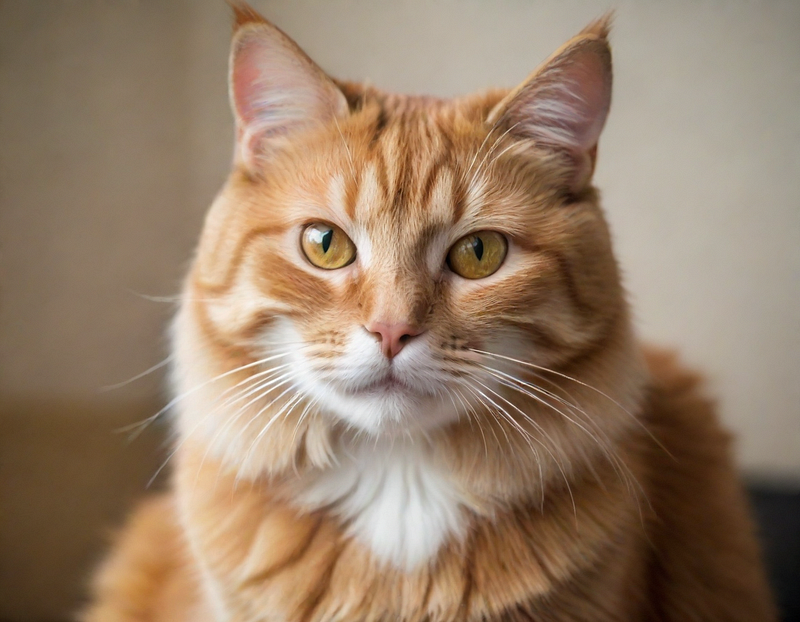
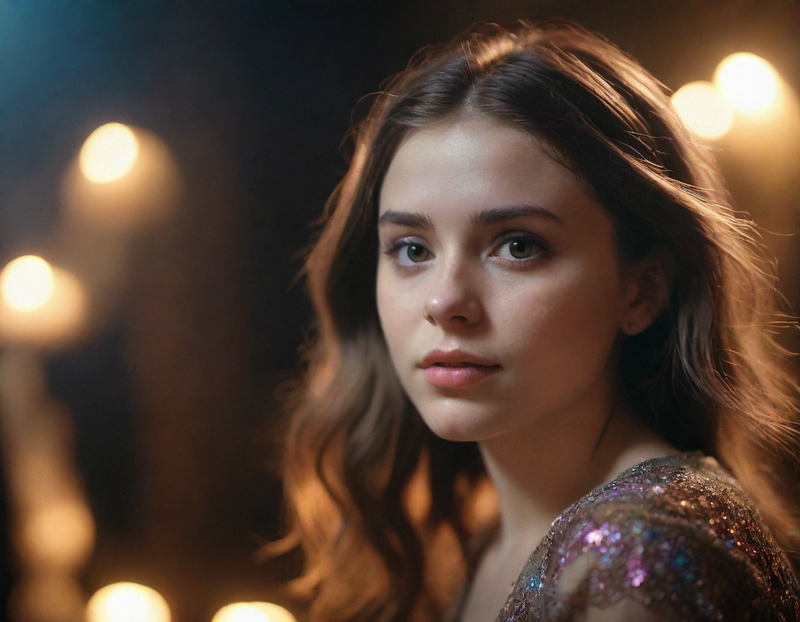
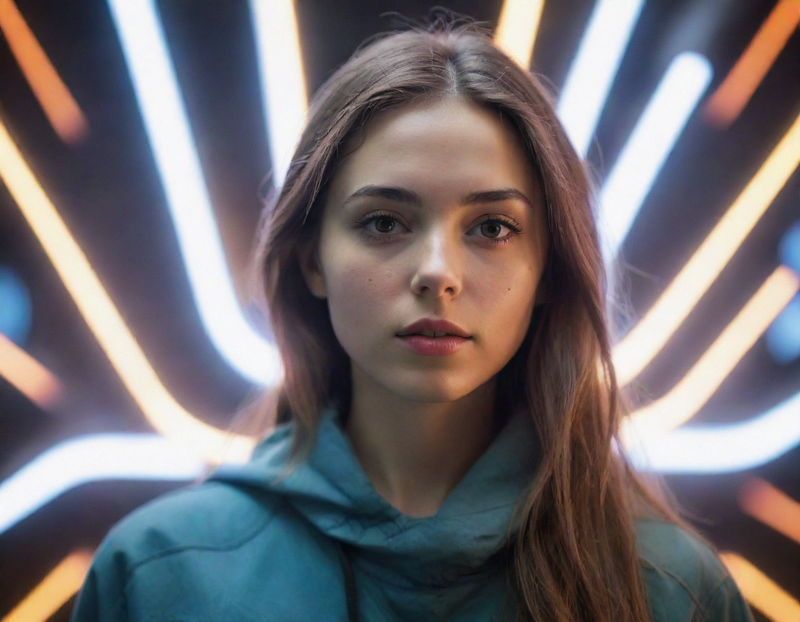
While the resolution notably decreases, the overall results surpass Stable Diffusion WebUI + LCM. The prompt from Fooocus V2 significantly aids in this improvement. Although not as fast as completing in 1 second, it’s several times faster than Speed Mode, greatly benefiting users with slower computers.
Fooocus Style Updates
- Change the previous
Default (Slightly Cinematic)toFooocus Cinematic. - Add
Fooocus Sharpto improve the blurriness of SDXL and increase sharpness. - Introduce
Fooocus Enhanceto enhance the quality of images based on negative prompts from Juggernaut XL defaults. - Switch the original default from
Default (Slightly Cinematic)toFooocus Sharp,Fooocus Enhance, andFooocus V2. - Currently selected styles will be prioritized.
Image Prompt
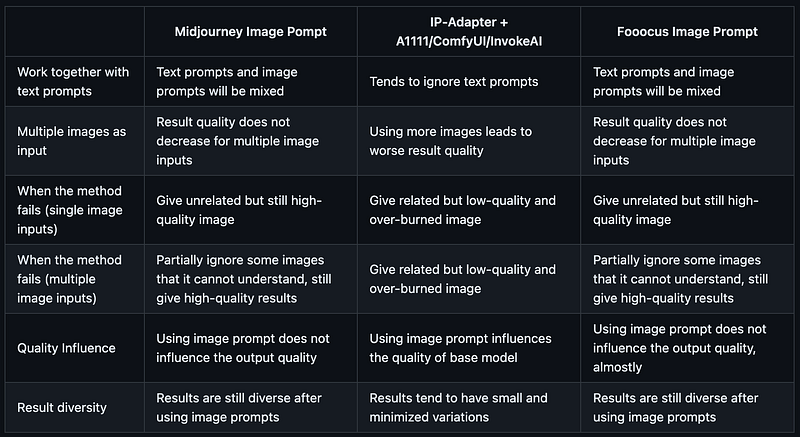
The Image Prompt functionality resembles Midjourney’s Image Prompt, allowing img to img generation. Just like Stable Diffusion, using IP-Adapter allows for generating images based on the input image.
Image Prompt Comparison
Testing
Begin by opening the Input Image and selecting an Image Prompt. Choose at least one image and up to four images simultaneously to use as references. Further adjustments can be made by selecting Advanced at the bottom.
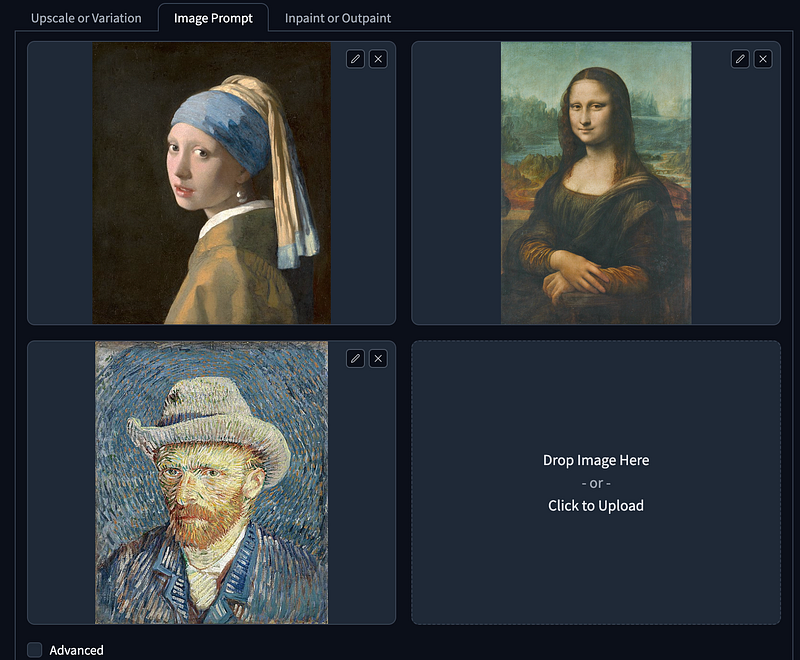
- Start with three famous paintings as the Image Prompt.
- Opt for Speed in Performance settings.
- Prompt:
1girl. - Select styles:
Fooocus v2,Fooocus Enhance, andFooocus Sharp. - Use the SDXL base as the Base Model to avoid the output resembling real or animated characters. For the Refiner Model utilize the SDXL Refiner.
- Generate two images sized at
1152 x 896to evaluate the results.
Note: Using Image Prompt for the first time may require downloading additional models.
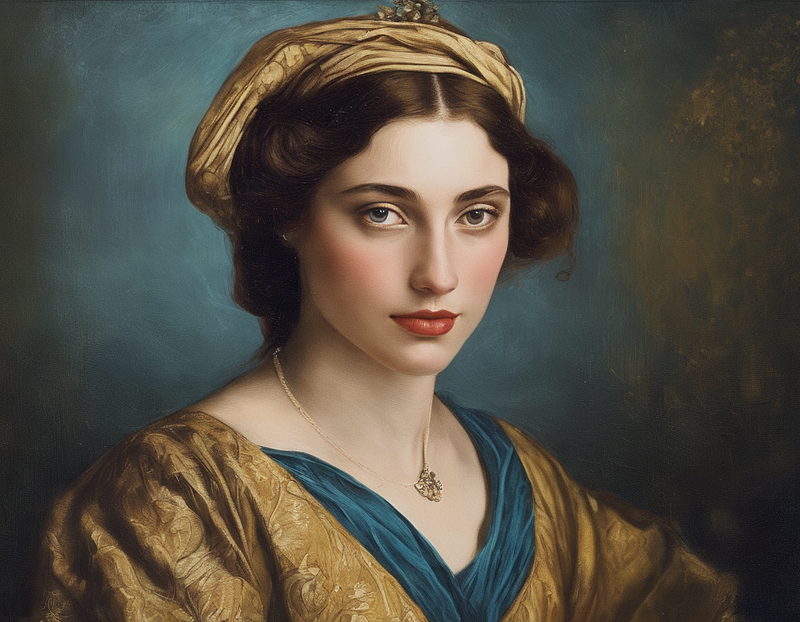
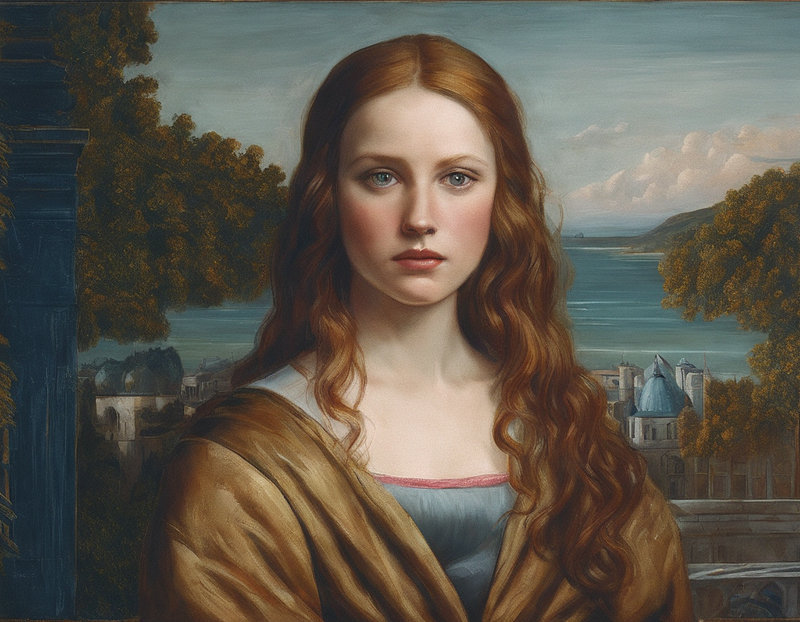
Next, open the Advanced Mode to experiment with the effects of different models.
Image Prompt
Prompt: 1girl, new york street
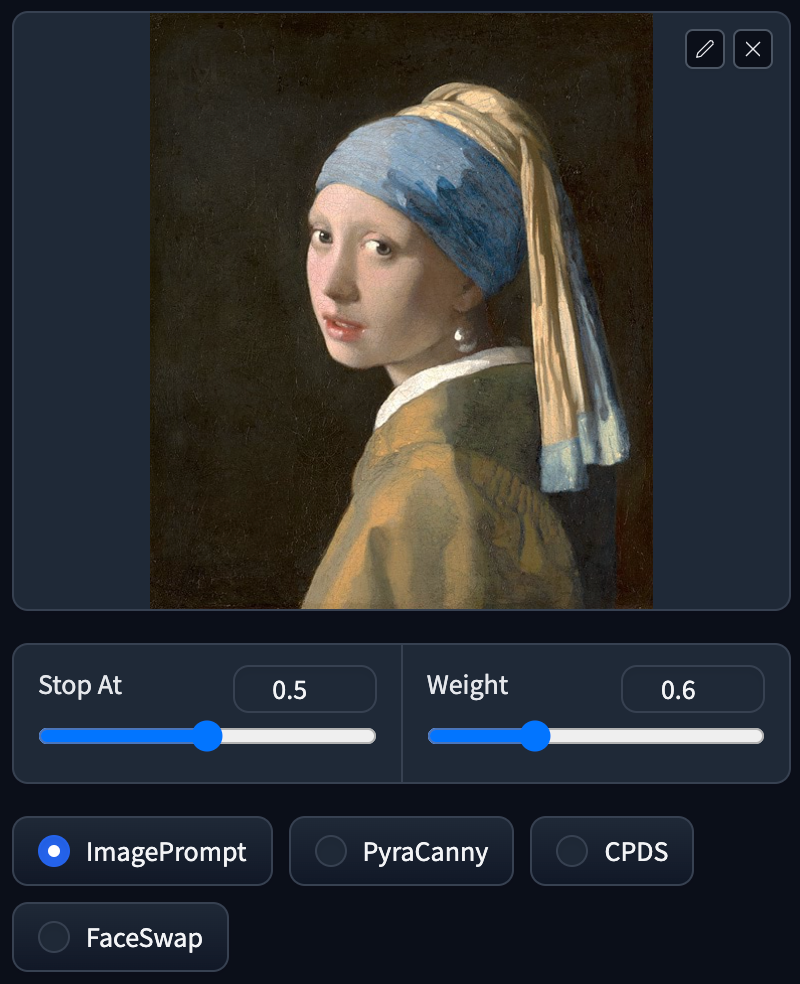
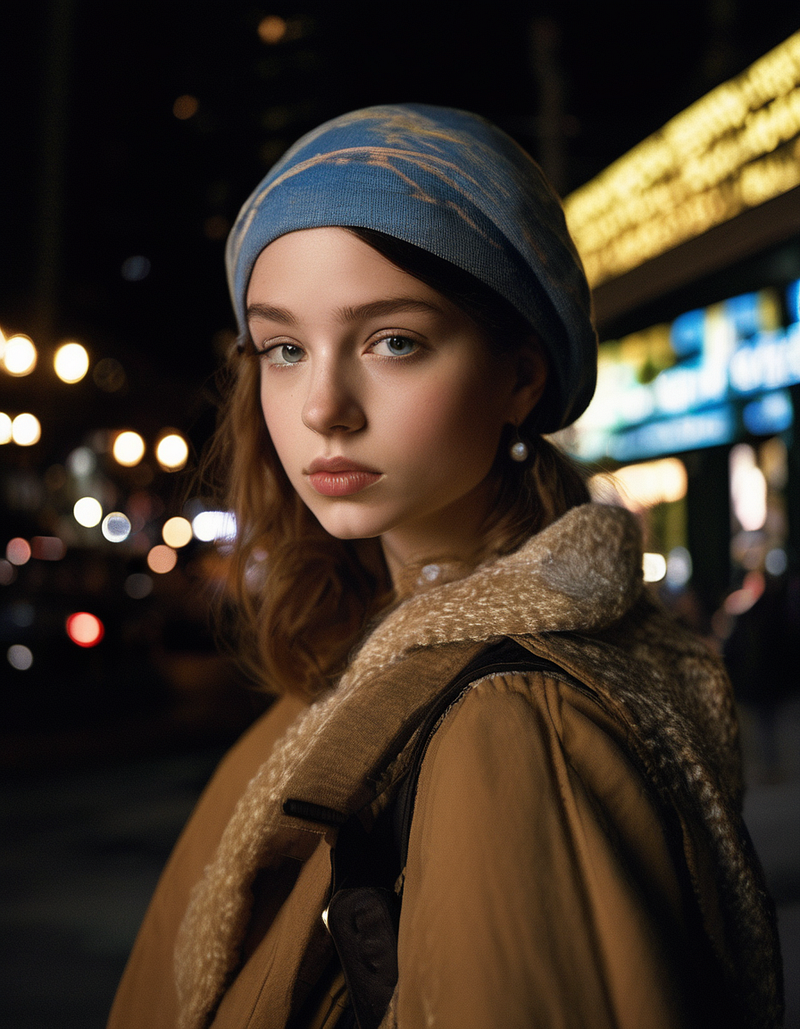
Image Prompt turning the artwork into a realistic portrayal retains most of the colors and various elements such as a Caucasian person, headscarf, attire, and earrings. This feature involves analyzing the image and using it as a prompt to generate a new image.
PyraCanny
Prompt: 1girl, new york street
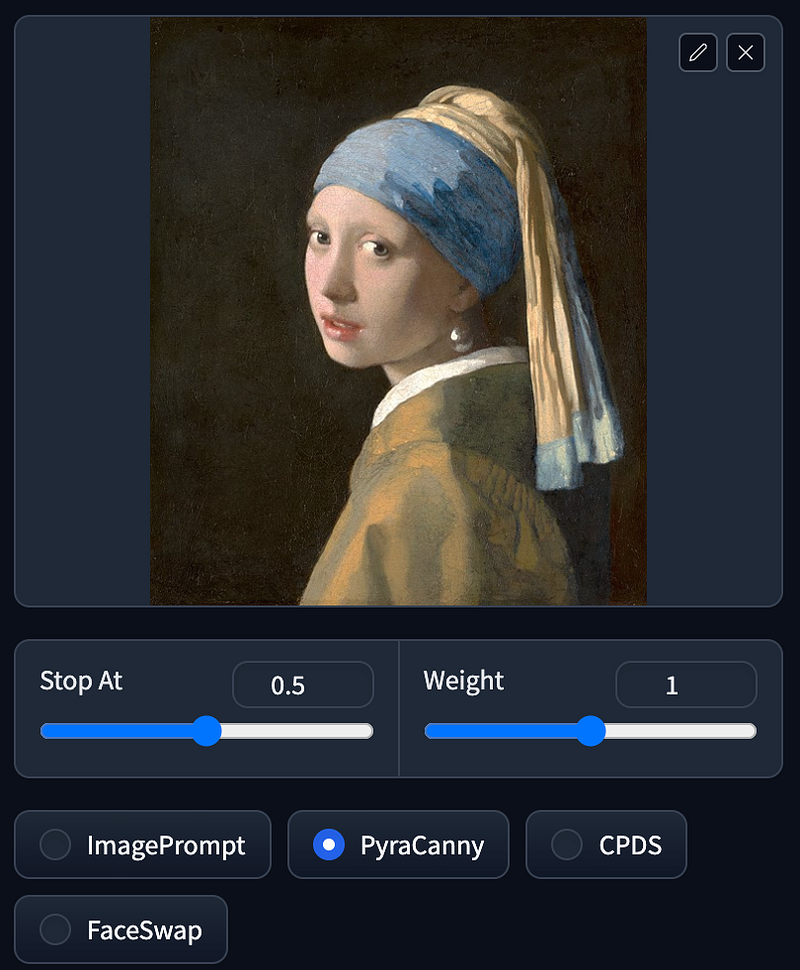
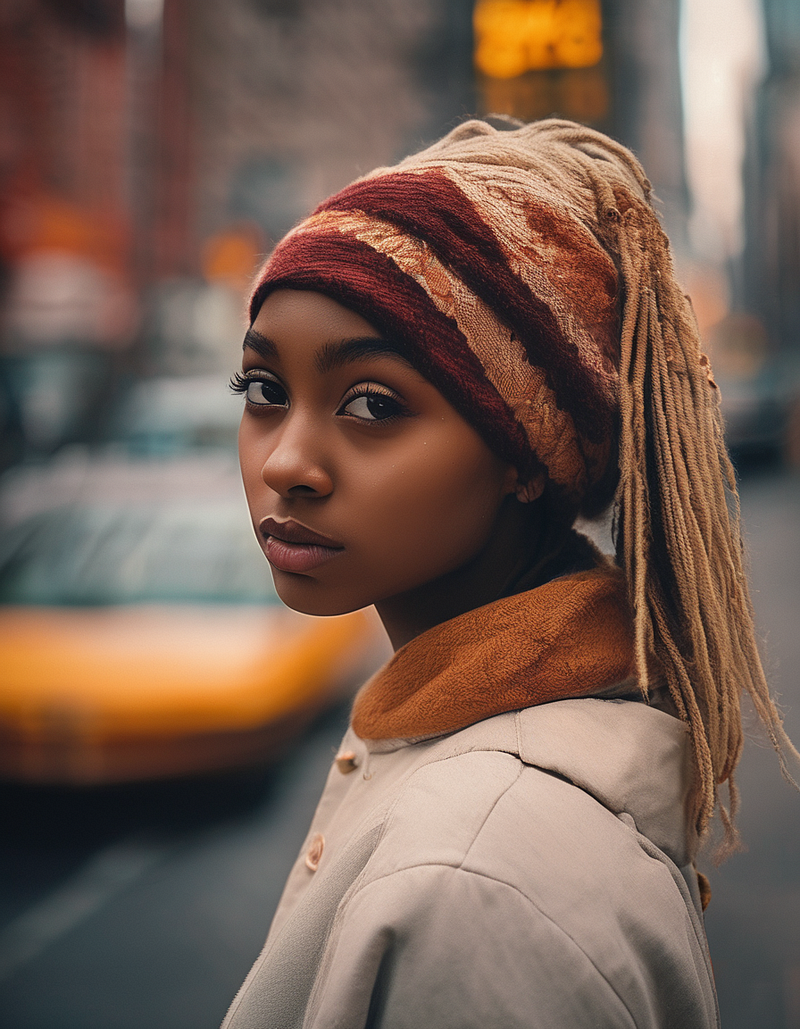
PyraCanny functions similarly to ControlNet’s Canny, performing line detection on images and then generating an image based on these outlines. This method allows for retaining the overall shape of the image while relying on the prompt to determine the colors and details within those outlines.
CPDS
Prompt: 1girl, new york street
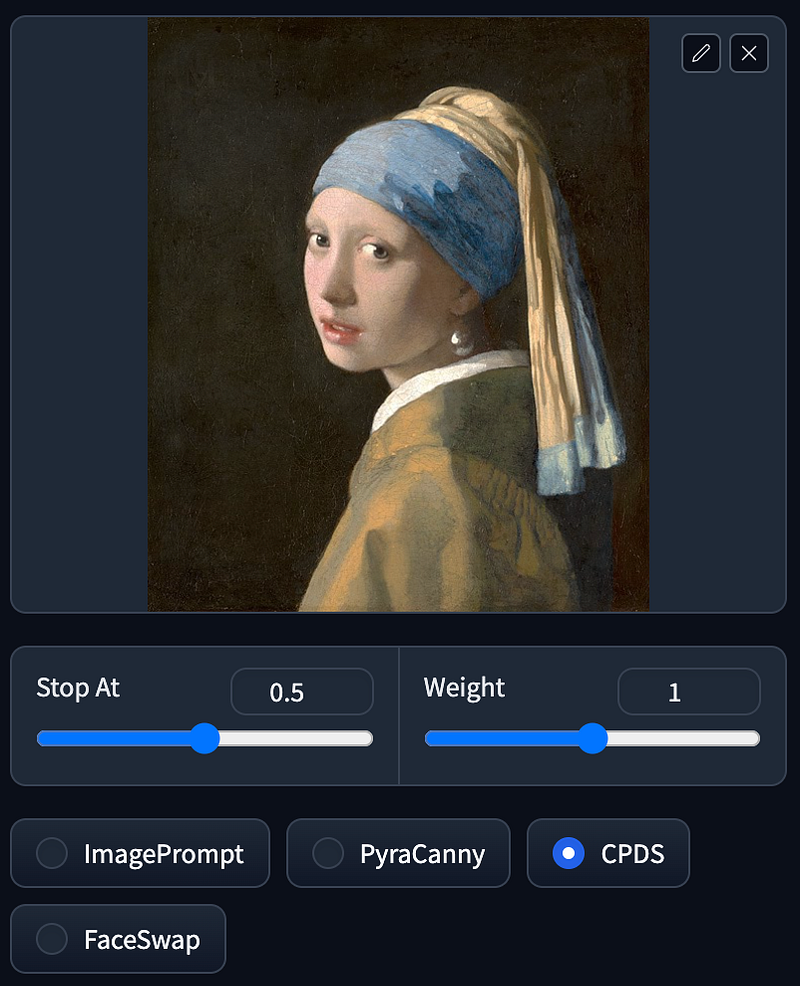
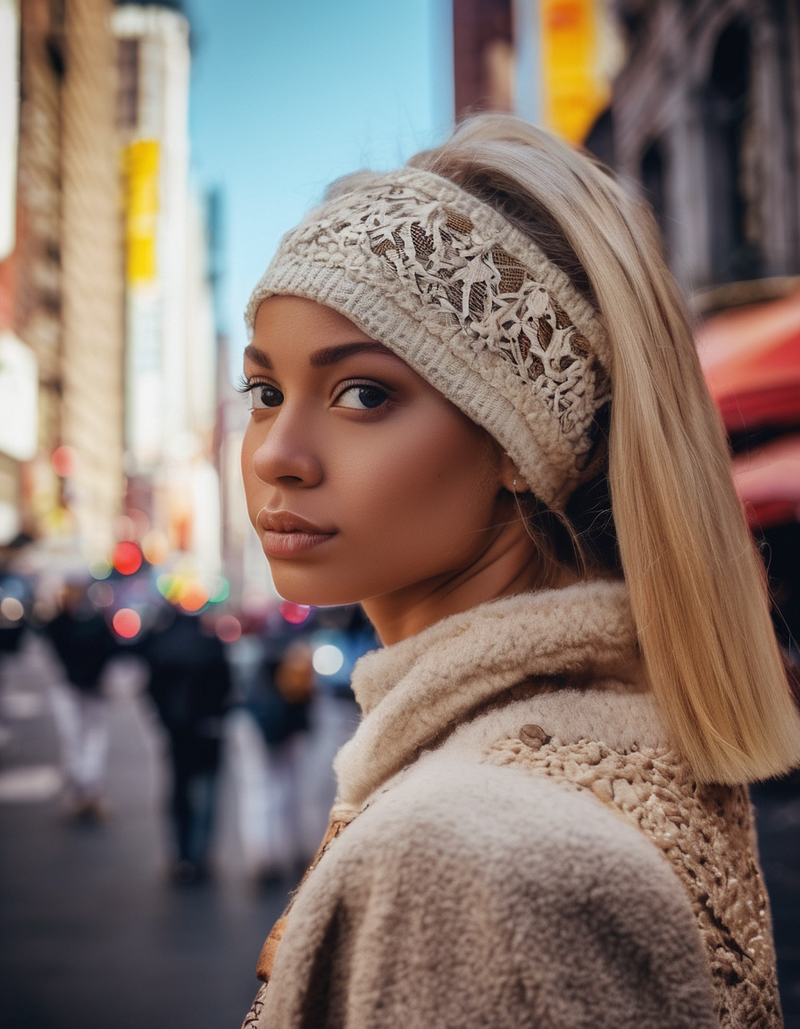
CPDS stands for Contrast Preserving Decolorization. In simple terms, it refers to the process of converting an image to black and white while maintaining its contrast. The resulting output, compared to PyraCanny, may not exhibit as much similarity in terms of lines with the original image, but it does retain a certain overall shape while preserving contrast.
FaceSwap
Prompt: 1girl, new york street
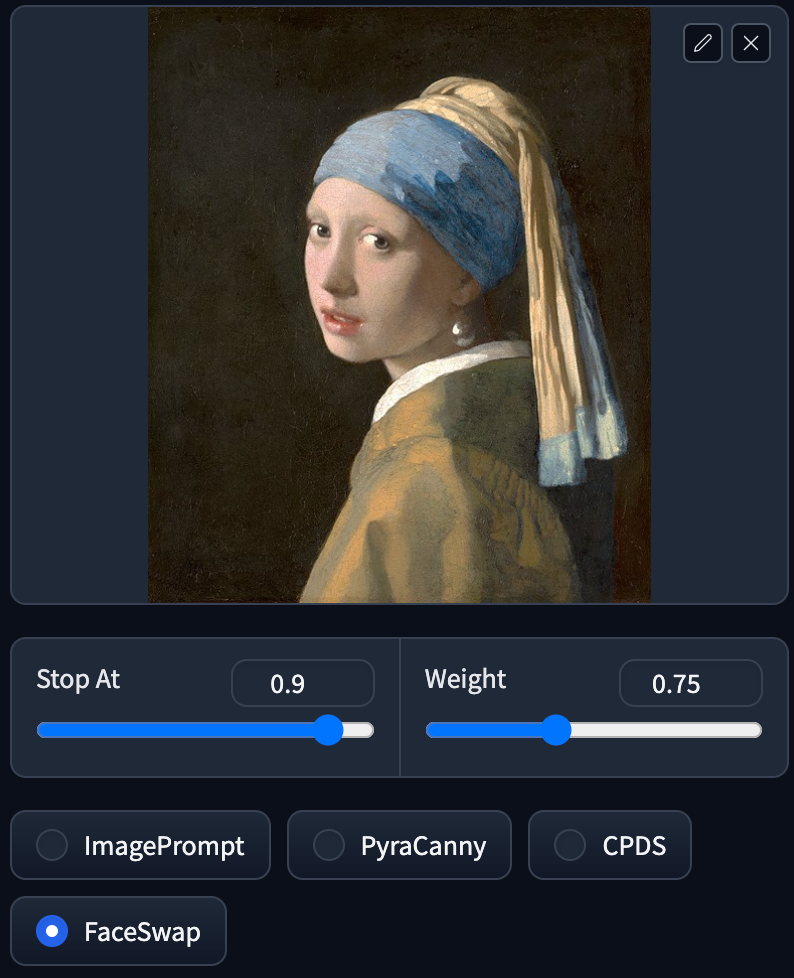
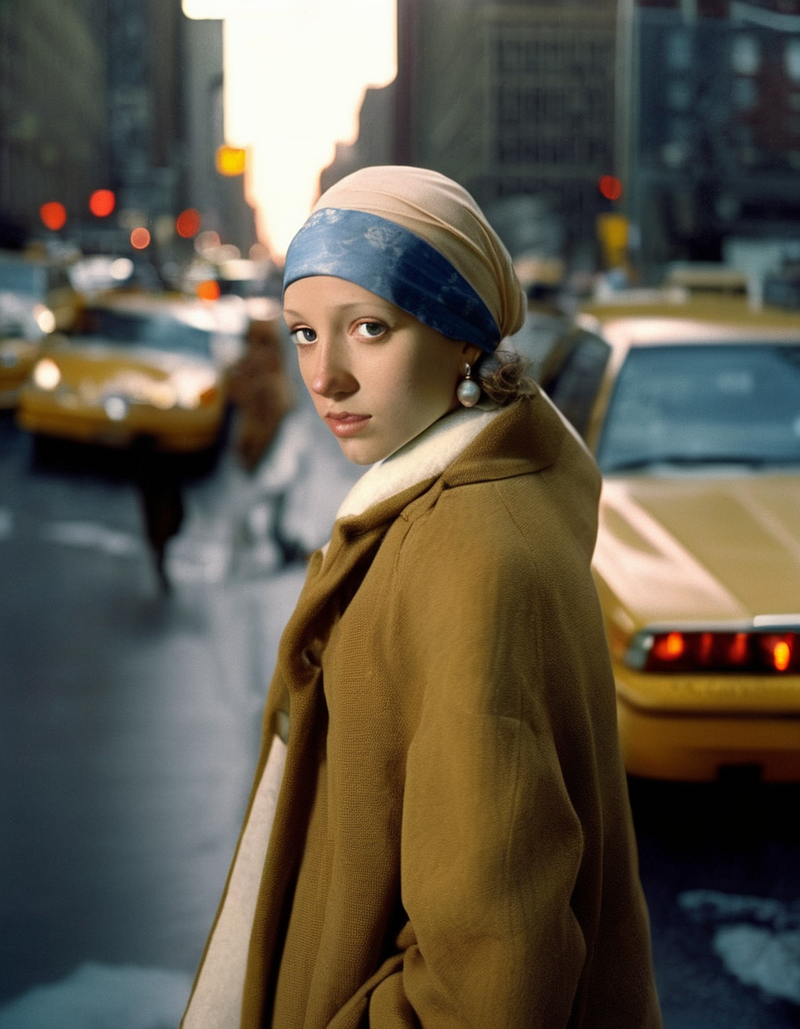
FaceSwap does exactly as the name implies — it swaps faces in images. It replaces the faces in a picture with those generated based on your prompt, aiming for a closer resemblance to the original image.
Fooocus’s rapid feature releases have significantly strengthened its functionality. Coupled with fast generation technologies like LCM, it has swiftly surpassed Midjourney in evolution and capabilities.

This story is published on Generative AI. Connect with us on LinkedIn and follow Zeniteq to stay on the loop with the latest AI stories. Let’s shape the future of AI together!



