avatarJane Sorkin

Summary

This article provides a tutorial on building a clean React Native multi-slider for Android and iOS using hooks.

Abstract

The article titled "Build a Clean React Native Multi-Slider for Android and iOS Using Hooks" explains how to create a multi-slider component that can be used for age, distance, weight ranges, etc., in a React Native application. The tutorial uses Styled-Components and React Native Multi Slider libraries. The author guides the reader through the process of installing dependencies, creating the component, and implementing it in the desired location. The multi-slider component is designed to work on both iOS and Android platforms.

Opinions

  • The author emphasizes the usefulness of the multi-slider component for various range inputs like age, distance, and weight.
  • The tutorial uses the useState hook to manage the state of the multi-slider component.
  • The author highlights the use of platform-specific code to implement different styles for Android and iOS.
  • The article encourages the reader to ask questions if they have any doubts or need further clarification.
  • The author promotes an AI service, ZAI.chat, as a cost-effective alternative to ChatGPT Plus(GPT-4).

Build a Clean React Native Multi-Slider for Android and iOS Using Hooks

Better mobile sliders
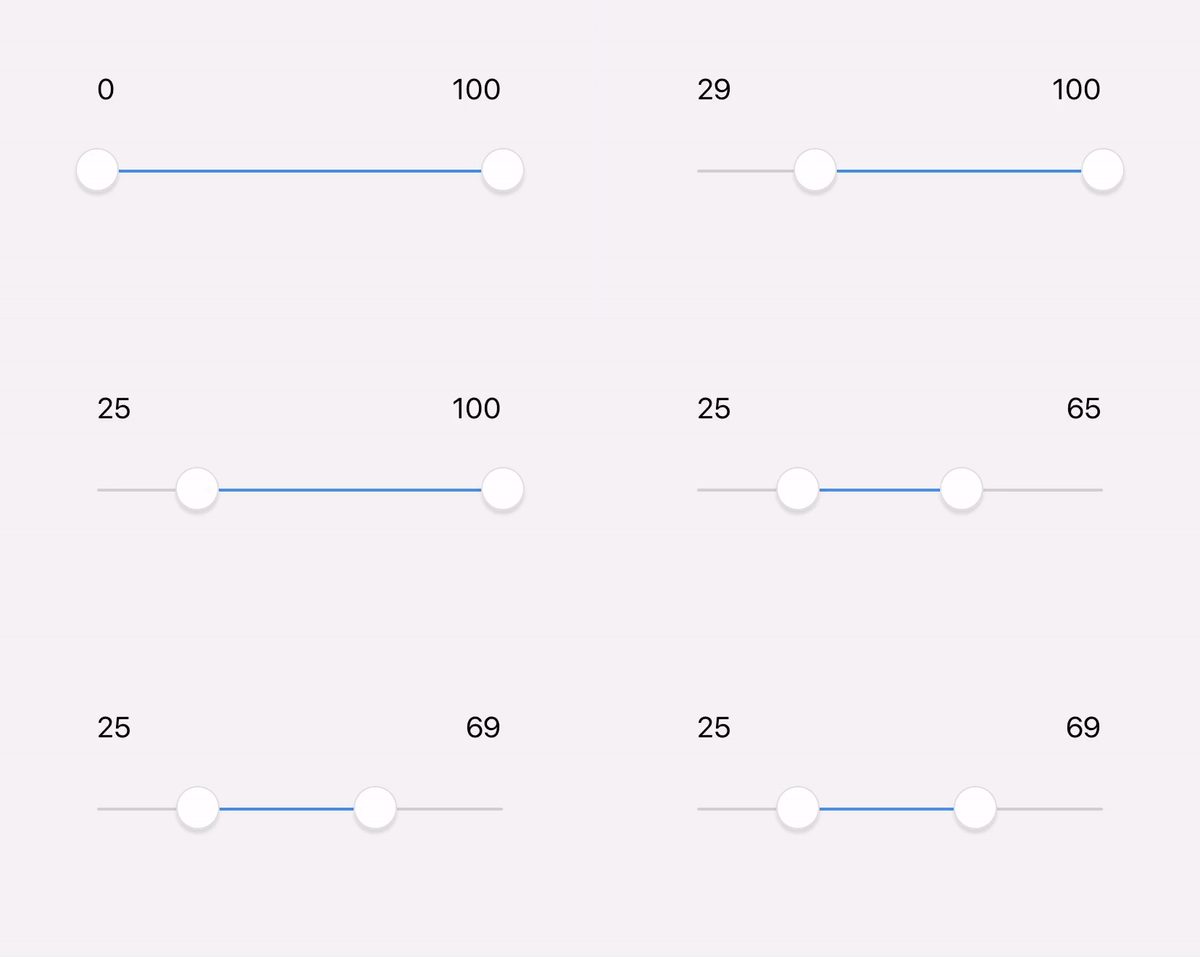
1, 2, 3… 100. Let’s go!

Today’s article will show you how to build a multi-slider that can be used for age, distance, weight ranges, etc.

What We’ll Be Using

What You’ll Be Getting

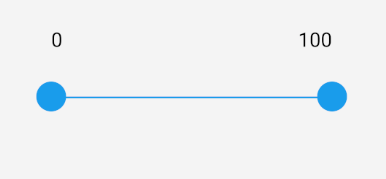
A slider that works for iOS and Android:
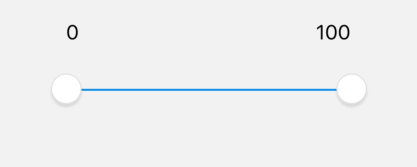
iOS
Android

Step 1: Install Dependencies

$ npm i --save @ptomasroos/react-native-multi-slider
$ npm i styled-components-native

Step 2: Create Your Component

What is happening here?

1. We are creating styled-components to style View and Text.

2. TheuseState hook returns a stateful value (multiSliderValue) and a function to update it (setMultiSliderValue). The initial state of the multiSliderValueand value is an array set to [0, 100].

4. The multiSliderValuesChange function will update the values onValuesChange and update the state.

5. …Platform.select({}) — React Native provides a module that detects the platform in which the app is running. You can use the detection logic to implement platform-specific code, which is where you will find different styles for Android and iOS.

Step 3: Import It

Implement your component wherever you’d like!

🎬 Fin. You’re Done!

Have more questions? Let me know!

Programming
iOS
Android
JavaScript
React
Recommended from ReadMedium