avatarLiu Zuo Lin

Summary

The website content provides a concise guide to nine essential Pip commands for Python developers, facilitating the installation, upgrade, and management of Python packages.

Abstract

The article titled "9 Pip Commands That Make Your Life Easier" offers Python programmers a brief yet comprehensive list of Pip commands to streamline the process of installing and managing Python packages. It covers basic commands for installing single or multiple packages, upgrading existing packages, and installing all packages listed in a requirements.txt file. The guide also includes commands for troubleshooting when the pip command is not recognized, displaying information about installed packages, uninstalling packages, listing all installed packages, identifying outdated packages, and exporting a list of installed packages to a requirements.txt file. The content is accompanied by a YouTube video for visual learners and concludes with a call to action for reader engagement and support, including clapping for the story, leaving comments, and highlighting useful parts. The author also promotes their written ebooks and provides LinkedIn and Medium subscription links for further connection.

Opinions

  • The author believes that these Pip commands are essential for an easier and less painful experience when managing Python packages.
  • The inclusion of a YouTube video suggests that the author values diverse learning preferences, catering to both textual and visual learners.
  • By encouraging reader interaction (clapping, commenting, highlighting), the author seeks validation and community engagement, indicating a preference for an interactive audience.
  • The promotion of the author's ebooks and LinkedIn profile implies a level of expertise and a willingness to share more in-depth knowledge beyond the scope of the article.
  • The author's request for Medium subscriptions shows a desire to build a loyal readership and potentially a source of income from their writing.

9 Pip Commands That Make Your Life Easier

# and less painful when installing Python packages
cover image

Day 32 of experimenting with video content

The 9 Commands

pip install numpy
# installs the external library numpy

pip install numpy pandas colorama
# installs numpy, pandas and colarama together
pip install --upgrade numpy
# upgrades numpy to latest version on repository
pip install -r requirements.txt
# installs everything inside requirements.txt
python -m pip install numpy
# do this when 'pip' command is not found for some reason
pip show numpy
# list info about numpy eg. name, version, description, license
pip uninstall numpy
# uninstalls numpy
pip list
# lists all installed libraries
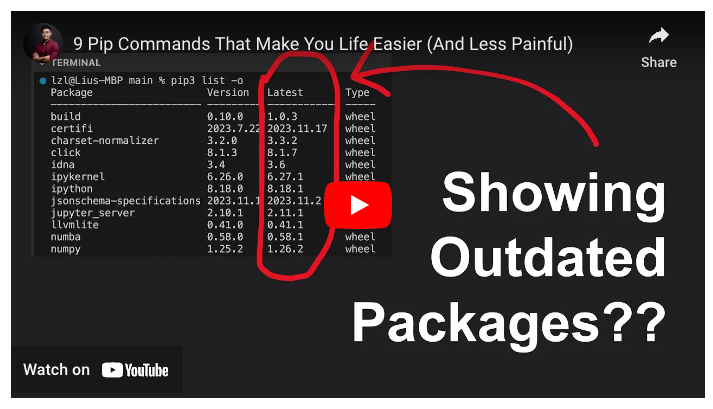
pip list -o
# lists all OUTDATED libraries
pip freeze > requirements.txt
# dumps whatever is currently installed into requirements.txt

Conclusion

Hope this was clear and easy to understand.

Some Final words

If this story was helpful and you wish to show a little support, you could:

  1. Clap 50 times for this story
  2. Leave a comment telling me what you think
  3. Highlight the parts in this story that resonate with you

These actions really really help me out, and are much appreciated!

Ebooks I’ve Written: https://zlliu.co/ebooks

LinkedIn: https://www.linkedin.com/in/zlliu/

Python
Programming
Coding
Pip
Recommended from ReadMedium